当前位置:网站首页>Waffle nano first met
Waffle nano first met
2022-07-23 05:39:00 【Htreys】
Waffle Nano It is developed by black walnut laboratory based on OpenHarmony Maker suite built by the system , It is a compatible sensor and sensor group that integrates a variety of IOT standard communication protocols Aduino Sensor . It can be used to develop various scenarios .
Black walnut Laboratory openharmony Open source Hongmeng creative production short semester , Each student is equipped with a piece waffle nano Development board
What I got is one that has not been assembled into a finished product waffle nano, So I assembled it myself ~
First, let's see what accessories are in the packing box !
Waffle Nano Spare parts
Waffle nano A small color screen is integrated in , There are also pins that can be accessed by sensors of various formats , It is a very good small development board .
assemble waffle nano1
First the waffle nano Tear off the Yellow protective paper on the surface , Next, install the display module , Open slot , Plug and play installation succeeded .
assemble waffle nano——2
After installing the screen , Then install other components , Finally screw in the screws , thus waffle nano The hardware part of is assembled !
assemble waffle nano——3
After assembly , Use one typeC Data cable handle waffle nano Connect to a computer
waffle nano Assembly complete ~
waffle nano It's online IDE Programming , You can log in online IDE Website :
Programming . This website is developed by black walnut Laboratory , Similar interface vscode, It can be programmed and developed online .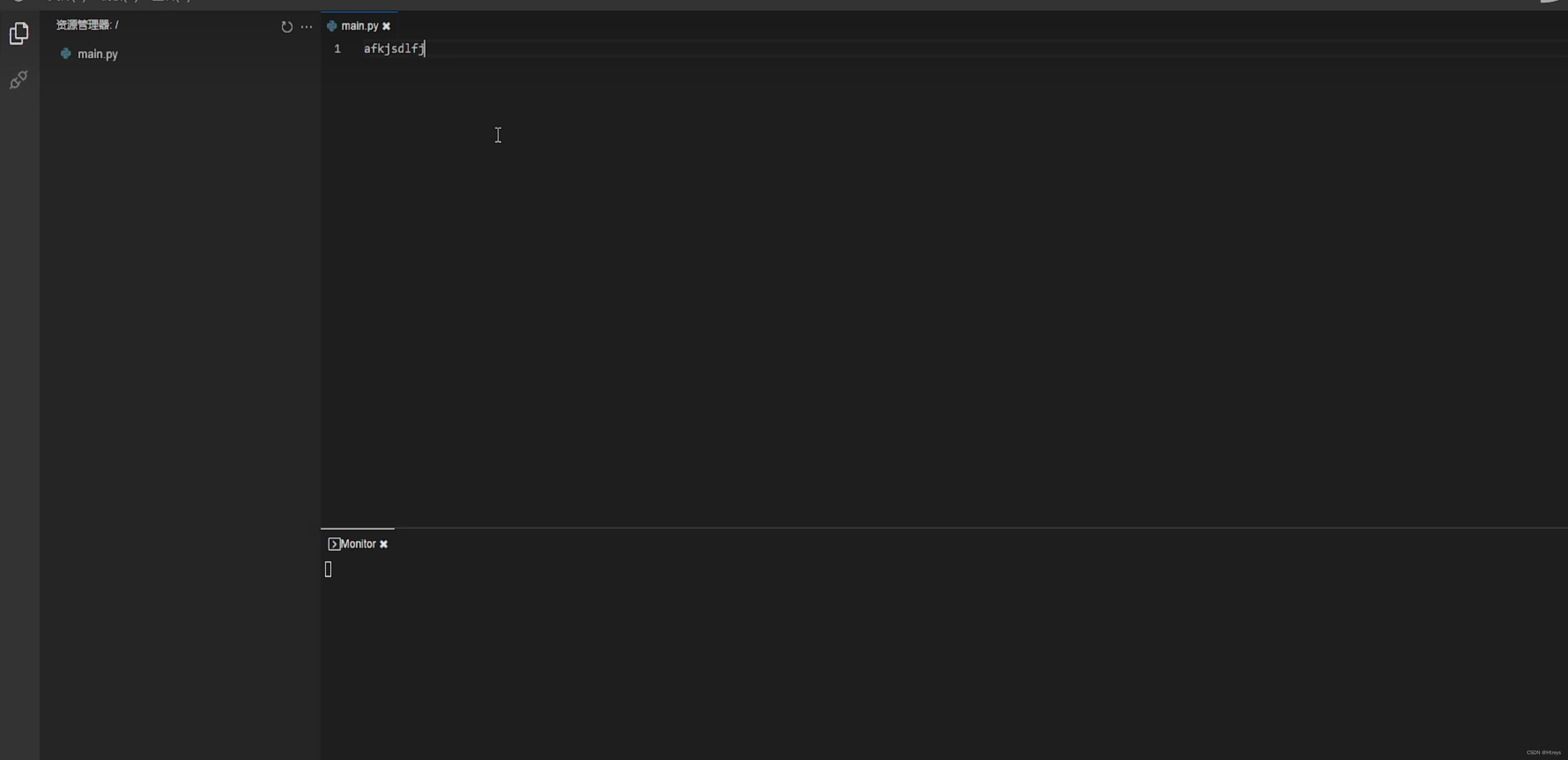
Create a new one named main.py Of python file , Conduct python Code editing , After editing, the port interface will waffle nano Connect to the computer , Right click main.py, Upload the code to waffle nano in , You can write the program in waffle nano On , Then you can see the result of the program running in the terminal .
For example, create a new one named main.py The file of , Input :
print("hello waffle world!")
Right click main.py, Upload files to waffle nano in , You can see the output result on the terminal page .

The above is me and waffle nano My first acquaintance ~ I hope to have more sparks with little waffle in the future ~
边栏推荐
- 指针与函数
- Wondows environment construction
- Today's homework blog
- Hefei University of technology information theory and coding course design, including code, visual interface, course design report
- What is DOM
- C语言实现三子棋
- How to use C language to realize headless one-way acyclic list single list?
- PR initial introduction
- Code random notes_ Linked list_ 19 exchange nodes in the linked list in pairs
- 大一暑假实习day5_1
猜你喜欢


随机推荐
今日作业博客
Unity创建FPS监视
PR initial introduction
交换二进制位中的奇偶位
GAMES104 B1+B2 引擎的结构与开发分层
项目实战--传智健康
The 3dui or model in unity is always facing the camera, rotating with the camera's angle of view and following the fixed angle of view
How to use fmetp steam V2 (I)
Freshman summer internship Day5_ one
Basic operation of linked list
Game pause
Unity create FPS monitoring
Introduction to C language arrays, functions, operators, and keywords
Apple logout account revoke token
Mrs +apache Zeppelin makes data analysis more convenient
vs2019项目打包exe教程
Idea usage guide
JVM初探
Code random notes_ Linked list_ 203 remove linked list elements
C语言实现扫雷