当前位置:网站首页>PointNet/Pointnet++训练及测试
PointNet/Pointnet++训练及测试
2022-06-29 08:20:00 【马少爷】
1、安装Anaconda
source ~/.bashrc更新环境变量
然后可以输入conda list 测试是否成功
2、创建PyTorch环境
conda create -n myPytorch python=3.7
conda activate mypytorch
conda install pytorch1.1.0 torchvision0.3.0 -c pytorch
3、安装cloudcompare软件
snap install cloudcompare
安装meshlab软件
meshlab2020.07-linux.AppImage
4、复制pointnet项目
git clone github网址
5、完成形状分类任务
下载数据集:modelnet40_normal_resampled
解压后放在data文件夹下
python train_cls.py --model pointnet2_cls_msg --normal --log_dir pointnet2_cls_msg
使用法向量信息
若显存溢出,设置batch_size
python train_cls.py --model pointnet2_cls_msg --normal --log_dir pointnet2_cls_msg batch_size 8
对训练好的网络进行测试
python test_cls.py --normal --log_dir pointnet2_cls_msg
6、物体部件分割
使用数据集:shapenetcore_partanno_segmentation_benchmark_v0_normal
将数据集解压到data文件夹
训练命令:
python train_partseg.py --model pointnet2_part_seg_msg --normal --log_dir pointnet2_part_seg_msg
测试命令:
python test_partseg.py --normal --log_dir pointnet2_part_seg_msg
7、场景语义分割
数据集:Stanford3dDataset_v1.2_Aligned_Version
解压到:
data/s3dis/Stanford3dDataset_v1.2_Aligned_Version/
训练:
cd data_utils
python collect_indoor3d_data.py
处理后的数据保存到
data/stanford_indoor3d/
执行训练命令:
python train_semseg.py --model pointnet2_sem_seg --test_area 5 --log_dir
pointnet2_sem_seg
可视化结果保存在
log/sem_seg/pointnet2_sem_seg/visual/
执行测试命令:
python test_semseg.py --log_dir pointnet2_sem_seg --test_area 5 --visual
边栏推荐
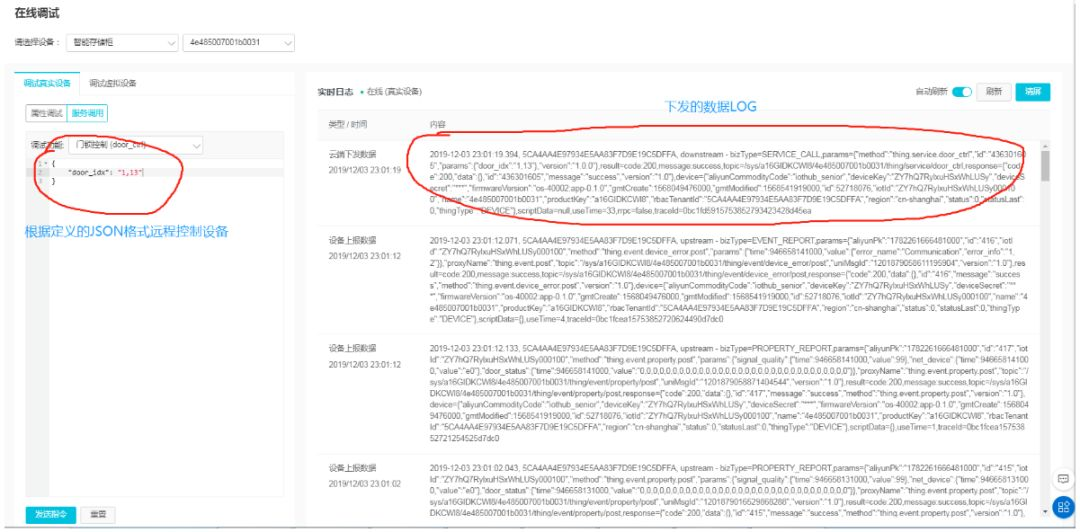
- Tutorial on building open source Internet of things platform
- Speech signal processing - Fundamentals (I): basic acoustic knowledge
- 闭关修炼(二十五)基础web安全
- hostname -f与uname -n的返回值可能不同
- TypeScript 變量聲明 —— 類型斷言
- 递归方法 rbac菜单层级显示 无限极分类
- 对话| 数字时代,隐私计算的发展前景与挑战
- P4769-[noi2018] bubble sort [combinatorics, tree array]
- Np5 formatted output (III)
- 2022第六季完美童模 清远赛区 海选赛圆满落幕
猜你喜欢


![[untitled]](/img/6e/5dd5dcff89a74f7d367c9186a77268.png)


随机推荐
Differences between x86 and x64
Voice annotation automatic segment alignment tool sppas usage notes
Official reply on issues related to the change of children's names after parents' divorce
航芯开发板&调试器
编程语言
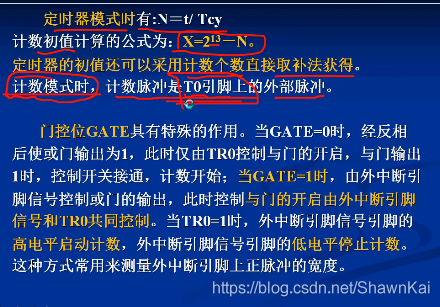
51单片机中断与定时器计数器,基于普中科技HC6800-ESV2.0
随心玩玩(三)Mirai框架QQ机器人
华为设备配置小型网络WLAN基本业务
Target tracking [single target tracking (vot/sot), target detection, pedestrian re identification (re ID)]
Memoirs of actual combat: breaking the border from webshell
2022春夏系列 KOREANO ESSENTIAL重塑时装生命力
Operating system product key viewing method
Heavyweight released "FISCO bcos application landing guide"
ThreadLocal线程变量
实战回忆录:从Webshell开始突破边界
NP5 格式化输出(三)
The difference and usage of JS for in loop and for of loop
The sixth season of 2022 perfect children's model Qingyuan competition area audition came to a successful conclusion
Déclaration de la variable Typescript - - assertion de type
P6776-[NOI2020]超现实树