当前位置:网站首页>DNS解析过程【访问网站】
DNS解析过程【访问网站】
2022-07-31 00:00:00 【Miracle_ze】
DNS解析网站过程
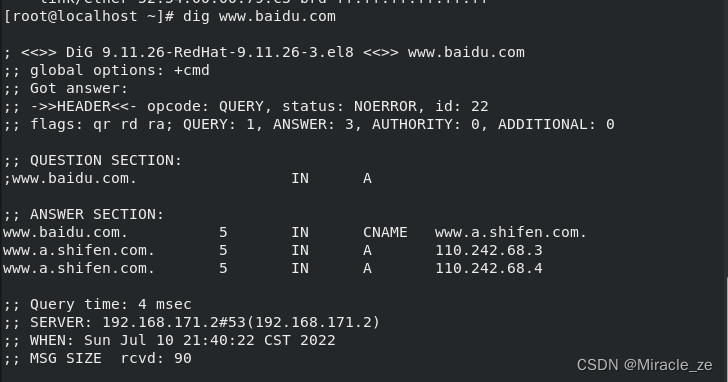
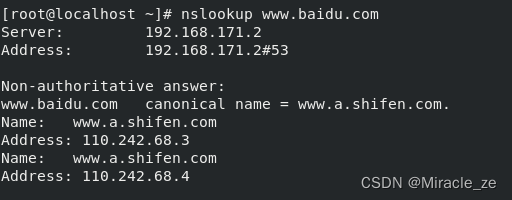
1.检查本地DNS缓存,看缓存是否有解析数据
windows
ipconfig /all
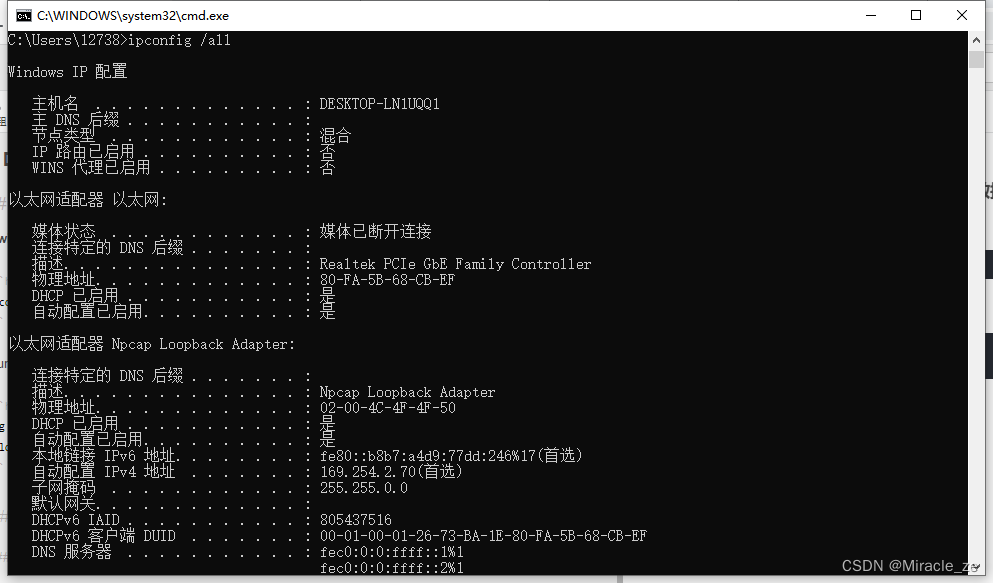
Liunx
dig www.baidu.com
nslookup www.baidu.com
2.查看本地hosts文件【本地域名解析文件】
window与Liunx都是在hosts文件里面
3.本机固定的DNS服务器(路由器) 找到13根域服务器【使用迭代查找】
4.根域找到找到顶级域,而百度顶级域是.com,com找到baidu域名
如此给你返回结果;返回到主机
5.和百度服务器建立TCP可靠连接,三次握手
三次握手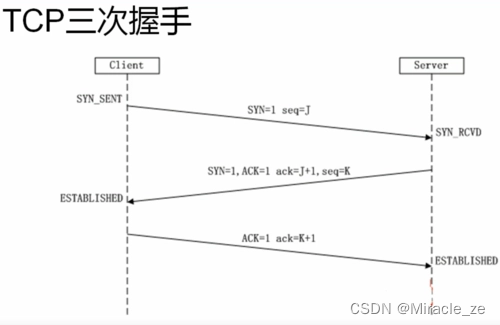
建立完连接后,keep-alive保活,request返回信息,response回答。最终通过浏览器实现解析页面
边栏推荐
- joiplay模拟器如何使用
- 【VisDrone数据集】YOLOV3训练VisDrone数据集步骤与结果
- How to solve the error of joiplay simulator
- transition transition && animation animation
- Data cleaning - ingest using es
- 游戏商城表建立
- Shell脚本 if语句
- [0x800706D9] solution appears in Microsoft Store
- MySQL的一个问题
- [SAM template question] P3975 [TJOI2015] string theory
猜你喜欢



随机推荐
JS中? ?和??=和?.和 ||的区别
二叉查找树的定义,查找,插入,删除
【LeetCode】70. 爬楼梯 - Go 语言题解
实验8(vlan实验)
WebServer process explanation (registration module)
MySQL的一个问题
uniapp开发微信小程序-软考刷题小程序
el-upload添加请求头
uni-ui安装
leetcode:127. 单词接龙
第一节 zadig 入门
Steven Giesel recently published a 5-part series documenting his first experience building an application with the Uno Platform.
software development design process
pytorch的安装注意事项
软件开发设计流程
第一个独立完成的千万级项目
[动态规划] 0-1背包问题和完全背包问题
mysql 中手动设置事务提交
HashSet源码解析
MPI简谈