当前位置:网站首页>QT 基于QScrollArea的界面嵌套移动
QT 基于QScrollArea的界面嵌套移动
2022-06-11 07:08:00 【虚幻私塾】
优质资源分享
| 学习路线指引(点击解锁) | 知识定位 | 人群定位 |
|---|---|---|
| 🧡 Python实战微信订餐小程序 🧡 | 进阶级 | 本课程是python flask+微信小程序的完美结合,从项目搭建到腾讯云部署上线,打造一个全栈订餐系统。 |
| Python量化交易实战 | 入门级 | 手把手带你打造一个易扩展、更安全、效率更高的量化交易系统 |
在实际的应用场景中,经常会出现软件界面战场图大于实际窗体大小,利用QScrollArea可以为widget窗体添加滚动条,可以实现小窗体利用滚动条显示大界面需求。实现如下:
- QT创建一个qWidget界面
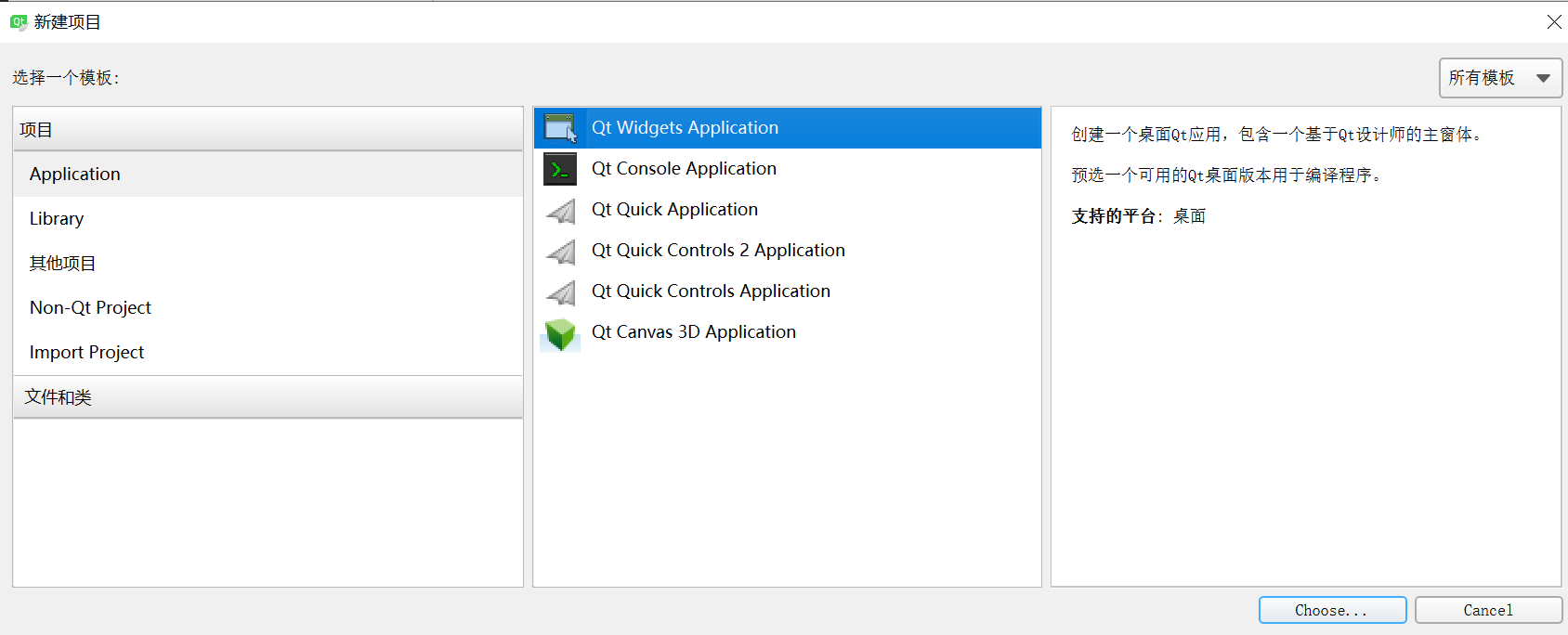
- 在ui界面中利用QT自带的widget控件布局一个如下图所示的层叠关系,widget_2界面大小需大于widget大小

- 界面布局好后,将widget_2提升为类,提升之前需为工程新添加一个设计界面类,添加完之后,将widget_2提升为类类名和前面新添加的设计界面类名一致


- 源码实现如下
patchwindow.h


 1 #ifndef PATCHWINDOW\_H
 2 #define PATCHWINDOW\_H
 3
 4 #include
 5 #include
 6 #include
 7 #include
 8 #include
 9 #include
10
11 enum CursorRegion{
12  NONE,
13  TOPLEFT,
14  TOPRIGHT,
15  BOTTOMRIGHT,
16  BOTTOMLEFT
17 };
18
19 namespace Ui {
20 class Patchwindow;
21 }
22
23 class Patchwindow : public QWidget
24 {
25  Q\_OBJECT
26
27 public:
28 explicit Patchwindow(QWidget *parent = 0);
29 ~Patchwindow();
30  CursorRegion getCursorRegion(QPoint);
31
32 public:
33 int borderWidth;
34 int handleSize;
35
36 bool mousePressed;
37  QPoint previousPos;
38
39 private:
40 Ui::Patchwindow *ui;
41
42 protected:
43 void mousePressEvent(QMouseEvent*);
44 void mouseReleaseEvent(QMouseEvent*);
45 void mouseMoveEvent(QMouseEvent*);
46
47 signals:
48 void send\_widget\_rx\_ry(int rx,int ry);
49 };
50
51 #endif // PATCHWINDOW\_H
View Code
patchwindow.cpp


 1 #include "patchwindow.h"
 2 #include "ui\_patchwindow.h"
 3
 4 Patchwindow::Patchwindow(QWidget *parent) :
 5  QWidget(parent),
 6     ui(new Ui::Patchwindow)
 7 {
 8     ui->setupUi(this);
 9
10     this->setMouseTracking(true);
11
12  setFocusPolicy(Qt::StrongFocus);
13
14     mousePressed = false;
15     borderWidth = 1;
16     handleSize = 8;
17
18 }
19
20 Patchwindow::~Patchwindow()
21 {
22     delete ui;
23 }
24
25
26 //设置鼠标形状
27 CursorRegion Patchwindow::getCursorRegion(QPoint pos)
28 {
29     if (pos.x() > 0 && pos.x() < (handleSize + borderWidth) &&
30         pos.y() > 0 && pos.y() < (handleSize + borderWidth) ){
31         if (this->hasFocus())
32             this->setCursor(QCursor(Qt::SizeFDiagCursor));
33         return CursorRegion::TOPLEFT;
34  }
35
36     if (pos.x() > (this->width() - handleSize - borderWidth) && pos.x() < this->width() &&
37         pos.y() > 0 && pos.y() < (handleSize + borderWidth) ){
38         if (this->hasFocus())
39             this->setCursor(QCursor(Qt::SizeBDiagCursor));
40         return CursorRegion::TOPRIGHT;
41  }
42
43     if (pos.x() > (this->width() - handleSize - borderWidth) && pos.x() < this->width() &&
44         pos.y() > (this->height() - handleSize - borderWidth) && pos.y() < this->height() ){
45         if (this->hasFocus())
46             this->setCursor(QCursor(Qt::SizeFDiagCursor));
47         return CursorRegion::BOTTOMRIGHT;
48  }
49
50
51     if (pos.x() > 0 && pos.x() < (handleSize + borderWidth) &&
52         pos.y() > (this->height() - handleSize - borderWidth) && pos.y() < this->height() ){
53         if (this->hasFocus())
54             this->setCursor(QCursor(Qt::SizeBDiagCursor));
55         return CursorRegion::BOTTOMLEFT;
56  }
57
58     this->setCursor(Qt::ArrowCursor);
59     return CursorRegion::NONE;
60 }
61
62 void Patchwindow::mousePressEvent(QMouseEvent *event)
63 {
64     mousePressed = true;
65     previousPos = this->mapToParent(event->pos());
66     //qDebug()<<"previousPos = "<
67 }
68
69 void Patchwindow::mouseReleaseEvent(QMouseEvent*)
70 {
71 mousePressed = false;
72 }
73
74 void Patchwindow::mouseMoveEvent(QMouseEvent *event)
75 {
76 if (mousePressed){
77 QPoint \_curPos = this->mapToParent(event->pos());
78 QPoint \_offPos = \_curPos - previousPos;
79 previousPos = \_curPos;
80 //qDebug()<<"\_offPos = "<<\_offPos;
81 //qDebug()<<"\_curPos = "<<\_curPos;
82  emit send\_widget\_rx\_ry(\_offPos.rx(),\_offPos.ry());
83  }
84 }
View Code
mainwindow.h


 1 #ifndef MAINWINDOW\_H
 2 #define MAINWINDOW\_H
 3
 4 #include
 5 #include
 6 #include
 7 #include
 8
 9
10 namespace Ui {
11 class MainWindow;
12 }
13
14 class MainWindow : public QMainWindow
15 {
16  Q\_OBJECT
17
18 public:
19 explicit MainWindow(QWidget *parent = 0);
20 ~MainWindow();
21
22 QScrollArea *m\_pScroll;
23
24
25 private:
26 Ui::MainWindow *ui;
27
28 private slots:
29 void remove\_widget(int r\_x,int r\_y);
30
31
32 };
33
34 #endif // MAINWINDOW\_H
View Code
mainwindow.cpp


 1 #include "mainwindow.h"
 2 #include "ui\_mainwindow.h"
 3 #include
 4
 5 #include
 6
 7 MainWindow::MainWindow(QWidget *parent) :
 8  QMainWindow(parent),
 9 ui(new Ui::MainWindow)
10 {
11 ui->setupUi(this);
12 //this->resize(600,600);
13
14 //给父窗体填充颜色
15 QPalette palette = ui->widget\_2->palette();
16 palette.setBrush(QPalette::Window,QBrush(QColor(61,61,61)));
17 ui->widget\_2->setAutoFillBackground(true);
18 ui->widget\_2->setPalette(palette);
19
20 ui->widget\_2->setAttribute(Qt::WA\_StyledBackground);
21 ui->widget\_2->setStyleSheet("QWidget{background: black}");
22
23 ui->widget\_3->setAttribute(Qt::WA\_TransparentForMouseEvents, true);//设置该层鼠标事件透明,可以设置为显示层
24
25 m\_pScroll = new QScrollArea(ui->widget);
26 m\_pScroll->setWidget(ui->widget\_2);//给widget\_2设置滚动条
27 //ui->widget\_2->setMinimumSize(1500,1000);//这里注意,要比主窗体的尺寸要大,不然太小的话会留下一片空白
28
29 QHBoxLayout *pLayout = new QHBoxLayout;
30 pLayout->addWidget(m\_pScroll);
31 pLayout->setMargin(0);
32 pLayout->setSpacing(0);
33 ui->widget->setLayout(pLayout);
34
35 connect(ui->widget\_2,&Patchwindow::send\_widget\_rx\_ry,this,&MainWindow::remove\_widget);
36
37 }
38
39 MainWindow::~MainWindow()
40 {
41 delete ui;
42 }
43
44 void MainWindow::remove\_widget(int r\_x,int r\_y)
45 {
46 r\_y = m\_pScroll->verticalScrollBar()->value()-r\_y;
47 r\_x = m\_pScroll->horizontalScrollBar()->value()-r\_x;
48
49 if((0 < r\_y) | (r\_y == 0))
50  {
51 if(r\_y > m\_pScroll->verticalScrollBar()->maximum())
52  {
53 r\_y = m\_pScroll->verticalScrollBar()->maximum();
54  }
55  }
56 else
57  {
58 r\_y = 0;
59  }
60
61 if((0 < r\_x) | (r\_x == 0))
62  {
63 if(r\_x > m\_pScroll->horizontalScrollBar()->maximum())
64  {
65 r\_x = m\_pScroll->horizontalScrollBar()->maximum();
66  }
67  }
68 else
69  {
70 r\_x = 0;
71  }
72
73 m\_pScroll->verticalScrollBar()->setValue(r\_y);
74 m\_pScroll->horizontalScrollBar()->setValue(r\_x);
75
76 }
View Code
- 最终实现效果如下,可以通过滚轮滚动界面,也可以通过鼠标拖拽来实现界面拖拽效果:

工程源码下载路径:
「ScrollArea」https://www.aliyundrive.com/s/QMf912nt86A 点击链接保存,或者复制本段内容,打开「阿里云盘」APP ,无需下载极速在线查看,视频原画倍速播放。
边栏推荐
- How to make time planning
- Leetcode-104. Maximum Depth of Binary Tree
- 迅为干货 |瑞芯微RK3568开发板TFTP&NFS烧写(上)
- Education expert wangzhongze shared his experience for many years: family education is not a vassal
- [并发进阶]——线程池总结
- Practice: how to reasonably design functions to solve practical problems in software development (II) -- improving reusability
- 二、用户登录和注册
- Matplotlib, set coordinate scale size, font / set legend size and font / set vertical and horizontal coordinate name, font and size
- Henan college entrance examination vs Tianjin college entrance examination (2008-2021)
- Starting from scratch (V) realize bullet positioning and animation
猜你喜欢

Esp32 learning notes (49) - esp-wifi-mesh interface use

.NET C#基础(6):命名空间 - 有名字的作用域
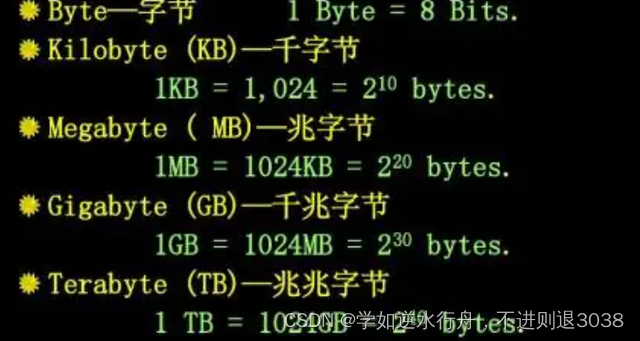
Difference between byte and bit
![pycharm出现error.DeprecatedEnv: Env FrozenLake-v0 not found (valid versions include [‘FrozenLake-v1‘])](/img/1c/4013479ce1fc5b0ff2ebeb754f05a9.png)
pycharm出现error.DeprecatedEnv: Env FrozenLake-v0 not found (valid versions include [‘FrozenLake-v1‘])

Leetcode hot topic 100 topic 21-25 solution

Shutter restraint container assembly

Leetcode-104. Maximum Depth of Binary Tree

Senior openstacker - Bloomberg, vexxhost upgraded to the Gold member of openinfra Foundation

webserver

Leetcode-141. Linked List Cycle
随机推荐
Reconstruction and preheating of linked list information management system (2) how to write the basic logic using linear discontinuous structure?
Luogu p1091 chorus formation (longest ascending subsequence)
【LeetCode】-- 17.电话号码的字母组合
服务器调参实录
Latex various arrows / arrows with text labels / variable length arrows
About daily report plan
【LeetCode】-- 17. Letter combination of telephone number
The difference between arrow function and ordinary function
[Xunwei dry goods] opencv test of Godson 2k1000 development board
[matlab printed character recognition] OCR printed letter + number recognition [including source code 1861]
1734. arrangement after decoding XOR
Flutter 内外边距
Practice: how to reasonably design functions to solve practical problems in software development (II) -- improving reusability
@JsonProperty注解
VTK-vtkPlane和vtkCutter使用
Leetcode-141. Linked List Cycle
WPF 数据绑定(四)
Senior openstacker - Bloomberg, vexxhost upgraded to the Gold member of openinfra Foundation
Error occurred in pycharm DeprecatedEnv: Env FrozenLake-v0 not found (valid versions include [‘FrozenLake-v1‘])
[deploy private warehouse based on harbor] 3 deploy harbor