当前位置:网站首页>Using KVM to create three virtual machines that can communicate with local area network
Using KVM to create three virtual machines that can communicate with local area network
2022-06-13 08:15:00 【programmer_ trip】
Material preparation
One set installed kvm Server for
The operating system image of the virtual machine needs to be downloaded in advance in the server Here is centos-7-x86_64-dvd-2009.iso
matters needing attention
Because the three virtual machines need to be connected to the LAN , The network card of the server needs to be configured with the network bridge mode
Server network card configuration bridge process
1 #  Get into /etc/sysconfig/network-scripts
cd /etc/sysconfig/network-scripts

#  Check which network cards are available
ll | grep ifcfg
-rw-r--r--  1 root root    39 Jun  1 21:56 ifcfg-em1
-rw-r--r--. 1 root root   275 May 31 08:00 ifcfg-em2
-rw-r--r--. 1 root root   275 May 31 08:00 ifcfg-em3
-rw-r--r--. 1 root root   275 May 31 08:00 ifcfg-em4
-rw-r--r--. 1 root root   254 May 22  2020 ifcfg-lo

#  My server broadband cable is connected to the first network port , So it is ifcfg-em1
#  Copy a network card configuration file as br0  Create a bridge profile
cp ifcfg-em1 ifcfg-br0
#  Edit bridge file
vi ifcfg-br0
====>  The following is the modified file content
TYPE="BRIDGE"  # Ethernet type
BOOTPROTO="none" # static state ip
DEFROUTE="yes"
IPV4_FAILURE_FATAL="no"
IPV6INIT="yes"
IPV6_AUTOCONF="yes"
IPV6_DEFROUTE="yes"
IPV6_FAILURE_FATAL="no"
IPV6_ADDR_GEN_MODE="stable-privacy"
NAME="br0"
UUID="em1 Of itself uuid"
DEVICE="br0"  # The network card name   It should be consistent with the file name of the network card
ONBOOT="yes"
IPV6_PRIVACY="no"
IPADDR="192.168.xx.xx"  # ip  Unoccupied in the network segment of the local area network ip All can use
GATEWAY="192.168.xx.1"  #  Network segment
BROADCAST="192.168.xx.254" #  Broadcast address
NETMASK="255.255.255.0" #  Subnet mask
DNS1="8.8.8.8" # dns analysis
To configure em1 Network card file
vi ifcfg-em1
===>   The following is the contents of the modified file
DEVICE="em1"
ONBOOT="yes"
BRIDGE="br0"
To create a bridge The name of the bridge should be the same as the bridge name set in the bridge configuration file
brctl addbr br0
Bind the network card to the network bridge
brctl addif br0 em1
Check out the bridge
brctl show
====>
bridge name     bridge id               STP enabled     interfaces
br0             xxxxxxxx                    no              em1
Restart the network
systemctl restart network
Test whether the network can ping through
ping www.baidu.com
===>
[[email protected] network-scripts]# ping www.baidu.com
PING www.wshifen.com (**.***.***.***) 56(84) bytes of data.
64 bytes from **** (**.***.***.***): icmp_seq=1 ttl=48 time=239 ms
64 bytes from **** (**.***.***.***): icmp_seq=2 ttl=48 time=236 ms
64 bytes from **** (**.***.***.***): icmp_seq=3 ttl=48 time=244 ms
64 bytes from **** (**.***.***.***): icmp_seq=4 ttl=48 time=245 ms
64 bytes from **** (**.***.***.***): icmp_seq=5 ttl=48 time=239 ms
Here, the bridge mode of the server is successfully configured , Next you can use virt-manager The remote management tool creates three virtual machines
start-up virt-manager Remote management tool
#  Execute the following command in the server , A visualization window will appear after a while
virt-manager
Create a new virtual machine 
2 Choose to install from a local image file 
3 Select a specific image 
3 Configure memory and cpu Check the number 
Select the created or created disk 
Then you will enter the installation interface of the operating system , Don't stick ,
After the system installation of the virtual machine is completed , Double click in kvm A virtual machine of , choice view–detail,
Select Bridge 
Configure virtual machine static ip And restart the network
cd /etc/sysconfig/network-scripts
vi ifcfg- network card
===>
TYPE="Ethernet"
PROXY_METHOD="none"
BROWSER_ONLY="no"
BOOTPROTO="static"
DEFROUTE="yes"
IPV4_FAILURE_FATAL="no"
IPV6INIT="yes"
IPV6_AUTOCONF="yes"
IPV6_DEFROUTE="yes"
IPV6_FAILURE_FATAL="no"
IPV6_ADDR_GEN_MODE="stable-privacy"
NAME=" adapter name "
UUID=" Self contained uuid"
DEVICE=" adapter name "
ONBOOT="yes"
IPV6_PRIVACY="no"
IPADDR="192.168.**.**"
GATEWAY="192.168.**.1"
BROADCAST="192.168.**.254"
NETMASK="255.255.255.0"
DNS1="8.8.8.8"


#  Restart the network
systemctl restart network

#  Test whether it can ping LAN
ping www.baidu.com
At this point, the configuration of a virtual machine is over , The remaining two operate in the same way
边栏推荐
- 第115页的gtk+编程例子——最简单的进度条2附带使用Anjuta写gtk程序的步骤
- Cosmos star application case
- 名次的确定
- [problem record] json decoder. JSONDecodeError:Extra data: line xxx column xxx(char xxxx)
- Free file server storage technology
- ERP 基础数据 概念
- 2022 electrician (elementary) examination questions and simulation examination
- SolidWorks修改工程图中文字字体的方法
- Structural analysis of hyperledger fabric (I)
- Unity exit Editor Mode
猜你喜欢

Data disorder occurs when the n-th row of the subcomponent list generated by V-for is deleted
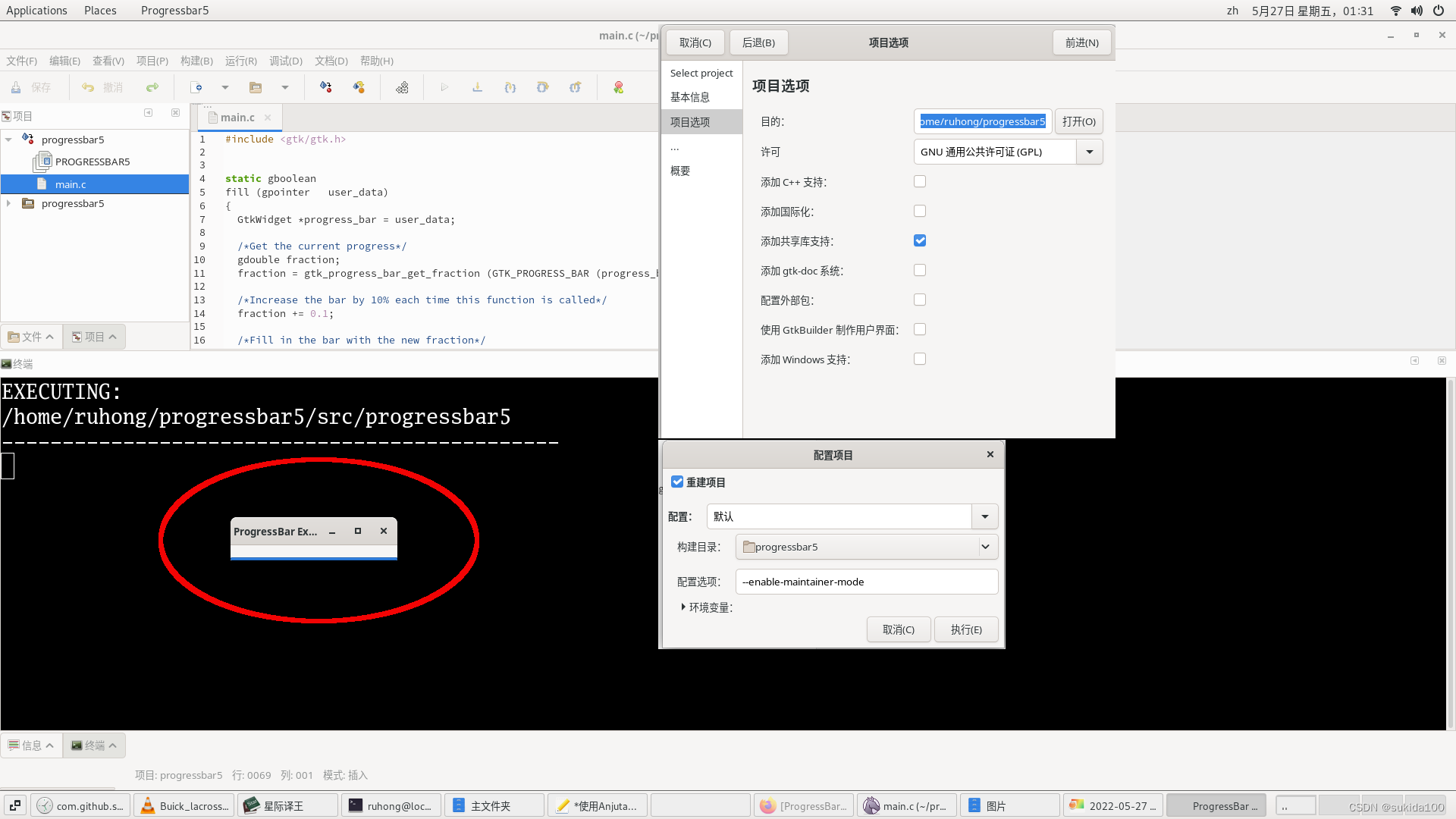
Gtk+ programming example on page 115 - simplest progress bar 2 with steps to write GTK program using anjuta

Win10系统如何修改桌面路径

Practice makes sense -- your byte alignment and stack cognition may be wrong

钉钉小程序如何隐藏tab
![[problem record] taberror: inconsistent use of tabs and spaces in indentation](/img/dd/5ba456ac4201c8330d16f4b3bed81d.jpg)
[problem record] taberror: inconsistent use of tabs and spaces in indentation

EHD ether coin, the hottest dpoc mining project

Methods of importing and exporting settings in Altium Designer

2022年危险化学品经营单位安全管理人员特种作业证考试题库及模拟考试

Create a substrate private network
随机推荐
判断一个字符串是否由另外一个字符串旋转而来
Daffodil upgrade (self idempotent)
17. how to understand multi version concurrency control and read / write sets of fabric smart contracts? (vernacular version)
适合生鲜批发行业的几种精准接单方式
生鲜配送分拣管理系统哪家比较强?
[problem record] taberror: inconsistent use of tabs and spaces in indentation
mysql面试题
[complete information static game characteristics of Nash equilibrium]
中小型照明灯饰行业如何利用数字化转型突出重围?
Live broadcast review | bas technology innovation exploration under active defense system
酒水批发行业应当如何高效管理商品与库存
ERP basic data Huaxia
ERP basic data Kingdee
24 | adventure and prediction (III): thread pool in CPU
如何通过JS动态删除table中的数据行(保留head)
赋予代码生命力--读代码整洁之道
Edge浏览器使用BdTab新标签页插件(BD新标签页)
Data disorder occurs when the n-th row of the subcomponent list generated by V-for is deleted
LeetCode-按奇偶排序数组
[pytorch] pytorch0.4.0 installation tutorial and GPU configuration collection (including test code)