当前位置:网站首页>DOM操作-案例:切换背景图片
DOM操作-案例:切换背景图片
2022-07-31 05:18:00 【春意迟迟、】
要求:有几张供选择的图片,点击哪张图片,哪张图片就作为背景图片
写代码之前先来分析思路:
- 获取页面上的图片,把它们保存到数组中
- 遍历保存图片的数组,为每个图片添加点击事件
- 点击时间里面就是写:把点击的图片作为背景图
<body>
     <style>
        img {
            width: 100px;
            height: 100px;
        }
    </style>

    <img src="../picture/玫瑰.webp" alt="" class="img1">
    <img src="../picture/粉色的云.webp" alt="" class="img2">
    <img src="../picture/草原.webp" alt="" class="img3">
</body>
    <script>
        //可以用for循环实现
        var imgs = document.querySelectorAll("img")
        console.log(imgs)
        //遍历保存图片的类数组
        for (let i = 0; i < imgs.length; i++) {
            //为每个图片绑定点击事件
            imgs[i].onclick = function fn() {
                //${}取值
                document.body.style.backgroundImage = `url("${imgs[i].src}")`
                document.body.style.backgroundRepeat = "no-repeat"
            }
        }
    </script>
<script> //也可以用forEach循环实现 var imgs = document.querySelectorAll("img") imgs.forEach((el) => { //el是imgs里面的元素,也就是每张图片 el.onclick = function fn() { document.body.style.backgroundImage = `url("${el.src}")` document.body.style.backgroundRepeat = "no-repeat" } }) </script>结果展示:


用for循环和forEach思路其实差不多的,只需要清楚每次遍历的是哪个数组。
边栏推荐
- Cholesterol-PEG-DBCO 胆固醇-聚乙二醇-二苯基环辛炔化学试剂
- DSPE-PEG-Azide DSPE-PED-N3 Phospholipid-Polyethylene Glycol-Azide Lipid PFG
- 【Rhapsody学习笔记】2:Count Down
- Pytorch study notes 13 - Basic_RNN
- [已解决]ssh连接报:Bad owner or permissions on C:\\Users/XXX/.ssh/config
- 浏览器中的画中画(Picture-in-Picture)API
- Learning and understanding of ROS service programming
- ROS subscription to multiple topics time synchronization problem
- mobaxterm 编码问题解决
- 螺旋矩阵Ⅱ
猜你喜欢
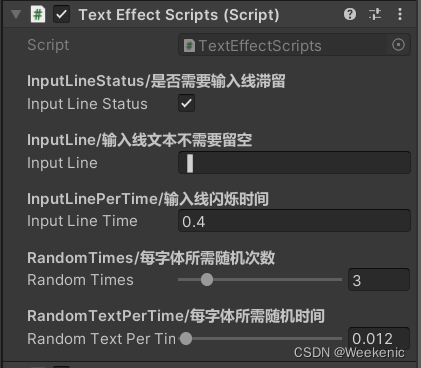
Unity Text一个简单的输入特效

CAS:474922-22-0 Maleimide-PEG-DSPE Phospholipid-Polyethylene Glycol-Maleimide Brief Description
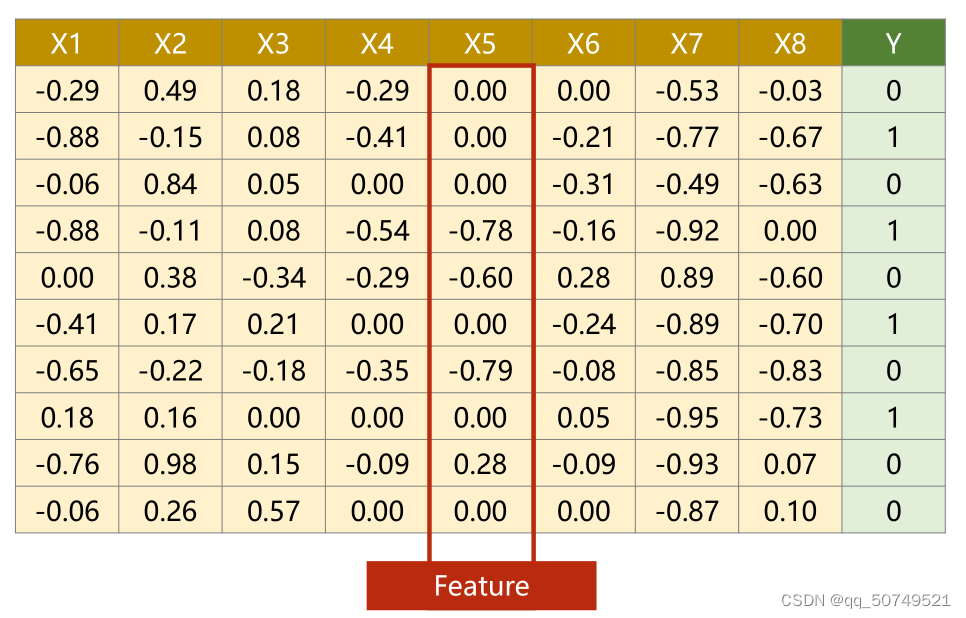
Pytorch study notes 7 - processing input of multi-dimensional features

UE5 最新动态虚幻引擎全新版本引爆互联网
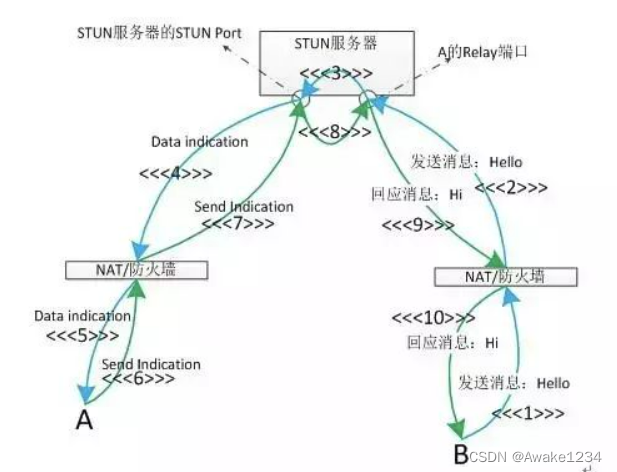
Webrtc从理论到实践三:角色

Wangeditor rich text editor to upload pictures and solve cross-domain problems

【Rhapsody学习笔记】3:Dishwasher

The solution to the IDEA console not being able to enter information
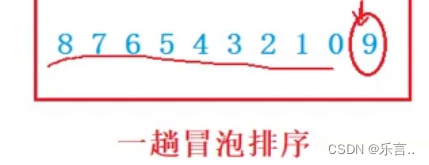
超详细!!!让你了解冒泡排序的底层逻辑和思想

IDEA概述和安装及调试
随机推荐
链表理论基础
IDEA控制台不能输入信息的解决方法
Cholesterol-PEG-DBCO 胆固醇-聚乙二醇-二苯基环辛炔化学试剂
map和set
Solution for MySQL The table is full
Cholesterol-PEG-NHS NHS-PEG-CLS cholesterol-polyethylene glycol-active ester can modify small molecular materials
力扣.两数之和/四数相加||
Rejection sampling note
钉钉企业内部-H5微应用开发
pyspark.ml feature transformation module
解决background-size:cover时图片铺满但显示不完整?
四种常见的POST提交数据方式
About iframe
【Rhapsody学习笔记】2:Count Down
The array technique, my love
IDEA overview and installation and debugging
ImportError: cannot import name 'Xxxx' from partially initialized module 'xx.xx.xx'
在 AWS 上从零开始设置 Incredibuild 构建系统
UE5 最新动态虚幻引擎全新版本引爆互联网
DSPE-PEG-Thiol DSPE-PEG-SH phospholipid-polyethylene glycol-thiol liposome for later use