当前位置:网站首页>Switch and router technology-03-basic configuration of switch
Switch and router technology-03-basic configuration of switch
2022-07-27 17:29:00 【W spicy little prince】
The basic configuration of the switch
- Master the command line foundation of Cisco devices
- Basic configuration of the switch
- Will pass Telnet and SSH Manage the switch remotely
Catalog
One 、 Command line foundation of Cisco devices
1.1 Enter the command line interface of the device
1.3.1 Switch from user mode to privileged mode
1.3.2 Privileged mode switches to global mode
1.3.3 Global mode switch interface mode
1.4 Exit the domain name resolution status
Two 、 Common switch configurations
2.1 Switch name ( Suitable for routers )
2.2 How to view MAC surface ( Under privilege mode #)
2.4 View interface information ( Suitable for routers )
2.5 The interface rate of the switch
2.6 To configure Control Password ( Suitable for routers )
One 、 Command line foundation of Cisco devices
1.1 Enter the command line interface of the device
Device support , Check whether the device interface has Control mouth
HyperTerminal software is required to connect secret CRT、putt、Xshell(Linux You can also use )
Need to have Control Line ( One is crystal head , One end is com mouth ) Now many devices have com Change the mouth to USB mouth , Convenient notebook connection

In simulator ,control The line is the second light blue line , Host connection RS232 Interface , Switch connection Control mouth
Open in the host - desktop - terminal - View the configuration interface information , Generally, the default is OK , Then click to confirm

Enter the switch configuration interface

1.2 Use Xshell
Connection protocol selection SerIAL
We use control Port connection is used SerIAL agreement , Switches and routers are the same

New session , Select serial port 、 Configure port number and baud rate

1.3 Command line Basics
User mode (Switch>) View some statistics , In general , Use very, very little “>” Express
Privilege mode (Switch#) Used to view and modify the configuration of the device , Generally, most of them are checked “#“ Express
Global mode (Switch(config)#) Overall configuration parameters for the equipment “(config)#“ Express
Interface mode (Switch(config-if)#) Modify the configuration parameters for the interface of the device
1.3.1 Switch from user mode to privileged mode
Switch>enable  // It can be abbreviated en

Switch#
1.3.2 Privileged mode switches to global mode
Switch#configure terminal     // It can be abbreviated conf t

Switch(config)#
1.3.3 Global mode switch interface mode
Switch(config)#interface fa0/1  // Enter into fa0/1 Interface   It can be abbreviated int f0/1

Switch(config-if)#

FastEthernet0/xx  It belongs to fast Ethernet interface      Abbreviation f0/xx

GigabitEthernet0/xx  It belongs to Gigabit Ethernet interface   Abbreviation g0/1
Enter the corresponding mode , You can only enter one level at a time
Return to the corresponding mode , Return level by level , Use “exit“

If you want to return to privileged mode directly , Use “end”

1.4 Exit the domain name resolution status
When the command is input incorrectly , Hu enters a domain name resolution state
Switch#encon
Translating "encon"...domain server (255.255.255.255)
# Quick termination :ctrl+shift+6
# Never resolve
Switch(config)#no ip domain-lookup // Global mode
You can also press “>>” Button
Tips :
Commands can be used Tab Carry out automatic completion
command ? You can view the options of the command
Two 、 Common switch configurations
2.1 Switch name ( Suitable for routers )
Configure a host name for the switch ( The name is an overall configuration parameter that should enter config Pattern )
Switch>enable

Switch#

Switch#configure terminal

Switch(config)#hostname S1

S1(config)#
2.2 How to view MAC surface ( Under privilege mode #)
Switch>enable

Switch#

Switch#show mac-address-table
2.3 Duplex mode of switch
Configuring duplex mode must be configuration Connection interface , Configuring an unconnected interface makes no sense
The default is full duplex , No change required
Switch#

Switch#configure terminal

Switch(config)#int fa0/1

Switch(config-if)#duplex full    full duplex

                       half    Half duplex

                       auto    The adaptive
2.4 View interface information ( Suitable for routers )
Switch#show interface fa0/1  // see fa0/1 Basic parameter information of the interface

Switch#show interface fa0/1 switchport // see fa0/1 The mode of the interface 
2.5 The interface rate of the switch
It is adaptive by default , No change required
Switch#

Switch#configure terminal

Switch(config)#int fa0/1

Switch(config-if)#speed 10

Switch(config-if)end

Switch#show interface fa0/1
Before the change , Fast Ethernet is the highest 100Mb/s

After modification , The highest 10Mb/s

2.6 To configure Control Password ( Suitable for routers )
By default, the switch 、 The router control from 0 Start
Enter the switch global configuration mode 、 Then enter control Interface
Switch#

Switch#configure terminal

Switch(config)#line console 0        // Get into control Interface

Switch(config-line)#password 123321  // Configure clear text password

Switch(config-line)#login            // Application takes effect

Switch(config-line)#
See the effect : When you clock in again, the command line will prompt you to enter the password

边栏推荐
猜你喜欢
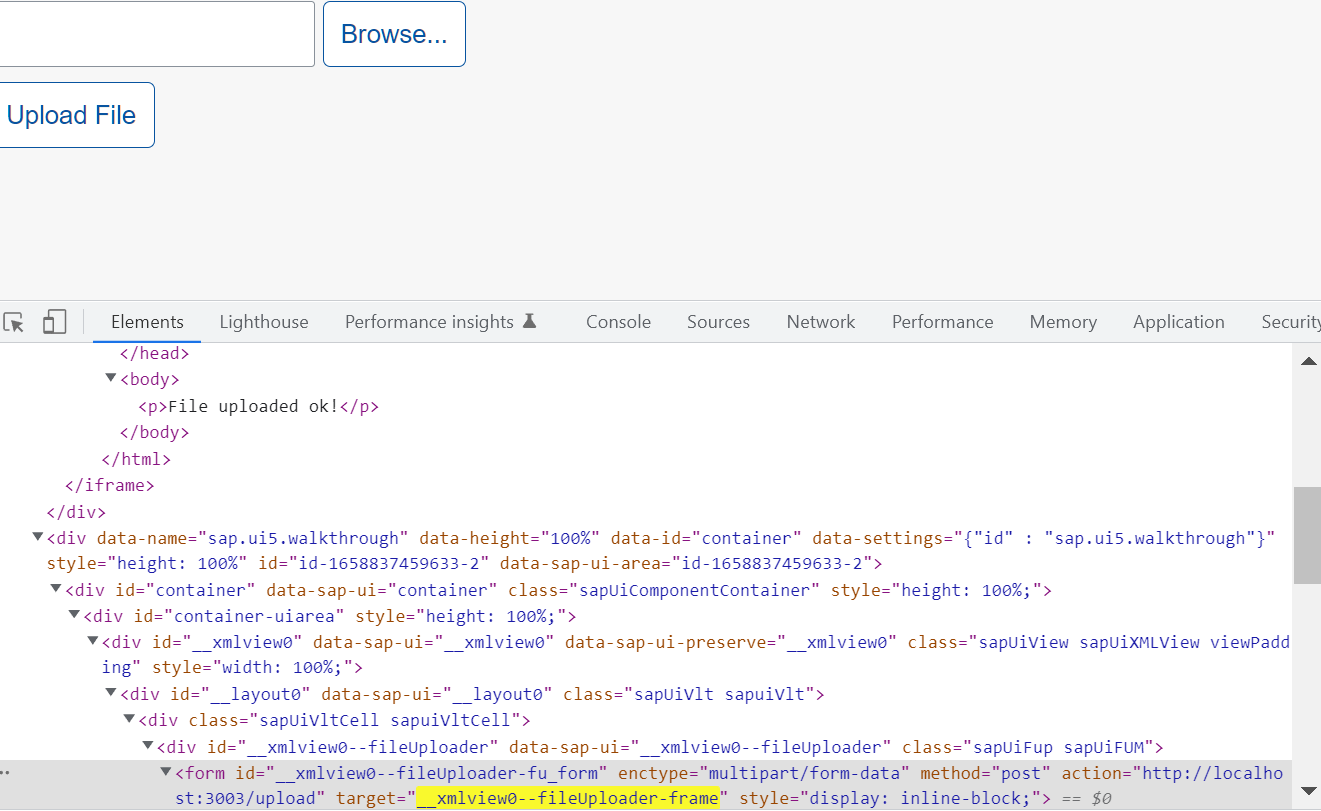
SAP UI5 FileUploader 使用的隐藏 iframe 和 form 元素的设计明细

可口可乐的首要挑战,不是元气森林

20年前,他是马云最大的敌人

选 择 结 构
20 years ago, he was Ma Yun's biggest enemy

Chen Yili of ICT Institute: reducing cost and increasing efficiency is the greatest value of cloud native applications

三表联查3

Understand the staticarea initialization logic of SAP ui5 application through the initialization of fileuploader

The 7-year-old boy broke his finger by AI robot just because he played chess too fast?

webView基本使用
随机推荐
ES6 array method and pseudo array to array method
立创EDA——原理图的布局与检查(三)
The 7-year-old boy broke his finger by AI robot just because he played chess too fast?
KMP模板——字符串匹配
Kubernetes Part 7: using kubernetes to deploy prometheus+grafana monitoring system (kubernetes work practice class)
【obs】NewSocketLoopEnable 网络优化
Rare discounts on Apple's official website, with a discount of 600 yuan for all iphone13 series; Chess robot injured the fingers of chess playing children; Domestic go language lovers launch a new pro
VO、DO、DTO、PO是什么
Start from scratch blazor server (1) -- project construction
Gods at dusk, "cat trembles" bid farewell to the big V Era
Kubernetes Chapter 8: deploy NFS system with kubernetes to complete database persistence (kubernetes work practice class)
通过 FileUploader 的初始化,了解 SAP UI5 应用的 StaticArea 初始化逻辑
Design details of hidden iframe and form elements used by SAP ui5 fileuploader
Understand the basic properties of BOM and DOM
苹果官网罕见打折,iPhone13全系优惠600元;国际象棋机器人弄伤对弈儿童手指;国内Go语言爱好者发起新编程语言|极客头条...
Niuke topic -- Realizing queues with two stacks, stacks containing min functions, and valid bracket sequences
Node package depends on download management
Niuke topic -- judge whether it is a complete binary tree or a balanced binary tree
Passive income: return to the original and safe two ways to earn
基于STM32的智能鱼缸设计