当前位置:网站首页>QT基于RFID管理系统(可应用于大多数RFID管理系统)
QT基于RFID管理系统(可应用于大多数RFID管理系统)
2022-06-29 00:59:00 【比物理简单】
本系统由QT编译,可应用于大多数基于RFID的管理系统,可进行端口设置,进出系统物品查询等基本功能!
此课题全部说明书以及程序包已打包!需要的私信取!
系统实现:
将RFID技术引入柜台贵重物品管理系统,为贵重的柜台商品绑定RFID标签,结合安装在柜台上的RFID识别设备用来监测、控制和跟踪贴标的贵重物品,实现快速盘点、实时跟踪及销售的智能管理。从而对柜台贵重物品产品的进出和销售过程进行全方位的跟踪和记录,用自动化和准确高效的新方法取代了繁琐和低效的人工管理和条码扫描模式。并能做到短距离离开柜台(3~5米)报警,未能取得授权情况下,破坏或解除RFID标签与贵重物品的绑定报警。
1. 总体方案设计(论证)
2. RFID卡设计
(1) 射频识别技术;(2) 电子标签的选择。
3. RFID读写器硬件设计
(1) MCU;(2) 射频模块;(3) 天线;(4) 通信接口;(5) 人机界面;(6) 电源电路。
4. RFID读写器软件设计
(1) 系统初始化程序;(2) 对卡操作程序;(3) 液晶显示程序。
部分实现程序:
widget.cpp:
#include <QDebug>
#include "views/widget.h"
#include "ui_widget.h"
Widget::Widget(QWidget *parent) :
    QWidget(parent),
    ui(new Ui::Widget)
{
    ui->setupUi(this);
    QTextCodec *codec = QTextCodec::codecForName("utf8"); //GBK gbk
    QTextCodec::setCodecForLocale(codec);
    this->setWindowTitle(QString::fromLocal8Bit("基于RFID的柜台贵重物品管理系统"));
    setWidgetbackground(this,QPixmap(":/rcs/jjo.jpg")); //主界面
 //setButtonbackground(ui->navButton,QPixmap(":/rcs/homeButton.png"));
    setButtonbackground(ui->setButton,QPixmap(":/rcs/setButton.png"));  setButtonbackground(ui->recordButton,QPixmap(":/rcs/widgetButton.png"));
    _serialThread = new QThread(this);
    _serialConnection = new SerialConnection();
    navWidget = new homeForm(); //设备界面
    setDialog = new setting(); //配置界面
    m_cAlarmRecord = new CAlarmRecord(); //历史记录界面
    //connect(ui->navButton,SIGNAL(clicked()),navWidget,SLOT(show()));
connect(ui->setButton,SIGNAL(clicked()),setDialog,SLOT(show()));    connect(ui->recordButton,SIGNAL(clicked()),m_cAlarmRecord,SLOT(show()));
connect(navWidget,SIGNAL(Record_Signal(int,quint8)),m_cAlarmRecord,SLOT(AddRecord(int,quint8))); //历史数据存储
connect(navWidget,SIGNAL(DispSensor1_Signal(QString)),this,SLOT(DispSensor1_Slot(QString))); //主界面显示
connect(navWidget,SIGNAL(DispSensor2_Signal(QString)),this,SLOT(DispSensor2_Slot(QString))); //主界面显示
connect(navWidget,SIGNAL(DispSensor3_Signal(QString)),this,SLOT(DispSensor3_Slot(QString))); //主界面显示
    /*串口连接*/
    connect(_serialThread, SIGNAL(started()),_serialConnection, SLOT(readData()));
connect(_serialThread, SIGNAL(finished()), _serialConnection, SLOT(deleteLater()));
connect(_serialConnection,SIGNAL(sendnewdata(QByteArray)),navWidget,SLOT(RecvSensorData(QByteArray)));
connect(navWidget,SIGNAL(sensorCtrol(QByteArray)),_serialConnection,SLOT(SendCmdData(QByteArray)));
connect(_serialConnection,SIGNAL(connectionStateChanged(int)),setDialog,SLOT(DispConnectState_Slot(int)));
connect(setDialog,SIGNAL(StartUartDev_Signal(int)),_serialConnection,SLOT(openConnection(int)));
connect(setDialog,SIGNAL(CloseUartDev_Signal()),_serialConnection,SLOT(closeConnection()));
    _serialConnection->moveToThread(_serialThread);
    _serialThread->start();
    /* 状态更新定时器 */
    m_tmDate = new QTimer(this);
    connect(m_tmDate,SIGNAL(timeout()),this, SLOT(DispDate_Slot()));
    m_tmDate->start(1000); //1s
}
Widget::~Widget()
{
    if (_serialThread)
    {
        if (_serialThread->isRunning())
        {
                 _serialThread->quit();
                 _serialThread->wait();
         }
         delete _serialThread;
         _serialThread = NULL;
    }
    delete ui;
}
//设置窗体背景
void Widget::setWidgetbackground(QWidget *widget,QPixmap image)
{
    QPalette palette;
    palette.setBrush(backgroundRole(),QBrush(image));
    widget->setPalette(palette);
}
//设置按钮背景
void Widget::setButtonbackground(QPushButton *button,QPixmap picturepath)
{
    button->setFixedSize(picturepath.width(),picturepath.height());
    button->setIcon(QIcon(picturepath));
    button->setFlat(true);  button->setIconSize(QSize(picturepath.width(),picturepath.height()));
    button->setToolTip("");
}
void Widget::DispSensor1_Slot(QString _strValue)
{
    ui->m_DispValue_1->setText(_strValue);
}
void Widget::DispSensor2_Slot(QString _strValue)
{
    ui->m_DispValue_2->setText(_strValue);
}
void Widget::DispSensor3_Slot(QString _strValue)
{
    ui->m_DispValue_3->setText(_strValue);
}
/*显示日期*/
void Widget::DispDate_Slot(void)
{
    QDateTime dateTime(QDateTime::currentDateTime());
    ui->m_DispDate->setText(dateTime.toString("yyyy-MM-dd hh:mm:ss ddd"));
}
Setting.cpp
#include "views/setting.h"
#include "ui_setting.h"
#include "views/widget.h"

setting::setting(QWidget *parent) :
    QDialog(parent),
    ui(new Ui::setting)
{
    ui->setupUi(this);
    QTextCodec *codec = QTextCodec::codecForName("utf8"); //GBK gbk
    QTextCodec::setCodecForLocale(codec);
    this->setWindowTitle(QString::fromLocal8Bit("设置"));
    this->setWindowOpacity(0.9); //背景和元素都设置透明效果
    this->setModal(true); //设置为模态界面
}
setting::~setting()
{
    delete ui;
}
void setting::on_m_ExeConnectUART_clicked()
{
    int com;
    com = ui->m_GetComPort->currentIndex();
    if(ui->m_ExeConnectUART->text() == "连接")
    {
        emit StartUartDev_Signal(com); //连接串口信号
    }
    else
    {
        emit CloseUartDev_Signal(); //断开串口信号
        ui->m_ExeConnectUART->setText(QString::fromLocal8Bit("连接"));
        ui->m_DispComState->setText(QString::fromLocal8Bit("断开"));
    }
}
void setting::DispConnectState_Slot(int state)
{
    switch (state)
    {
    case 0: //Disconnected
    ui->m_DispComState->setText(QString::fromLocal8Bit("连接已断开"));
        break;
    case 1:
    ui->m_DispComState->setText(QString::fromLocal8Bit("正在连接"));
        break;
    case 2:
    ui->m_ExeConnectUART->setText(QString::fromLocal8Bit("断开"));
    ui->m_DispComState->setText(QString::fromLocal8Bit("连接成功"));
        break;
    case 3:
    ui->m_DispComState->setText(QString::fromLocal8Bit("连接失败"));
        break;
    default:
        break;
    }
}
int setting::updateDeviceList()
{
    int count  = ui->m_GetComPort->count();
    while(ui->m_GetComPort->count())
    {
        ui->m_GetComPort->removeItem(0);
    }
    serial.findSerialDevices();
    ui->m_GetComPort->addItems(serial.portsList());
    qDebug() << count;
    return count;
}
边栏推荐
- Reasons for high price of optical fiber slip ring
- Realization of beauty system with MATLAB
- [proteus simulation] 4x4 matrix keyboard interrupt mode scanning + nixie tube display
- 【leetcode】153. Find the lowest value in the rotation sort array
- Accessories and working process of machine vision system
- Nodejs installation and download
- Bug risk level
- EasyCVR接入Ehome协议的设备,无法观看设备录像是什么原因?
- 免疫组化和免疫组学之间的区别是啥?
- Is it safe to open an account on the flush
猜你喜欢

Go1.18 new feature: discard strings Title Method, a new pit!
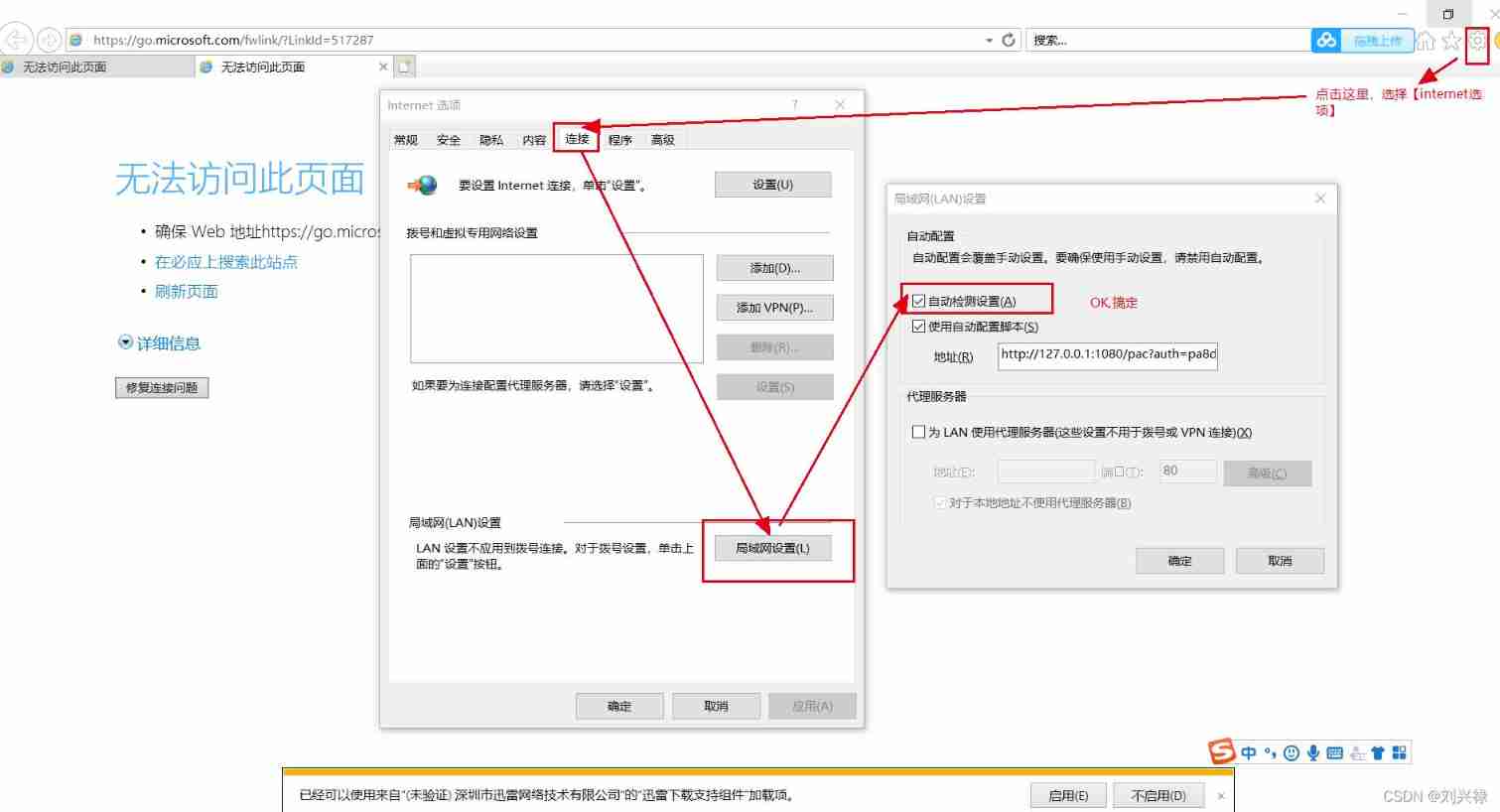
Baidu online disk login verification prompt: unable to access this page, or the QR code display fails, the pop-up window shows: unable to access this page, ensure the web address....

Mask wearing face data set and mask wearing face generation method

XML and other file contents in idea cannot be highlighted, and the file becomes gray

Comparison between winding process and lamination process

手下两个应届生:一个踏实喜欢加班,一个技术强挑活,怎么选??

Reprint: VTK notes - clipping and segmentation - 3D curve or geometric cutting volume data (black mountain old demon)
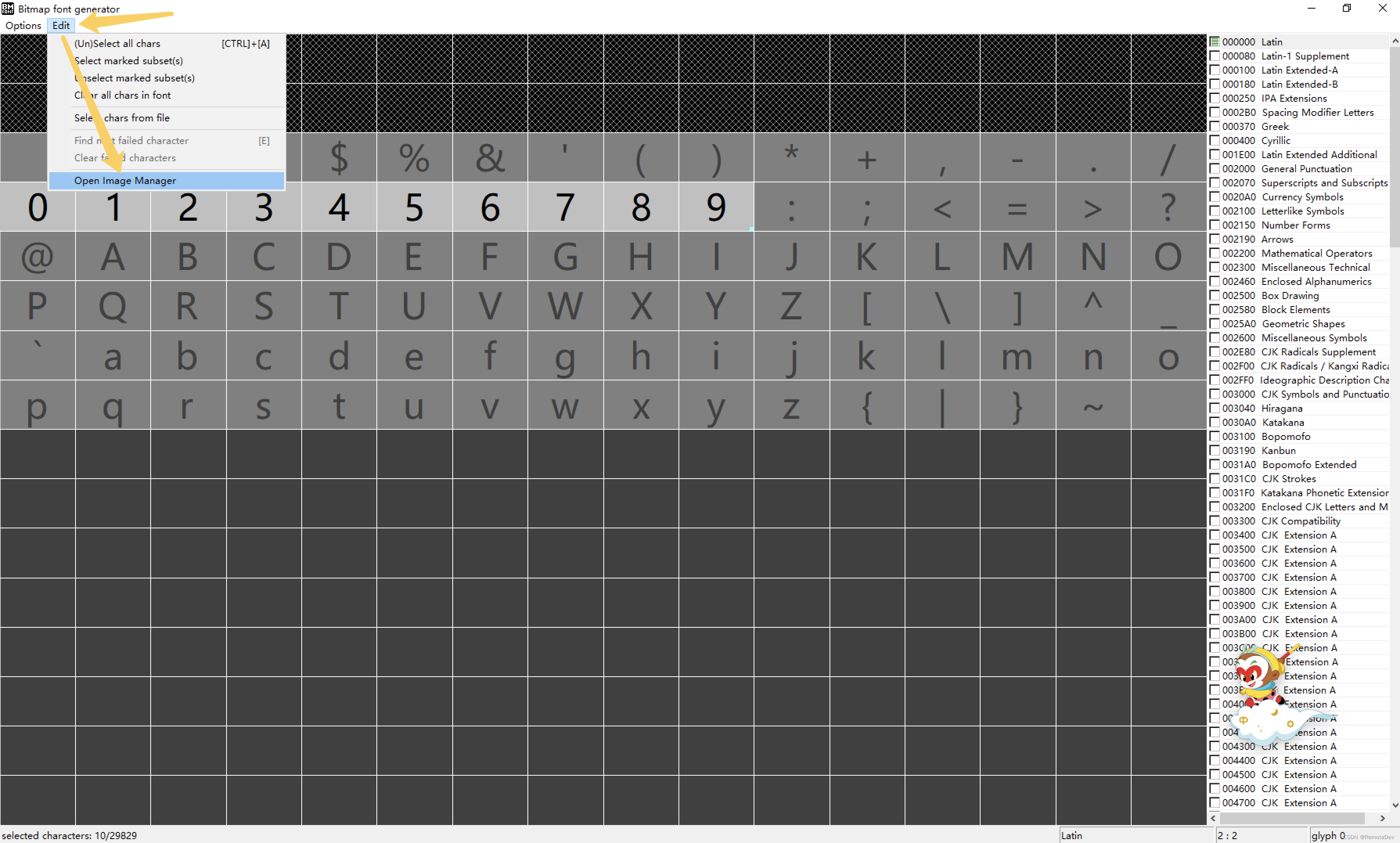
BMFONT制作位图字体并在CocosCreator中使用

Connected to rainwater series problems
![[image detection] recognition of the front and back of a coin based on texture features with matlab code attached](/img/84/0a364adcd373cc40c9bc7b70d50f93.jpg)
[image detection] recognition of the front and back of a coin based on texture features with matlab code attached
随机推荐
免疫组化和免疫组学之间的区别是啥?
Reprint: VTK notes - clipping and segmentation - 3D curve or geometric cutting volume data (black mountain old demon)
3D, point cloud splicing
Notes on the infrastructure of large websites
Mapbox GL loading local publishing DEM data
XML and other file contents in idea cannot be highlighted, and the file becomes gray
Is the fund reliable and safe
滑环电机是如何工作的
Realization of beauty system with MATLAB
EasyCVR接入Ehome协议的设备,无法观看设备录像是什么原因?
卷绕工艺与叠片工艺的对比
Excel使用过程中的参考资料
Is it safe and reliable for qiniu school to help open a securities account? How to drive
【架构师(第三十八篇)】 服务端开发之本地安装最新版 MySQL 数据库
【leetcode】153. Find the lowest value in the rotation sort array
[image processing] image curve adjustment system based on MATLAB
手下两个应届生:一个踏实喜欢加班,一个技术强挑活,怎么选??
最新Justnews主题源码6.0.1开心版+社交问答插件2.3.1+附教程
Getting started with SQL
[image detection] line recognition based on Hough transform (fitting angle bisector) with matlab code