当前位置:网站首页>opencv之访问图像像素的三种方法
opencv之访问图像像素的三种方法
2022-07-31 05:16:00 【xp_fangfei】
指针访问像素
这种方法最快,但是有点抽象
例1:简单像素操作
 for (int i = 0; i < _img.rows; i++)  //行循环
 {

   uchar *data = _img.ptr<uchar>(i);  //获取第i行的首地址
   for (int j = 0; j < _img.cols; j++)  //列循环
   {

        data[j] =  data[j]/2;   //处理每个像素
   }
 }
动态地址操作像素
这种方法简单明了符合大家对像素的认识;
例2:简单像素操作
  for (size_t i = 0; i < _img.rows; i++)  //行循环
  {

     for (size_t j = 0; j < _img.cols; j++)  //列循环
     {

          _img.at<cv::Vec3b>(i,j) = cv::Vec3b(0,0,0);   //处理每个像素
     }

  }
例3:判断像素值在某种条件下,对象素值的操作
 for (size_t i = 0; i < _img.rows; i++)   //行循环
  {

     for (size_t j = 0; j < _img.cols; j++)   //列循环
     {

        //以下像素操作
        if (_img.at<cv::Vec3b>(i,j)[0] >= 100 && _img.at<cv::Vec3b>(i,j)[0] <= 124 &&
            _img.at<cv::Vec3b>(i,j)[1] >= 43 && _img.at<cv::Vec3b>(i,j)[1] <= 255 &&
            _img.at<cv::Vec3b>(i,j)[2] >= 46 && _img.at<cv::Vec3b>(i,j)[2] <=255)
        {

           _img.at<cv::Vec3b>(i,j) = cv::Vec3b(0,0,0);;
        }else{

            _img.at<cv::Vec3b>(i,j) = cv::Vec3b(255,255,255);
        }
     }
  }
迭代器操作像素
这种方法是获取图像矩阵的begin和end,然后增加迭代从begin到end,将*操作符添加在迭代指针前,即可访问当前指向的内容。
例3
cv::Mat_<cv::Vec3b>::iterator it = _img.begin<cv::Vec3b>();  //初始位置的迭代器
cv::Mat_<cv::Vec3b>::iterator itend = _img.end<cv::Vec3b>();  //终止位置的迭代器
//存取彩色图像像素
for(;it != itend; ++it)
{

   (*it)[0] =  (*it)[0]/2;
   (*it)[1] =  (*it)[1]/2;
   (*it)[2] =  (*it)[2]/2;
}
至此几种方法介绍完毕!
如果以上内容帮到您了,请关注加收藏哦!您的鼓励是我创作的最大动力!
边栏推荐
- Talking about the understanding of CAP in distributed mode
- Tencent Cloud Lightweight Server deletes all firewall rules
- quick-3.6源码修改纪录
- cv2.resize()是反的
- Gradle sync failed: Uninitialized object exists on backward branch 142
- unicloud 云开发记录
- 自定dialog 布局没有居中解决方案
- cocos2d-x-3.2 image graying effect
- Xiaomi mobile phone SMS location service activation failed
- 理解js运算符
猜你喜欢
Android软件安全与逆向分析阅读笔记
自定dialog 布局没有居中解决方案

Understanding of objects and functions in js
pytorch学习笔记10——卷积神经网络详解及mnist数据集多分类任务应用
WeChat applet source code acquisition and decompilation method
The feign call fails, JSON parse error Illegal character ((CTRL-CHAR, code 31)) only regular white space (r

UiBot存在已打开的MicrosoftEdge浏览器,无法执行安装
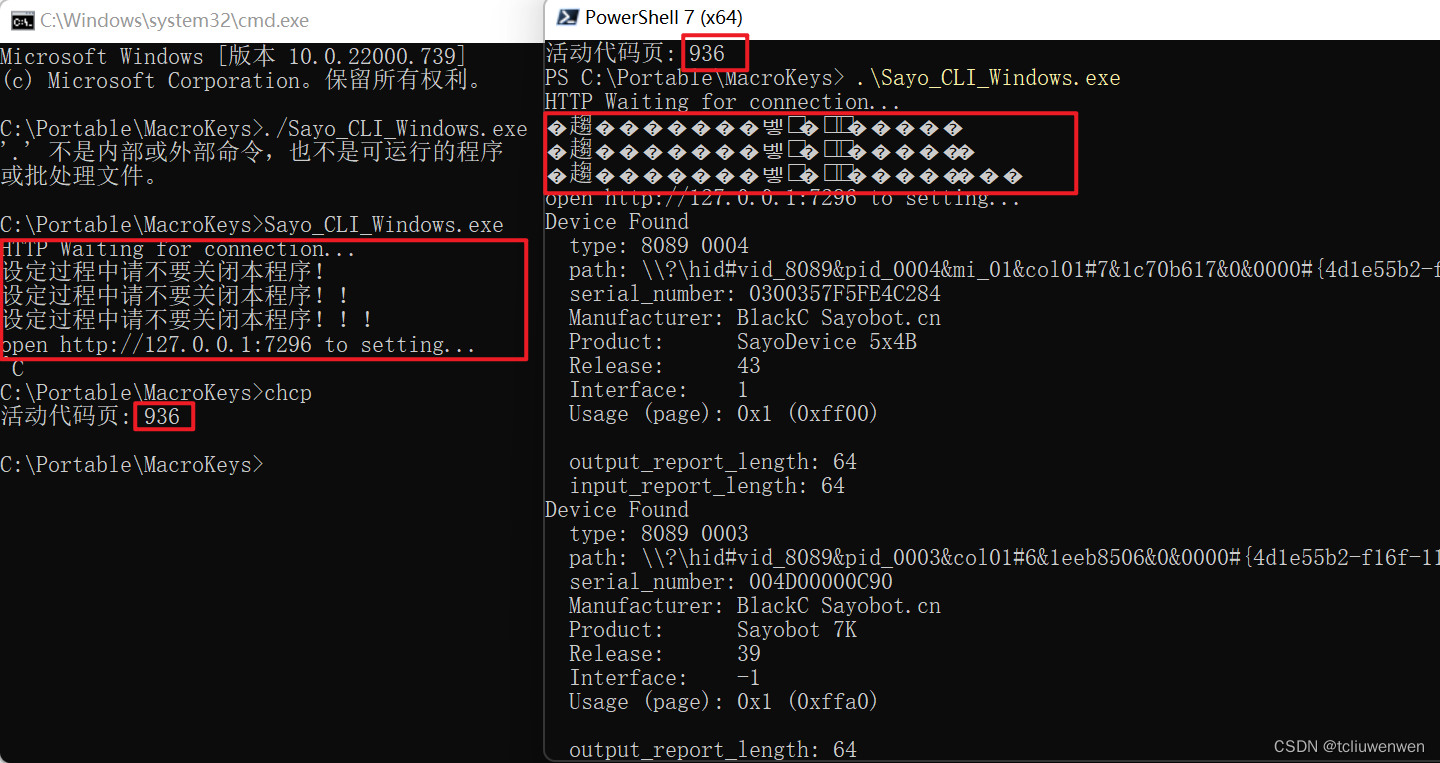
Powershell中UTF-8环境中文乱码解决办法
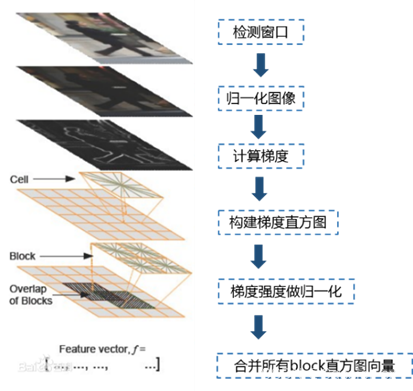
使用 OpenCV 提取图像的 HOG、SURF 及 LBP 特征 (含代码)
UiBot has an open Microsoft Edge browser and cannot perform the installation
随机推荐
Filter out egrep itself when using ps | egrep
活体检测FaceBagNet阅读笔记
Take you to understand the MySQL isolation level, what happens when two transactions operate on the same row of data at the same time?
Understanding of js arrays
unicloud cloud development record
VS通过ODBC连接MYSQL(一)
Understanding of objects and functions in js
朴素贝叶斯文本分类(代码实现)
对js的数组的理解
Sqlite A列数据复制到B列
podspec 校验依赖出错问题 pod lib lint ,需要指定源
腾讯云GPU桌面服务器驱动安装
js中的对象与函数的理解
VS2017连接MYSQL
2021年京东数据分析工程师秋招笔试编程题
How MySQL - depots table?A look at will understand
为什么bash中的read要配合while才能读取/dev/stdin的内容
禅道安装及使用教程
变分自编码器VAE实现MNIST数据集生成by Pytorch
sql add default constraint