当前位置:网站首页>基于clipboard.js对复制组件的封装
基于clipboard.js对复制组件的封装
2022-08-04 17:02:00 【潮汐未见潮落】
前言
在日常开发中,有时可能想实现一键复制,我们可以选择手写复制方法,也可以选择引入 clipboard.js 库帮助快速实现功能
本次封装组件使用 element-ui 的部分组件,有 icon 、message 等
安装clipboard
npm install clipboard --save子组件
<!--
 * @description: 封装点击复制的组件
 * @since: v1.0
!-->

<template>
    <i :class="`${icon} icon-cursor`"
       title="点击复制"
       @click="handleCopy($event, text)" />
</template>

<script>
// 引入 clipboard.js
import Clipboard from 'clipboard';
export default {
    props: {
        // 接收复制的内容
        text: {
            type: [String, Number],
            default: null,
        },
        // 默认是复制 icon,可自定义 icon
        icon: {
            type: [String],
            default: 'el-icon-copy-document',
        },
        // 自定义成功提示
        message: {
            type: [String, Number],
            default: null,
        },
    },
    methods: {
        handleCopy (e, _text, message) {
            const clipboard = new Clipboard(e.target, { text: () => _text });
            // const messageText = message || `复制成功:${_text}`;
            const messageText = message || '复制成功';
            // 复制成功
            clipboard.on('success', () => {
                this.$message({
                    type: 'success',
                    message: messageText
                 });
                clipboard.off('error');
                clipboard.off('success');
                clipboard.destroy();
            });
            // 复制失败
            clipboard.on('error', () => {
                this.$message({
                     type: 'warning',
                      message: '复制失败,请手动复制'
                });
                clipboard.off('error');
                clipboard.off('success');
                clipboard.destroy();
            });
            clipboard.onClick(e);
        },
    },
};
</script>

<style lang="scss" scoped>
.icon-cursor {
    cursor: pointer;
}
</style>
父组件
<template>
<div>
    <span>{
   { value }}</span>
    <CopyIcon :text="value" />
</div>
</template>

<script>
import CopyIcon from '@/components/CopyIcon.vue'
export default {
    components: {
        CopyIcon,
    },
    data () {
      return {
          value: '这里测试一下复制组件',
      };
    },
};
</script>
效果
样式可以根据自己的需求修改,可以更换图标

文章如有错误,恳请大家提出问题,本人不胜感激 。 不懂的地方可以评论,我都会 一 一回复
文章对大家有帮助的话,希望大家能动手点赞鼓励,大家未来一起努力 长路漫漫,道阻且长
边栏推荐
- Hubei Mobile HG680-LV_S905L3B_wire brush firmware package
- 咪咕MGV2000KL南传_S905L3B_MT7668线刷固件包
- LeetCode 0167. 两数之和 II - 输入有序数组
- 软件测试高频面试题真实分享/网上银行转账是怎么测的,设计一下测试用例。
- Hubei Mobile ZTE B860AV2.1_S905L_ flash firmware package
- 移动CM101s_MV100_EMMC_M8233_强刷后全分区线刷固件包
- 从云计算到函数计算
- 为什么买域名必须实名认证?这样做什么原因?
- 泰坦尼克号沉船数据之美——起于悲剧,止于浪漫
- 太一集团宣布全资收购火币旗下社交产品火信
猜你喜欢
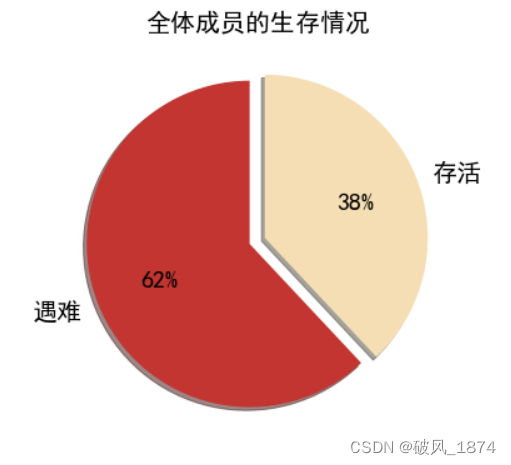
泰坦尼克号沉船数据之美——起于悲剧,止于浪漫
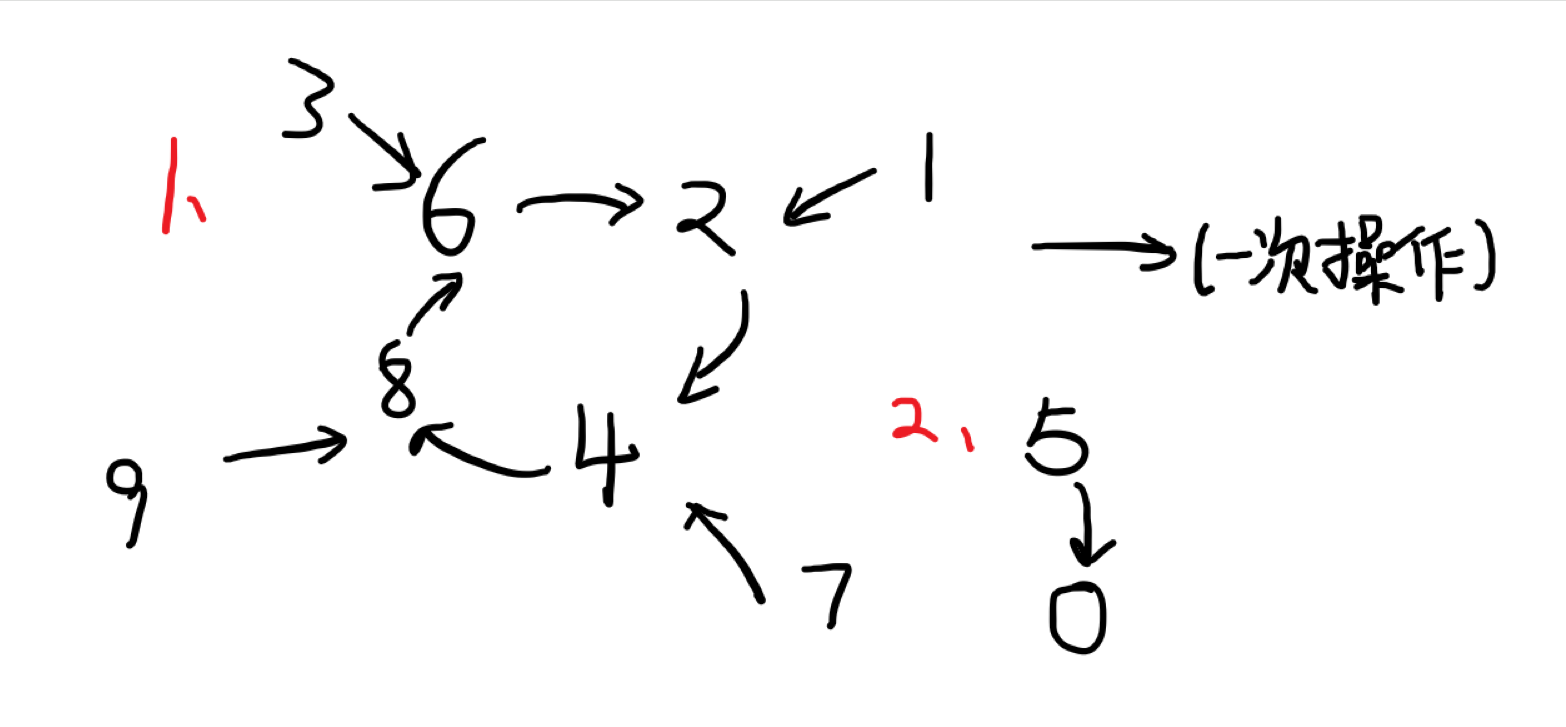
Codeforces Round #811 (Div. 3)
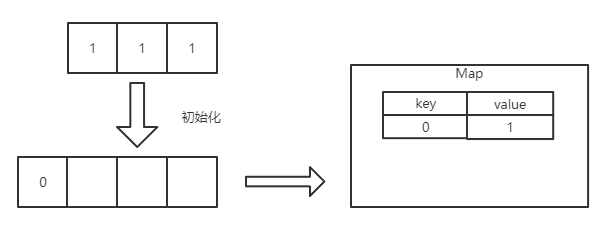
通关剑指 Offer——剑指 Offer II 010. 和为 k 的子数组
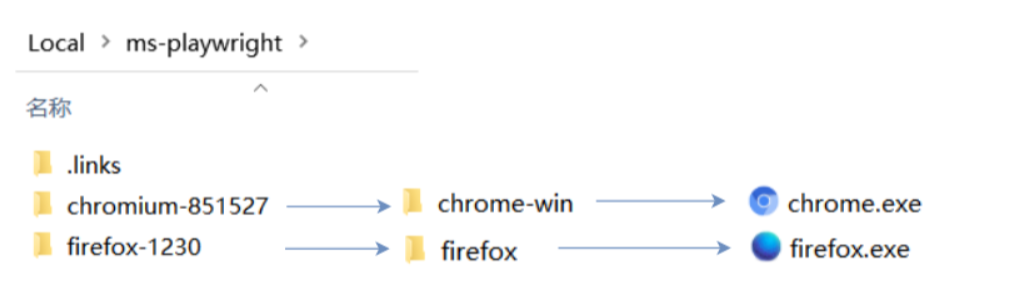
安装失败怎么办
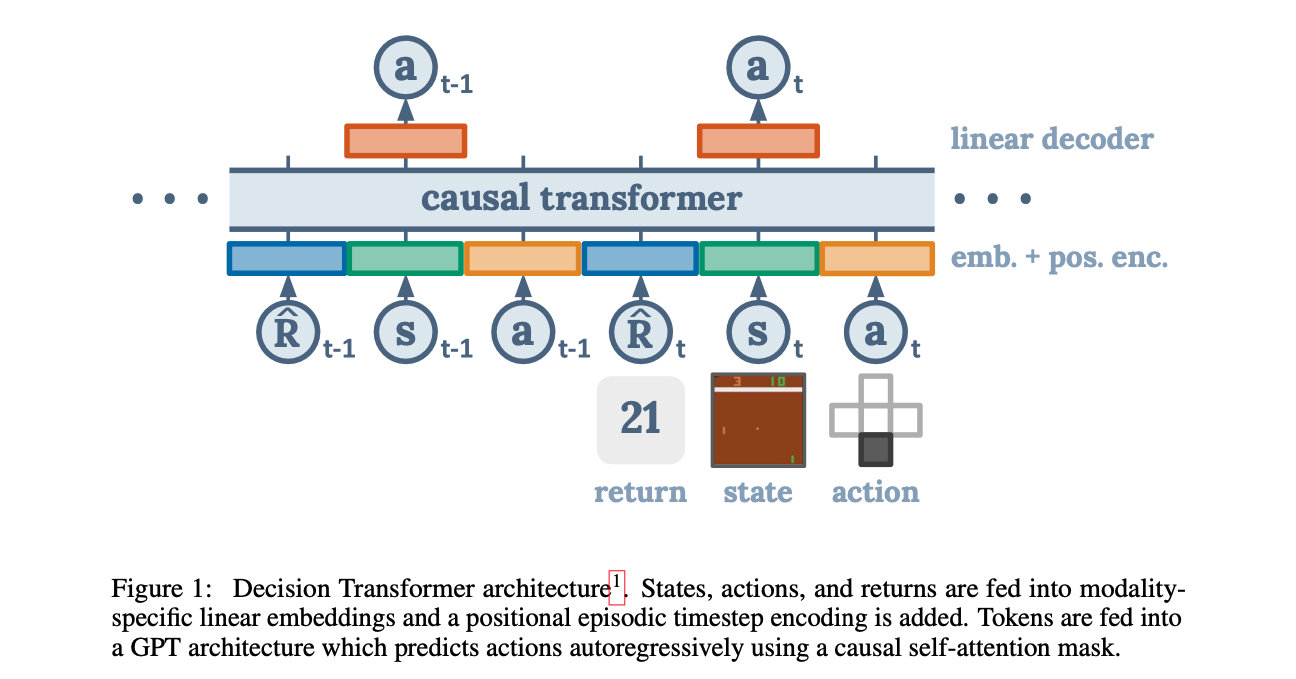
【论文阅读】Decision Transformer: Reinforcement Learning via Sequence Modeling

8月5日,麒麟信安邀您相约鲲鹏开发者创享日·长沙站!
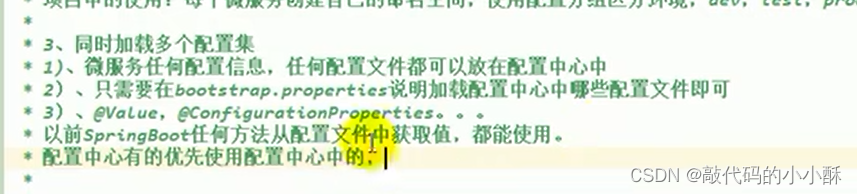
谷粒商城笔记
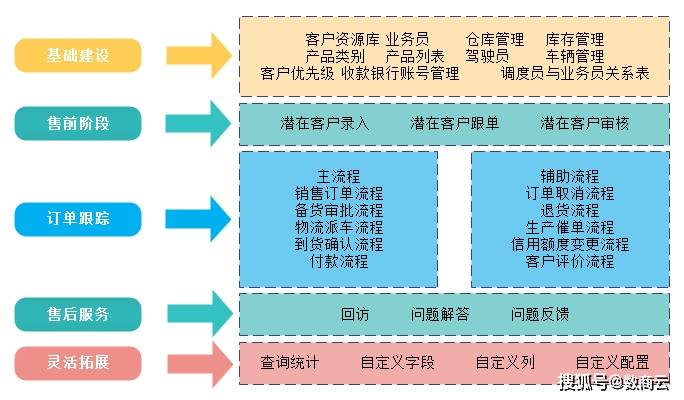
Digital-intelligent supply chain management system for chemical manufacturing industry: build a smart supply system and empower enterprises to improve production efficiency
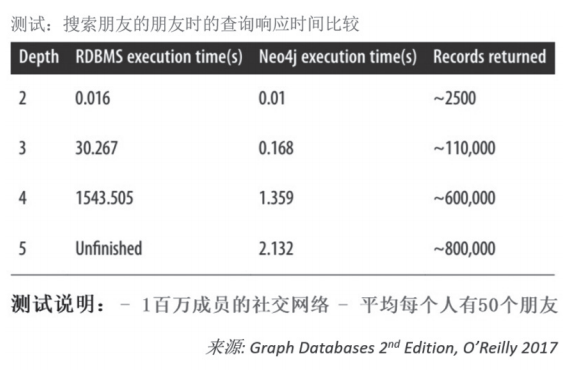
越来越火的图数据库到底能做什么?
Mobile Hisense IP102H_905L3-B_wire brush firmware package
随机推荐
浙江移动咪咕MGV2000-K4_ZJ_S905l2_7661_线刷固件包
设置表头颜色
码蹄集 - MT2165 - 小码哥的抽卡之旅1
移动CM101s_MV100_EMMC_M8233_强刷后全分区线刷固件包
【图像分类】2021-DeiT
LeetCode 0167. 两数之和 II - 输入有序数组
(1), the sequential storage structure of linear table chain storage structure
response的contentType 几种类型
水能自发变成“消毒水”,83岁斯坦福教授:揭示冬天容易得流感的部分原因...
How to convert an int attribute into a string in the json format returned by the Go language gin framework?
R语言使用yardstick包的gain_curve函数评估多分类(Multiclass)模型的性能、查看模型在多分类每个分类上的增益(gain)曲线(gain curve)
软件测试高频面试题真实分享/网上银行转账是怎么测的,设计一下测试用例。
知乎高赞:拼多多和国家电网,选哪个?
Copycat CNN: Stealing Knowledge by Persuading Confession with Random Non-Labeled Data阅读心得
御神楽的学习记录之基于FPGA的AHT10温湿度数据采集
容器化 | 在 NFS 备份恢复 RadonDB MySQL 集群数据
(一)、线性表的顺序存储结构链式存储结构
机器学习(十六):主成成分分析(PCA)
JSP 标准标签库(JSTL)[通俗易懂]
WPF 光标初始化的时候 temp 文件夹满了无法创建