当前位置:网站首页>SSH Remote Login configuration sshd_ Config file details
SSH Remote Login configuration sshd_ Config file details
2022-06-11 01:16:00 【Quiet in the forest, the moon and the immortal】
ssh yes linux Security protocol for remote login , yes C/S Architecture of patterns , Configuration files are divided into server-side configuration files [/etc/ssh/sshd_config] With the client profile default profile [/etc/ssh/ssh_config] User profile [~/.ssh/config] sshd_config It is the main configuration file of the server . The host of this file should be root, The maximum permissions can be ”644”, ssh It is composed of client and server software , The software available on the client side is SecureCRT、putty、Xshell etc. , On the server side, a sshd Service for , By using SSH, All the transmitted data can be encryption , And it can prevent dns and IP cheating , Besides ,SSH The data transmitted is compressed , It can speed up the transmission
# $OpenBSD: sshd_config,v 1.100 2016/08/15 12:32:04 naddy Exp $

# This is the sshd server system-wide configuration file.  See
# sshd_config(5) for more information.

# This sshd was compiled with PATH=/usr/local/bin:/usr/bin

# The strategy used for options in the default sshd_config shipped with
# OpenSSH is to specify options with their default value where
# possible, but leave them commented.  Uncommented options override the
# default value.

# If you want to change the port on a SELinux system, you have to tell
# SELinux about this change.
# semanage port -a -t ssh_port_t -p tcp #PORTNUMBER    <== In the open selinux On the system , modify ssh Port to be modified selinux The rules , Use this command to modify
#
#Port 22           <== Default ssh port , In the production environment, it is recommended to change to a five digit port
#AddressFamily any   <== Address family ,any Indicates simultaneous listening ipv4 and ipv6 Address
#ListenAddress 0.0.0.0  <== Monitor all the ipv4 Address
#ListenAddress ::    <== Monitor all the ipv6 Address
HostKey /etc/ssh/ssh_host_rsa_key   <==ssh What is used RSA Private key path
#HostKey /etc/ssh/ssh_host_dsa_key
HostKey /etc/ssh/ssh_host_ecdsa_key   <==ssh What is used ECDSA Private key path
HostKey /etc/ssh/ssh_host_ed25519_key   <==ssh What is used ED25519 Private key path

# Ciphers and keying
#RekeyLimit default none

# Logging
#SyslogFacility AUTH
SyslogFacility AUTHPRIV    <== Set to record from sshd When the news of , Whether to give “facility code”
#LogLevel INFO    <== Logging level , The default is info

# Authentication:

#LoginGraceTime 2m    <== The user authentication time is limited to 2min
#PermitRootLogin yes   <== Whether to allow root Account ssh Sign in , In the production environment, it is suggested to change to no, Use a general account ssh Sign in
#StrictModes yes    <== Set up ssh Check the user root and... Before receiving the login request rhosts Rights and ownership of documents , Recommended Opening
#MaxAuthTries 6   <== Specify the maximum number of authentications allowed per connection . The default value is  6
#MaxSessions 10   <== The maximum number of connections allowed to be maintained . The default value is  10

#PubkeyAuthentication yes  <== Whether to enable public key verification

# The default is to check both .ssh/authorized_keys and .ssh/authorized_keys2
# but this is overridden so installations will only check .ssh/authorized_keys
AuthorizedKeysFile      .ssh/authorized_keys   <== Public key verification file path

#AuthorizedPrincipalsFile none

#AuthorizedKeysCommand none
#AuthorizedKeysCommandUser nobody

# For this to work you will also need host keys in /etc/ssh/ssh_known_hosts
#HostbasedAuthentication no
# Change to yes if you don't trust ~/.ssh/known_hosts for
# HostbasedAuthentication   <== The specified server is in use  ~/.shosts ~/.rhosts /etc/hosts.equiv  When matching remote host names , Whether to query the reverse domain name
#IgnoreUserKnownHosts no  <== Whether in  RhostsRSAAuthentication  or  HostbasedAuthentication  Ignore the user's  ~/.ssh/known_hosts  file
# Don't read the user's ~/.rhosts and ~/.shosts files
#IgnoreRhosts yes   <== Whether in  RhostsRSAAuthentication  or  HostbasedAuthentication  Ignore in the process  .rhosts  and  .shosts  file

# To disable tunneled clear text passwords, change to no here!
#PasswordAuthentication yes
#PermitEmptyPasswords no    <== Whether null password is allowed
PasswordAuthentication yes   <== Allow password verification , In the production environment, it is suggested to change to no, Log in with your key only

# Change to no to disable s/key passwords
#ChallengeResponseAuthentication yes
ChallengeResponseAuthentication no   <== Is it permissible to question - The reply (challenge-response) authentication

# Kerberos options
#KerberosAuthentication no   <== Whether to use Kerberos authentication
#KerberosOrLocalPasswd yes   <== If  Kerberos  Password authentication failed , Then the password will have to pass other authentication mechanisms ( such as  /etc/passwd)
#KerberosTicketCleanup yes  <== Whether to automatically destroy the user's after the user logs out  ticket
#KerberosGetAFSToken no  <== If used AFS And the user has a  Kerberos 5 TGT, So when the command is turned on , Will try to get a... Before accessing the user's home directory AFS token
#KerberosUseKuserok yes

# GSSAPI options
GSSAPIAuthentication yes   <== Whether to allow based on GSSAPI User authentication
GSSAPICleanupCredentials no    <== Whether to automatically destroy the user credential cache after the user logs out
#GSSAPIStrictAcceptorCheck yes
#GSSAPIKeyExchange no
#GSSAPIEnablek5users no

# Set this to 'yes' to enable PAM authentication, account processing,
# and session processing. If this is enabled, PAM authentication will
# be allowed through the ChallengeResponseAuthentication and
# PasswordAuthentication.  Depending on your PAM configuration,
# PAM authentication via ChallengeResponseAuthentication may bypass
# the setting of "PermitRootLogin without-password".
# If you just want the PAM account and session checks to run without
# PAM authentication, then enable this but set PasswordAuthentication
# and ChallengeResponseAuthentication to 'no'.
# WARNING: 'UsePAM no' is not supported in Red Hat Enterprise Linux and may cause several
# problems.
UsePAM yes   <== Whether to pass PAM verification

#AllowAgentForwarding yes
#AllowTcpForwarding yes
#GatewayPorts no     <== Whether to allow the remote host to connect to the local forwarding port
X11Forwarding yes    <== Whether to allow X11 forward
#X11DisplayOffset 10  <== Appoint sshd(8)X11 The first display area available for forwarding (display) Numbers . The default value is 10
#X11UseLocalhost yes  <== Whether should X11 The forwarding server is bound to the local server loopback Address
#PermitTTY yes
#PrintMotd yes     <== Appoint sshd(8) Whether to print at each interactive login  /etc/motd  The content of the document
#PrintLastLog yes  <== Appoint sshd(8) Whether to print the login time of the last user at each interactive login
#TCPKeepAlive yes  <== Specifies whether the system sends to the client  TCP keepalive  news
#UseLogin no   <== Whether to use... During login of interactive session  login(1)
#UsePrivilegeSeparation sandbox  <== Whether to let  sshd(8)  The privilege separation is carried out by creating a non privileged sub process to process the access request
#PermitUserEnvironment no  <== Specify whether to allow sshd(8) Handle ~/.ssh/environment as well as  ~/.ssh/authorized_keys Medium  environment=  Options
#Compression delayed  <== Is the communication data encrypted , Or delay to encrypt the communication data after successful authentication
#ClientAliveInterval 0  <==sshd(8) I haven't received any data from the client for a long time , Do not send "alive" news
#ClientAliveCountMax 3   <==sshd(8) A maximum of... Can be sent before any client response is received "alive" news , The default value is  3
#ShowPatchLevel no
#UseDNS no      <== Whether to use dns Reverse DNS
#PidFile /var/run/sshd.pid   <== Designated storage SSH The path of the daemon's process number
#MaxStartups 10:30:100   <== The maximum number of unauthorized connections allowed
#PermitTunnel no   <== Whether to allow tun(4) Device forwarding
#ChrootDirectory none
#VersionAddendum none

# no default banner path
#Banner none  <== Display the contents of the file specified by this instruction to the remote user before the user authenticates , By default, nothing is displayed ,"none" Indicates that this feature is disabled

# Accept locale-related environment variables
AcceptEnv LANG LC_CTYPE LC_NUMERIC LC_TIME LC_COLLATE LC_MONETARY LC_MESSAGES
AcceptEnv LC_PAPER LC_NAME LC_ADDRESS LC_TELEPHONE LC_MEASUREMENT
AcceptEnv LC_IDENTIFICATION LC_ALL LANGUAGE
AcceptEnv XMODIFIERS

# override default of no subsystems
Subsystem       sftp    /usr/libexec/openssh/sftp-server   <== Configure an external subsystem sftp And its path

# Example of overriding settings on a per-user basis
#Match User anoncvs    <== Introduce a condition block . The end flag of the block is another  Match  End of instruction or file
#       X11Forwarding no
#       AllowTcpForwarding no
#       PermitTTY no
#       ForceCommand cvs server
After the configuration modification is completed, execute the following command to take effect :
/bin/systemctl start sshd.service 边栏推荐
- "Past and present" of permission management
- 配置化自定义实现1.实现接口,2.自定义配置3.默认配置
- 2022北京怀柔区新技术新产品(服务)认定要求
- 什么是C端 什么是B端 这里告诉你
- What are the advantages of increased life insurance products? Is the threshold high?
- Recruitment | Nanjing | triostudio Sanli Agency - Interior Designer / construction drawing deepening Designer / device / Product Designer / Intern, etc
- 团队管理|如何提高技术Leader的思考技巧?
- 北京平谷区高新技术企业培育支持标准,补贴10万
- Embedded learning materials and project summary
- 87. (leaflet house) leaflet military plotting - straight arrow modification
猜你喜欢

库存管理与策略模式

【VBA脚本】提取word文档中所有批注的信息和待解决状态

最好的创意鼓工具:Groove Agent 5

The file "setup" does not exist. What should I do?
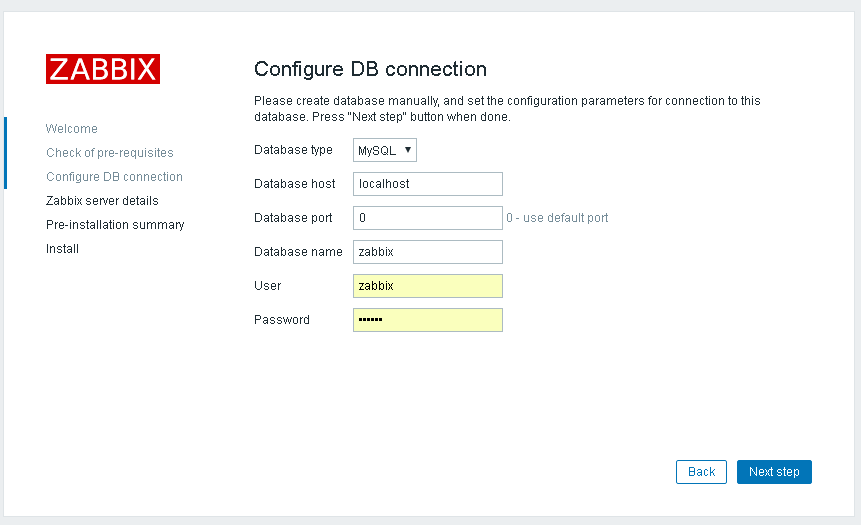
zabbix离线安装

条码固定资产管理系统的作用,固定资产条码化管理

网络基础(1)-----认识网络
![[论文阅读] FixMatch: Simplifying Semi-Supervised Learning with Consistency and Confidence](/img/86/72726f933deef6944b62149759b7d5.png)
[论文阅读] FixMatch: Simplifying Semi-Supervised Learning with Consistency and Confidence
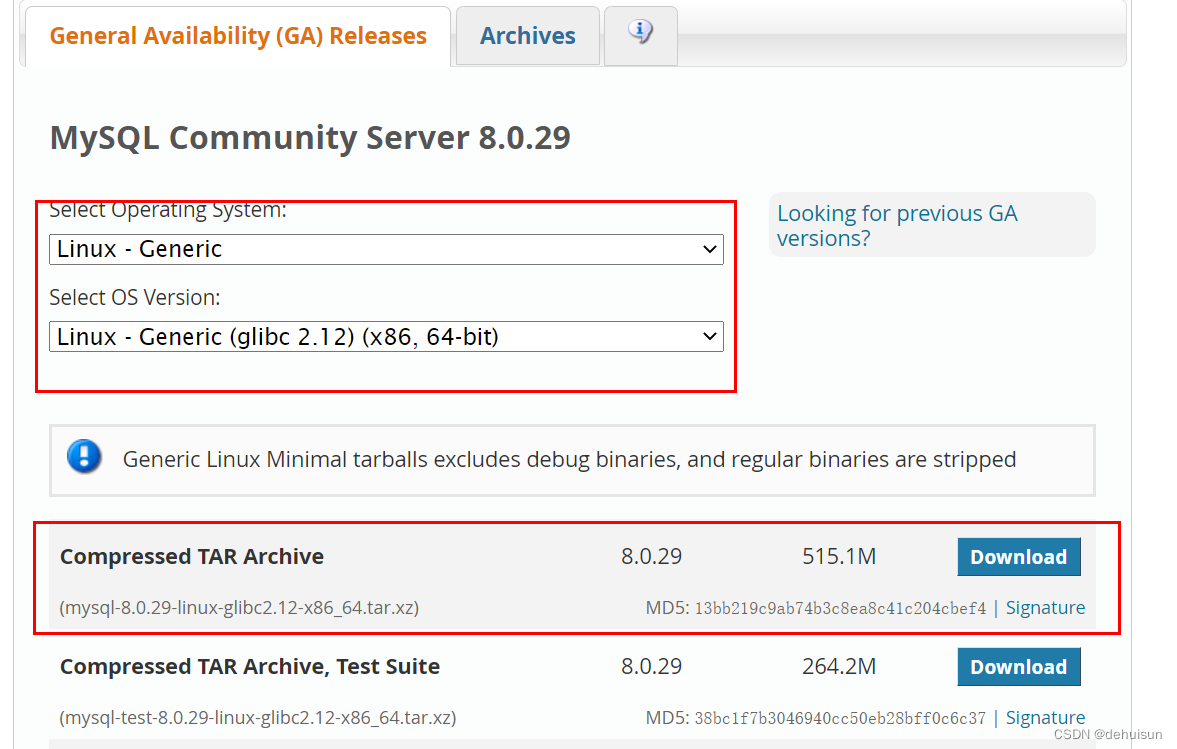
CentOS7 实战部署MySQL8(二进制方式)

Merge sort and cardinality sort
随机推荐
Support standard for cultivation of high-tech enterprises in Changping District, Beijing, with a subsidy of 100000 yuan
Josephus problem_ Unidirectional circular linked list_ code implementation
2022年高考加油 那年我的高考如此兴奋
条码固定资产管理系统的作用,固定资产条码化管理
Deepstream series fish eye camera test
Pd虚拟机安装系统提示 “网络初始化失败 操作失败 ”的解决方案
Introduction to the subsidy fund for leading technological innovation of Beijing enterprises, with a subsidy of 5million yuan
程序员应对压力的几个小窍门
Unity points that are vulnerable to pit
对多线程的理解
Store binary tree in sequence [store tree in array]
手把手教你前后分离架构(五) 系统身份验证实现
Viewpager and dot of bottom wireless loop
最好的创意鼓工具:Groove Agent 5
Array simulation [queue] and [ring queue]_ code implementation
时间相关-格式、运算、比较、转换
Blend for visual studio overview
中小企业数字化转型为什么这么难?
Merge sort and cardinality sort
WPF - timeline class