当前位置:网站首页>Teach you how to install Oracle 19C on Windows 10 (detailed picture and text with step on pit Guide)
Teach you how to install Oracle 19C on Windows 10 (detailed picture and text with step on pit Guide)
2022-06-27 18:47:00 【Ink Sky Wheel】

Produce 丨 TeacherWhat
Title Map :Oracle 19c Database
keyword :19c、Install、 install 、DBT-50000、 Getting started with databases 、Database
Text about 2500 word , Suggested reading time 5 minute
Directory structure :
1. Download the installation package on the official website
2. Decompress the compressed package , Click on 【setup.exe】 Installation
3. Install database software
4. Create database
5. Verification test
6. Step on the hole guide ( Problems encountered )
Windows Environmental installation Oracle The simplest , It's for beginners to learn Oracle The best way to get started and practice .
Here are the detailed installation steps :
1. Download the installation package on the official website
about Oracle Software download , It is recommended to download for free through the official website , Safe and assured .
Download address :
https://www.oracle.com/database/technologies/oracle19c-windows-downloads.html
You can choose to install the compressed package through the download page (WINDOWS.X64_193000_db_home.zip ).

2. Decompress the package
Decompress the compressed package , Click on 【setup.exe】 Installation
Be careful : Use the system administrator account to run .

3. Install database software
3.1 Select configuration options
Choose here 【 Set software only 】, Click on 【 next step 】.

3.2 Choose the installation option
Choose here 【 Single instance database installation 】, Click on 【 next step 】.

3.3 Select the database version
For testing convenience , choice 【 Enterprise Edition 】, Click on 【 next step 】.

3.4 Appoint Oracle Home directory users
Here, select the default recommended 【 Virtual accounts 】, Click on 【 next step 】.

3.5 Specify the installation location
Create an installation path 【D:\app\oracle】, And then click 【 Browse 】 Select the path to create , Click on 【 next step 】.

3.6 Condition check and summary confirmation
Wait for the condition check to complete and confirm the profile setting , Click on 【 install 】

3.7 Wait for installation to complete .( about 15 minute )

3.8 Software installed successfully

Click on 【 close 】
4. Create database
4.1 start-up dbca
Run the command prompt as an administrator .

Type at a command prompt 【dbca】 Start the database Creator .

4.2 Select operation
choice 【 Create database 】, Click on 【 next step 】.

4.3 Select the database creation mode
To see more customization options , choice 【 Advanced configuration 】, Click on 【 next step 】.

4.4 Select the database creation mode
Database type selection 【Oracle Single instance database 】、 Create template selection 【 General purpose or transaction 】, Click on 【 next step 】.

4.5 Develop database identification details
Input SID, For test convenience, uncheck 【 Create as container database 】(CDB/PDB), Click on 【 next step 】.

4.6 Select storage options
Select use template file , Click on 【 next step 】.

4.7 Select a quick restore option

4.8 Specify network configuration details , Create a listener
Create a listener

4.9 Data Vault Options
Not configured for the time being

4.10 Modify configuration options


4.11 Specify management options
Do not configure for the time being EM, Cancel 【 To configure EM Express】

4.12 Specify the database user id
For testing convenience , choice 【 All users use the same administrative password 】, Input here Oracle123

4.13 Create database

4.14 Confirm the profile
Confirm the profile , Click finish

4.15 Wait for creation to complete , about 15 minute

4.16 Close after creation

5. Verification test
Use on the command line sqlplus as sysdba Conduct validation tests .
C:\WINDOWS\system32>sqlplus  as sysdba

SQL*Plus: Release 19.0.0.0.0 - Production on  Sunday  5 month  24 08:58:15 2020
Version 19.3.0.0.0

Copyright (c) 1982, 2019, Oracle.  All rights reserved.


 Connect to :
Oracle Database 19c Enterprise Edition Release 19.0.0.0.0 - Production
Version 19.3.0.0.0

SQL> select instance_name from v$instance;

INSTANCE_NAME
--------------------------------
orcl
Use on the command line lsnrctl status Verify that the listening is normal .
C:\WINDOWS\system32>lsnrctl status

LSNRCTL for 64-bit Windows: Version 19.0.0.0.0 - Production on 24-5 month  -2020 09:00:49

Copyright (c) 1991, 2019, Oracle.  All rights reserved.

 Connecting to  (ADDRESS=(PROTOCOL=tcp)(HOST=)(PORT=1521))
LISTENER  Of  STATUS
------------------------
 Alias                       LISTNER
 edition                       TNSLSNR for 64-bit Windows: Version 19.0.0.0.0 - Production
 Start date                   24-5 month  -2020 08:39:08
 Normal operation time               0  God  0  Hours  21  branch  45  second
 Tracking level                   off
 Security                     ON: Local OS Authentication
SNMP                      OFF
 Listener parameter file           D:\WINDOWS.X64_193000_db_home\network\admin\listener.ora
 Listener log file           D:\app\oracle\diag\tnslsnr\DESKTOP-LG875FI\listner\alert\log.xml
 Listening endpoint profile ...
  (DESCRIPTION=(ADDRESS=(PROTOCOL=tcp)(HOST=DESKTOP-LG875FI)(PORT=1521)))
  (DESCRIPTION=(ADDRESS=(PROTOCOL=ipc)(PIPENAME=\\.\pipe\EXTPROC1521ipc)))
 Service summary ..
 service  "CLRExtProc"  contain  1  An example .
   example  "CLRExtProc",  state  UNKNOWN,  The  1  A handler ...
 service  "orcl"  contain  1  An example .
   example  "orcl",  state  READY,  The  1  A handler ...
 service  "orclXDB"  contain  1  An example .
   example  "orcl",  state  READY,  The  1  A handler ...
 Command executed successfully

C:\WINDOWS\system32>
Reference resources :Release 19[Database Installation Guide for Microsoft Windows](https://docs.oracle.com/en/database/oracle/oracle-database/19/ntdbi/index.html)
6. Step on the hole guide ( Problems encountered )
It's on paper , We must know that we must do it .
I thought I was Windows Installing a database on is the easiest thing to do , But it took some trouble .
6.1. [DBT-50000] Unable to check available memory

During installation , Yes DBT-50000 The mistake was a bit unexpected , So an investigation was carried out .
In general , The solution is as follows :
because Bug Influence , Cause problems , You can use the following command to avoid DBCA Check during operation .
Solution example :
$ dbca -J-Doracle.assistants.dbca.validate.ConfigurationParams=falseDue to the influence of the default memory setting , You can use advanced configuration to set the memory to a smaller size .
Restart the computer
Use the administrator account to run dbca
The reason for my problem is that I have neglected “ Need to be To run with an administrator account ” this .
( It's really important to look at online documents )
Reference resources :Database Installation Guide for Microsoft Windowshttps://docs.oracle.com/en/database/oracle/oracle-database/19/ntdbi/preinstallation-considerations-for-installing-oracle-database.html#GUID-3C8E4D95-2259-4B58-98C5-34F121539584》Note:Windows requires Administrator privileges at the command prompt.
6.2. Unable to connect due to setting of environment variable sqlplus
problem : Due to the environment variables (SID/Home etc. ) Cannot connect due to the setting of sqlplus, Especially when multiple databases are installed .
 example 1:
C:\Users\TeacherWhat>sqlplus  as sysdba
Error 6 initializing SQL*Plus
SP2-0667: Message file sp1<lang>.msb not found
SP2-0750: You may need to set ORACLE_HOME to your Oracle software directory

 example 2:
C:\Users\kegui>sqlplus  as sysdba
SQL*Plus: Release 19.0.0.0.0 - Production on  Sunday  5 month  24 09:18:19 2020
Version 19.3.0.0.0

Copyright (c) 1982, 2019, Oracle.  All rights reserved.

ERROR:
ORA-12560: TNS:  Protocol adapter error
 Please enter a user name :
solve : Set up ORACLE_HOME、ORACLE_SID And other environmental variables .
C:\Users\TeacherWhat>set ORACLE_SID=orcl
C:\Users\TeacherWhat>set ORACLE_HOME=<Oracle Home The path of >

C:\Users\TeacherWhat>sqlplus  as sysdba

SQL*Plus: Release 19.0.0.0.0 - Production on  5 23 18:59:19 2020
Version 19.3.0.0.0

Copyright (c) 1982, 2019, Oracle.  All rights reserved.


Oracle Database 19c Enterprise Edition Release 19.0.0.0.0 - Production
Version 19.3.0.0.0

SQL> select instance_name from v$instance;

INSTANCE_NAME
--------------------------------
orcl
*【 What do I do 】004 How to find the person who deleted the database and ran away -- Monitoring database user loginRecommended reading
* Introduction to analysis and diagnosis methods of database performance problems
* Case study : The database cannot be logged in ORA-12560/ORA-12557 error
* Quickly understand Oracle 19c New security features ( Two )Privilege Analysis( Permission to analysis )
* Quickly understand 19c New features of database security ( One )Schema Only Accounts
* Through the deposit service “ understand ”Oracle Basic database architecture and action flow
Focus on technology is not limited to technology !
With fragmented time , Improve bit by bit database Technical and personal abilities .
Welcome to your attention !
About Xiaobian :
10+ Database operation and maintenance / Development / Technical support experience , Years of project maintenance / Development / Team management experience , be familiar with Oracle/MySQL/DB2 Relational database , Translation and publication 《MySQL Basic course 》,Oracle 11g OCM Master certification 、10g/11g/12c OCP、RAC&GI OCE、Cloud And so on ,IBM DB2 database V8.1 DBA authentication .
This official account is for personal views only , It has nothing to do with any company .
边栏推荐
- Daily leetcode force deduction (31~35)
- (POJ - 1847) tram (shortest circuit)
- After the number length of Oracle exceeds 19, the entity uses long mapping. Why does this cause problems?
- Application of scaleflux CSD 2000 in Ctrip
- Teach you to use elastic search: run the first hello world search command
- PostgreSQL database Wal - resource manager rmgr
- Anfulai embedded weekly report (issue 252): February 7, 2022 to February 13, 2022
- 国内首家!EMQ加入亚马逊云科技“初创加速-全球合作伙伴网络计划”
- [Tang Laoshi] C -- encapsulation: member method
- The data synchronization tool dataX has officially supported reading and writing tdengine
猜你喜欢
Industry university cooperation cooperates to educate people, and Kirin software cooperates with Nankai University to complete the practical course of software testing and maintenance

Application of scaleflux CSD 2000 in Ctrip

Alibaba cloud server is invaded
Anfulai embedded weekly report (issue 252): February 7, 2022 to February 13, 2022
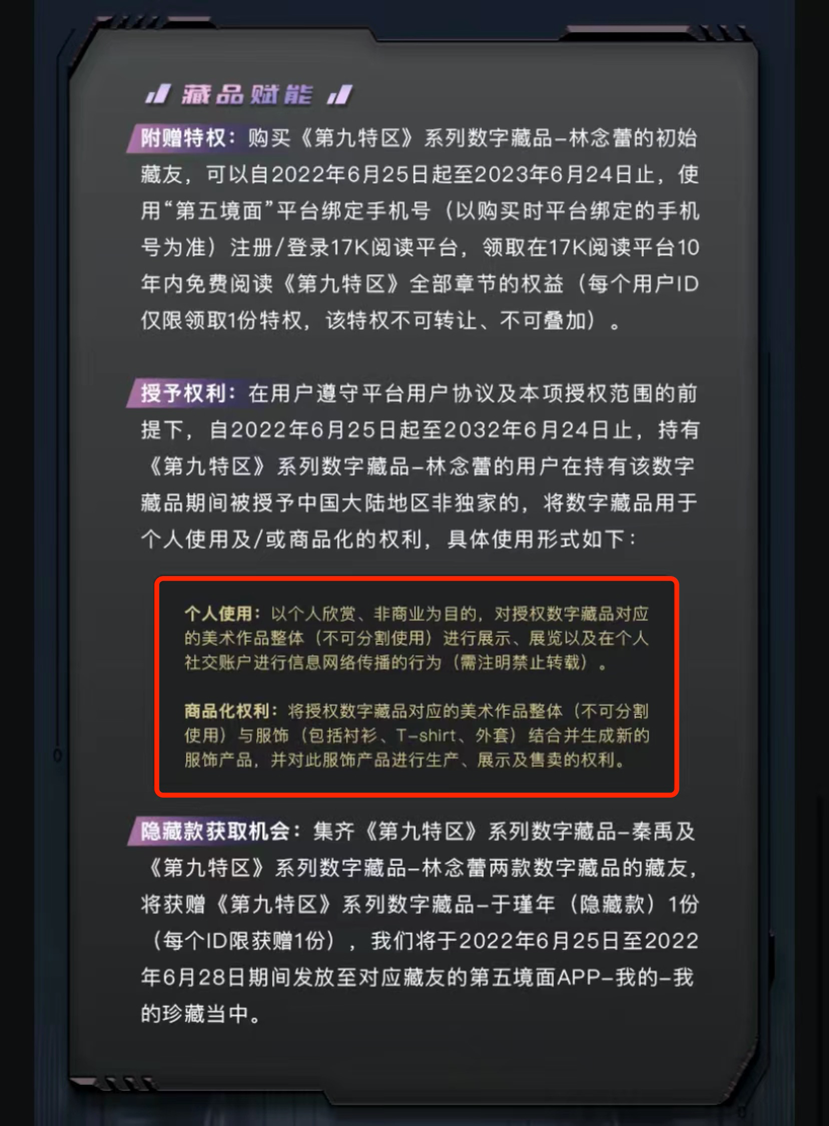
How to arrange digital collections on online platforms such as reading and Chinese online? Will "read/write-to-earn" products be launched in the future?
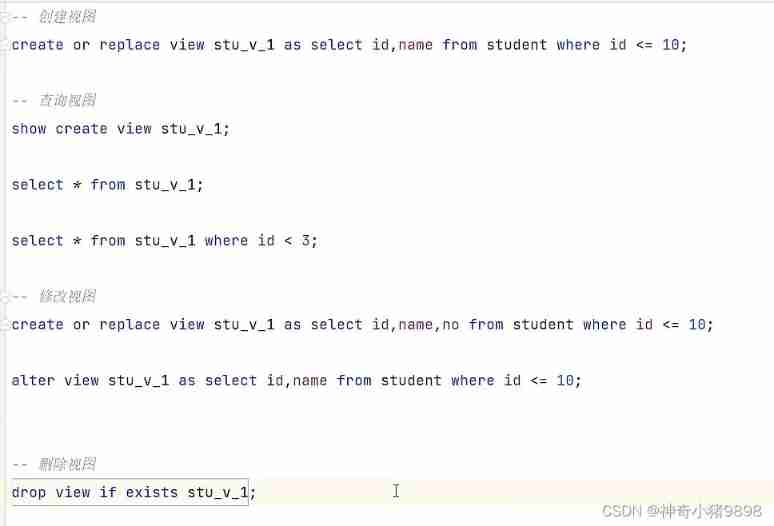
Advanced learning of MySQL -- Application -- view, stored procedure, trigger

On array-_-

Asemi rectifier bridge kbp210 parameters, kbp210 specifications, kbp210 dimensions
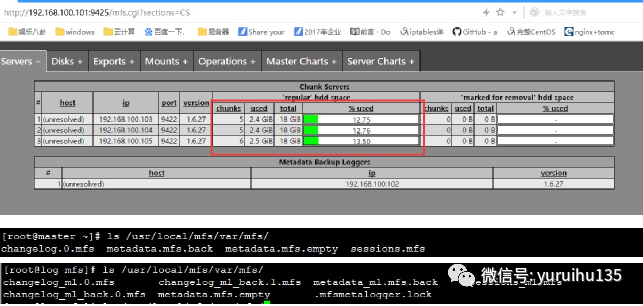
MFS分布式文件系统
手把手教你在Windows 10安装Oracle 19c(详细图文附踩坑指南)
随机推荐
【协会通知】关于举办人工智能与物联网领域暑假专题师资培训的通知
About binary
Bit.Store:熊市漫漫,稳定Staking产品或成主旋律
JXL export Excel
How to create a login interface
TDengine 连接器上线 Google Data Studio 应用商店
Software testing - the concept of testing, the detailed introduction of unit testing, and how to design test cases
The computer voice is blurry, the video is also out of the card, and the sound cannot be played. It is normal to insert the headset
(5) SPI application design and simulation verification 3 - verification code implementation
seata性能可以通过什么方式提高?比如增加数据库的计算节点?
China's Industrial Software Market Research Report is released, and SCADA and MES of force control enrich the ecology of domestic industrial software
Recommend several open source IOT platforms
Technology sharing | introduction to kubernetes pod
Wanzhou gold industry: what are the differences between gold t+d investment and other investments?
为什么要从 OpenTSDB 迁移到 TDengine
How to turn off the server terminal name of vscode
Using WebDAV instead of 445 port file share
Market status and development prospect forecast of global triisopropyl chlorosilane industry in 2022
Asemi rectifier bridge kbp307 parameters, kbp307 details, kbp307 pictures
How to arrange digital collections on online platforms such as reading and Chinese online? Will "read/write-to-earn" products be launched in the future?