当前位置:网站首页>Fabric. JS zoom canvas
Fabric. JS zoom canvas
2022-06-10 17:06:00 【Director of Moral Education Division】
Use canvas Projects developed , The need for scrolling the canvas should not be a minority , Like maps .
Fabric.js It also provides the function of scaling the canvas , This article mainly explains several methods for setting the canvas size .
Do it
Check the documentation before you start .
I put the documents related to this article here
mouse:wheel: Wheel eventgetZoom: Get the current zoom level of the canvassetZoom: Set canvas zoom levelzoomToPoint: Set the canvas zoom scale and zoom origin
among setZoom and zoomToPoint The application scenarios are different .
start
Before using zoom , First initialize the canvas .
I will also set a background image on the canvas , Convenient for observation .
<canvas id="canvasBox" width="600" height="600" style="border: 1px solid #ccc;"></canvas>

<!--  introduce  Fabric.js -->
<script src="https://cdn.bootcdn.net/ajax/libs/fabric.js/521/fabric.js"></script>

<script>
  //  Initialize canvas
  canvas = new fabric.Canvas('canvasBox')

  //  Add background
  //  The first 1 Parameters : Picture path
  //  The first 2 Parameters : Callback function , Returning to the function will return the image object
  fabric.Image.fromURL('../../images/bg.jpg', img => {
    canvas.setBackgroundImage(img)
    canvas.renderAll()
  })
</script>
Copy code Zoom canvas ( Take the upper left corner as the origin )
Zoom the canvas with the upper left corner as the origin , Recommended getZoom and setZoom Combine .
getZoom You can get the current zoom level of the canvas , use setZoom Set a new zoom level .
So I added... On the page 2 Button , A zoom in , A zoom out .
<div>
  <button onclick="setzoom(1)"> Zoom in </button>
  <button onclick="setzoom(-1)"> narrow </button>
</div>
<canvas id="canvasBox" width="600" height="600" style="border: 1px solid #ccc;"></canvas>

<!--  introduce  Fabric.js -->
<script src="https://cdn.bootcdn.net/ajax/libs/fabric.js/521/fabric.js"></script>

<script>
  const canvas = new fabric.Canvas('canvasBox')

  fabric.Image.fromURL('../../images/bg.jpg', img => {
    canvas.setBackgroundImage(img)
    canvas.renderAll()
  })

  //  Set canvas zoom level
  function setzoom(val) {
    let zoom = canvas.getZoom() //  Get the current zoom level of the canvas
    zoom += val
    canvas.setZoom(zoom) //  Set canvas zoom level
  }
</script>
Copy code Zoom level when zooming in Add 1, Zoom level when zooming out reduce 1.
Zoom canvas ( Take the mouse pointer as the origin )
<canvas id="canvasBox" width="600" height="600" style="border: 1px solid #ccc;"></canvas>

<!--  introduce  Fabric.js -->
<script src="https://cdn.bootcdn.net/ajax/libs/fabric.js/521/fabric.js"></script>

<script>
  const canvas = new fabric.Canvas('canvasBox')

  fabric.Image.fromURL('../../images/bg.jpg', img => {
    canvas.setBackgroundImage(img)
    canvas.renderAll()
  })

  //  Listen for mouse wheel zoom Events
  canvas.on('mouse:wheel', opt => {
    const delta = opt.e.deltaY //  Roller , Rolling up is  -100, Rolling down is  100
    let zoom = this.canvas.getZoom() //  Gets the current zoom value of the canvas
    zoom *= 0.999 ** delta
    if (zoom > 20) zoom = 20 //  Limit the maximum zoom level
    if (zoom < 0.01) zoom = 0.01 //  Limit the minimum zoom level

    //  Zoom with the mouse position as the origin
    this.canvas.zoomToPoint(
      { //  Key points
        x: opt.e.offsetX,
        y: opt.e.offsetY
      },
      zoom //  Pass in the modified zoom level
    )
  })
</script>
Copy code Use mouse:wheel Monitor mouse wheel scrolling , If you scroll up ,deltaY The value of is 100, Down there is -100, So you can set a formula to control the zoom level when scrolling .
zoomToPoint It can be understood as setZoom Enhanced Edition , The first parameter is the origin coordinates , This example passes in the current coordinates of the mouse ; The second parameter is the zoom level .
Code warehouse
边栏推荐
- mysql数据库实现设置字段长度
- How to build an enterprise middle office? You need a low code platform!
- Live broadcast preview | a new era of social interaction, exploring new social experiences in the universe
- 智慧景區視頻監控 5G智慧燈杆網關組網綜合杆
- Facebook AI | 从数百万预测结构中学习逆向折叠
- How does Dao achieve decentralized governance?
- Hidden Markov model and its training (1)
- This paper introduces three feature selection methods in machine learning
- Cannot locate a 64-bit Oracle Client library:The specified module could not be found.
- postman参数化
猜你喜欢

This paper introduces three feature selection methods in machine learning
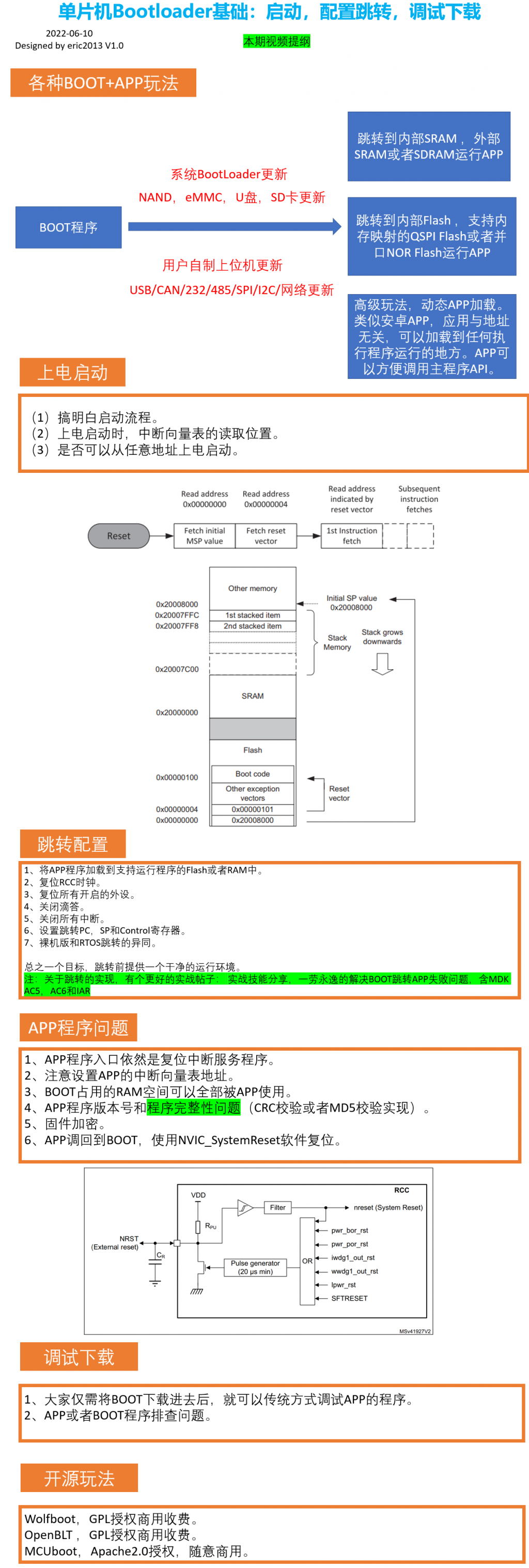
【BSP视频教程】BSP视频教程第17期:单片机bootloader专题,启动,跳转配置和调试下载的各种用法(2022-06-10)

Live broadcast preview | a new era of social interaction, exploring new social experiences in the universe

Pictographic dynamic graphic ideographic data

卷起來,突破35歲焦慮,動畫演示CPU記錄函數調用過程,進互聯大廠如此簡單

Rethinking atlas revolution for semantic image segmentation (deeplobv3) personal summary
Roll up and break through the anxiety of 35 years old. The animation demonstrates how easy it is for the CPU to record the function call process and enter the Internet factory

全链路追踪 & 性能监控工具 SkyWalking 实战

Basic use of pycharm

防洪排涝监控 防洪排涝自动监测遥测终端
随机推荐
How to make a simple Snake game with pyGame
SOA架构/测试阶段接口描述语言转换方案
[web security self-study] section 1 building of basic Web Environment
CAP 6.1 版本发布通告
VBA divides strings, stores them in an array, writes them to a file, and saves them
Li Ling: in six years, how did I go from open source Xiaobai to Apache top project PMC
adb不是内部或外部命令,也不是可运行的程序或批处理文件
Can deleted wechat friends be recovered? How to retrieve wechat friends after they are accidentally deleted
[untitled]
Pictographic dynamic graphic ideographic data
Fiddler模拟低速网络环境
Basic settings of pycharm [detailed explanation with pictures and words]
Technology sharing | quick intercom, global intercom
Fabric.js 锁定背景图,不受缩放和拖拽的影响
Print linked list from end to end (6)
【无标题】
二十多年了,安全套市场还只有杜蕾斯、冈本、杰士邦
Fiddler配置
Palm detection and finger counting based on OpenCV
Pytorch Foundation (I) -- anaconda and pytorch installation