当前位置:网站首页>Golang -- realize file transfer
Golang -- realize file transfer
2022-07-03 04:24:00 【Java mage】
With the help of TCP Complete the file transfer , The basic idea is as follows :
- The sender ( client ) Send the file name to the server , The server saves the file name .
- The receiving party ( Server side ) Return a message to the client ok, Confirm that the file name is saved successfully .
- The sender ( client ) After receiving the message , Start sending file data to the server .
- The receiving party ( Server side ) Read file contents , Write to the previously saved file .

First get the file name . With the help of os In bag stat() Function to get file attribute information . The file attribute returned by the function contains the file name and file size .Stat Parameters name What is passed in is the absolute path of file access .FileInfo Medium Name() Function can extract the list of files .
func Stat(name string) (FileInfo, error)
type FileInfo interface {

   Name() string
   Size() int64
   Mode() FileMode
   ModTime() time.Time
   IsDir() bool
   Sys() interface{
    }
}
The sender :
package main

import (
	"fmt"
	"io"
	"net"
	"os"
)

func sendFile(conn net.Conn, filePath string) {

	//  Read only open file
	f, err := os.Open(filePath)
	if err != nil {

		fmt.Println("os.Open err:", err)
		return
	}
	defer f.Close()

	//  From this document , Reading data , Write to the network receiver .  How much do you read , How much to write . Wholly intact .
	buf := make([]byte, 1024)
	for {

		n, err := f.Read(buf)
		if err != nil {

			if err == io.EOF {

				fmt.Println(" Send file complete .")
			} else {

				fmt.Println("os.Open err:", err)
			}
			return
		}
		//  Write to the network socket in
		_, err = conn.Write(buf[:n])
		if err != nil {

			fmt.Println("conn.Write err:", err)
			return
		}
	}
}

func main() {

	list := os.Args //  Get command line parameters

	if len(list) != 2 {

		fmt.Println(" The format is :go run xxx.go  File absolute path ")
		return
	}
	//  extract   The absolute path to the file
	filePath := list[1]

	// Extract filename
	fileInfo, err := os.Stat(filePath)
	if err != nil {

		fmt.Println("os.Stat err:", err)
		return
	}
	fileName := fileInfo.Name()

	//  Initiate a connection request
	conn, err := net.Dial("tcp", "127.0.0.1:8000")
	if err != nil {

		fmt.Println("net.Dial err:", err)
		return
	}
	defer conn.Close()

	//  Send the file name to   The receiver
	_, err = conn.Write([]byte(fileName))
	if err != nil {

		fmt.Println("conn.Write err:", err)
		return
	}
	//  Read the message sent back by the server  OK
	buf := make([]byte, 1024)
	n, err := conn.Read(buf)
	if err != nil {

		fmt.Println("conn.Read err:", err)
		return
	}

	if "ok" == string(buf[:n]) {

		//  Write the contents of the file to the server —— With the help of conn
		sendFile(conn, filePath)
	}
}
The receiver :
package main

import (
	"fmt"
	"net"
	"os"
)

func recvFile(conn net.Conn, fileName string) {

	//  Create a new file by file name
	f, err := os.Create(fileName)
	if err != nil {

		fmt.Println("os.Create err:", err)
		return
	}
	defer f.Close()

	//  from   Read data in the network , Write to local file
	buf := make([]byte, 1024)
	for {

		n, _ := conn.Read(buf)
		if n == 0 {

			fmt.Println(" Receive file complete .")
			return
		}
		//  Write to local file , How much do you read , How much to write .
		f.Write(buf[:n])
	}
}

func main() {

	//  Create a for listening socket
	listener, err := net.Listen("tcp", "127.0.0.1:8000")
	if err != nil {

		fmt.Println(" net.Listen err:", err)
		return
	}
	defer listener.Close()

	fmt.Println(" The receiving end is started successfully , Wait for the sender to send the file !")

	//  Blocking monitor
	conn, err := listener.Accept()
	if err != nil {

		fmt.Println(" listener.Accept() err:", err)
		return
	}
	defer conn.Close()

	//  Get the file name , preservation
	buf := make([]byte, 1024)
	n, err := conn.Read(buf)
	if err != nil {

		fmt.Println(" conn.Read err:", err)
		return
	}
	fileName := string(buf[:n])

	//  Write back  ok  To the sender
	conn.Write([]byte("ok"))

	//  Get file content
	recvFile(conn, fileName)
}
边栏推荐
- [no title] 2022 chlorination process examination content and free chlorination process examination questions
- [untitled] 2022 safety production supervisor examination question bank and simulated safety production supervisor examination questions
- vulnhub HA: Natraj
- Mila, University of Ottawa | molecular geometry pre training with Se (3) invariant denoising distance matching
- 540. Single element in ordered array
- 2022 beautician (intermediate) new version test questions and beautician (intermediate) certificate examination
- Which Bluetooth headset is good about 400? Four Bluetooth headsets with strong noise reduction are recommended
- What's wrong with SD card data damage? How to recover SD card data damage
- 金仓数据库KingbaseES 插件kdb_date_function
- Design and implementation of kubelet garbage collection mechanism to protect nodes from being preempted by containers image GC high threshold
猜你喜欢

跨境电商多商户系统怎么选
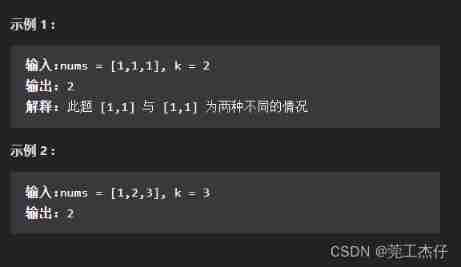
Prefix and (continuously updated)

Introduction of pointer variables in function parameters
![[fxcg] market analysis today](/img/ac/294368e3496a5b808b38833053ee81.jpg)
[fxcg] market analysis today
![[graduation season · aggressive technology Er] Confessions of workers](/img/ec/4f4d96e22a1029074b07ab80bfa1d9.png)
[graduation season · aggressive technology Er] Confessions of workers
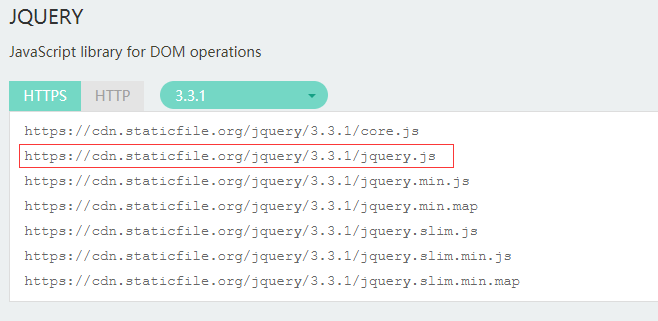
JS realizes lazy loading of pictures

Jincang KFS data bidirectional synchronization scenario deployment

China Mobile Internet of things oneos and onenet were selected in the list of 2021 Internet of things demonstration projects
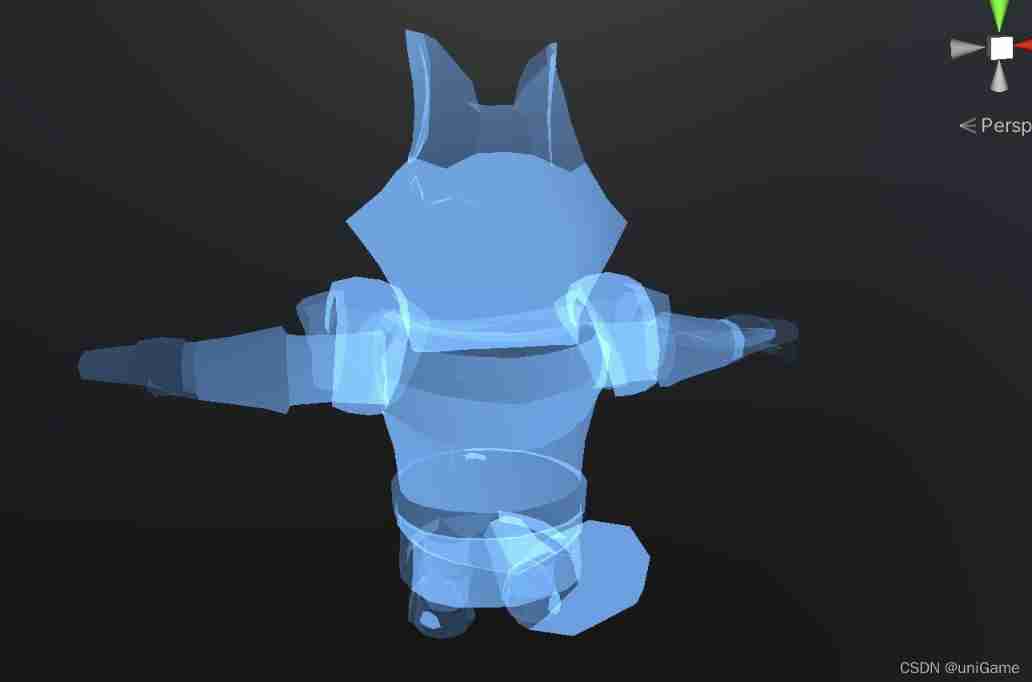
X-ray normal based contour rendering
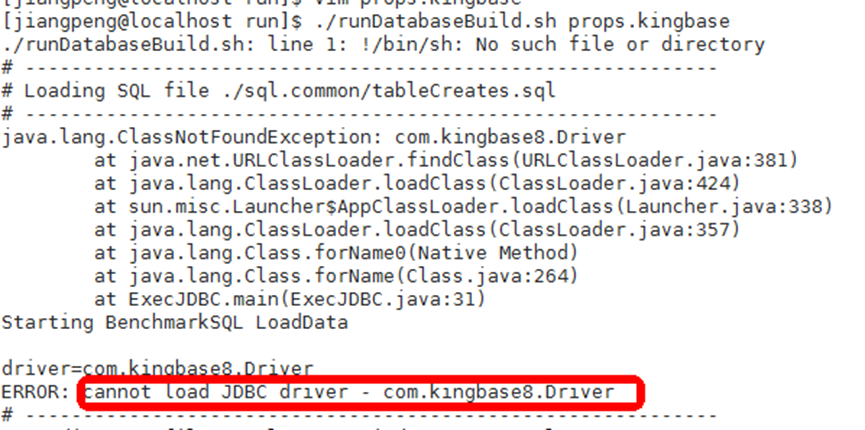
使用BENCHMARKSQL工具对kingbaseES执行灌数据提示无法找到JDBC driver
随机推荐
2022 electrician (Advanced) examination papers and electrician (Advanced) examination skills
Dive Into Deep Learning——2.1数据操作&&练习
解决bp中文乱码
C language series - Section 3 - functions
深潜Kotlin协程(十九):Flow 概述
[set theory] Cartesian product (concept of Cartesian product | examples of Cartesian product | properties of Cartesian product | non commutativity | non associativity | distribution law | ordered pair
金仓数据库KingbaseES 插件kdb_date_function
Arthas watch grabs a field / attribute of the input parameter
redis 持久化原理
The 10th China Cloud Computing Conference · China Station: looking forward to the trend of science and technology in the next decade
300+ documents! This article explains the latest progress of multimodal learning based on transformer
Js/ts bottom implementation double click event
【毕业季·进击的技术er】职场人的自白
MySQL field userid comma separated save by userid query
Prefix and (continuously updated)
Mila、渥太华大学 | 用SE(3)不变去噪距离匹配进行分子几何预训练
竞品分析撰写
sklearn数据预处理
Five elements of user experience
What functions need to be set after the mall system is built