当前位置:网站首页>Rabbit MQ message sending of vertx
Rabbit MQ message sending of vertx
2022-07-03 07:26:00 【Sleeping Empire】
Introduce
Vert.x RabbitMQ client , Allow applications to interact with RabbitMQ Agent interactive Vert.x client (AMQP 0.9.1)
1. maven Project dependence
<dependencies>
	<dependency>
		<groupId>io.vertx</groupId>
		<artifactId>vertx-web</artifactId>
	</dependency>
	<dependency>
		<groupId>io.vertx</groupId>
		<artifactId>vertx-rabbitmq-client</artifactId>
	</dependency>
	<dependency>
		<groupId>io.vertx</groupId>
		<artifactId>vertx-config-yaml</artifactId>
	</dependency>
	<dependency>
		<groupId>com.fasterxml.jackson.core</groupId>
		<artifactId>jackson-databind</artifactId>
	</dependency>
	<dependency>
		<groupId>com.lance.common</groupId>
		<artifactId>vertx-common-core</artifactId>
		<version>0.0.1-SNAPSHOT</version>
	</dependency>
</dependencies>
2.YAML File configuration
server:
  host: 127.0.0.1
  port: 18005

rabbit:
  host: 127.0.0.1
  port: 18003
  username: root
  password: root
  virtualHost: /root
  connectionTimeout: 6000
  requestedHeartbeat: 60
  handshakeTimeout: 6000
  requestedChannelMax: 5
  networkRecoveryInterval: 500
  automaticRecoveryEnabled: true
3. Start loading profile , And into the config In the middle
public class RabbitmqApplication {

  public static void main(String[] args) {
    Vertx vertx = Vertx.vertx();
    ConfigRetriever retriever = readYaml(vertx);

    retriever.getConfig(json -> {
      JsonObject object = json.result();
      ClientHelper dbHelper = new ClientHelper(object.getJsonObject("rabbit"), vertx);
      dbHelper.afterPropertiesSet();

      DeploymentOptions options = new DeploymentOptions().setConfig(object);
      vertx.deployVerticle(MainApp.class.getName(), options);
    });
  }

  private static ConfigRetriever readYaml(Vertx vertx) {
    ConfigStoreOptions store = new ConfigStoreOptions()
        .setType("file")
        .setFormat("yaml")
        .setOptional(true)
        .setConfig(new JsonObject().put("path", "application.yaml"));

    return ConfigRetriever.create(vertx, new ConfigRetrieverOptions().addStore(store));
  }
}
4.RabbitMQ client Connection configuration
public class ClientHelper {
  private final JsonObject object;
  private final Vertx vertx;
  @Getter
  private static RabbitMQClient client;

  /**
   *  initialization mail client Connect
   */
  public void afterPropertiesSet() {
    ConfigProperties.MqProperties prop = object.mapTo(ConfigProperties.MqProperties.class);

    RabbitMQOptions config = new RabbitMQOptions();
    // Each parameter is optional
    // The default parameter with be used if the parameter is not set
    config.setUser(prop.getUsername());
    config.setPassword(prop.getPassword());
    config.setHost(prop.getHost());
    config.setPort(prop.getPort());
    config.setVirtualHost(prop.getVirtualHost());
    config.setReconnectAttempts(prop.getReconnectAttempts());
    config.setReconnectInterval(prop.getReconnectInterval());
    config.setConnectionTimeout(prop.getConnectionTimeout());
    config.setRequestedHeartbeat(prop.getRequestedHeartbeat());
    config.setHandshakeTimeout(prop.getHandshakeTimeout());
    config.setRequestedChannelMax(prop.getRequestedChannelMax());
    config.setNetworkRecoveryInterval(prop.getNetworkRecoveryInterval());
    config.setAutomaticRecoveryEnabled(prop.isAutomaticRecoveryEnabled());
    client = RabbitMQClient.create(vertx, config);

    // Connect
    client.start(asyncResult -> {
      if (asyncResult.succeeded()) {
        consumer();
        log.warn("RabbitMQ successfully connected!");
      } else {
        log.error("Fail to connect to RabbitMQ {}", asyncResult.cause().getMessage());
      }
    });
  }

  private void consumer() {
    client.basicConsumer(MqConst.HELLO_ROUTING_KEY, result -> {
      if (result.succeeded()) {
        RabbitMQConsumer mqConsumer = result.result();
        mqConsumer.handler(message -> {
          log.info("Got message: {}", message.body().toString());
          log.info("Message[exchange: {}, routeKey: {}] receive success!", message.envelope().getExchange(), message.envelope().getRoutingKey());
        });
      } else {
        log.error("===>Queue receive fail: ", result.cause());
      }
    });
  }
}
5.Email Send execution instance
public class UserService {

  /**
   * send text content
   */
  public void sendMessage(RoutingContext ctx) {
    UserVo userVo = ctx.getBodyAsJson().mapTo(UserVo.class);

    Buffer message = Buffer.buffer(Json.encode(userVo));
    ClientHelper.getClient().basicPublish(MqConst.HELLO_EXCHANGE, MqConst.HELLO_ROUTING_KEY, message, result -> {
      if (result.succeeded()) {
        log.info("Message[exchange: {}, routeKey: {}] published success!", MqConst.HELLO_EXCHANGE, MqConst.HELLO_ROUTING_KEY);
      } else {
        log.error("Message send fail: ", result.cause());
      }
    });

    ctx.json(R.success("success"));
  }
}
8. journal
2022-02-13 14:43:13.826  INFO 24 --- [ntloop-thread-1] com.lance.rabbit.service.UserService    ---[  30] : Message[exchange: hello_exchange, routeKey: hello_route_key] published success!
2022-02-13 14:43:13.893  INFO 19 --- [ntloop-thread-0] com.lance.rabbit.config.ClientHelper    ---[  67] : Got message: {"name":"Jim Green","title":"book"}
2022-02-13 14:43:13.893  INFO 19 --- [ntloop-thread-0] com.lance.rabbit.config.ClientHelper    ---[  68] : Message[exchange: hello_exchange, routeKey: hello_route_key] receive success!
7. Full address of the project
边栏推荐
- Wireshark software usage
- VMWare网络模式-桥接,Host-Only,NAT网络
- Unified handling and interception of exception exceptions of vertx
- When MySQL inserts Chinese into the database, there is a diamond question mark garbled code
- Talk about floating
- Docker builds MySQL: the specified path of version 5.7 cannot be mounted.
- 《指環王:力量之戒》新劇照 力量之戒鑄造者亮相
- Advanced API (local simulation download file)
- Logging log configuration of vertx
- Industrial resilience
猜你喜欢
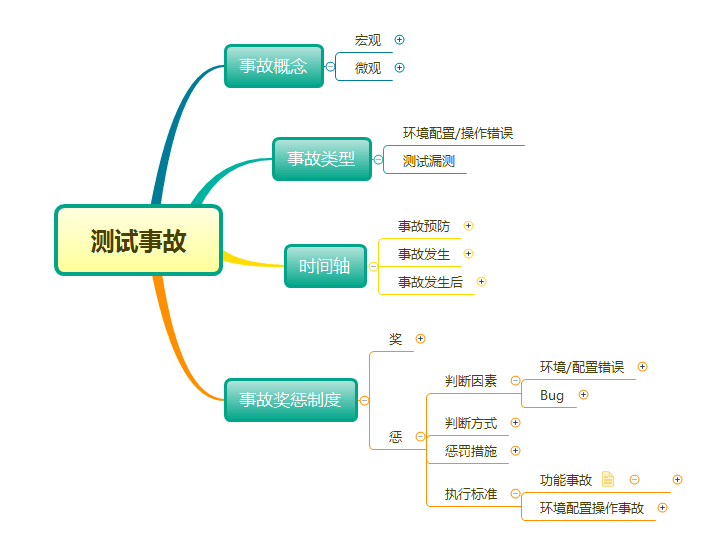
Take you through the whole process and comprehensively understand the software accidents that belong to testing
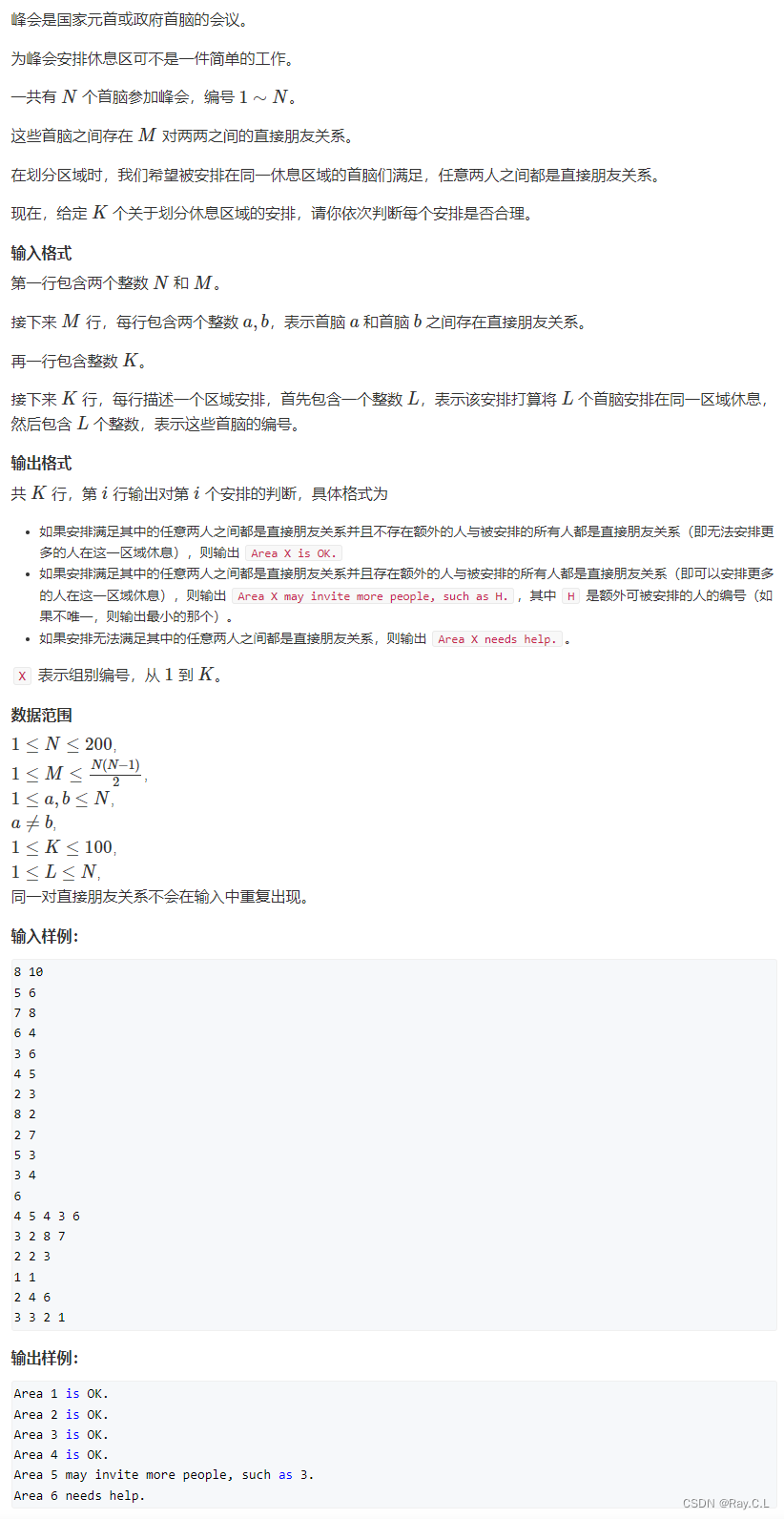
PAT甲级真题1166
![[set theory] Stirling subset number (Stirling subset number concept | ball model | Stirling subset number recurrence formula | binary relationship refinement relationship of division)](/img/d8/b4f39d9637c9886a8c81ca125d6944.jpg)
[set theory] Stirling subset number (Stirling subset number concept | ball model | Stirling subset number recurrence formula | binary relationship refinement relationship of division)

Understanding of class

Qtip2 solves the problem of too many texts

New stills of Lord of the rings: the ring of strength: the caster of the ring of strength appears

最全SQL与NoSQL优缺点对比

Deep learning parameter initialization (I) Xavier initialization with code

不出网上线CS的各种姿势
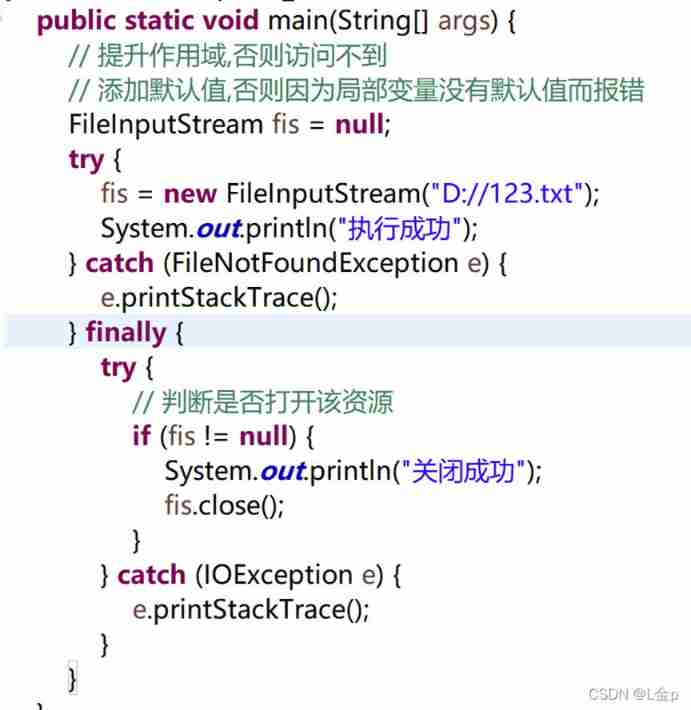
Summary of abnormal mechanism of interview
随机推荐
Raspberry pie update tool chain
Basic components and intermediate components
Homology policy / cross domain and cross domain solutions /web security attacks CSRF and XSS
Advanced API (byte stream & buffer stream)
Use of other streams
Topic | synchronous asynchronous
不出网上线CS的各种姿势
Deep learning parameter initialization (I) Xavier initialization with code
Distributed lock
Specified interval inversion in the linked list
[most detailed] latest and complete redis interview book (50)
带你全流程,全方位的了解属于测试的软件事故
Use of framework
Store WordPress media content on 4everland to complete decentralized storage
OSI knowledge sorting
TCP cumulative acknowledgement and window value update
Le Seigneur des anneaux: l'anneau du pouvoir
Interfaces and related concepts
Spa single page application
Common architectures of IO streams