当前位置:网站首页>Learning about opencv (1)
Learning about opencv (1)
2022-07-26 10:11:00 【SingleDog_ seven】
In the study opencv After basic operation of , We can expand it a little on the basis , Carry out some more advanced operations .
Catalog
1, Corrosion operation :( binary : Like black and white ?)
2, Expansion operation :( Similar to corrosion )
One , Threshold image :
The first is about image threshold operation :
cat = cv2.imread('cat.jpg')
#ret,dst = cv2.threshold(src,thresh,maxval,type)
# scr: Input diagram , Only single channel images can be input
# dst: Output chart
# thresh: threshold     Usually 127
# maxval: When the pixel exceeds the threshold ( according to type), The value assigned
# type: Binary operation , Five types :
#cv2.THRESH_BINARY   Over threshold value maxval, Otherwise take 0
#cv2.THRESH_BINARTY_INV    cv.THRESH_BINARY The reversal of
#cv2.THRESH_TRUNC     The part greater than the threshold value is set as the threshold value , Otherwise unchanged
#cv2.THRESH_TOZERO    The part greater than the threshold does not change , Otherwise, it is set to 0
#cv2.THRESH_TOZERO_INV    cv.THRESH_TOZERO  The reversal of
There are five basic types of threshold operations , The operation method is similar , Let's take the first example :
ret,dst1 = cv2.threshold(cat,127,255,cv2.THRESH_BINARY)
cv_show('a',dst1) 


The first is the original , The second is the image after the operation of the original image .
Two , The image processing :
1, Mean filtering :
Mean filtering is also called linear filtering , The main method is neighborhood average method . The basic principle of linear filtering is to replace each pixel value in the original image with the mean value , The current pixel to be processed (x,y), Select a template , The template is composed of several neighboring pixels , Find the mean value of all pixels in the template , Then assign the mean value to the current pixel (x,y), As the gray level of the processed image at this point g(x,y), namely g(x,y)=∑f(x,y)/m m Is the total number of pixels in the template including the current pixel .
blur = cv2.blur(cat,(3,3))
cv_show('b',blur)
2, Box filtering :
Similar to mean filtering , The difference is normalization .
# Box filtering : Similar to the mean ( Normalization can be selected )
box1= cv2.boxFilter(cat,-1,(3,3),normalize=True)   # And divided by nine
cv_show('c',box1)
# No need to normalize , Easy to cross the border
box2= cv2.boxFilter(cat,-1,(3,3),normalize=False)
cv_show('d',box2)

The first picture is normalized , Similar to the mean , The second graph is not normalized , It will be easy to cross the border .
3, Gauss filtering :
Gauss filter is a linear smoothing filter , Suitable for eliminating Gaussian noise , Noise reduction process widely used in image processing . Generally speaking , Gaussian filtering is the process of weighted average of the whole image . The specific operation of Gaussian filtering is : Use a template ( Convolution 、 Mask ) Scan every pixel in the image , Using the weighted average gray value of the pixels in the neighborhood determined by the template to replace the value of the central pixel of the template .
# gaussian : It's important to be close ,1 Said the weight ( Normal distribution )
aussian = cv2.GaussianBlur(cat,(5,5),1)
cv_show('e',aussian)
4, median filtering :
Arrange the numbers in the matrix by size , Take the middle number as the value of the matrix .
# median filtering : Replace with a median
median = cv2.medianBlur(cat,5)
cv_show('f',median)
These methods are all for removing noise , Make the image clearer .
The following line of code is for the convenience of comparing the differences of various image operations .
res = np.hstack((blur,aussian,median))
cv_show('j',res)
3、 ... and , morphology :
1, Corrosion operation :( binary : Like black and white ?)
kernel = np.ones((5,5),np.uint8)         #(5,5) Range
erosion = cv2.erode(cat,kernel,iterations=1)     #iterations: How many times
cv_show('h',erosion)
These are execution 1,2,3 The result after the first time .
2, Expansion operation :( Similar to corrosion )
kernel = np.ones((5,5),np.uint8)
dilate =cv2.dilate(cat,kernel,iterations=1)
cv_show('j',dilate)
These are execution 1,2,3 The result after the first time .
Changing the scope can get different results , Take one execution as an example : The smaller the range , The closer to the original , The larger the scope , The closer it is to the figure after multiple executions .
3, Open operation :
Corrosion before expansion , Can deburr
# open : Corrosion before expansion ( Deburring ?)
kernel = np.ones((5,5),np.uint8)
opening = cv2.morphologyEx(cat,cv2.MORPH_OPEN,kernel)
cv_show('i',opening)
4, Closed operation :
Expand first and then corrode , It can mend holes
# close : Expand first and then corrode ( Mend a hole ?)
kernel = np.ones((5,5),np.uint8)
closing = cv2.morphologyEx(cat,cv2.MORPH_CLOSE,kernel)
cv_show('i',closing)

On the left is the open operation , On the right is the closed operation .
5, Gradient operation :
gradient = inflation - corrosion
kernel = np.ones((5,5),np.uint8)
dilate= cv2.dilate(cat,kernel,iterations=5)
cv_show('g',dilate)
6, Hats and black hats :
formal hat = original - Open operation :
# formal hat = original - Open operation
tophat = cv2.morphologyEx(cat,cv2.MORPH_TOPHAT,kernel)
cv_show('k',tophat)
Black hat = Closed operation - original
tophat = cv2.morphologyEx(cat,cv2.MORPH_TOPHAT,kernel)
cv_show('k',tophat)

The first picture is a hat , The second picture is black hat .
That's all for this study , You are welcome to correct any mistakes .
( notes : For comparison , Lots of pictures are quoted )
边栏推荐
- 网易云UI模仿-->侧边栏
- 数通基础-TCPIP参考模型
- Interview shock 68: why does TCP need three handshakes?
- Explain automatic packing and unpacking?
- 数通基础-Telnet远程管理设备
- MySQL 5.7.25 source code installation record
- Solve proxyerror: CONDA cannot proceed due to an error in your proxy configuration
- Study notes of the fifth week of sophomore year
- Getting started with SQL - combined tables
- Set view dynamic picture
猜你喜欢

Meeting OA project (III) -- my meeting (meeting seating and submission for approval)
分布式网络通信框架:本地服务怎么发布成RPC服务

Installation and use of cocoapods

AirTest

Leetcode 504. 七进制数

Transform between tree and array in JS (hide the children field if the child node of the tree is empty)

SSG框架Gatsby访问数据库,并显示到页面上
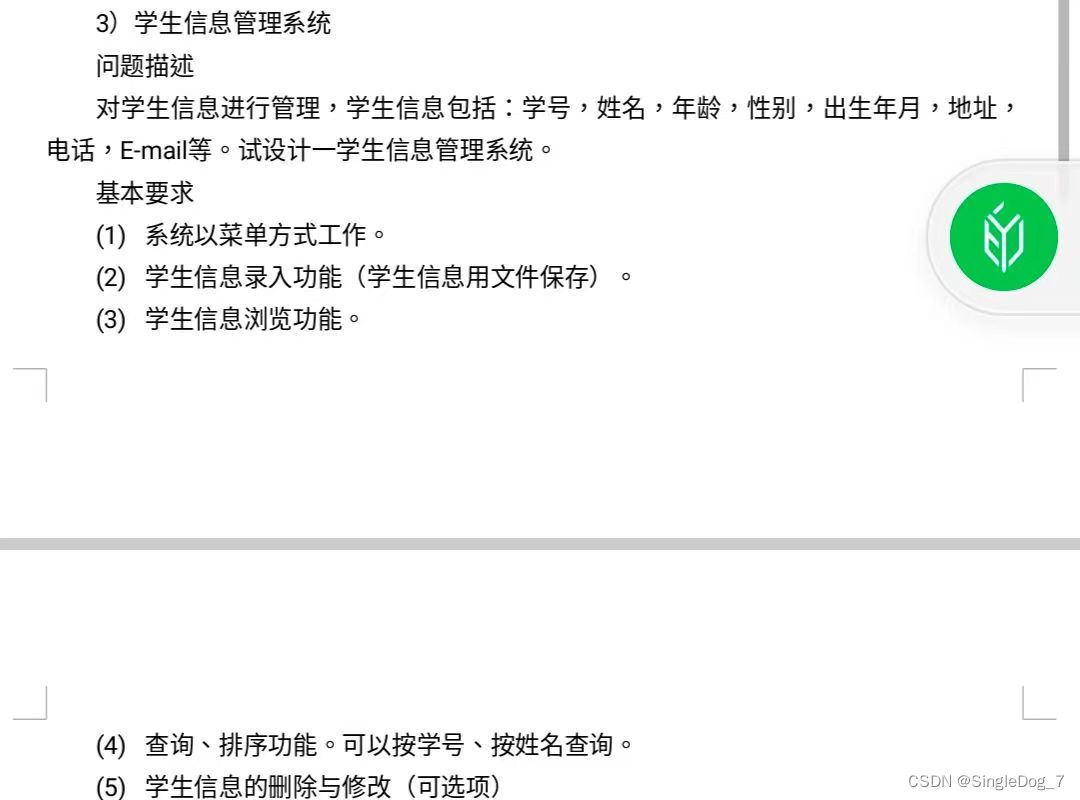
On the compilation of student management system of C language course (simple version)

Beginner of flask framework-04-flask blueprint and code separation

Session based recommendations with recurrent neural networks
随机推荐
Session based recommendations with recurrent neural networks
Cloud native (36) | introduction and installation of harbor in kubernetes
Interpretation of the standard of software programming level examination for teenagers_ second level
All codes of Tetris
2022 zhongkepan cloud - server internal information acquisition and analysis flag
Show default image when wechat applet image cannot be displayed
Principle analysis and source code interpretation of service discovery
Jpg to EPS
Study notes of the third week of sophomore year
Uniapp "no mobile phone or simulator detected, please try again later" and uniapp custom components and communication
服务发现原理分析与源码解读
Vs2019 configuring opencv
The charm of SQL optimization! From 30248s to 0.001s
解决ProxyError: Conda cannot proceed due to an error in your proxy configuration.
Netease cloud UI imitation -- & gt; sidebar
IE7 set overflow attribute failure solution
Vectortilelayer replacement style
Distributed network communication framework: how to publish local services into RPC services
Transform between tree and array in JS (hide the children field if the child node of the tree is empty)
云原生(三十六) | Kubernetes篇之Harbor入门和安装