当前位置:网站首页>MySQL download and installation & perfect uninstall
MySQL download and installation & perfect uninstall
2022-07-27 04:57:00 【@Code every day】
Author's brief introduction : Hello, I'm @ Typing code every day , A player of material transcoding farmer , Hope to work together , Progress together !
Personal home page :@ Every day, I have to type the personal homepage of the code
Recommend a simulated interview 、 Brush Title artifact , From basic to interview questions Click to jump to the question brushing website to register for learning
Catalog
1.MySQL Installation
(1) Double click to download it from the official website MySQL
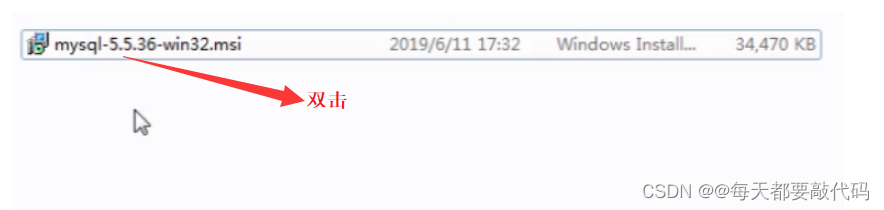
(2) Keep going , Until you encounter the following interface
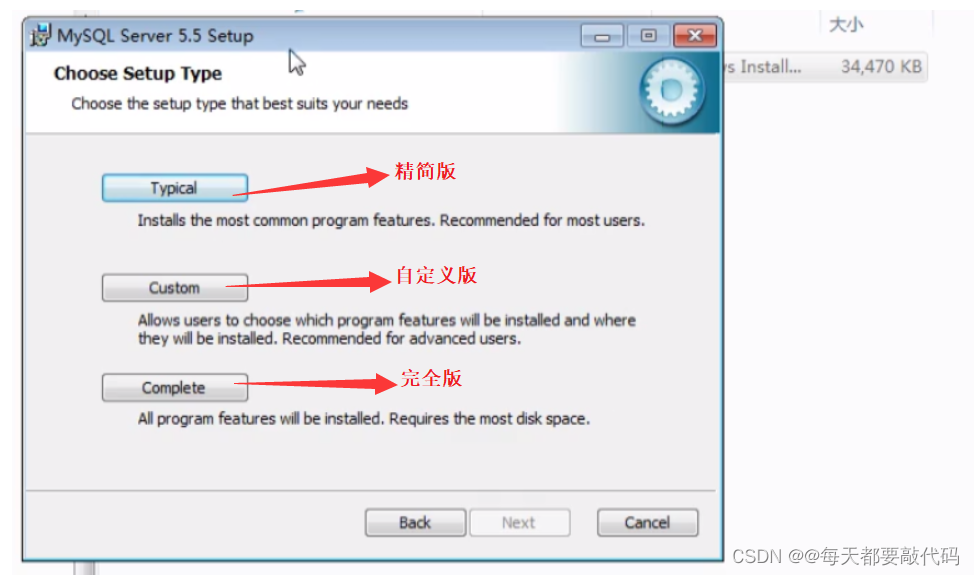
(3) choice Typical, Will jump , Click on Install

(4) Wait for download to complete , Click on next

(5) Go to the following screen , Click on Finish Come to the configuration interface

(6) Click on next Start configuration

(7) The default option , Detailed configuration

(8) Continue to choose the default development machine

(9) Select the default transaction support

(10) Always acquiesce in the next step , Until I met MySQL Of 3306 port ( File download port :21、 Internet port :80、MySQL port :3306、Oracle port :1521)

(11) Select database character set

(12) Default MySQL The service name ; choice bin Directory to configuration PATH, Don't configure it manually later ; You may not choose , Then manually configure the environment variables

(13) Set up super users root After the password , Move on to the next step :

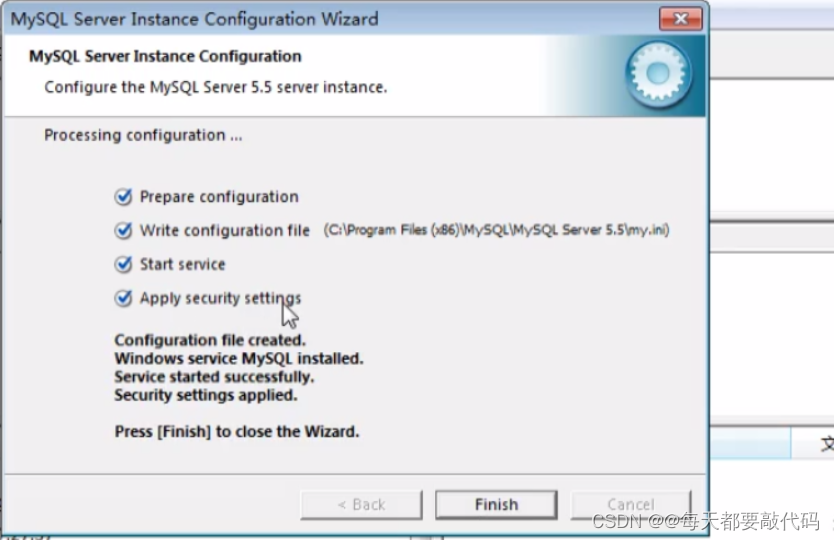
(14) Click execute Execute, Until all four checkmarks are marked , Installation successful !
2.MySQL Start and stop of
When we installed it , The default is to start MySQL, It can also be started manually !
Method 1:
win+r Input services.msc; find MySQL, Start and stop manually

Method 2:
Open as administrator dos Command window , Enter the following command
net stop MySQL  # stop it
net start MySQL # start-up 
3. Client connection
Mode one :
Use MySQL Client command line tools provided ; In the start menu , find MySQL Command line tools
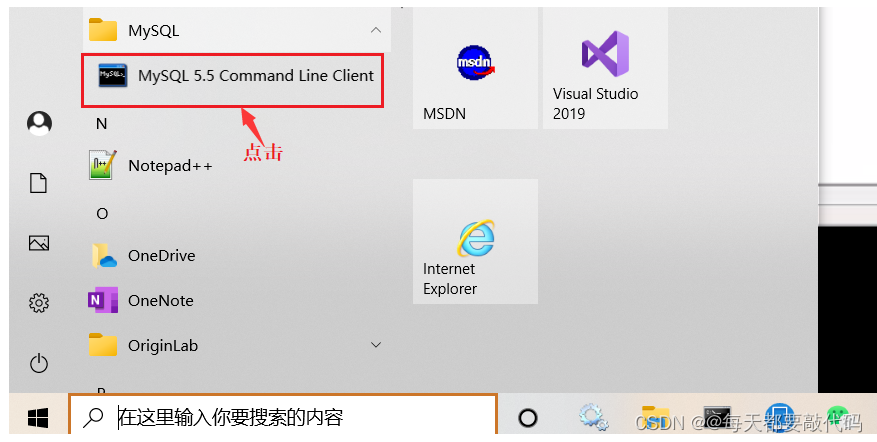
You will get the following interface , Enter the password directly to log in :

Mode two : utilize dos Window login
The first direct login method :mysql -uroot -p123456
Directly enter , The following interface indicates successful login ; But this method has disadvantages , Others can see the password we entered

The second login method : First enter :mysql -uroot -p enter ,
And then type in the password , Others will not see our password

4.MySQL Perfect uninstall
First step : Reopen our installation package , Find the following screen :

Finally, click Remove

The second step : Delete two files
(1) Our default installation path MySQL Folder

(2) Delete hidden in ProgramData Under folder MySQL Folder ;

about ProgramData It's a hidden file , To show it : Click to see , Just tick the hidden items

Conclusion
Today's sharing is here ! Register and join the problem brushing army through the link below ! All kinds of big factory interview questions are waiting for you !
Brush Title artifact , From basic to interview questions Click to jump to the website
边栏推荐
- Text processing tool in shell, cut [option parameter] filename Description: the default separator is the built-in variable of tab, awk [option parameter] '/pattern1/{action1}filename and awk
- Digital integrated circuit: MOS tube device chapter (I)
- 使用Photoshop出现提示“脚本错误-50出现一般Photoshop错误“
- ps样式如何导入?Photoshop样式导入教程
- UUID and indexing rules
- 冒泡排序(详细)
- 二维数组求和 练习
- Photoshop提示暂存盘已满怎么办?ps暂存盘已满如何解决?
- Cache read / write policies: cacheside, read/writethrough and writeback policies
- 打开编程的大门
猜你喜欢

Technology sharing | gtid that needs to be configured carefully_ mode

Interesting C language

【报错】:Cannot read properties of undefined (reading ‘prototype‘)

.htaccess学习

iPhone13再降价,其实只是做做样子,消费者都在等iPhone14
![[search] two way search + A*](/img/b1/115f75e8a7c7d3f797f5f4598a266c.png)
[search] two way search + A*

数字中国建设峰会闭幕,现场海量图片一览!
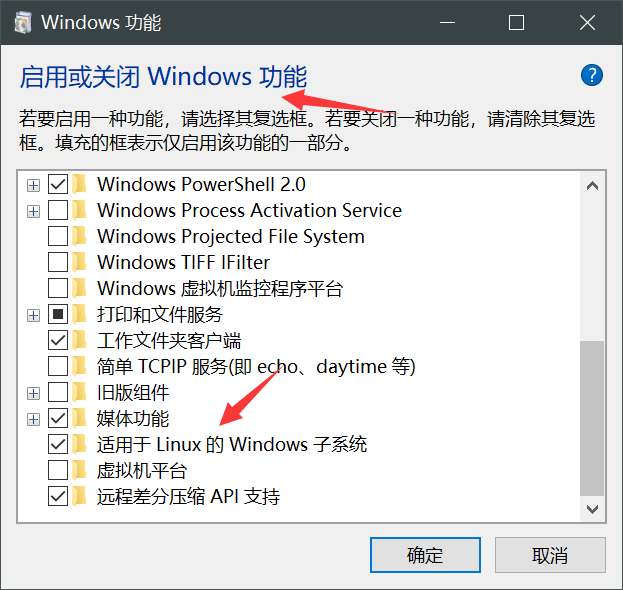
Solution: how to use bash batch command in win10
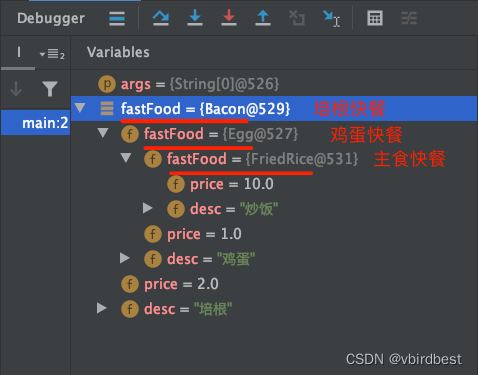
Structural mode - decorator mode

Session&Cookie&token
随机推荐
How does novice Xiaobai learn to be we media?
Open the door of programming
Redis interview question (2022)
Structural mode - bridging mode
strlen和sizeof的区别
Solution: how to use bash batch command in win10
Idea 如何新建一个groovy的项目(图文详细解释)
Unity:Resource Merging、Static Batching、Dynamic Batching、GPU Instancing
【AtCoder Beginner Contest 260 (A·B·C)】
Visualization domain svg
Why is select not recommended*
Comprehensive experiment of static routing
State Hook
Affine transformation module and conditional batch Standardization (CBN) of detailed text generated images
How can I index the Oracle database field date?
Structural mode - decorator mode
报错:cannot read poperties of undefined(reading ‘then‘)
自定义视口高度,多余的部分使用滚动
Find a specific number in an ordered array
Basic configuration of static routing to achieve network wide accessibility