当前位置:网站首页>How to cancel crmeb customer service link
How to cancel crmeb customer service link
2022-06-22 07:21:00 【A helpful little dork】
How to delete / Modify the blue customer service button suspended in the background ?

Some users have installed the latest version of the system , I found that a blue customer service button appeared in the background and front desk , Link to CRMEB Official customer service , How to delete ?
The standard version 、Pro edition :
Log in to the system background , open 【 Set up - System settings - Third party interface settings - Statistics 】, Delete 【 Statistical code 】 Content , Submit and save .
Multi merchant system :
【 Set up - Mall configuration - Mall configuration - Statistical code 】, Delete the statistics code and submit it for saving .
Other versions are similar to , Just find the background settings , Statistical code , Delete the content .
边栏推荐
- 校招路上的坑
- Antd framework: click the link to reopen the browser page - Basic accumulation
- matlab 实现中值滤波
- Canoe uses tricks to export data from logging file/trace to Matlab for analysis
- Assembly learning Chapter 4 of assembly language (Third Edition) written by Wang Shuang
- Yolov1 (prediction process)
- Canoe learning notes (6) diagram of logging block data recording module
- [out of distribution detection] deep analog detection with outlier exposure ICLR '19
- Selenium anti crawl and analog mobile browser
- RFID warehouse management system solution implementation visualization process
猜你喜欢
33岁程序员的年中总结

True MySQL interview question (19) -- Tiktok -- select the list of users who have logged in for two consecutive days every month

Coursera self driving car Part4 motion planning finalproject principle and key code analysis

2 lines of text on the right of the left Avatar

Introduction and use of cookies
![[internship] cross domain problems](/img/0c/48b3138eb153cf4402017924e564a0.jpg)
[internship] cross domain problems
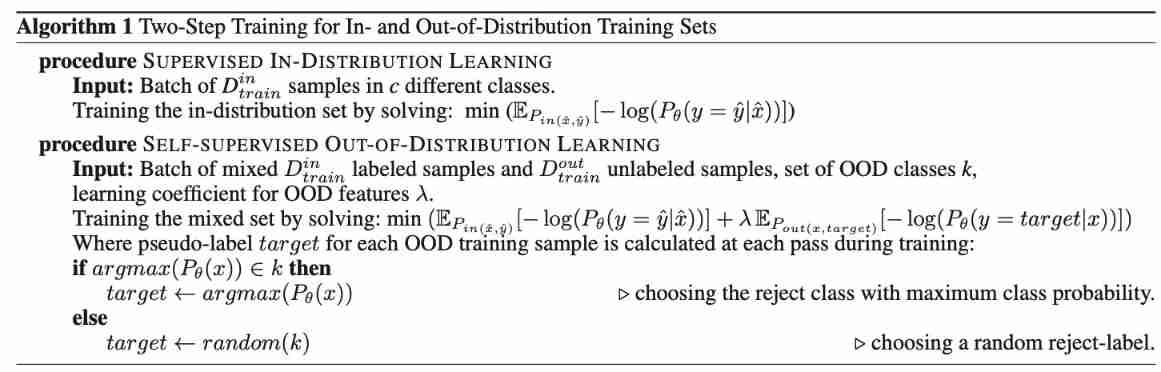
Self supervised learning for general out of distribution detection AAAI '20

Parameter curve notes of coursera self driving car Part4 motion planning

Propeller framework v2.3 releases high reusable operator library Phi: Restructure development paradigm, reduce cost and increase efficiency

CNN model collection | RESNET variants -wideresnet interpretation
随机推荐
Convolutional neural network (notes, for personal use)
[out of distribution detection] deep analog detection with outlier exposure ICLR '19
Rviz ROS wiki official website tutorial learning notes (1) - User Guide
Process engine solves complex business problems
2 lines of text on the right of the left Avatar
Propeller framework v2.3 releases high reusable operator library Phi: Restructure development paradigm, reduce cost and increase efficiency
Developing a contract application with low code
Set the way that liquid (Jekyll) is displayed in markdown but not parsed
Self supervised learning for general out of distribution detection AAAI '20
Chromedriver所有版本下載
Programming problem: removing elements from an array (JS Implementation)
True MySQL interview question (19) -- Tiktok -- select the list of users who have logged in for two consecutive days every month
How to import Taobao products into another store
【GAN】W-GAN ICLR‘17, ICML‘17
希腊字母 - 开发中常用的系统/服务名 - 收集
【GAN】《ENERGY-BASED GENERATIVE ADVERSARIAL NETWORKS》 ICLR‘17
Solutions to newinstance() invalidation
TypeScript & 详细解释 in、keyof、extends、索引签名、Record、typeof 的含义(不定时更新)
[Gan] Introduction to Gan basics and dcgan
JS native implementation for loop rendering array