当前位置:网站首页>SolidWorks rendering tips how not to display edges -- display style settings
SolidWorks rendering tips how not to display edges -- display style settings
2022-06-26 11:10:00 【hu5566798】

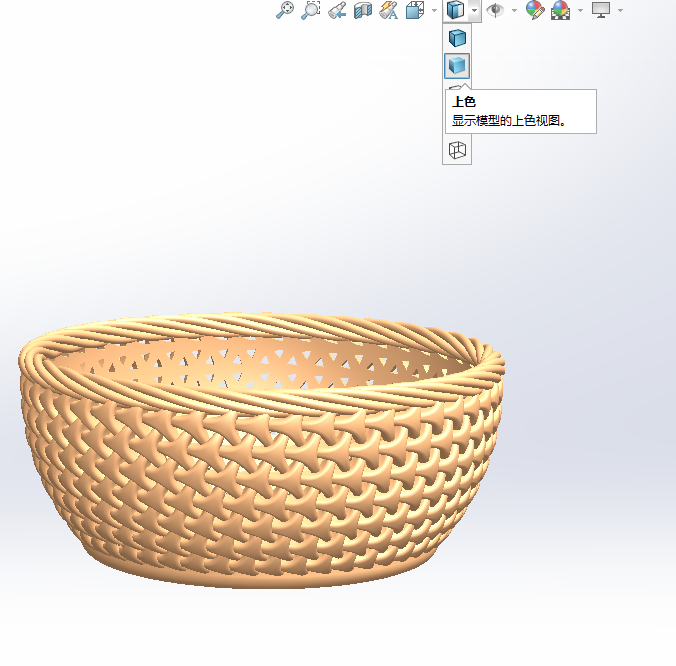
As shown in the figure above, it is a display with edges , If you want to go out ps design sketch , The existence of such edges will make the rendering look ugly .

Because the default is to select the display style with color on the edge .
Just change it to “ Color ” The second display style , Then there will be no boundary .
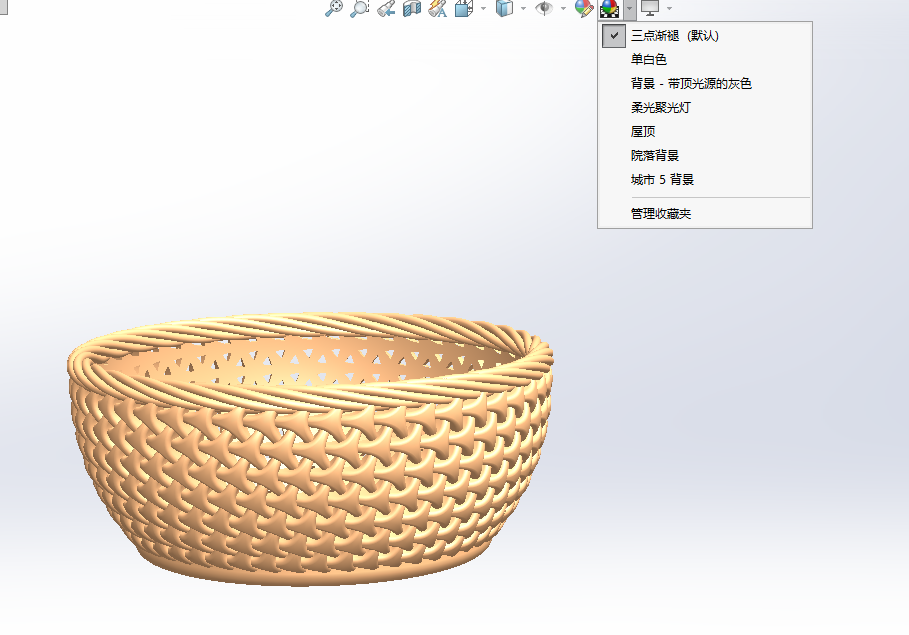
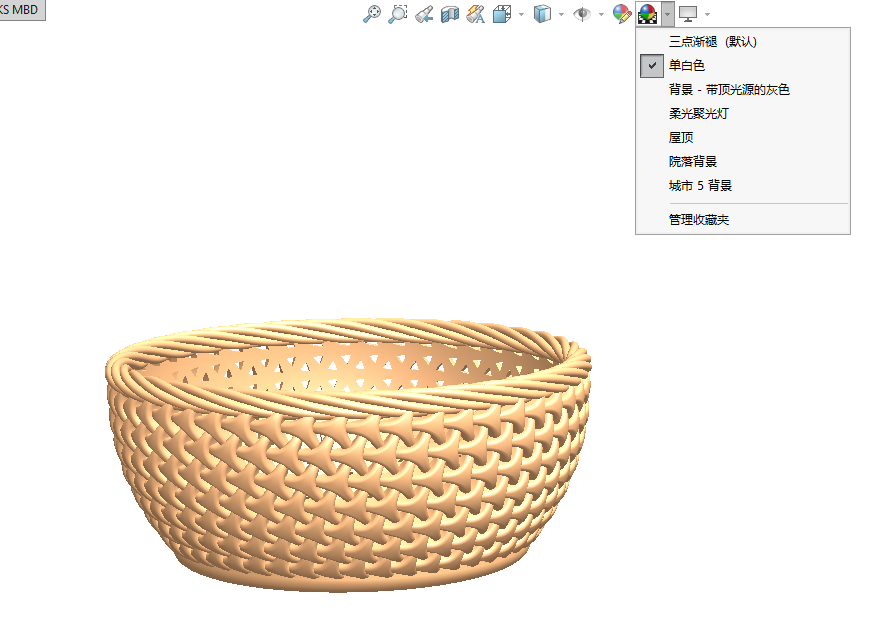
In addition, if you want to get a pure white background color , Select apply scene Single white
Tips for quickly selecting render colors :
1, Click the right color ball to select a material . Confirm that you want to double-click the corresponding material .

2, choice The top one Edit appearance 
You don't need to choose too many colors , It is convenient to choose common colors 
边栏推荐
- 机器学习聚类——实验报告
- Splicing full paths and uploading multiple pictures of laravel admin when laravel uses OSS
- Mysql 30条军规
- Easyx----- C language implementation 2048
- JS take the date of the previous month 【 pit filling 】
- ISO 26262之——2功能安全概念
- laravel中使用group by分组并查询数量
- [echart] i. how to learn echart and its characteristic document reading notes
- 栖霞市住建局和消防救援大队开展消防安全培训
- laravel-admin 非自增ID获取, 及提交隐藏表单
猜你喜欢

栖霞市住建局和消防救援大队开展消防安全培训

Vscode environment setup: synchronous configuration
【深度学习理论】(6) 循环神经网络 RNN

Sqli-labs靶场1-5

April 13, 2021 interview with beaver family

redux相关用法

Nacos2.x.x start error creating bean with name 'grpcclusterserver';

4、 Stacks and queues
(Typora图床)阿里云oss搭建图床+Picgo上传图片详细教程

PC QQ hall upload update modify VersionInfo
随机推荐
基于slate构建文档编辑器
机器学习SVM——实验报告
QT connection MySQL data query failed
laravel 写原生SQL语句
Recent work report
dd命令测试华为鲲鹏&宏衫固态存储磁盘读写速度
SQL Server foundation introduction collation
最牛X的CMDB系统
The difference between NPM and yarn
Some problems of feign transferring multipartfile
express在nodejs中的基本使用
滑动窗口
What does ack attack mean? How to defend against ack attacks?
laravel中使用group by分组并查询数量
.net中,日志组件 Nlog,SerialLog, Log4Net的用法
【深度学习理论】(7) 长短时记忆网络 LSTM
Easyx-----c语言实现2048
MySQL performance monitoring and SQL statements
Fabric. JS upper dash, middle dash (strikethrough), underline
Group by is used in laravel to group and query the quantity