当前位置:网站首页>x-sheet 开发教程:初始化配置自定义布局
x-sheet 开发教程:初始化配置自定义布局
2022-07-27 15:44:00 【InfoQ】
介绍
配置
const settings = {
 // 工作簿配置
 workConfig: {
 // 创建时间
 created: "",
 // 修改时间
 modified: "",
 // 作者信息
 creator: "",
 // 最后修改作者
 lastModifiedBy: "",
 // 工作簿名称
 name: "x-sheet",
 // 顶部配置
 top: {
 // 顶部选项栏配置
 option: {
 // 是否显示选项栏
 show: true,
 },
 // 顶部菜单栏配置
 menu: {
 // 是否显示菜单栏
 show: true,
 },
 },
 // 主体配置
 body: {
 // 工作表菜单配置
 sheetConfig: {
 // 是否显示右击菜单
 showMenu: true,
 },
 // 工作表主体配置
 sheets: [
 {
 // 工作表名称
 name: "sheet1",
 // 表格配置
 tableConfig: {
 // 标题行列配置
 index: {
 // 标题行高度
 height: 30,
 // 标题列宽度
 width: 50,
 // 标题行列边框颜色
 gridColor: "rgb(193,193,193)",
 // 标题行列字体大小
 size: 12,
 // 标题行列字体颜色
 color: "rgb(0,0,0)",
 },
 // 表格整体配置
 table: {
 // 是否显示网格线
 showGrid: true,
 // 表格区域背景颜色
 background: "rgb(255,255,255)",
 // 网格线颜色
 gridColor: "rgb(225,225,225)",
 },
 // 行配置
 rows: {
 // 自定义最大行数
 len: 100,
 // 默认行高
 height: 30,
 // 行配置数据
 data: [
 {
 // 自定义行高,未设置的会取默认行高
 height: 100
 },
 ],
 },
 // 列配置
 cols: {
 // 自定义最大列数
 len: 25,
 // 默认列宽
 width: 110,
 // 行配置数据
 data: [{
 // 自定义列宽,未设置的会取默认列宽
 width: 200
 }],
 },
 // 冻结范围
 xFixedView: {
 // 冻结列索引,-1为不冻结
 fxLeft: -1,
 // 冻结行索引,-1为不冻结
 fxTop: -1,
 },
 // 冻结分割线样式
 xFixedBar: {
 // 冻结行分割线高度
 height: 16,
 // 冻结列分割线宽度
 width: 26,
 // 冻结分割线背景色
 background: "rgb(234,234,234)",
 // 冻结分割线按钮背景色
 buttonColor: "rgb(193,193,193)",
 },

 // 表格数据,二维数组
 data: [
 [
 // A1 单元格数据
 {
 // 单元格类型
 contentType: 2,
 // 字体属性
 fontAttr: {
 // 换行
 textWrap: 2,
 // 方向
 direction: "vertical",
 },
 // 富文本配置
 richText: {
 // 富文本具体字段信息
 rich: [
 // 第一个段富文本
 {
 // 字体
 name: "Arial",
 // 字体大小
 size: 14,
 // 文本内容
 text: "我是",
 // 字体颜色
 color: "rgb(255,0,2)",
 // 是否加粗
 bold: false,
 // 是否斜体
 italic: false,
 // 是否有删除线
 strikethrough: false,
 // 是否有下划线
 underline: false,
 },
 {
 // 第二段富文本包含的字符
 // 如果没有配置样式,就取单元格的样式,单元格也没有设置样式,就取默认的样式
 text: "富文本",
 },
 ],
 },
 },
 {
 // 背景颜色
 background: "rgb(255,255,0)",
 // 单元格图标
 icons: [],
 // 自定义属性
 custom: {},
 // 字体测量尺子
 ruler: undefined,
 // 格式化类型
 format: "default",
 // 单元格公式
 formula: undefined,
 // 文本内容
 text: "Text",
 // 格式化后的内容
 formatText: "Text",
 // 内容的宽度
 contentWidth: 100,
 // 内容的高度
 contentHeight: 100,
 // 字体属性
 fontAttr: {
 // 字体
 name: "Arial",
 // 字体大小
 size: 14,
 // 字体颜色
 color: "rgb(0,0,0)",
 // 是否加粗
 bold: false,
 // 是否斜体
 italic: false,
 // 是否有删除线
 strikethrough: false,
 // 是否有下划线
 underline: false,
 // 内边距
 padding: 5,
 // 文本角度
 angle: 0,
 // 文本方向
 direction: "horizontal", // 'horizontal' 'vertical' 'angle' 'bar'
 // 水平对齐方式
 align: "left", // 'left' 'center' 'right'
 // 垂直对齐方式
 verticalAlign: "middle", // 'top' 'middle' 'bottom'
 // 自动换行
 textWrap: 1, // 1 溢出 2 换行 3 截断
 },
 // 边框属性
 borderAttr: {
 // 左边框
 left: {
 // 层级
 zIndex: 0,
 // 是否显示
 display: true,
 // 宽度类型
 widthType: "low", // 'low' 'medium' 'high'
 // 颜色
 color: "rgb(0,0,0)",
 // 线条类型
 type: 0, // 0 solid 1 dotted 2 point 3 double
 },
 // 右边框
 right: {
 zIndex: 0,
 display: true,
 widthType: "medium",
 color: "rgb(0,255,0)",
 type: 0,
 },
 // 上边框
 top: {
 zIndex: 0,
 display: false,
 widthType: "high",
 color: "rgb(0,0,255)",
 type: 0,
 },
 // 下边框
 bottom: {
 zIndex: 0,
 display: true,
 widthType: "high",
 color: "rgb(0,255,255)",
 type: 3,
 },
 },
 },
 ],
 ],
 // 保护配置
 protection: {
 protections: [],
 },
 // 是否保护
 sheetProtection: true,
 // 合并单元格
 merge: { merges: ["A2:B3", "D5:H9"] },
 },
 },
 ],
 // 工作表选项卡配置
 tabConfig: {
 // 是否显示选项卡右击菜单
 showMenu: true,
 },
 },
 // 底部状态栏配置
 bottom: {
 // 是否显示状态栏
 show: true,
 },
 },
 };

 // 初始化x-sheet
 new XSheet("#demo1", settings);
总结
参考
- X-Sheet 开发教程:初始化配置自定义布局
- 高性能 web javaScript 电子表格
- 免费开源的高性能 JavaScript 电子表格:X-Sheet 入门体验
边栏推荐
- Gartner 权威预测未来4年网络安全的8大发展趋势
- 密集光流提取dense_flow理解
- 二舅的外甥和他的学生们
- Purchase in Appstore
- 风口之下,隐形正畸还能走多远?
- Introduction to cue language foundation: cue is a language born for configuration
- Uncle's nephew and his students
- 格力「不清凉」:巨头诉讼落幕又遭大经销商减持,空调新战场还晚人一步?
- How does vs2019 C language run multiple projects at the same time, how to add multiple source files containing main functions in a project and debug and run them respectively
- Array of C language
猜你喜欢

通过 FileUploader 的初始化,了解 SAP UI5 应用的 StaticArea 初始化逻辑

How does vs2019 C language run multiple projects at the same time, how to add multiple source files containing main functions in a project and debug and run them respectively

关于 SAP UI5 应用 ui5.yaml 里的 paths 映射问题
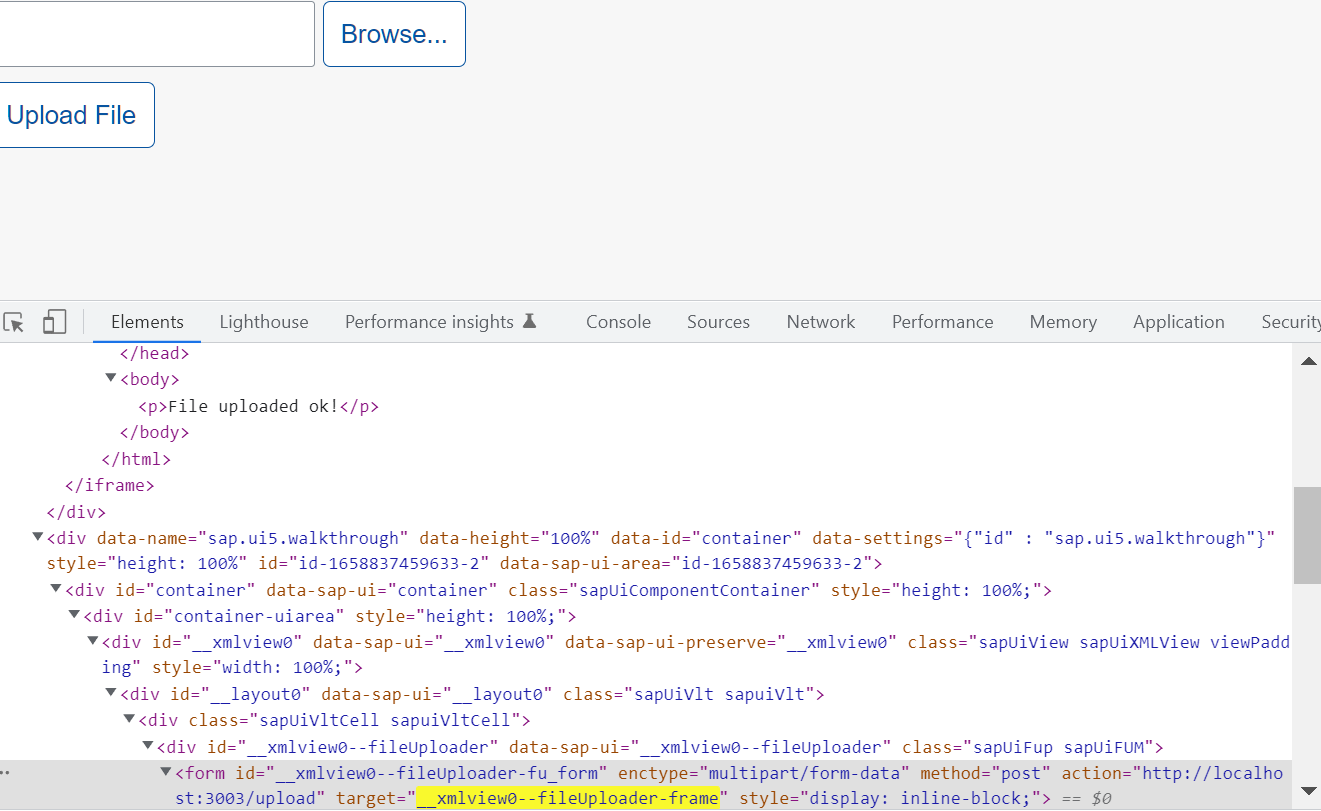
Design details of hidden iframe and form elements used by SAP ui5 fileuploader

Interviewer: what is scaffolding? Why do you need scaffolding? What are the commonly used scaffolds?

Day 7 summary & homework
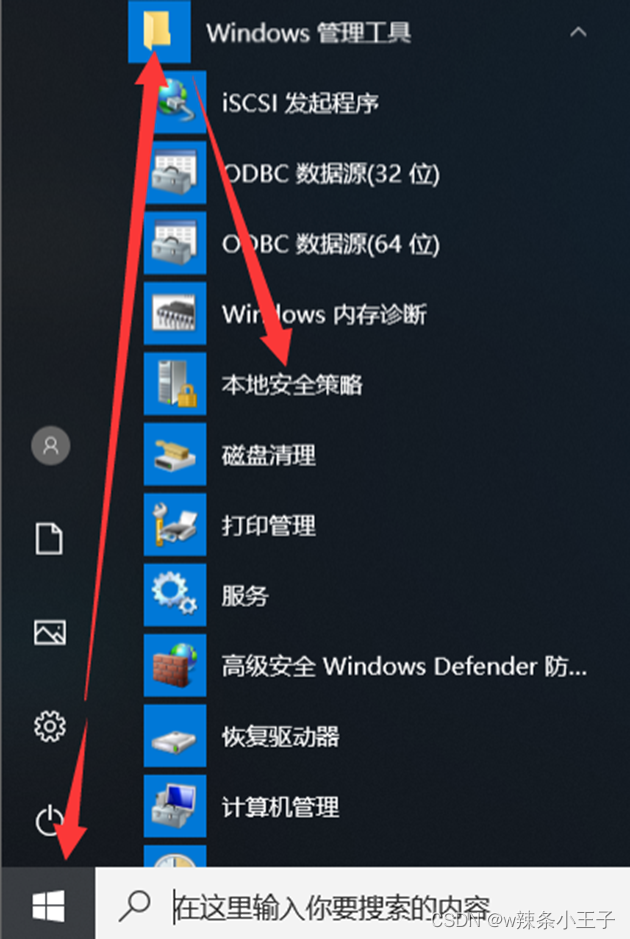
Windows and network foundation-15-local security policy

20 years ago, he was Ma Yun's biggest enemy

Gree "not cool": the giant lawsuit ended and was reduced by large dealers. Is it too late for the new battlefield of air conditioning?

神经网络实现手写数字分类matlab
随机推荐
Sharing of local file upload technology of SAP ui5 fileuploader
Switch and router technology-03-basic configuration of switch
Start from scratch blazor server (1) -- project construction
Uncle's nephew and his students
基于STM32的智能鱼缸设计
数据库超话(四)
微软默默给 curl 捐赠一万美元,半年后才通知
数据库超话(一)
【Codeforces】 B. Make it Divisible by 25
【单片机】2.3 AT89S52的CPU
Microsoft silently donated $10000 to curl, which was not notified until half a year later
面试官:什么是脚手架?为什么需要脚手架?常用的脚手架有哪些?
Hidden iframe design details of SAP ui5 fileuploader
Use @ in the project created by CRA, let it recognize the @ path and give path tips
Kubernetes Part 7: using kubernetes to deploy prometheus+grafana monitoring system (kubernetes work practice class)
Helm install kubevela complete makefile script content
[OBS] newsocketloopenable network optimization
科目三: 直线行驶
CUE语言基础入门:CUE是一门为配置而生的语言
奇瑞欧萌达也太像长安UNI-T了,但长得像,产品力就像吗?