当前位置:网站首页>IIS build wordpress5.7 manually
IIS build wordpress5.7 manually
2022-06-24 08:32:00 【shawyang】
step :
1、 establish mysql user wpuser
CREATE USER 'wpuser'@'localhost' IDENTIFIED BY ' password ';
2、 establish WordPress database wordpres53
create database wordpress53;
3、 Add authority
grant all privileges on wordpress53.* to 'wpuser'@'localhost';
4、 Modify source code C:\wordpress-5.3.8-zh_CN\wordpress\wp-config-sample.php
/** The name of the database for WordPress */
define( 'DB_NAME', 'wordpress53' );
/** MySQL database username */
define( 'DB_USER', 'wpuser' );
/** MySQL database password */
define( 'DB_PASSWORD', ' password ' );
/** MySQL hostname */
define( 'DB_HOST', 'localhost:3306' );
After modification , Rename it to wp-config.php
5、 Add site
WordPress Release records :https://cn.wordpress.org/download/releases/
Q2 the 2 Second overall update , The latest version 5.7.2 yes 6 month 15 Updated on
Manual build WordPress5.3~5.6 It is no problem to refer to the Tencent cloud official website :https://cloud.tencent.com/document/product/213/39540
You have to be careful , install WordPress5.3~5.6 when , If you make a mistake WordPress database error Table 'wordpress.wp_options' doesn't exist for query INSERT INTO `wp_options` (`option_name`, `option_value`, `autoload`) VALUES ('nonce_key'……
You need to edit the site directory , to IIS_IUSRS Users add write permissions
But yes WordPress5.7.*, add to IIS_IUSRS The user's write permission is also useless , The same document , Why to 5.3.*~5.6.* Sure , Yes WordPress5.7.* But not ?
notice WordPress This description on the official website is very exciting , I thought I found WordPress There is a compatibility problem with the new version (bug)
Later I spent a lot of time studying , Find out PHP edition 、MySQL or MariaDB All versions conform to , yes php.ini The problem of , Just right WordPress5.7.2 Yes php.ini More configuration items , Tencent cloud official website documents mention this 2 Not enough
https://downloads.mysql.com/archives/get/p/25/file/mysql-installer-community-5.6.51.0.msi
https://downloads.mysql.com/archives/get/p/25/file/mysql-installer-community-5.7.33.0.msi
https://downloads.mysql.com/archives/get/p/25/file/mysql-installer-community-8.0.24.0.msi
https://windows.php.net/downloads/releases/archives/php-5.6.40-nts-Win32-VC11-x64.zip
https://windows.php.net/downloads/releases/archives/php-7.3.27-nts-Win32-VC15-x64.zip
https://windows.php.net/downloads/releases/archives/php-7.4.19-nts-Win32-vc15-x64.zip
https://windows.php.net/downloads/releases/archives/php-8.0.6-nts-Win32-vs16-x64.zip
https://mirrors.tuna.tsinghua.edu.cn/mariadb/mariadb-10.2.38/winx64-packages/mariadb-10.2.38-winx64.msi
https://mirrors.tuna.tsinghua.edu.cn/mariadb/mariadb-10.3.29/winx64-packages/mariadb-10.3.29-winx64.msi
https://mirrors.tuna.tsinghua.edu.cn/mariadb/mariadb-10.4.19/winx64-packages/mariadb-10.4.19-winx64.msi
https://mirrors.tuna.tsinghua.edu.cn/mariadb/mariadb-10.5.10/winx64-packages/mariadb-10.5.10-winx64.msi
It is highly recommended here mariadb, Lightweight and super easy to install , Than bulky mysql-installer-community A lot of convenient
IIS+PHP Environment configuration , The best solution is phpmanager, The latest version is 1.5, link :https://www.iis.net/downloads/community/2018/05/php-manager-150-for-iis-10
How to install IIS,powershell In a word :https://cloud.tencent.com/developer/article/1557571
How to configure IIS-FTP:https://cloud.tencent.com/developer/article/1834773
Install well IIS And then find it on the right side of the added site PHP Manager
VC Library recommendation :https://github.com/abbodi1406/vcredist/releases
matters needing attention :
mysql -uroot -p password -P3306 ( install MariaDB If the default 3306 Change to another port , Even if I stopped the service later , hold my.ini Inside port Change to 3306 Restart the service view again 3306 Normal monitoring , use “mysql -uroot -p password ” If there is an error in login , Need to add -P3306 The explicit specified port will not report an error )
边栏推荐
- 12-- merge two ordered linked lists
- Opencv实现图像的基本变换
- Future trends in automated testing
- Several ways you can't move zero (sequel)
- 2022 tea artist (intermediate) work license question bank and online simulation examination
- etcd备份恢复原理详解及踩坑实录
- How to configure networkpolicy for nodeport in kubernetes
- ZUCC_编译语言原理与编译_实验03 编译器入门
- io模型初探
- 13 -- 移除无效的括号
猜你喜欢
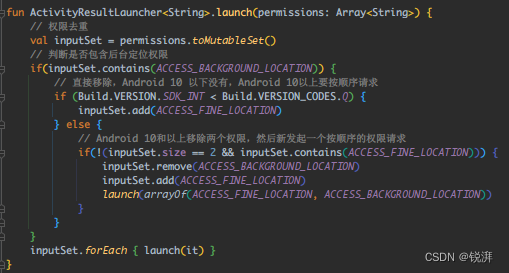
New technology practice, encapsulating the permission application library step by step with the activity results API
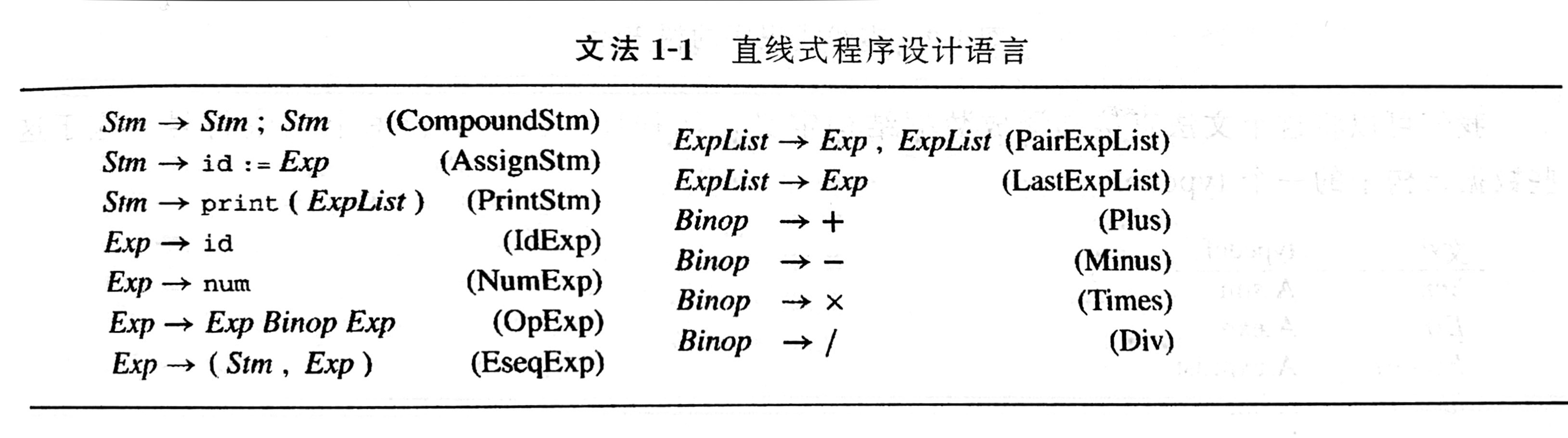
ZUCC_ Principles of compiling language and compilation_ Experiment 04 language and grammar

Longhorn installation and use
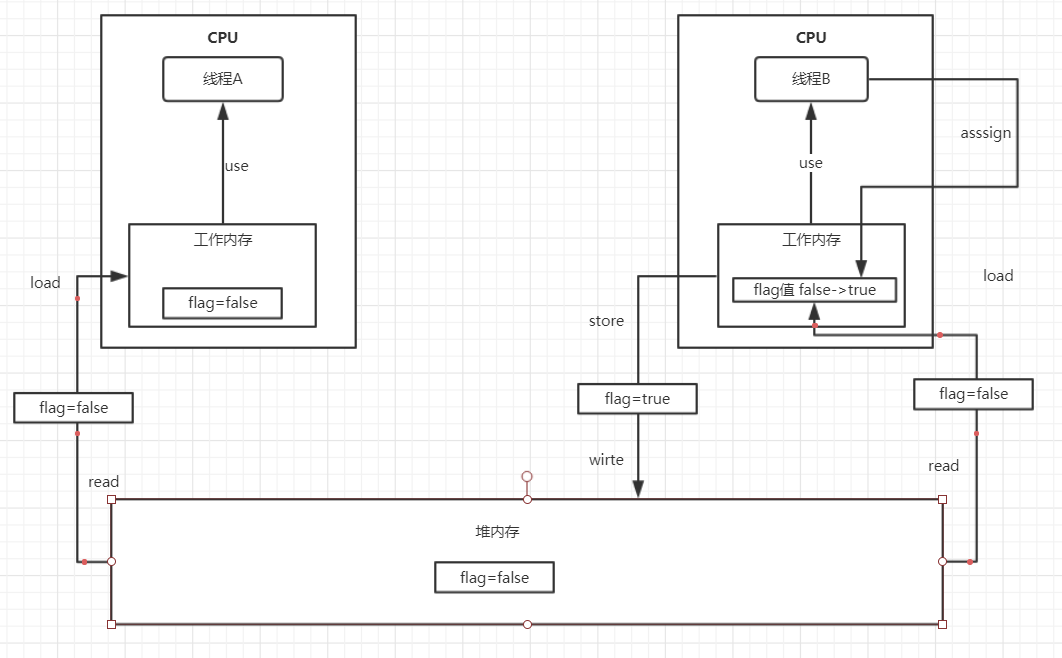
JUC个人简单笔记
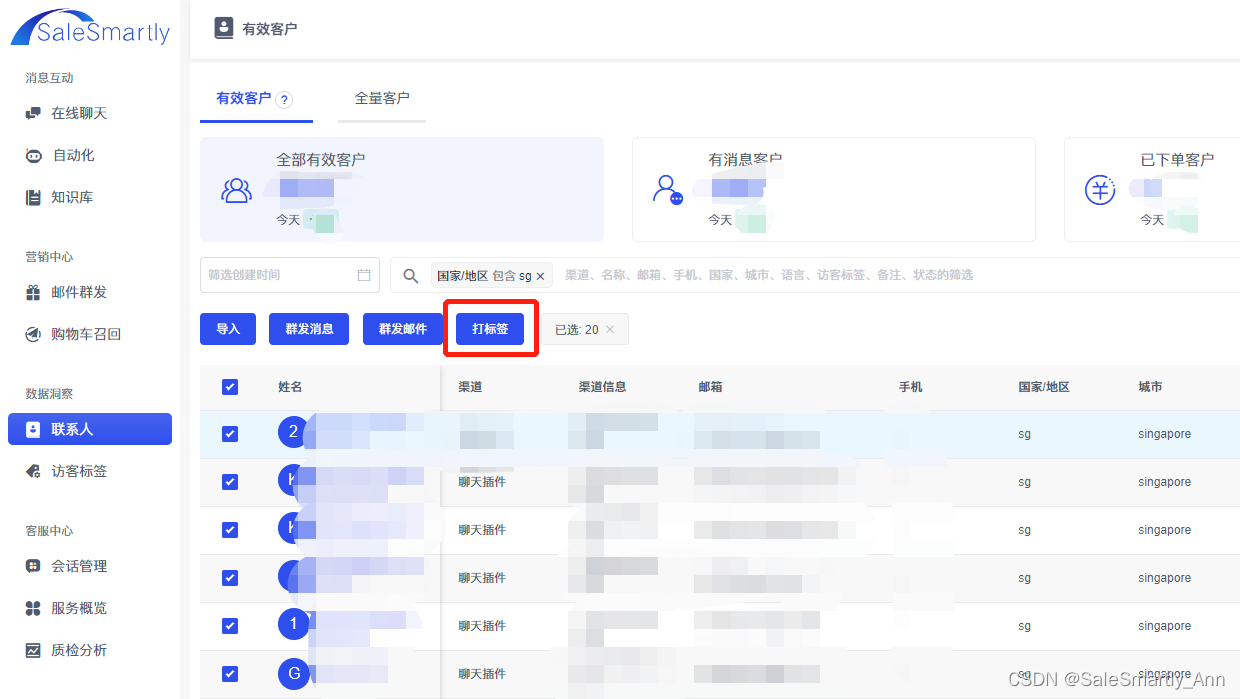
How to improve the customer retention rate in the operation of independent stations? Customer segmentation is very important!
JUC personal simple notes
独立站运营中如何提升客户留存率?客户细分很重要!

根据网络上的视频的m3u8文件通过ffmpeg进行合成视频

ZUCC_ Principles of compiling language and compilation_ Experiment 08 parsing LR parsing

Use of swift basic closure /block (source code)
随机推荐
2022年流动式起重机司机特种作业证考试题库及在线模拟考试
OpenCV get(propId) 常用的值
Introduction to RCNN, fast RCNN and fast RCNN
os. path. Pits encountered during the use of join()
Final review and key points of software process and project management
2021-03-16 comp9021 class 9 notes
Promise的使用場景
Swift extension chainlayout (UI chain layout) (source code)
05 Ubuntu installing mysql8
2022茶艺师(中级)上岗证题库及在线模拟考试
ZUCC_编译语言原理与编译_实验02 FSharp OCaml语言
All you know is the test pyramid?
【微服务~Nacos】Nacos服务提供者和服务消费者
Micro build low code online "quick registration applet" capability
2021-03-04 COMP9021第六节课笔记
Markdown to realize text link jump
PAT 1157:校庆
WPS的JS宏实现图片正文在同一段落的分离方法
ZUCC_ Principles of compiling language and compilation_ Experiment 04 language and grammar
到底哪一首才是唐诗第一?