当前位置:网站首页>想让照片中的云飘起来?视频编辑服务一键动效3步就能实现
想让照片中的云飘起来?视频编辑服务一键动效3步就能实现
2022-07-26 21:24:00 【华为移动服务】
分享和创作短视频已经成为人们记录美好生活的一种方式,很多用户在剪辑时会出现素材不够的情况,这时往往会选择用几张图片作为补充素材。但是视频中穿插图片又会让作品中的过渡部分显得十分生硬和刻意;那么怎样通过后期剪辑功能弥补图片的缺点,让用户顺畅完成视频创作呢?
给图片添加动效就能解决这个问题,动效可以让静态照片产生动态视频效果,能够将片段自然流畅地衔接起来,使整个作品更加地和谐。

这种动态效果,需要用户在专业的特效工具中手动设置锚点,才能产生流体运动效果,操作复杂。而现在,集成华为HMS Core视频编辑服务“一键动效”功能,就能让用户快速实现此效果,让手机相册中静态风景照,可以随时随地“动起来”。
HMS Core视频编辑服务“一键动效”功能
“一键动效”功能可以让静态风景图片实现视频动态效果,输入一张有天空或者水面的图片,“一键动效”让天空中的云朵飘动或者水面流动。开发者还可手动设置运动速度、运动方向、一键移除效果等,让动效更逼真。
下面我们就一起来实操一下如何集成华为视频编辑服务,实现“一键动效”功能:
1 . 开发准备
详细准备步骤可参考华为开发者联盟官网
2. 编辑工程集成
2.1 设置应用的鉴权信息
可以通过api_key或者Access Token来设置应用鉴权信息。
· 通过setAccessToken方法设置Access Token,在应用启动时初始化设置一次即可,无需多次设置。
MediaApplication.getInstance().setAccessToken("your access token");· 通过setApiKey方法设置api_key,在应用启动时初始化设置一次即可,无需多次设置。
MediaApplication.getInstance().setApiKey("your ApiKey");2.2设置唯一标识ID,即License ID。
License ID是进行管控的有效凭证,您要保证设置License ID的唯一性。
MediaApplication.getInstance().setLicenseId("License ID");初始化Editor运行环境,创建编辑工程,需要首先创建Editor对象并初始化其运行环境。当离开编辑工程时,应释放Editor实例。
(1) 创建Editor对象
HuaweiVideoEditor editor = HuaweiVideoEditor.create(getApplicationContext());(2) 指定预览窗口的布局位置
预览窗口负责视频图像画面的渲染,由视频编辑原子能力SDK内部创建SurfaceView来实现。在创建窗口之前,需要在您的App中指定预览窗口的布局位置。
<LinearLayout
    android:id="@+id/video_content_layout"
    android:layout_width="0dp"
    android:layout_height="0dp"
    android:background="@color/video_edit_main_bg_color"
    android:gravity="center"
    android:orientation="vertical" />
// 指定预览窗口
LinearLayout mSdkPreviewContainer = view.findViewById(R.id.video_content_layout);

// 设置预览窗口承载的布局
editor.setDisplay(mSdkPreviewContainer);
(3) 初始化运行环境,如果License鉴权失败,会抛出LicenseException。
当Editor对象创建之后,此时还没有占用实际的系统资源,需要手动选择其环境初始化的时机,此时视频编辑原子能力SDK内部会创建必须的线程和定时器等。
try {
        editor.initEnvironment();
   } catch (LicenseException error) {
        SmartLog.e(TAG, "initEnvironment failed: " + error.getErrorMsg());
        finish();
        return;
   }
3 “一键动效”能力集成
// 初始化一键动效AI引擎
imageAsset.initTimeLapseEngine(new HVEAIInitialCallback() {
        @Override
        public void onProgress(int progress) {
            // 初始化进度
        }

        @Override
        public void onSuccess() {
            // 初始化成功
        }

        @Override
        public void onError(int errorCode, String errorMessage) {
            // 初始化失败
        }
});
// 初始化成功后,检查图片中是否有天空或者水面
int motionType = -1;
imageAsset.detectTimeLapse(new HVETimeLapseDetectCallback() {
        @Override
        public void onResult(int state) {
            // 记录state作为添加一键动效AI特效的参数
            motionType = state;
        }
});

// skySpeed:天空的运动速度; skyAngle:天空的运动方向; waterSpeed:水面的运动速度; waterAngle:水面的运动方向
HVETimeLapseEffectOptions options =
new HVETimeLapseEffectOptions.Builder().setMotionType(motionType)
        .setSkySpeed(skySpeed)
        .setSkyAngle(skyAngle)
        .setWaterAngle(waterAngle)
        .setWaterSpeed(waterSpeed)
        .build();

// 添加一键动效AI特效
imageAsset.addTimeLapseEffect(options, new HVEAIProcessCallback() {
        @Override
        public void onProgress(int progress) {
        }
        @Override
        public void onSuccess() {
        }
        @Override
        public void onError(int errorCode, String errorMessage) {
        }
});
// 中断一键动效AI特效处理
imageAsset.interruptTimeLapse();

// 移除一键动效AI特效
imageAsset.removeTimeLapseEffect();
HMS Core视频编辑服务除了支持一键动效,还提供基础视频编辑、AI着色、专属滤镜、精彩片段、一键染发、人物追踪、人脸隐藏等视频创作能力,开发者可依据应用场景,在App中轻松完成视频编辑功能的集成。
了解更多详情>>
访问华为开发者联盟官网
获取开发指导文档
华为移动服务开源仓库地址:GitHub、Gitee
关注我们,第一时间了解 HMS Core 最新技术资讯~
边栏推荐
- Technology sharing | do you know the functions of the server interface automated testing and requests library?
- [mysql]substr usage - query the value of specific digits of a field in the table
- Flash source code startup phase
- Try new functions | decrypt Doris complex data type array
- Resume in 2022 is dead in the sea. Don't vote. Software testing positions are saturated
- 2018 arXiv preprint | MolGAN: An implicit generative model for small molecular graphs
- 学了那么久的用例设计,知不知道为什么设计测试用例
- 新兴市场潜力无限,ADVANCE.AI风控产品助中国出海企业筑牢安全发展基础
- day07-
- easyui datagrid 获取多条选中的数据进行操作
猜你喜欢

Just one dependency to give swagger a new skin, which is simple and cool~

day07-

If you do not add waitkey() function after imshow() function, it will not be displayed

matlab 激励模型 三角波频谱
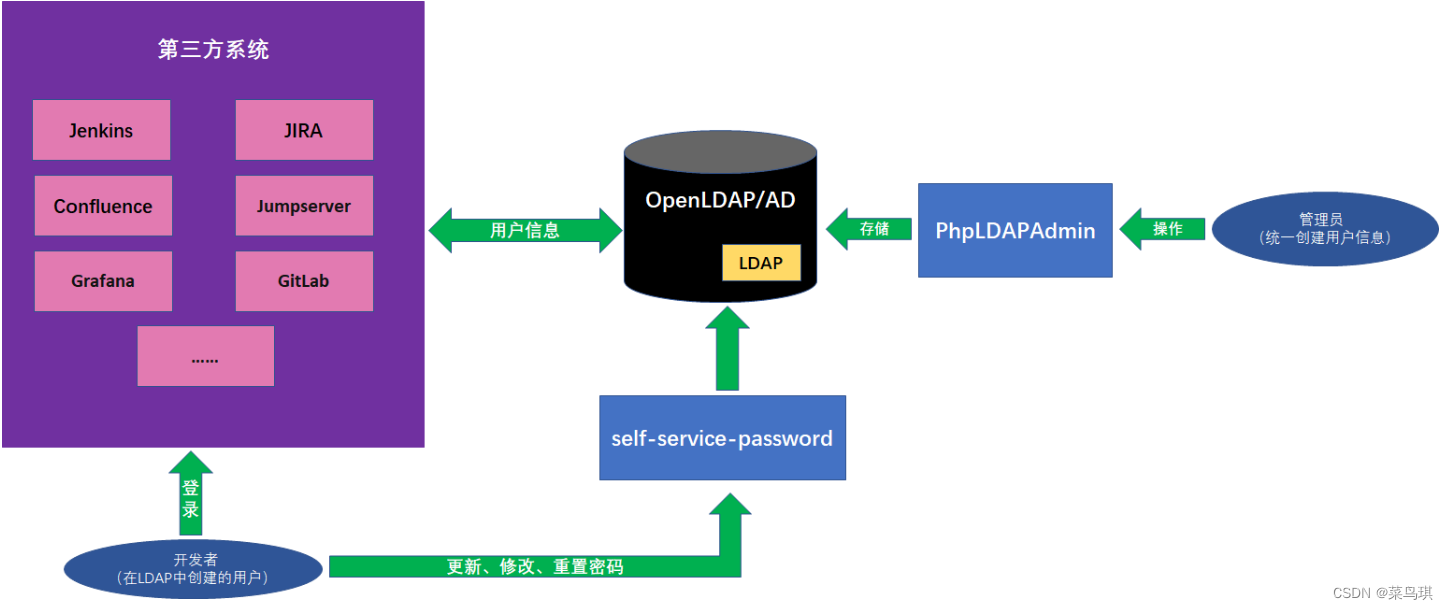
LDAP -- realize unified login management of users

flask 源码启动阶段

JDBC summary

2018 arXiv preprint | MolGAN: An implicit generative model for small molecular graphs

Schematic diagram of MOS tube

Basic operation of (C language) files
随机推荐
Supplement - nonlinear programming
Get network time by unity
Props with type Object/Array must...
也谈数据治理
Go --- identifiers and keywords in go language
学了那么久的用例设计,知不知道为什么设计测试用例
VB.net Chart1的处理
Let me show you the MySQL isolation level. What happens when two transactions operate on the same row of data at the same time?
Pytoch squeeze() unsqueeze() usage
进程的概念和分类
matlab 画短时能量图
Vb.net chart1 processing
OPPO 自研大规模知识图谱及其在数智工程中的应用
Matlab pitch period estimation post-processing
matlab 短时自相关实现
Difference between D and C
我的sql没问题为什么还是这么慢|MySQL加锁规则
JDBC总结
现货黄金操作指南与建议(上)
软件测试技术之跨平台的移动端UI自动化测试(下)