当前位置:网站首页>如何创建 robots.txt 文件?
如何创建 robots.txt 文件?
2022-06-29 04:12:00 【IDC行业观察者】
如果您使用了 Wix 或 Blogger 等网站托管服务,则可能无需(或无法)直接修改 robots.txt 文件。您的托管服务提供商可能会通过显示搜索设置页面或借用其他某种方式,让您告知搜索引擎是否应抓取您的网页。
如果您想向搜索引擎隐藏/取消隐藏您的某个网页,请搜索以下说明:如何在托管服务上修改网页在搜索引擎中的可见性,例如搜索“Wix 向搜索引擎隐藏网页”。
您可以使用 robots.txt 文件控制抓取工具可以访问您网站上的哪些文件。robots.txt 文件应位于网站的根目录下。因此,对于网站 www.example.com,robots.txt 文件的路径应为 www.example.com/robots.txt。robots.txt 是一种遵循漫游器排除标准的纯文本文件,由一条或多条规则组成。每条规则可禁止或允许特定抓取工具抓取相应网站的指定文件路径下的文件。除非您在 robots.txt 文件中另行指定,否则所有文件均隐式允许抓取。

下面是一个包含两条规则的简单 robots.txt 文件:
User-agent: Googlebot
Disallow: /nogooglebot/
User-agent: *
Allow: /
Sitemap: http://www.example.com/sitemap.xml
以下是该 robots.txt 文件的含义:
名为 Googlebot 的用户代理不能抓取任何以 http://example.com/nogooglebot/ 开头的网址。
其他所有用户代理均可抓取整个网站。不指定这条规则也无妨,结果是一样的;默认行为是用户代理可以抓取整个网站。
该网站的站点地图文件路径为 http://www.example.com/sitemap.xml。
如需查看更多示例,请参阅语法部分。

创建 robots.txt 文件的基本准则
要创建 robots.txt 文件并使其在一般情况下具备可访问性和实用性,需要完成 4 个步骤:
创建一个名为 robots.txt 的文件。
向 robots.txt 文件添加规则。
将 robots.txt 文件上传到您的网站。
测试 robots.txt 文件。
创建 robots.txt 文件
您几乎可以使用任意文本编辑器创建 robots.txt 文件。例如,Notepad、TextEdit、vi 和 emacs 可用来创建有效的 robots.txt 文件。请勿使用文字处理软件,因为此类软件通常会将文件保存为专有格式,且可能会向文件中添加非预期的字符(如弯引号),这样可能会给抓取工具带来问题。如果保存文件时出现相应系统提示,请务必使用 UTF-8 编码保存文件。
格式和位置规则:
文件必须命名为 robots.txt。
网站只能有 1 个 robots.txt 文件。
robots.txt 文件必须位于其要应用到的网站主机的根目录下。例如,若要控制对 https://www.example.com/ 下所有网址的抓取,就必须将 robots.txt 文件放在 https://www.example.com/robots.txt 下,一定不能将其放在子目录中(例如 https://example.com/pages/robots.txt 下)。如果您不确定如何访问自己的网站根目录,或者需要相应权限才能访问,请与网站托管服务提供商联系。如果您无法访问网站根目录,请改用其他屏蔽方法(例如元标记)。

robots.txt 文件可应用到子网域(例如 https://website.example.com/robots.txt)或非标准端口(例如 http://example.com:8181/robots.txt)。
robots.txt 文件必须是采用 UTF-8 编码(包括 ASCII)的文本文件。Google 可能会忽略不属于 UTF-8 范围的字符,从而可能会导致 robots.txt 规则无效。
向 robots.txt 文件添加规则
规则是关于抓取工具可以抓取网站哪些部分的说明。向 robots.txt 文件中添加规则时,请遵循以下准则:
robots.txt 文件包含一个或多个组。
每个组由多条规则或指令(命令)组成,每条指令各占一行。每个组都以 User-agent 行开头,该行指定了组适用的目标。
每个组包含以下信息:
组的适用对象(用户代理)
代理可以访问的目录或文件。
代理无法访问的目录或文件。
抓取工具会按从上到下的顺序处理组。一个用户代理只能匹配 1 个规则集(即与相应用户代理匹配的首个最具体组)。
系统的默认假设是:用户代理可以抓取所有未被 disallow 规则屏蔽的网页或目录。
规则区分大小写。例如,disallow: /file.asp 适用于 https://www.example.com/file.asp,但不适用于 https://www.example.com/FILE.asp。
# 字符表示注释的开始处
来自https://cn.bluehost.com/blog/
边栏推荐
- Apifox : 不仅是Api调试工具,更是开发团队的协作神器
- Web crawler knowledge day04
- [fpga+sin] FPGA implementation of sinusoidal signal generator module based on DDS (direct digital synthesis)
- Data collection and management [12]
- Ansible best practices playbook different context rights raising demo
- 【Laravel系列8】走出 Laravel 的世界
- Ling Jing thinks about her own way
- How to keep database and cache consistent
- 1015 theory of virtue and talent
- [new function] ambire wallet integrates Metis network
猜你喜欢
![[C language] address of stack memory associated with local variable 'num' returned](/img/34/f8cf86a18ed461b25073b740dece45.png)
[C language] address of stack memory associated with local variable 'num' returned

Five thousand years of China

【C语言】 详解线程退出函数 pthread_exit

选对学校,专科也能进华为~早知道就好了

欧拉开源社区第二届理事会第二次会议召开,新华三、超聚变和龙芯中科成为理事会成员单位
Log in to the MySQL database and view the version number on the command line
女程序员晒出5月的工资条:工资是高,但是真累,网友评论炸锅了

C language -- branch structure
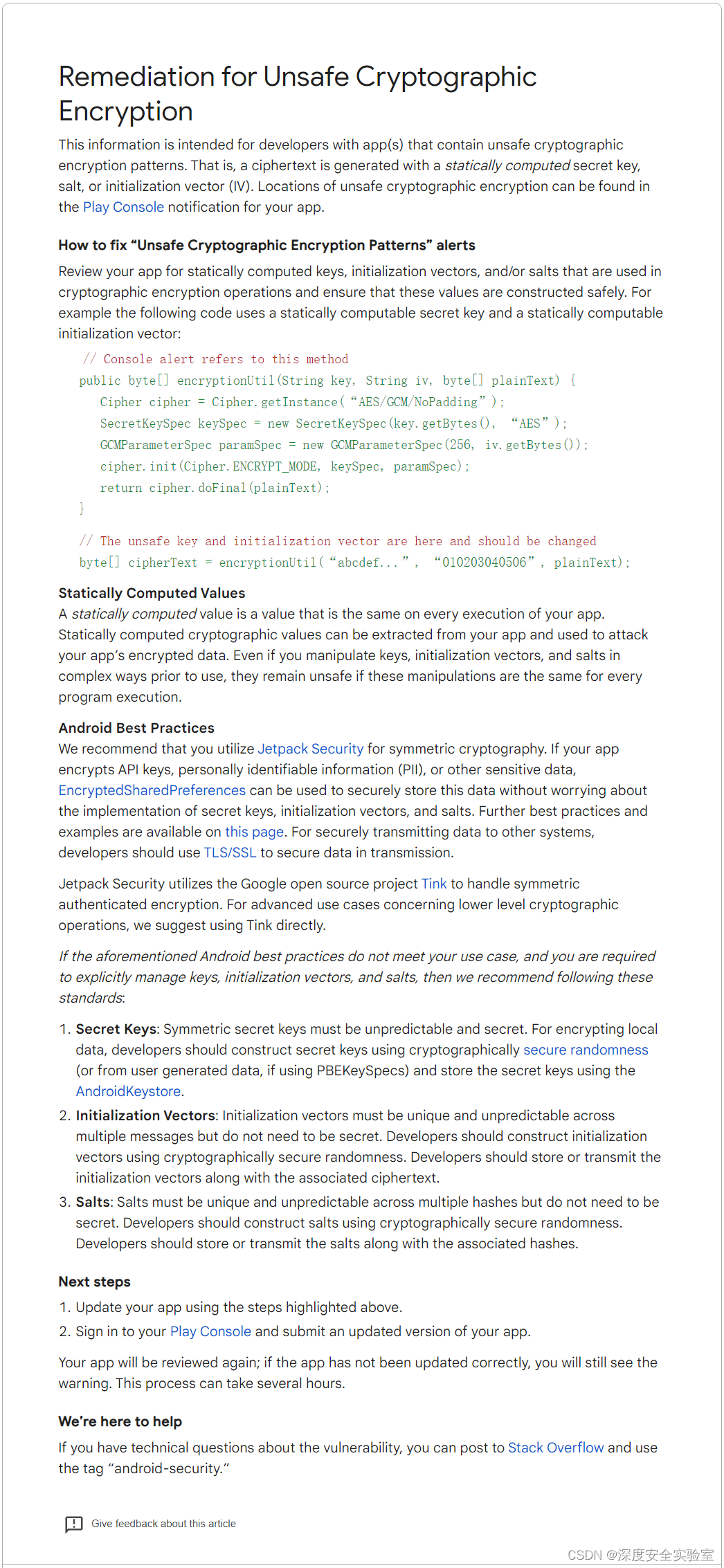
Remediation for Unsafe Cryptographic Encryption
c语言 --- 分支结构
随机推荐
直播预约|AWS Data Everywhere 系列活动
Mécanisme d'attention du canal de fixation
Qtableview gets all currently selected cells
webassembly学习-动态链接
Inftnews | metauniverse technology will bring a new shopping experience
[filter design] customize the filter with MATLAB according to the design index
Call snapstateon closed sou from Oracle CDC
What is the dry goods microservice architecture? What are the advantages and disadvantages?
【C语言】开启一个线程
访问数据库时出现错误
Anaconda自带的Spyder编辑器启动报错问题
Project development culture
【C语言】 详解线程退出函数 pthread_exit
044. (2.13) add value to yourself
[C language] address of stack memory associated with local variable 'num' returned
树莓派用VNC Viewer方式远程连接
Zhai Jia: from technical engineer to open source entrepreneur of "net red"
我的创作纪念日
Ansible最佳实践之Playbook不同上下文提权Demo
Five thousand years of China