当前位置:网站首页>There are many ways to confirm and modify the remote port number
There are many ways to confirm and modify the remote port number
2022-06-24 04:52:00 【shawyang】
How to confirm the remote port number , There are many ways , Here it is 3 Kind of
1、 Make sure the TermService Of pid, Re pass pid Confirm remote port
tasklist /svc|findstr "Term"
netstat -ano|findstr " Process number "
2、powershell To confirm , The principle is the same as above
$rdppid=(get-wmiobject win32_service | where { $_.name -eq 'termservice'}).processID
netstat -ano|findstr $rdppid|findstr LISTENING
3、Reg query To query ,16 Base number d3d yes 10 It's binary 3389
The resulting value is converted to 10 It can be done in decimal
set /a a=0xd3d
reg query "HKEY_LOCAL_MACHINE\SYSTEM\CurrentControlSet\Control\Terminal Server\WinStations\RDP-Tcp" /s|findstr /c:"PortNumber" reg query "HKEY_LOCAL_MACHINE\SYSTEM\CurrentControlSet\Control\Terminal Server\Wds\rdpwd\Tds\tcp" /s|findstr /c:"PortNumber" reg query "HKEY_LOCAL_MACHINE\SYSTEM\ControlSet001\Control\Terminal Server\WinStations\RDP-Tcp" /s|findstr /c:"PortNumber" reg query "HKEY_LOCAL_MACHINE\SYSTEM\ControlSet001\Control\Terminal Server\Wds\rdpwd\Tds\tcp" /s|findstr /c:"PortNumber" reg query "HKEY_LOCAL_MACHINE\SYSTEM\ControlSet002\Control\Terminal Server\WinStations\RDP-Tcp" /s|findstr /c:"PortNumber" reg query "HKEY_LOCAL_MACHINE\SYSTEM\ControlSet002\Control\Terminal Server\Wds\rdpwd\Tds\tcp" /s|findstr /c:"PortNumber"
How to modify a remote port number , There are many ways
1、 Refer to the Microsoft official website documentation :( apply 2008R2/Win7 The above system )
give an example , Change it to 33899
$portvalue = 33899
Set-ItemProperty -Path 'HKLM:\SYSTEM\CurrentControlSet\Control\Terminal Server\WinStations\RDP-Tcp' -name "PortNumber" -Value $portvalue
New-NetFirewallRule -DisplayName 'RDPPORTLatest-TCP-In' -Profile 'Public' -Direction Inbound -Action Allow -Protocol TCP -LocalPort $portvalue
New-NetFirewallRule -DisplayName 'RDPPORTLatest-UDP-In' -Profile 'Public' -Direction Inbound -Action Allow -Protocol UDP -LocalPort $portvalue
2、 adopt reg add Command to change
give an example , Change it to 33899
reg add "HKEY_LOCAL_MACHINE\SYSTEM\CurrentControlSet\Control\Terminal Server\WinStations\RDP-Tcp" /v "PortNumber" /t REG_DWORD /d 33899 /f
reg add "HKEY_LOCAL_MACHINE\SYSTEM\CurrentControlSet\Control\Terminal Server\Wds\rdpwd\Tds\tcp" /v "PortNumber" /t REG_DWORD /d 33899 /f
reg add "HKEY_LOCAL_MACHINE\SYSTEM\ControlSet001\Control\Terminal Server\WinStations\RDP-Tcp" /v "PortNumber" /t REG_DWORD /d 33899 /f
reg add "HKEY_LOCAL_MACHINE\SYSTEM\ControlSet001\Control\Terminal Server\Wds\rdpwd\Tds\tcp" /v "PortNumber" /t REG_DWORD /d 33899 /f
reg add "HKEY_LOCAL_MACHINE\SYSTEM\ControlSet002\Control\Terminal Server\WinStations\RDP-Tcp" /v "PortNumber" /t REG_DWORD /d 33899 /f
reg add "HKEY_LOCAL_MACHINE\SYSTEM\ControlSet002\Control\Terminal Server\Wds\rdpwd\Tds\tcp" /v "PortNumber" /t REG_DWORD /d 33899 /f
3、 Reference resources 3389 Windows Remote port modification tool
All the methods , After changing the remote port , You need to restart the remote service
The command to restart the remote service is powershell -c "& { restart-service termservice -force}"
But restarting the remote service is prone to unexpected situations , That is, restarting the remote service is a process of first shutting down and then starting , It is similar to restarting the machine , It is the process of turning off the machine before turning it on , If the first half gets stuck , In the second half there was no way .
To make sure that there is no risk , It is recommended to restart the machine after modifying the remote port .
Restart after restart mstsc Pay attention to the slogan at the end , Yes, of course , If you don't understand mstsc, There is one Simple software ( It is essentially the bottom layer of the call mstsc), But it's very simple 、 To use , You can also remember the password on your local computer , In the future, you can double-click it to access it remotely , Very convenient .
边栏推荐
- How to install software on ECs is it expensive to rent ECS
- Specificity and correlation of Worthington deoxyribonuclease I
- getAttribute 返回值为null
- How to use and apply for ECS? What parameters can be configured
- DP summary of ACM in recent two weeks
- What is the new generation cloud computing architecture cipu of Alibaba cloud?
- Worthington木瓜蛋白酶化学性质和特异性
- 2020年Android面试题汇总(中级)
- MySQL - SQL execution process
- Getattribute return value is null
猜你喜欢

MySQL - SQL execution process
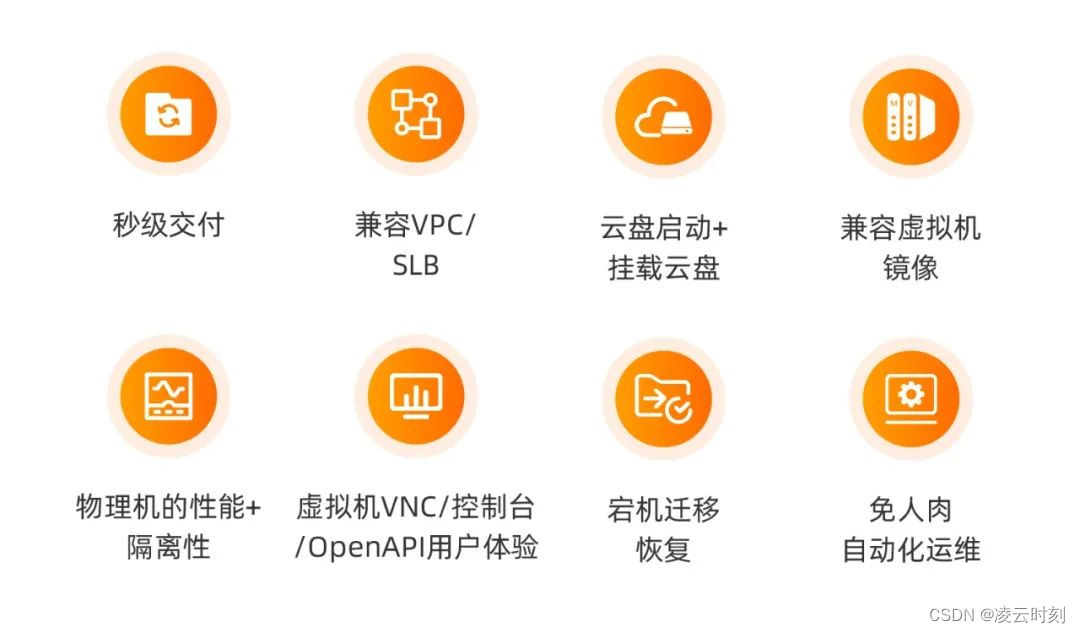
阿里云新一代云计算体系架构 CIPU 到底是啥?
Summary of Android interview questions in 2020 (intermediate)

2022年二级造价工程师备考攻略,你准备好了吗?

Abnova membrane protein lipoprotein solution

Training methods after the reform of children's programming course
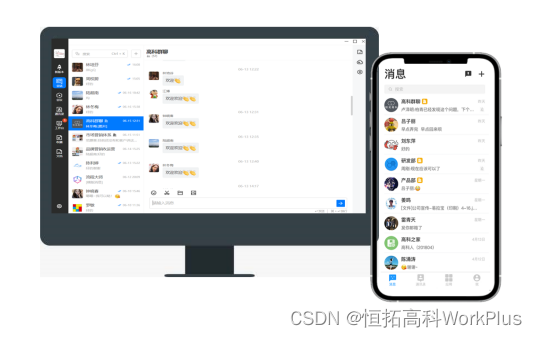
Recognize workplus again, not only im but also enterprise mobile application management expert

外网访问svn服务器(外网访问部署在云上的svn服务器)

Abnova fluorescence in situ hybridization (FISH) probe solution

Facebook internal announcement: instant messaging will be re integrated

随机推荐
What does IIS mean and what is its function? How does IIS set the size of the web site space on the server?
Precautions for online education and training industry filing
Bi-sql distinct
Ribbon
Collagenase -- four types of crude collagenase from Worthington
An interface testing software that supports offline document sharing in the Intranet
Black horse programmer machine learning handout: preliminary use of linear regression API
oracle数据库提示无操作权限的问题
Qiming cloud sharing: tips on esp32c3 simple IO and serial port
Abnova peptide design and synthesis solutions
Worthington胰蛋白酶的物化性质及特异性
数据库解答建标,按要求回答
How does ECS select bandwidth? What types of servers do you usually have?
Jimureport building block report - expression introduction
TCPIP协议详解
uni-app进阶之认证【day12】
Bi-sql - Select
How to install software on ECs is it expensive to rent ECS
解析90后创客教育的主观积极性
What is the principle of Ping? How does the server disable Ping?