当前位置:网站首页>设置单击右键可以选择用VS Code打开文件
设置单击右键可以选择用VS Code打开文件
2022-07-02 22:09:00 【竹石七】
一、前言
在新电脑安装VS Code之后,发现对一个文件(夹)单击鼠标右键的菜单栏中,没有用VS Code打开的快捷方式。每次都要用拖拽文件(夹),或者用VS Code界面的菜单栏选择打开文件(夹),这样很麻烦。那么,现在和我一起,以一种十分简单的方式解决这个问题吧。
二、问题分析和解决
2.1、问题分析
产生这个问题的原因,其实就是你没有勾选安装后单击右键用VS Code打开的配置项。
再来一张图,让你更直观的看到为什么会产生这个问题:
这是VS Code安装时的一些安装选项,大家可以看到图中用红框圈出来的部分:
EN: Add “Open with Code” action to Windows Explorer file context menu
中文: 在Windows资源管理器文件上下文菜单中添加“用代码打开”操作
EN: Add “Open with Code” action to Windows Explorer directory context menu
中文: 在Windows资源管理器目录上下文菜单中添加“用代码打开”操作
看到我提出来的这两行配置选项,聪明的你应该明白了,为什么自己单击右键,没有用VS Code打开的菜单选项。
2.2、问题解决(请忽略我的英文版本的系统)
2.2.1、方法一(推荐,亲测可行)
1、查看VS Code在你电脑的具体路径
因为我的VS Code在桌面有快捷方式,所以我直接选中此快捷方式单击右键后选择“属性”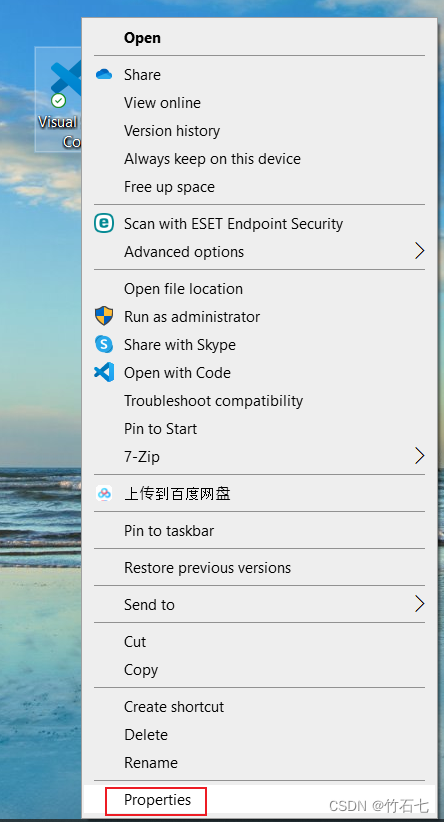
2、复制安装路径
3、在桌面新建一个文本文档(名字随便起)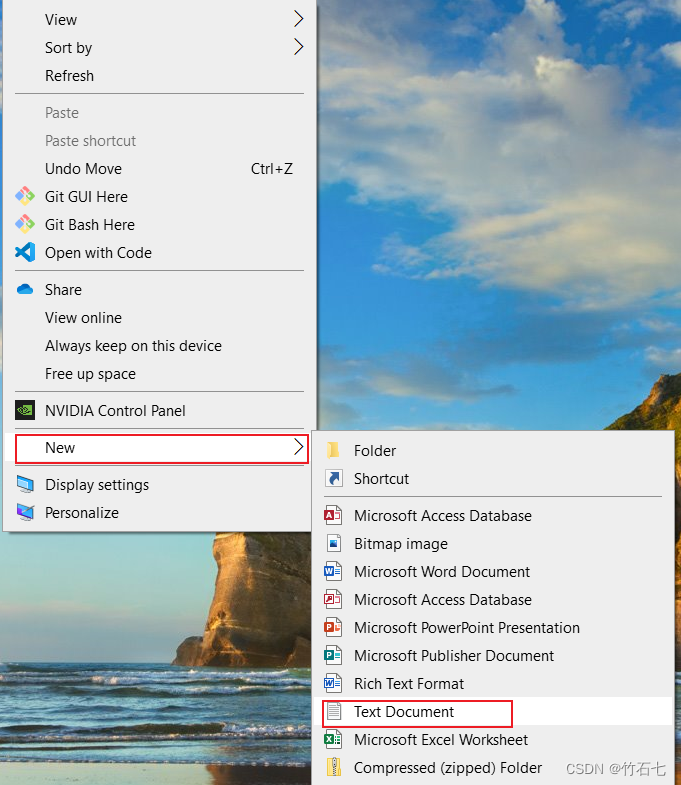
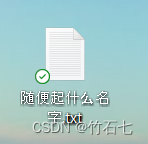
4、复制下述代码到这个文档中
Windows Registry Editor Version 5.00

[HKEY_CLASSES_ROOT\*\shell\VSCode]
@="Open with Code"
"Icon"="E:\\Microsoft VS Code\\Code.exe"

[HKEY_CLASSES_ROOT\*\shell\VSCode\command]
@="\"E:\\Microsoft VS Code\\Code.exe\" \"%1\""

Windows Registry Editor Version 5.00

[HKEY_CLASSES_ROOT\Directory\shell\VSCode]
@="Open with Code"
"Icon"="E:\\Microsoft VS Code\\Code.exe"

[HKEY_CLASSES_ROOT\Directory\shell\VSCode\command]
@="\"E:\\Microsoft VS Code\\Code.exe\" \"%V\""

Windows Registry Editor Version 5.00

[HKEY_CLASSES_ROOT\Directory\Background\shell\VSCode]
@="Open with Code"
"Icon"="E:\\Microsoft VS Code\\Code.exe"

[HKEY_CLASSES_ROOT\Directory\Background\shell\VSCode\command]
@="\"E:\\Microsoft VS Code\\Code.exe\" \"%V\""
5、将“2、复制安装路径”中的路径替换上述代码中遮个地方
请注意我红框全出的范围,不要多修改我没圈到的地方,注意将你复制的路径中的“ \ ”改成“ \ ”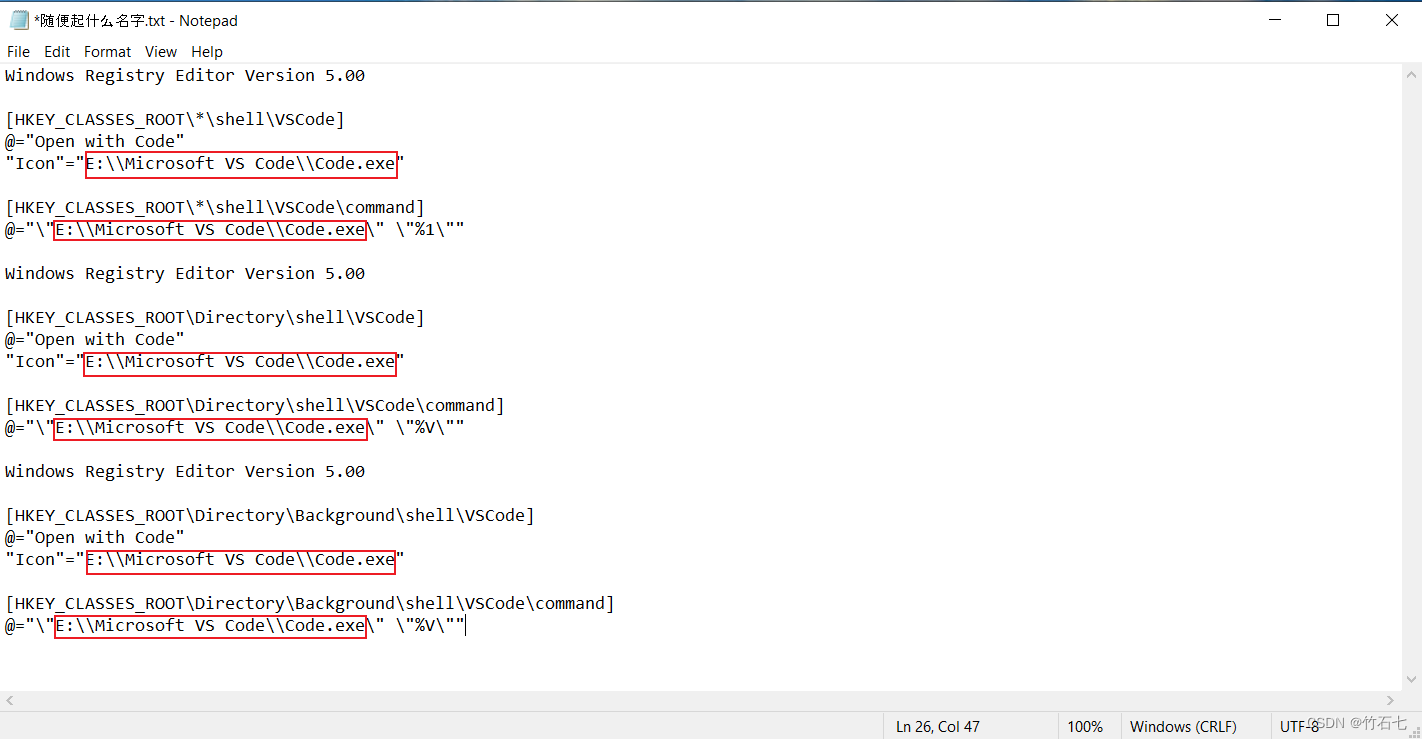
6、将.后面的“txt”文件扩展名改成“reg”
选择弹出的提示框中的“是”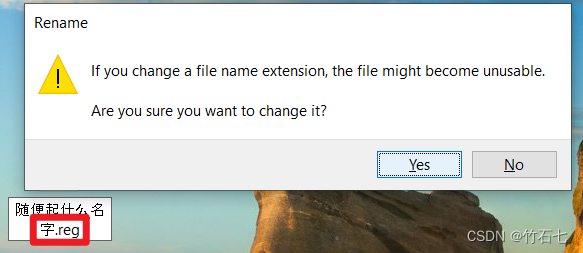
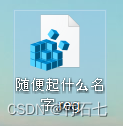
7、双击修改扩展名后的文件,将其运行
运行后一直点弹出框的“确定(是或者Yes)”按钮
8、设置成功!效果图展示
如果正常的化,上述7步执行完后,到这里已经设置成功了,看下现在对一个文件(夹)单击右键后的效果: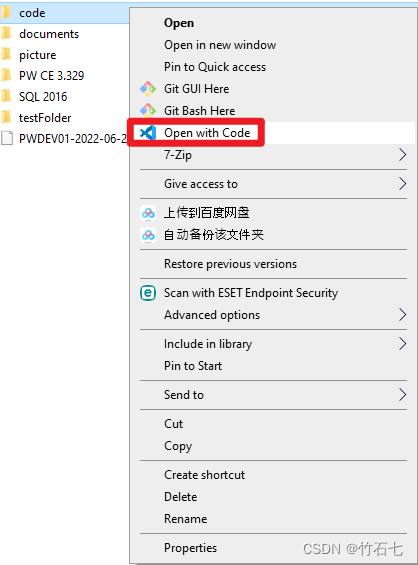
2.2.2、方法二
修改注册表,这个方法对于想通过其他软件进行打开也是适用,适用性更广,这里我就不细述了,附上一个博客的参考链接:windows文件夹右击打开方式添加VS Code(其他软件同理)
三、说明
参考链接:
超简单设置右键 VS Code 打开文件
windows文件夹右击打开方式添加VS Code(其他软件同理)
欢迎大家一起讨论、学习
边栏推荐
- go 4種單例模式
- To myself who is about to work
- [chestnut sugar GIS] ArcMap - how to batch modify the font, color, size, etc. of annotation elements
- 数据分析学习记录(二)---响应曲面法及Design-Expert的简单使用
- 性能优化----严苛模式
- 移动端 1px 像素兼容性问题,实现1px 边框
- WebRTC音视频采集和播放示例及MediaStream媒体流解析
- 【洛谷P1541】乌龟棋【DP】
- Generics and reflection, this is enough
- Golang interview finishing three resumes how to write
猜你喜欢

Local dealers play the community group purchase mode and share millions of operations
Niuke network: maximum submatrix
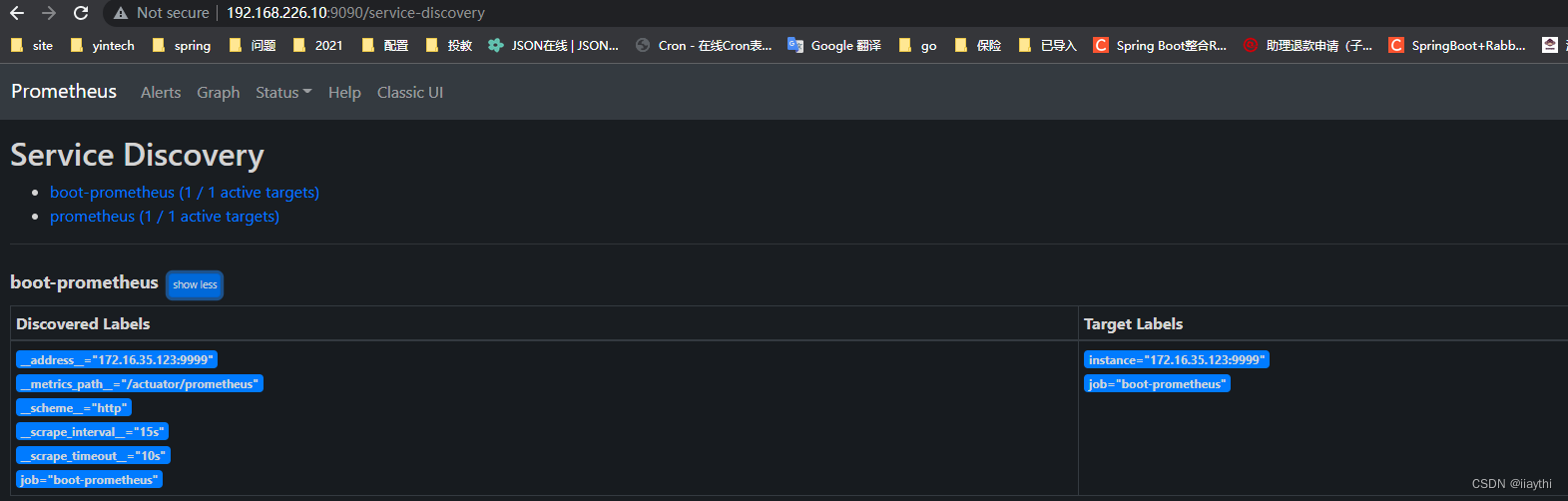
boot actuator - prometheus使用

海思3559万能平台搭建:在截获的YUV图像上画框
![[leetcode] most elements [169]](/img/72/d3e46a820796a48b458cd2d0a18f8f.png)
[leetcode] most elements [169]
Construction of Hisilicon 3559 universal platform: draw a frame on the captured YUV image
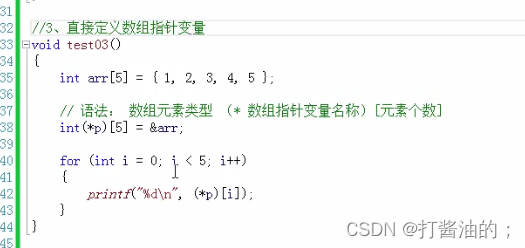
数组进阶提高

全面解析分享购商业模式逻辑?分享购是如何赋能企业
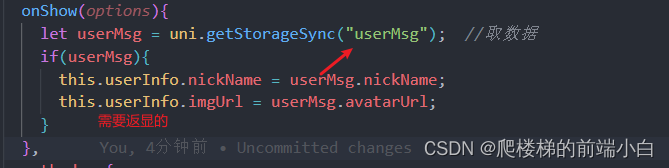
Uniapp wechat login returns user name and Avatar

mysql重置密码,忘记密码,重置root密码,重置mysql密码
随机推荐
PMP project integration management
Hanging mirror security won four global infosec awards on rsac2022
[leetcode] most elements [169]
景联文科技低价策略帮助AI企业降低模型训练成本
Jielizhi, production line assembly link [chapter]
Jerry's built-in short press and long press, no matter how long it is, it is a short press [chapter]
悬镜安全在RSAC2022上斩获Global InfoSec Awards四项大奖
P7072 [CSP-J2020] 直播获奖
高并发介绍及应对
The motivation of AES Advanced Encryption Protocol
To myself who is about to work
全面解析分享购商业模式逻辑?分享购是如何赋能企业
【喜欢的诗词】好了歌
odoo13搭建医院HRP环境(详细步骤)
解决Chrome浏览器和Edeg浏览器主页被篡改的方法
Golang的学习路线
Wait to solve the zombie process
Performance optimization - rigorous mode
E-commerce system microservice architecture
归并排序详解及应用