当前位置:网站首页>ROS基础 - 使用 launch 文件(一) - 批量启动多个ROS节点
ROS基础 - 使用 launch 文件(一) - 批量启动多个ROS节点
2022-06-11 02:33:00 【NiuniuAndAdu】
ROS基础 - 使用 launch 文件(一) - 批量启动多个ROS节点
本文主要介绍launch文件的基本使用,详细的launch文件格式说明及 传递 ROS参数param 的方法,详见: https://aduandniuniu.blog.csdn.net/article/details/125181523?spm=1001.2014.3001.5502
roslaunch命令可以用来启动定义在launch(启动)文件中的节点。
roslaunch不保证节点开始的顺序,因为无法从外部知道何时完全初始化节点,因此所有启动的代码都必须能够按任意顺序启动。。
命令格式:
roslaunch [package] [filename.launch]
1、新建ROS工程
$ mkdir -p ~/launchExample/src
$ cd ~/launchExample/src
$ catkin_init_workspace   //初始化工作区

$ catkin_create_pkg launchTest1 roscpp  //创建ROS工程包(pachage)
$ catkin_create_pkg launchTest2 roscpp  //创建ROS工程包(pachage)

$ mkdir launch            //创建.launch文件存放目录
$ cd ~/launchExample/
$ catkin_make
2、新建 test.launch 文件
新建 ~/launchExample/launch/test.launch文件,内容如下:
<launch>
    <node pkg="launchTest1" type="launchTest1_node" name="launchTest1_node" output="screen" args="" />
    <node pkg="launchTest2" type="launchTest1_node" name="launchTest2_node" output="screen" args="" />
</launch>
注意:其中的 type字段,要与对应功能包中, CMakelist.txt 中add_executable 指定的ROS程序一致。
3编写测试代码
3.1新建 launchTest1 测试程序
新建 ~/launchExample/launchTest1/main.cpp 文件,内容如下:
void main()
{
printf(“Hello LaunchTest1”);
}
3.2新建 launchTest2 测试程序
新建 ~/launchExample/launchTest2/main.cpp 文件,内容如下:
void main()
{
printf(“Hello LaunchTest2”);
}
$ cd ~/launchExample/
$ catkin_make
$ source devel/setup.bash //设置运行环境
4、roslaunch 命令启动ROS节点
4.1 启动方法1
roslaunch test.launch //不指定ROS包路径
4.2 启动方法2
catkin_create_pkg launchStart roscpp  //创建ROS工程包(pachage)
cp ~/launchExample/launch/test.launch ~/launchExample/launchStart/
roslaunch launchStart test.launch  //指定ROS包路径
5 launch文件格式 - 示例1
<launch>
    <node pkg="turtlesim" name="sim1" type="turtlesim_node"/>
    <node pkg="turtlesim" name="sim2" type="turtlesim_node"/>
</launch>
<launch>

  <group ns="turtlesim1">
    <node pkg="turtlesim" name="sim" type="turtlesim_node"/>
  </group>

  <group ns="turtlesim2">
    <node pkg="turtlesim" name="sim" type="turtlesim_node"/>
  </group>

  <node pkg="turtlesim" name="mimic" type="mimic">
    <remap from="input" to="turtlesim1/turtle1"/>
    <remap from="output" to="turtlesim2/turtle1"/>
  </node>

</launch>
边栏推荐
- Cmake common commands
- 【面试题 17.04. 消失的数字】
- helm 部署traefik ingress
- 数据库唯一索引和普通索引的区别?
- CPT 102_ LEC 16
- PHP starts OpenSSL and reports OpenSSL support=> disabled (install ext/openssl)
- Why did those who left Beijing, Shanghai and Guangzhou with a smile cry in the end?
- Blue Bridge Cup_ Xiao Lan eats candy_ Pigeon nest principle / drawer principle
- Istio安装与使用
- Prophet
猜你喜欢
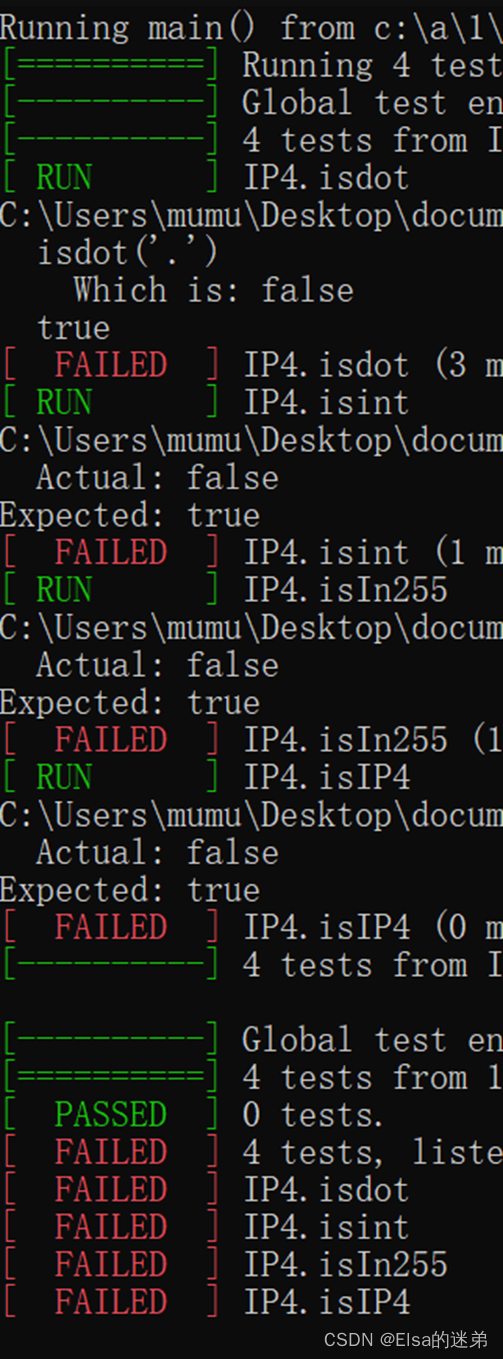
HUST Software Engineering (Experiment 2) -- TDD test driven development experiment.

【斐波那契数列】

Go语言之Go 快速入门篇(一):第一个 Go 程序

Tests logiciels vocabulaire commun anglais

Baidu submits sitemap to prompt the solution of "index type is not handled"
![[big guy show] aiops in the eyes of Borui data, choosing the right track and the right people](/img/a6/61d125326fc81532a56858c384460f.jpg)
[big guy show] aiops in the eyes of Borui data, choosing the right track and the right people

【冒泡排序的实现】

Niuke: two numbers that only appear once in the array

JS memory leak

Why did those who left Beijing, Shanghai and Guangzhou with a smile cry in the end?
随机推荐
Navicat premium 15 tool is automatically deleted by anti-virus protection software solution
CocosCreator原生二次开发的正确姿势
AOSP ~ 修改WebView默认实现
OpenJudge NOI 1.13 18:Tomorrow never knows?
Win10 安装Office 2016出现错误代码30204-44怎么处理?
Fundamentals of deep learning [4] build easyocr and carry out simple character recognition from 0
CPT 102_ LEC 17
[C language classic]: inverted string
AOSP ~ WIFI默认开启 + GPS默认关闭 + 蓝牙默认关闭 + 旋转屏幕关闭
AOSP ~ modify WebView default implementation
Baidu submits sitemap to prompt the solution of "index type is not handled"
微信小程序
jdbc工具類的問題
Cmake common commands
CPT 102_LEC 17
【大咖秀】博睿数据眼中的AIOps,选择正确的赛道正确的人
CPT 102_LEC 16
[Fibonacci series]
20220610 Friday
Istio installation and use