当前位置:网站首页>【C#网络应用编程】实验3:进程管理练习
【C#网络应用编程】实验3:进程管理练习
2022-07-27 17:13:00 【华为云】
实验3:进程管理练习
通过本实验,熟悉和掌握Process类的使用。
1、创建一个WPF应用程序项目
2、将App.xaml中的Application.Resources节内容改为
<Application x:Class="WpfApp1.App" xmlns="http://schemas.microsoft.com/winfx/2006/xaml/presentation" xmlns:x="http://schemas.microsoft.com/winfx/2006/xaml" xmlns:local="clr-namespace:WpfApp1" StartupUri="MainWindow.xaml"> <Application.Resources> <Style x:Key="LabelStyle" TargetType="Label"> <Setter Property="FontSize" Value="14"/> <Setter Property="HorizontalContentAlignment" Value="Center"/> <Setter Property="HorizontalAlignment" Value="Center" /> <Setter Property="Background" Value="AliceBlue"/> </Style> <Style x:Key="BorderStyle" TargetType="Border"> <Setter Property="Height" Value="35"/> <Setter Property="VerticalAlignment" Value="Center"/> <Setter Property="Background" Value="AliceBlue"/> </Style> </Application.Resources></Application>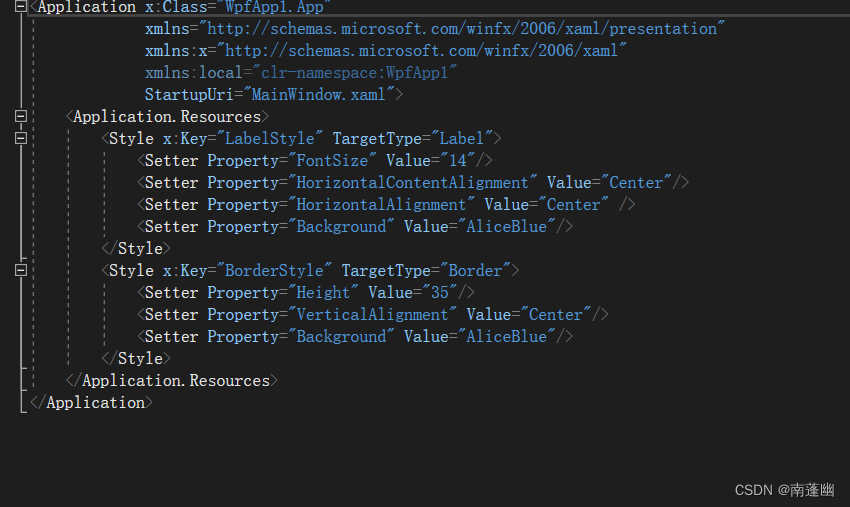
3、修改MainWindow.xaml及代码隐藏类
MainWindow.xaml
<Window x:Class="WpfApp1.MainWindow" xmlns="http://schemas.microsoft.com/winfx/2006/xaml/presentation" xmlns:x="http://schemas.microsoft.com/winfx/2006/xaml" xmlns:d="http://schemas.microsoft.com/expression/blend/2008" xmlns:mc="http://schemas.openxmlformats.org/markup-compatibility/2006" xmlns:local="clr-namespace:WpfApp1" mc:Ignorable="d" Title="MainWindow" Height="450" Width="800"> <Grid Margin="20"> <Grid.ColumnDefinitions> <ColumnDefinition Width="Auto"/> <ColumnDefinition Width="*"/> </Grid.ColumnDefinitions> <Rectangle Grid.ColumnSpan="2" Fill="White" RadiusX="14" RadiusY="14" Stroke="Blue" StrokeDashArray="3"/> <Rectangle Grid.Column="0" Margin="7" Fill="#FFF0F9D8" RadiusX="10" RadiusY="10" Stroke="Blue" StrokeDashArray="3"/> <Rectangle Grid.Column="0" Margin=" 20" Fill="White" Stroke="Blue"/> <ScrollViewer Grid.Column="0" Margin="20"> <StackPanel> <StackPanel.Resources> <Style TargetType="Button"> <Setter Property="HorizontalContentAlignment" Value="Center"/> <Setter Property="Margin" Value="5 10 5 0"/> <Setter Property="Padding" Value=" 15 0 15 0"/> <Setter Property="FontSize" Value=" 10"/> <EventSetter Event="Click" Handler="button_Click"/> </Style> </StackPanel.Resources> <Button Content="例1(StartStopProcess)" Tag="/Examples/Page1.xaml"/> </StackPanel> </ScrollViewer> <Frame Name="frame1" Grid.Column="1" Margin="10" BorderThickness="1" BorderBrush="Blue" NavigationUIVisibility="Hidden"/> </Grid></Window>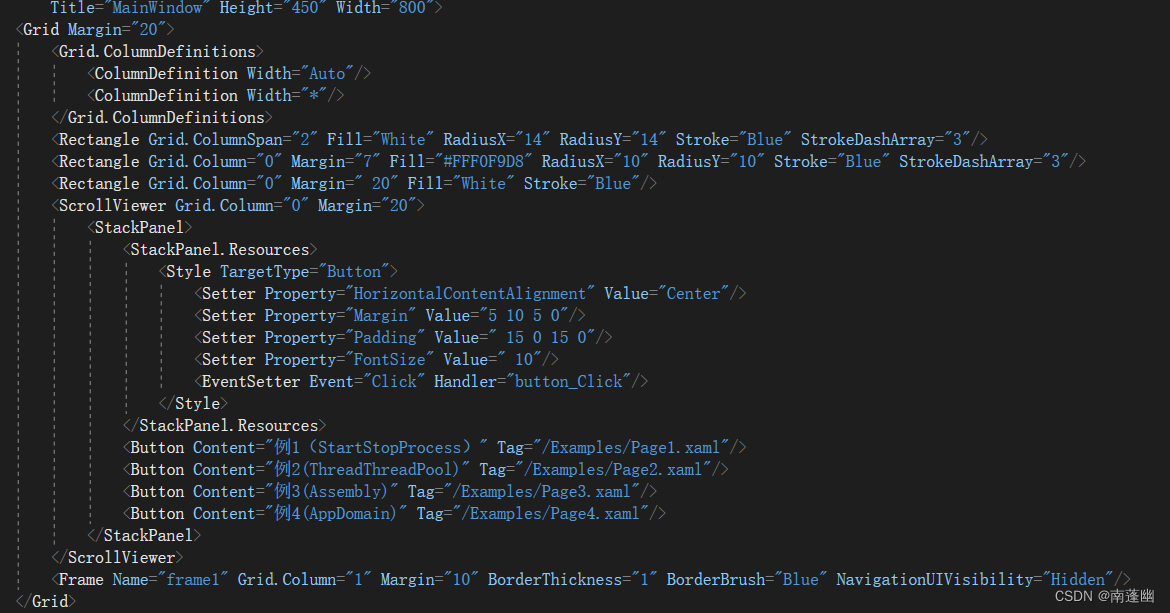
MainWindow.xaml.cs主要内容
using System;using System.Collections.Generic;using System.Linq;using System.Text;using System.Threading.Tasks;using System.Windows;using System.Windows.Controls;using System.Windows.Data;using System.Windows.Documents;using System.Windows.Input;using System.Windows.Media;using System.Windows.Media.Imaging;using System.Windows.Navigation;using System.Windows.Shapes;namespace WpfApp1{ /// <summary> /// MainWindow.xaml 的交互逻辑 /// </summary> public partial class MainWindow : Window { Button oldButton = new Button(); public MainWindow() { InitializeComponent(); } private void button_Click(object sender, RoutedEventArgs e) { Button btn = e.Source as Button; btn.Foreground = Brushes.Black; oldButton.Foreground = Brushes.Black; oldButton = btn; frame1.Source = new Uri(btn.Tag.ToString(), UriKind.Relative); } }}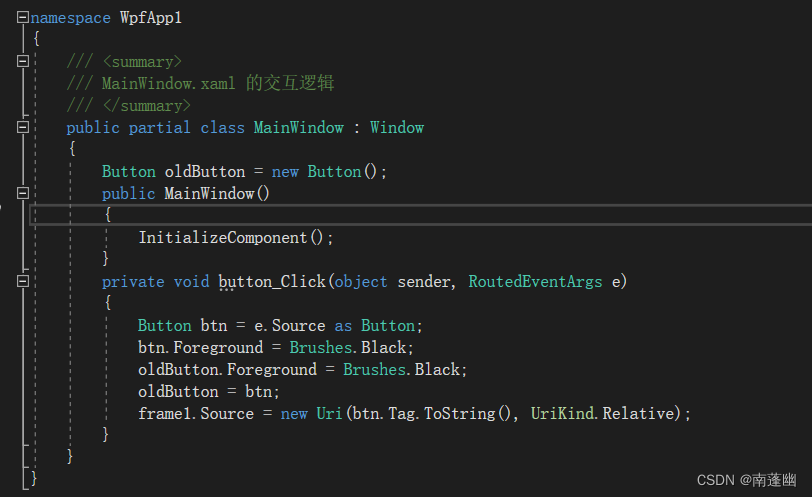
修改Page1.xaml的核心代码
<Page x:Class="WpfApp1.Examples.Page1" xmlns="http://schemas.microsoft.com/winfx/2006/xaml/presentation" xmlns:x="http://schemas.microsoft.com/winfx/2006/xaml" xmlns:mc="http://schemas.openxmlformats.org/markup-compatibility/2006" xmlns:d="http://schemas.microsoft.com/expression/blend/2008" xmlns:local="clr-namespace:WpfApp1.Examples" mc:Ignorable="d" d:DesignHeight="450" d:DesignWidth="800" Title="Page1"> <DockPanel Background="White"> <Label DockPanel.Dock="Top" Content="启动、停止和观察进程" Style="{StaticResource LabelStyle}"/> <Border DockPanel.Dock="Bottom" Style="{StaticResource BorderStyle}"> <StackPanel Orientation="Horizontal" HorizontalAlignment="Center"> <Button Name="btnStart" Width="70" Content="启动进程" Click="BtnStart_Click"/> <Button Name="btnStop" Margin="20 0 0 0" Width="70" Content="停止进程" Click="BtnStop_Click"/> </StackPanel> </Border> <DataGrid Name="dataGrid1" Background="White" Margin="5" IsReadOnly="True" AutoGenerateColumns="False"> <DataGrid.Columns> <DataGridTextColumn Header="进程ID" Binding="{Binding Path=Id}" Width="50"/> <DataGridTextColumn Header="进程名称" Binding="{Binding Path=ProcessName}" Width="70"/> <DataGridTextColumn Header="占用内存" Binding="{Binding Path=TotalMemory}" Width="80"/> <DataGridTextColumn Header="启动时间" Binding="{Binding Path=StartTime}" Width="130"/> <DataGridTextColumn Header="文件路径" Binding="{Binding Path=FileName}"/> </DataGrid.Columns> </DataGrid> </DockPanel></Page>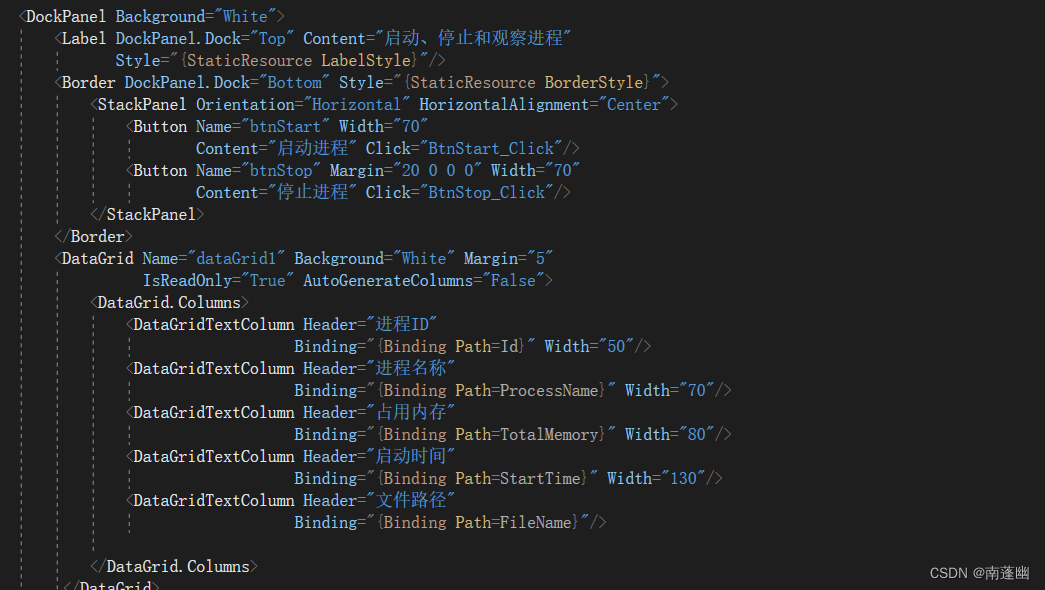
Page1.xaml.cs的核心代码
using System;using System.Collections.Generic;using System.Diagnostics;using System.IO;using System.Linq;using System.Text;using System.Threading;using System.Threading.Tasks;using System.Windows;using System.Windows.Controls;using System.Windows.Data;using System.Windows.Documents;using System.Windows.Input;using System.Windows.Media;using System.Windows.Media.Imaging;using System.Windows.Navigation;using System.Windows.Shapes;namespace WpfApp1.Examples{ /// <summary> /// Page1.xaml 的交互逻辑 /// </summary> public partial class Page1 : Page { int fileIndex = 1; string fileName = "Notepad"; List<Data> list = new List<Data>(); public Page1() { InitializeComponent(); } private void BtnStart_Click(object sender, RoutedEventArgs e) { string argument = Environment.CurrentDirectory + "\\myfile" + (fileIndex++) + ".txt"; if (File.Exists(argument)==false) { File.CreateText(argument); } Process p = new Process(); p.StartInfo.FileName = fileName; p.StartInfo.Arguments = argument; p.StartInfo.UseShellExecute = false; p.StartInfo.WindowStyle = ProcessWindowStyle.Normal; p.Start(); p.WaitForInputIdle(); RefreshProcessInfo(); } private void BtnStop_Click(object sender, RoutedEventArgs e) { this.Cursor = Cursors.Wait; Process[] myprocesses; myprocesses = Process.GetProcessesByName(fileName); foreach (Process p in myprocesses) { using (p) { p.CloseMainWindow(); Thread.Sleep(1000); p.WaitForExit(); } } fileIndex = 0; RefreshProcessInfo(); this.Cursor = Cursors.Arrow; } private void RefreshProcessInfo() { dataGrid1.ItemsSource = null; list.Clear(); Process[] processes = Process.GetProcessesByName(fileName); foreach (Process p in processes) { list.Add(new Data() { Id = p.Id, ProcessName = p.ProcessName, TotalMemory = string.Format("{0,10:0} KB" ,p.WorkingSet64 / 1024d), StartTime=p.StartTime.ToString("yyyy-M-d HH:mm:ss"), FileName=p.MainModule.FileName }); } dataGrid1.ItemsSource = list; } } public class Data { public int Id { get; set; } public string ProcessName { get; set; } public string TotalMemory { get; set; } public string StartTime { get; set; } public string FileName { get; set; } }}
实验结果
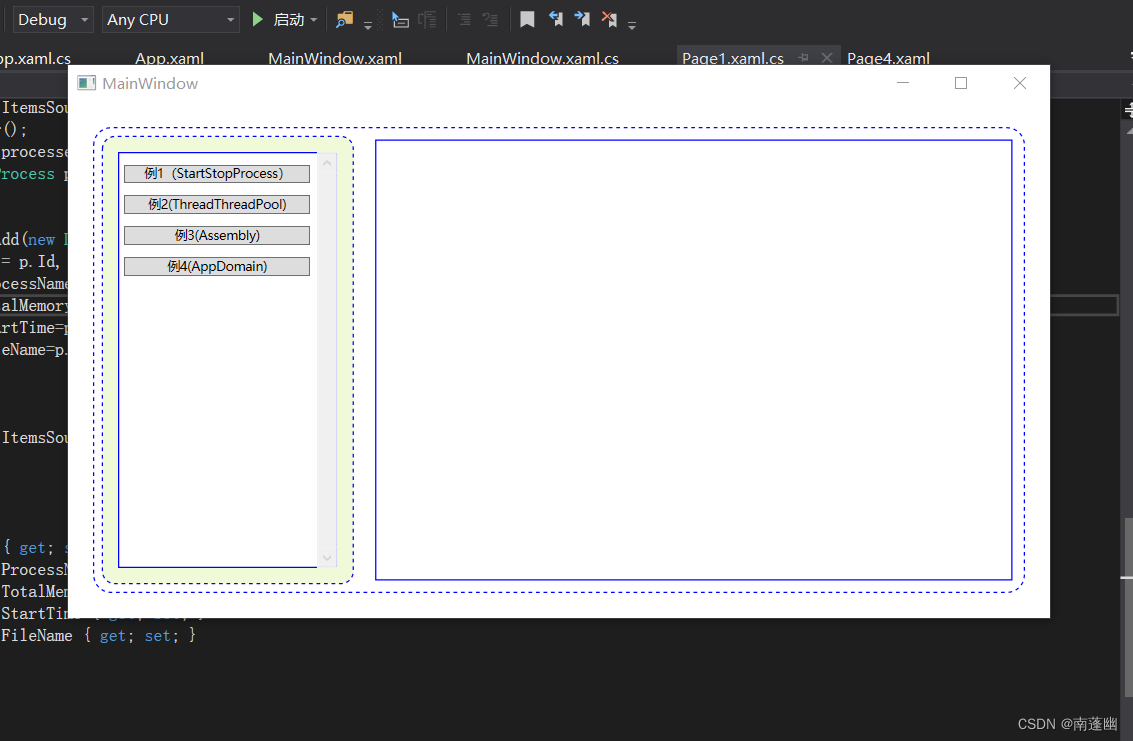
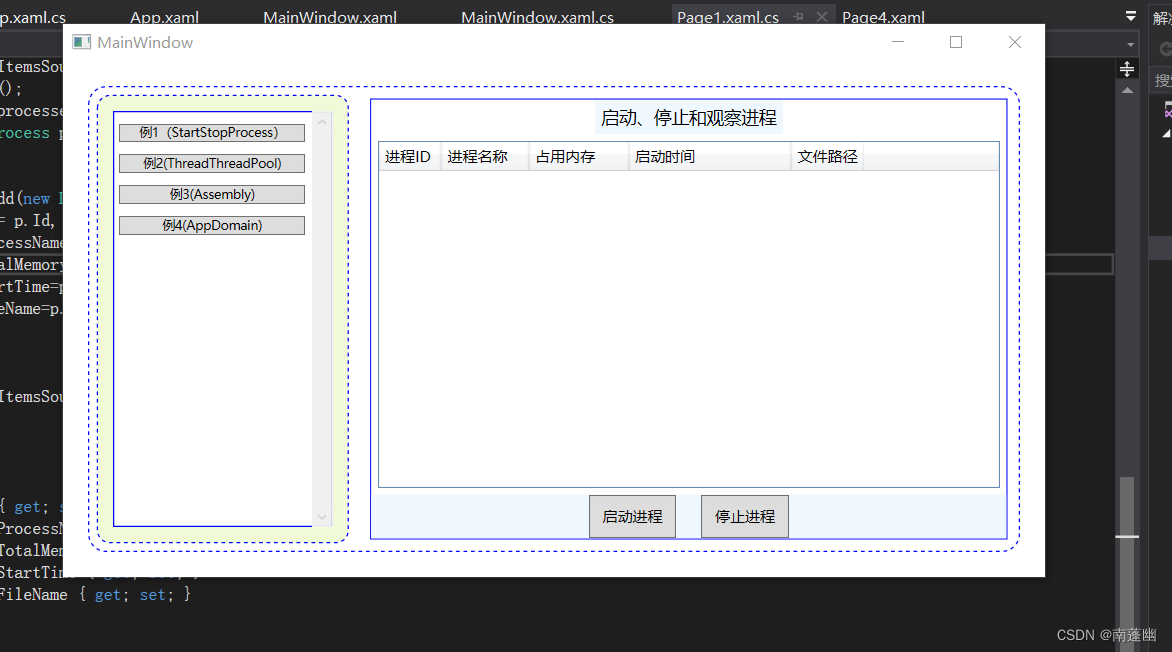
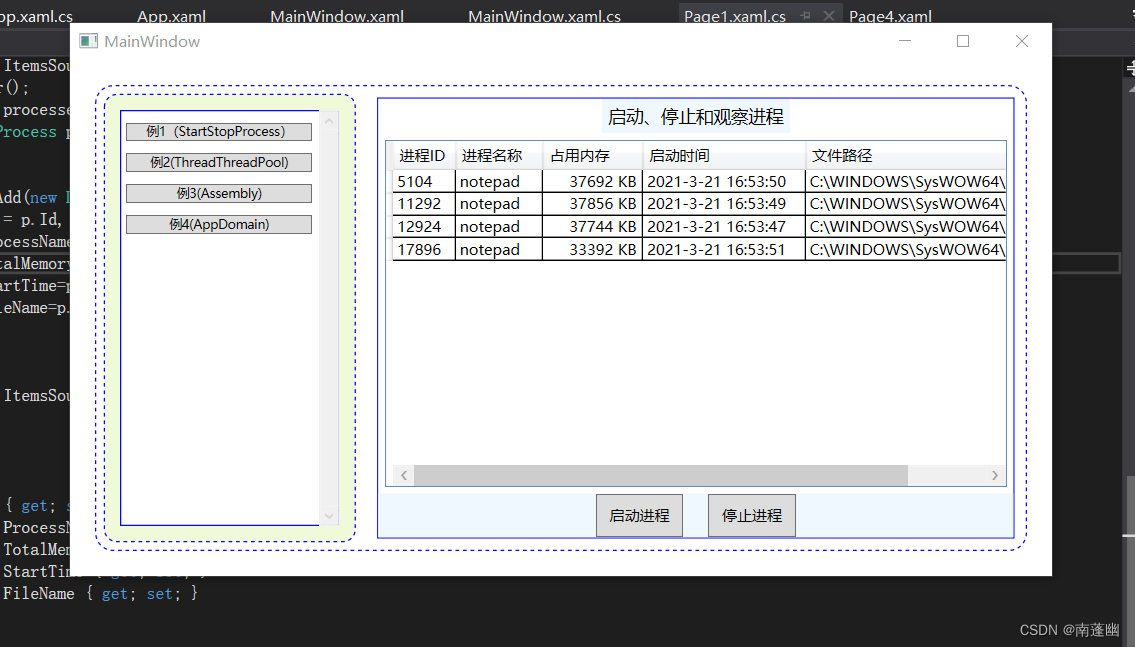
实验结果能启动多个进程,并停止所有进程
通过本实验,对Process类的使用,启动进程,停止进程,获取所有进程信息,获取指定进程信息,更加熟练和掌握了进程管理知识。
边栏推荐
猜你喜欢

Application pool has been disabled

ArrayAdapter(数组适配器)与SimpleAdapter(简单适配器)

DatePicker(日期选择器)与TimePicker(时间选择器)

Complex number proof of solvability of regular 17 sided ruler and gauge drawing

Sharepreference (storage)

Detailed interpretation of IEC104 protocol (I) protocol structure

真实案例,大学生接单被骗,希望大家不要被骗了【惨痛教训】

Oracle XE版安装与用户操作

【深度学习基础知识 - 37】解决正负样本不均衡 Focal Loss
Systemservice (system service)
随机推荐
链表~~~
Broadcastreceiver (broadcast)
Use of jvisualvm
FileOutputStream(文件储存)与FileInputStream(文件读取)
Transaction log full problem handling in sqlserver 2008
Introduction to socke programming
pytorch lstm+attention
ReferenceError: __ dirname is not defined in ES module scope
Influxdb series (IV) TSM engine (storage principle)
ContextMenu (context menu)
【深度学习基础知识 - 42】逻辑回归详解
Fileoutputstream (file storage) and FileInputStream (file reading)
rxbinding
SharePreference(存储)
RadioGroup(单选框)
Object常用方法学习【clone和equals】
[basic knowledge of deep learning - 46] Bayesian theorem and conditional probability formula
函数总结
The first in the field of mobile phone chip design in the world! Ziguang zhanrui won the international certification of tmmi4
UnicodeDecodeError: ‘utf-8‘ codec can‘t decode byte 0xff in position 0: invalid start byte