当前位置:网站首页>el-upload上传文件
el-upload上传文件
2022-06-12 02:07:00 【赤蓝紫】
el-upload上传文件
前言
公司和学校项目都用到了上传文件的功能,记录一下。
准备
express实现的上传接口
const express = require('express');
// 文件上传模块
const multiparty = require('multiparty')
// 提供跨域资源请求
const cors = require('cors')
// 文件操作
const fs = require('fs')
const app = express();
app.use(cors());
app.get('/policy', (req, res) => {
res.json({
code: 200,
msg: '成功',
url: '/upload',
filename: 'clz'
})
});
app.post('/upload', (req, res) => {
let form = new multiparty.Form()
// 配置文件存储路径
form.uploadDir = './upload'
form.parse(req, (err, fields, files) => {
// 解析formData
for (const file of files.file) {
const newPath = form.uploadDir + '/' + file.originalFilename
// renameSync(oldPath, newPath):同步重命名文件,oldPath使用默认上传路径,newPath则是想要保存到的路径
fs.renameSync(file.path, newPath);
}
res.json({
code: 200,
msg: '上传成功'
})
})
});
app.listen(8088, () => {
console.log('http://localhost:8088/');
});
如果需要使用,自行查阅express用法,也可以到本人博客中查看简单教程。
开始
简单使用版本
<template>
<el-upload
action="http://localhost:8088/upload"
:show-file-list="true"
:on-success="handleSuccess"
:on-error="handleError"
>
<el-button type="primary">上传图片</el-button>
</el-upload>
</template>
<script setup>
import { ElMessage } from "element-plus";
const handleSuccess = (res, file, files) => {
console.log(res);
console.log(file, files);
new ElMessage({
type: "success",
message: "上传成功",
});
};
const handleError = (error, file, files) => {
console.log(error);
console.log(file, files);
ElMessage.error("上传失败");
};
</script>
<style lang="less" scoped>
</style>
解释下上面的属性:
action:请求URLshow-file-list:是否展文件列表(如果没上传成功,则会闪现一下,再消失)on-success:文件上传成功钩子- 参数:
- res:后端返回的成功响应数据(响应状态为成功时)
- file:上传的文件
- files:成功上传的文件列表
on-success:文件上传失败钩子- 参数:
- error:错误对象,内容是后端返回的响应数据(响应状态为失败时,如状态码为500)
- file:上传的文件
- files:成功上传的文件列表
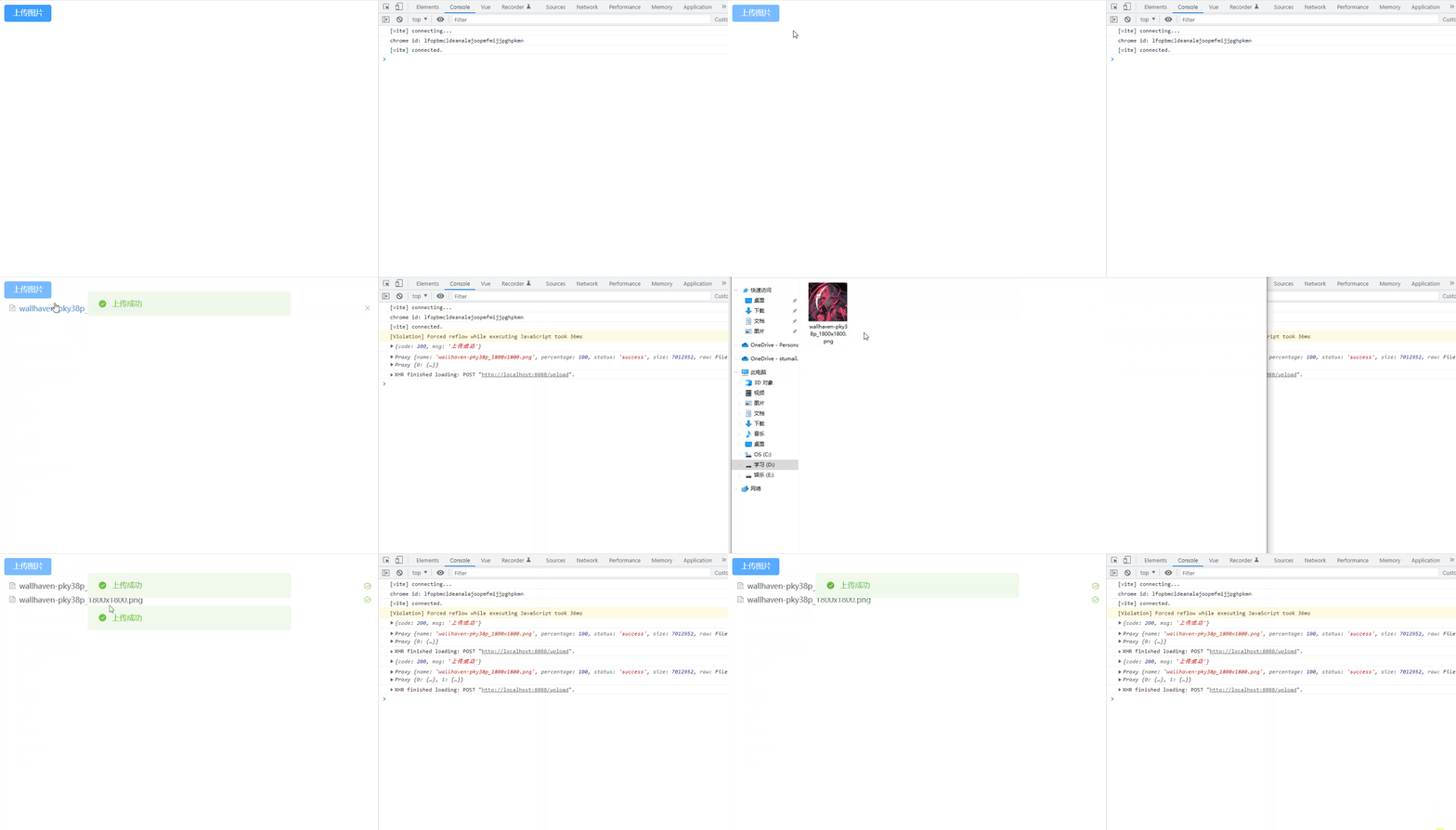
接下来,去后端设置的路径去看看有没有成功保存上传的文件。

添加token
这个比较简单,因为element-plus也封装好了,只需要使用headers属性,去设置请求头即可
<el-upload
  action="http://localhost:8088/upload"
  :headers="{ token: '12345' }"
>
  <el-button type="primary">上传图片</el-button>
</el-upload>

上传前获取签名再上传
有时候并不是直接上传就可以的,比如一开始并没有上传路径,需要调用获取签名接口来获取上传路径。这个时候就可以使用我们的上传文件之前的钩子before-upload。在上传前调用获取签名的接口,用拿到的url去修改,上传路径,就能够上传了。
<template>
<el-upload :action="url" :before-upload="getPolicy">
<el-button type="primary">上传图片</el-button>
</el-upload>
</template>
<script setup>
import axios from "axios";
import { reactive, ref } from "vue";
const url = ref("");
const getPolicy = () => {
return new Promise((resolve, reject) => {
axios
.get("http://localhost:8088/policy")
.then((res) => {
const { data } = res;
if (data.code === 200) {
url.value = `http://localhost:8088${data.url}`;
resolve();
}
})
.catch((error) => {
reject(error);
});
});
};
</script>
<style lang="less" scoped>
</style>

手动上传
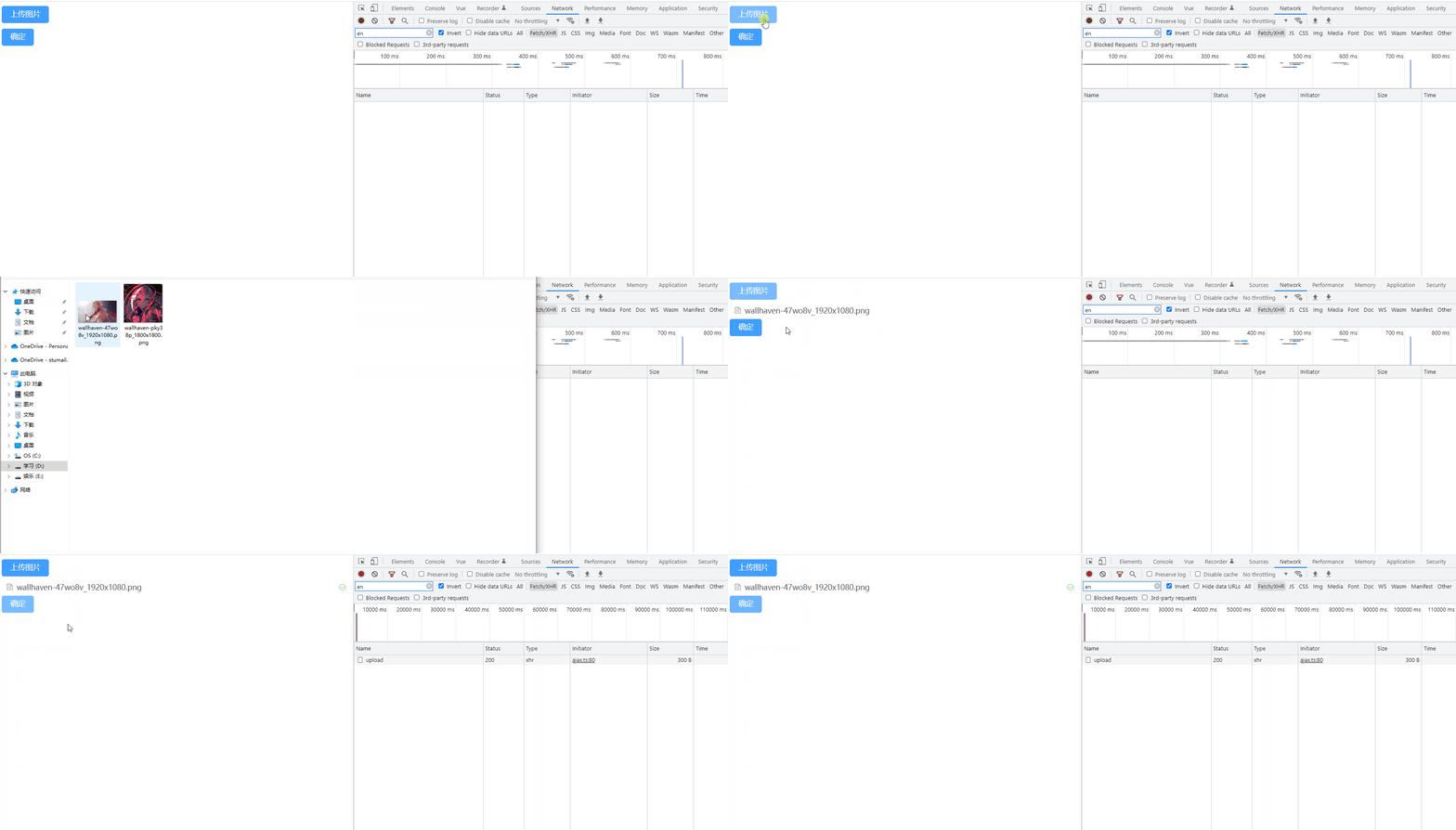
我们上面的例子都是选中文件后,就会上传,但是有时候我们会有点击按钮才去上传的需求,这个时候就需要结合auto-upload和submit来实现手动上传了。先设置auto-upload为false,取消自动上传,这个时候选中图片后就没有上传了,所以我们在按钮的点击事件中,还得使用DOM去调用submit方法去手动上传。
<template>
<el-upload
ref="upload"
action="http://localhost:8088/upload"
:auto-upload="false"
>
<el-button type="primary">上传图片</el-button>
</el-upload>
<el-button type="primary" @click="confirm">确定</el-button>
</template>
<script setup>
import { getCurrentInstance } from "vue";
const { proxy } = getCurrentInstance();
const confirm = () => {
proxy.$refs.upload.submit();
};
</script>
<style lang="less" scoped>
</style>
上传的时候修改文件名
情境:调用签名接口时也给你返回一个文件名,前端在上传的时候需要把文件名改掉再上传,让服务器保存的是规范的文件名。
首先,先说一下结论:无法通过修改File对象的name属性,实现重命名
在上传前钩子中修改File对象的name属性
<template>
<el-upload
action="http://localhost:8088/upload"
:before-upload="getPolicy"
>
<el-button type="primary">上传图片</el-button>
</el-upload>
</template>
<script setup>
// 上传前钩子
const getPolicy = (file) => {
console.log(file);
file.name = "clz.png"; // 如果在上传前钩子中对文件的name属性进行修改,则会导致上传不了。而且不报错,难以发现问题所在。
console.log(file.name);
};
</script>
<style lang="less" scoped>
</style>
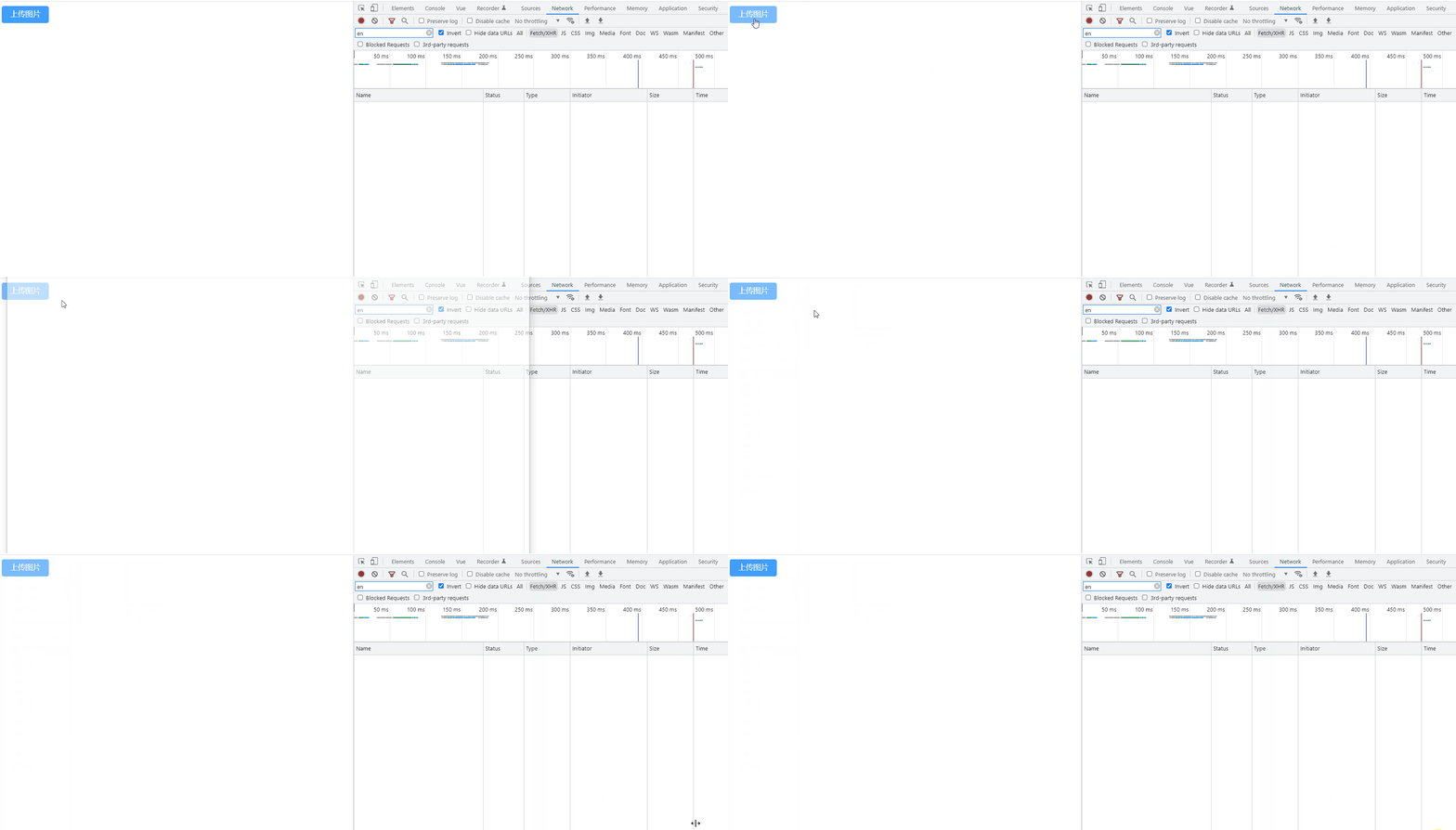
毫无波澜。
上传文件时修改
通过http-request属性,覆盖默认的上传行为。
<template>
<el-upload action="http://localhost:8088/upload" :http-request="httpRequest">
<el-button type="primary">上传图片</el-button>
</el-upload>
</template>
<script setup>
const httpRequest = ({ file }) => {
console.log(file);
file.name = "clz.png";
};
</script>
<style lang="less" scoped>
</style>

直接报错
解决方案
既然不能直接修改File对象的name属性来实现重命名操作,那么应该怎么办呢?
这个时候就需要通过new File构造函数去再创建一个文件,创建的同时更改名字。
<template>
<el-upload action="http://localhost:8088/upload" :http-request="httpRequest">
<el-button type="primary">上传图片</el-button>
</el-upload>
</template>
<script setup>
const httpRequest = ({ file }) => {
console.log(file);
const cloneFile = new File([file], "clz.png");
console.log(cloneFile);
};
</script>
<style lang="less" scoped>
</style>
注意:如果是更改一个文件的文件名的话,File的构造函数第一个参数应该是包住file的数组

但是这个时候,又有问题了,我们已经使用http-request覆盖默认的上传的行为了,所以我们还得重新实现上传。
上传文件首先需要formData对象,然后给formData添加上数据,在把formData通过接口发出去即可。
<template>
<el-upload action="#" :http-request="httpRequest">
<el-button type="primary">上传图片</el-button>
</el-upload>
</template>
<script setup>
import axios from "axios";
import { ElMessage } from "element-plus";
const httpRequest = ({ file }) => {
console.log(file);
const cloneFile = new File([file], "clz.png");
const formData = new FormData();
formData.append("file", cloneFile);
axios.post("http://localhost:8088/upload", formData).then((res) => {
if (res === 200) {
new ElMessage({
type: "success",
message: "上传成功",
});
}
});
};
</script>
<style lang="less" scoped>
</style>

小贴士
上面已经说出解决方法了,但是,重命名一般不会帮你把文件后缀都给改掉。所以这个时候可以通过正则表达式把后缀给取出来。
const houzhui = file.name.replace(/.+./, "");
const newFile = new File([file], filename+houzhui);
一次请求上传多个文件
el-upload默认一个请求上传一个文件。需要上传多个文件首先得添加multiple属性。
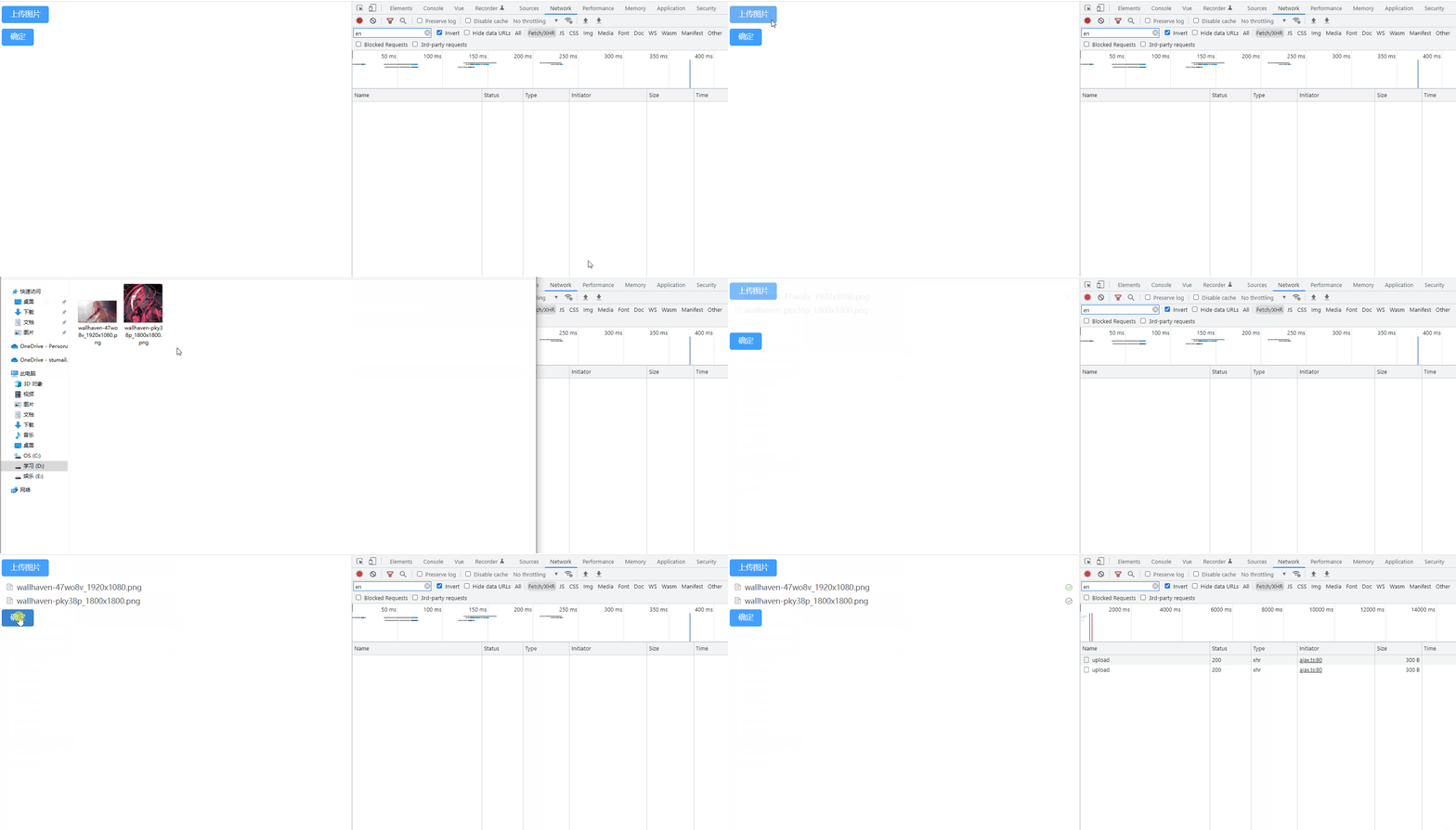
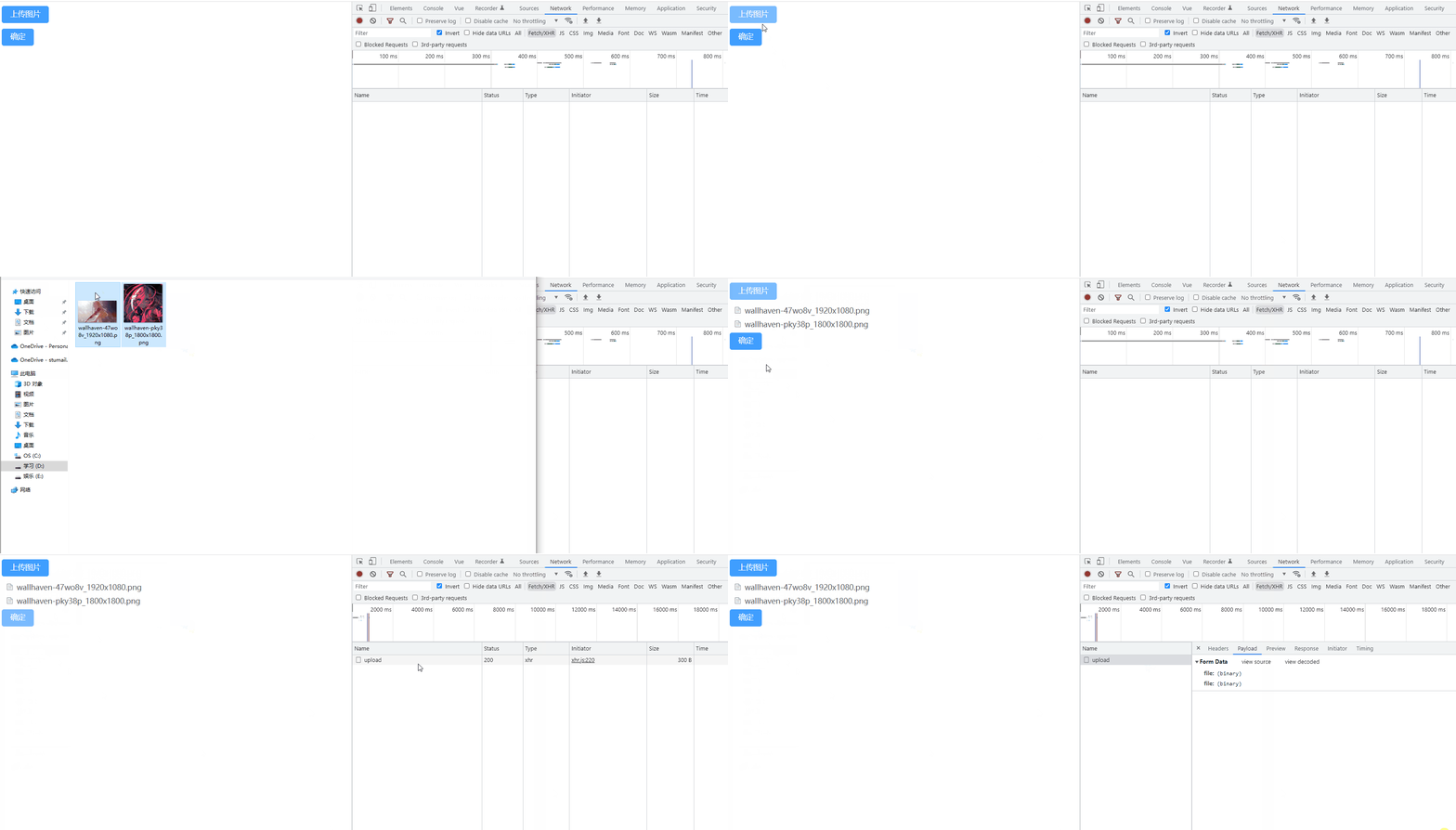
上面的例子中,我们可以发现,我们上面选中了两个文件,点击确定,上传图片时调用了两次上传接口。
既然el-upload默认一个请求上传一个文件,那么我们就不要使用el-upload的上传方法就行了。点击确定按钮时,去调用一个上传文件方法。
因为我们点击确定时,需要获取选中的文件,所以需要有file-list属性,保存选中的文件。
<template>
<el-upload
ref="upload"
action="#"
multiple
:file-list="fileList"
:auto-upload="false"
>
<el-button type="primary">上传图片</el-button>
</el-upload>
<el-button type="primary" @click="confirm">确定</el-button>
</template>
点击确定按钮,会触发confirm事件,实现一个请求上传多个文件的关键就在这,这个时候创建一个formData对象,遍历选中的文件列表,通过append添加到formData上。最后在调用uploadFile函数,真正把文件上传上去。
const fileList = reactive([]);
const confirm = () => {
const formData = new FormData();
console.log(fileList);
for (const file of fileList) {
formData.append("file", file.raw);
}
uploadFiles(formData);
};
function uploadFiles(data) {
axios.post("http://localhost:8088/upload", data).then((res) => {
if (res === 200) {
new ElMessage({
type: "success",
message: "上传成功",
});
}
});
}
小技能
获取图片的宽高像素
// 创建Image对象
const img = new Image();
// 设置图片的src
img.src = 'https://www.clzczh.top/medias/featureimages/19.png';
// 添加load事件,图片加载完成后执行
img.onload = () => {
// 获取图片的宽高像素
console.log(img.width, img.height);
};
边栏推荐
- Four schemes for redis to implement message queue
- PHP security development 13 column module of blog system
- LeetCode Algorithm 997. Find the town judge
- 力扣解法汇总497-非重叠矩形中的随机点
- php安全开发 13博客系统的栏目模块的编写
- UE4\UE5触摸屏touch事件:单指、双指
- ACL2022 | DCSR:一种面向开放域段落检索的句子感知的对比学习方法
- How to restore the redis cluster and retain the complete cluster data after changing the node IP
- ozzanimation-基於sse的動作系統
- Operating mechanism of Google ads bidding
猜你喜欢

Does the virtual host have independent IP
Redis cluster + sentinel mode + replicas

如何最大化的利用各种匹配方式? ——Google SEM

混泥土(地面+墙面)+ 山体裂缝数据集汇总(分类及目标检测)

Ozzanmation action system based on SSE

Spiral matrix (skill)

MySQL表常用操作思维导图

通用树形结构的迭代与组合模式实现方案

How WPS inserts a directory and the operating steps for quickly inserting a directory

Google Ads 竞价的运作机制
随机推荐
serialization and deserialization
力扣解法汇总462-最少移动次数使数组元素相等 II
android html5页面加载缓存优化
Graphical data analysis | data analysis tool map
力扣解法汇总883-三维形体投影面积
国资入股,建业地产这回稳了吗?
leetcodeSQL:612. Nearest distance on plane
小程序111111
力扣解法汇总1022-从根到叶的二进制数之和
How to automatically color cells in Excel
力扣解法汇总497-非重叠矩形中的随机点
商城开发知识点
"China Dongxin Cup" the fourth programming competition of Guangxi University (synchronous competition)
Graphic data analysis | business cognition and data exploration
Alicloud OSS file upload system
MySQL表常用操作思维导图
力扣解法汇总953-验证外星语词典
力扣解法汇总942-增减字符串匹配
没有文笔,大家多多包涵
php安全开放10文章列表模块的分页编写