当前位置:网站首页>Fabric.js 手动加粗文本iText
Fabric.js 手动加粗文本iText
2022-07-02 11:08:00 【德育处主任】
本文简介
点赞 + 关注 + 收藏 = 学会了
<br>
本文介绍 Fabric.js 的 IText 在画布上如何让用户手动加粗文本。
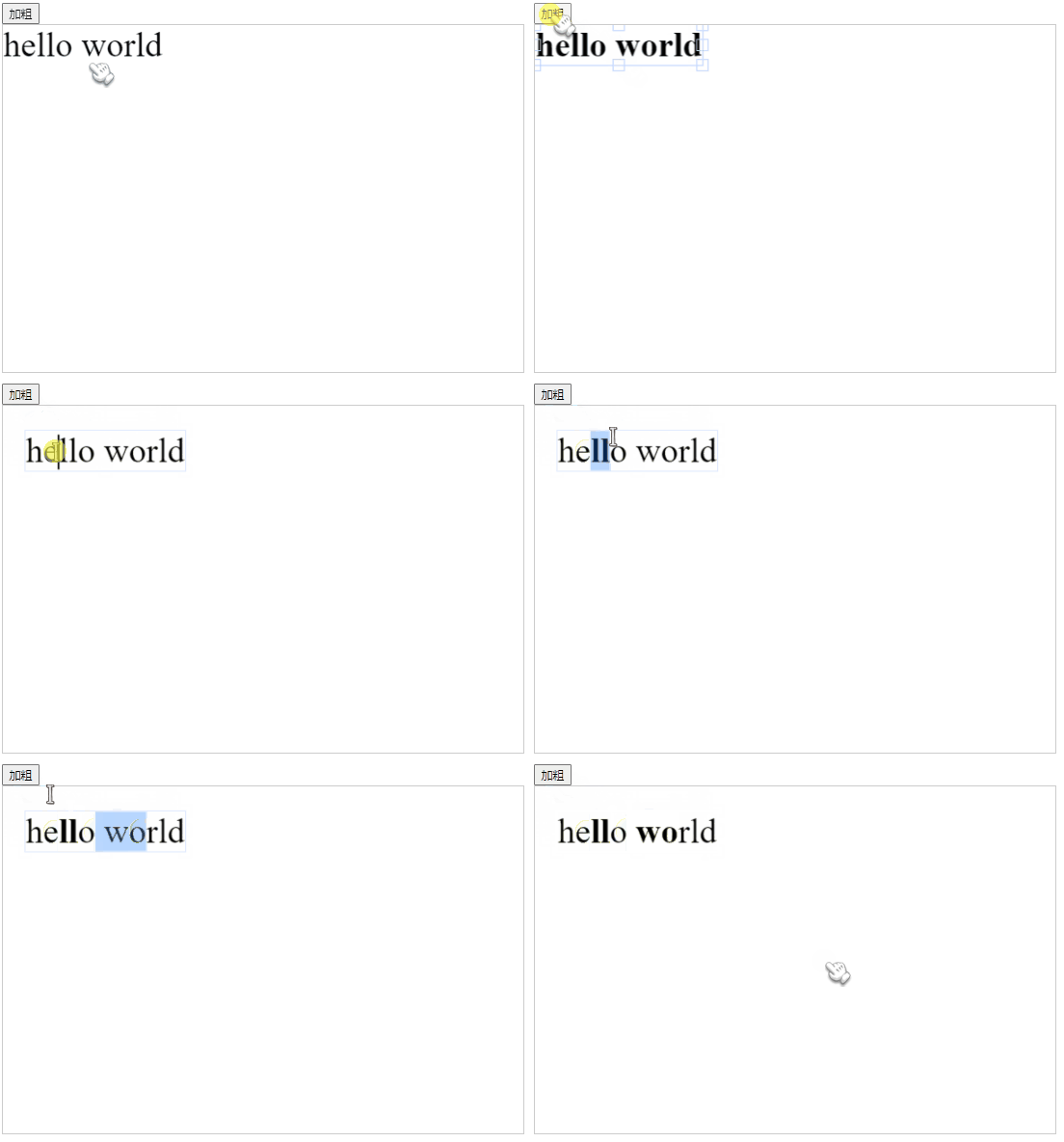
效果如图所示:
<br>
要实现2种操作
- 全文加粗
- 只加粗选中的文字
<br>
如果你还不清楚 Fabric.js 有什么用,我强烈推荐你阅读 《Fabric.js 从入门到目中无人》 。该文能让你的前端技术再点亮一个技能点。
<br>
<br>
全文加粗
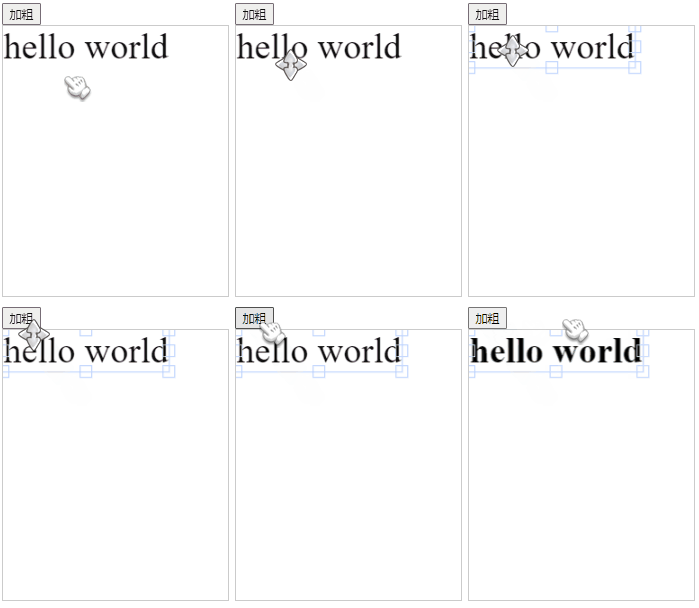
只需把 IText 的 fontWeight 属性设置成 bold 即可实现加粗。
如果想变回默认样式,可以将 fontWeight 设为 normal 。
修改完文字样式后,需要执行 canvas.renderAll() 重新渲染一下画布内容。
<button onclick="bold()">加粗</button><canvas id="c2" width="250" height="300" style="border: 1px solid #ccc"></canvas><!-- 引入fabric.js --><script src="js/fabric.js"></script><script> // 创建画布 const canvas = new fabric.Canvas('c2') // 创建文本 const iText = new fabric.IText('hello world') canvas.add(iText) function bold() { // 当前选中的元素 let activeTxt = canvas.getActiveObject() // 只有选中文本才执行以下操作 if (activeTxt) { activeTxt.fontWeight = 'bold' // 将字体加粗 canvas.renderAll() // 重新渲染画布 } }</script><br>
<br>
加粗选中的文字
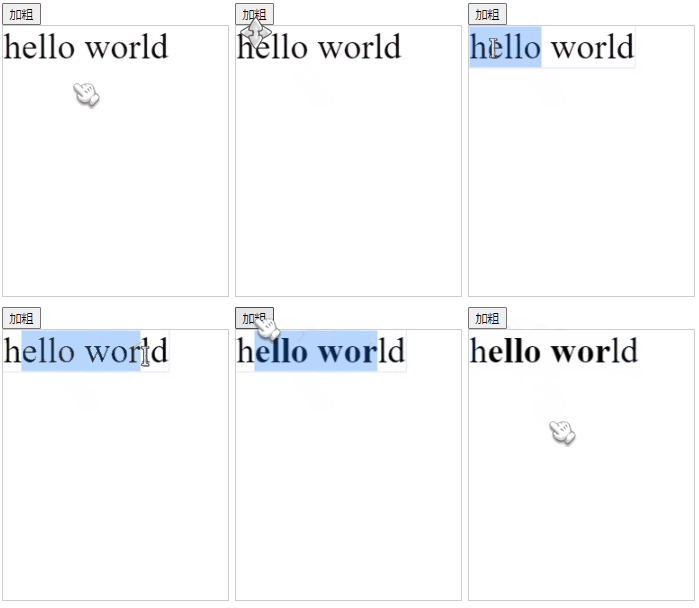
可以用 setSelectionStyles 设置被选中的文字样式,里面传一个样式对象即可。
<button onclick="bold()">加粗</button><canvas id="c2" width="250" height="300" style="border: 1px solid #ccc"></canvas><!-- 引入fabric.js --><script src="js/fabric.js"></script><script> // 创建画布 const canvas = new fabric.Canvas('c2') // 创建文本 const canvas = new fabric.Canvas('c2') // 创建文本 const iText = new fabric.IText('hello world') canvas.add(iText) function bold() { // 当前选中的元素 let activeTxt = canvas.getActiveObject() if (activeTxt) { activeTxt.setSelectionStyles({ 'fontWeight': 'bold' }) // 设置选中文字的样式 canvas.renderAll() // 重新渲染画布 } }</script><br>
<br>
仓库
<br>
<br>
推荐阅读
| 文章 | 简介 |
|---|---|
| 《Fabric.js 橡皮擦的用法(包含恢复功能)》 | 橡皮擦需要下载一个工具包,详情可参考该文。 |
| 《Fabric.js 基础画笔的用法 BaseBrush》 | 画笔的基础用法 |
| 《Fabric.js 自由绘制圆形》 | 将“框选”动作改造成自由绘制圆形 |
| 《Fabric.js 3个api设置画布宽高》 | 宽高设置并不是在初始化是才能进行的,本文介绍3种方法设置画布宽高,让你的画布更容易适配不同的使用场景 |
| 《Fabric.js 更换图片的3种方法(包括更换分组内的图片,以及存在缓存的情况)》 | 如果你的项目需要动态更换画布上的图片,那我也给你总结了3中方法 |
| 《Fabric.js 摆正元素的4种方法(带过渡动画)》 | 一键摆正被你旋转过的元素 |
| 《Fabric.js 将本地图像上传到画布背景》 | 除了在初始化时设置画布背景外,我还做了本地上传背景的功能,让画布在运行时也能修改背景图 |
| 《在 Vue3中使用Fabric.js实现渐变(Gradient)效果,包括径向渐变radial》 | 官方入门教程也只有线性渐变,以至于某些文章说 Fabric.js 只支持线性渐变。但其实径向渐变也完全支持 |
| 《Fabric.js 从入门到目中无人》 | Fabric.js 入门指南,学完能应付简单业务 |
| 《Fabric.js 右键菜单》 | Fabric.js 暂时还没右键事件,如果你想实现右键菜单的功能,可直接复制该文章的代码~ |
点赞 + 关注 + 收藏 = 学会了
边栏推荐
- Golang 快速生成数据库表的 model 和 queryset
- Federated Search: all requirements in search
- 数据湖(十一):Iceberg表数据组织与查询
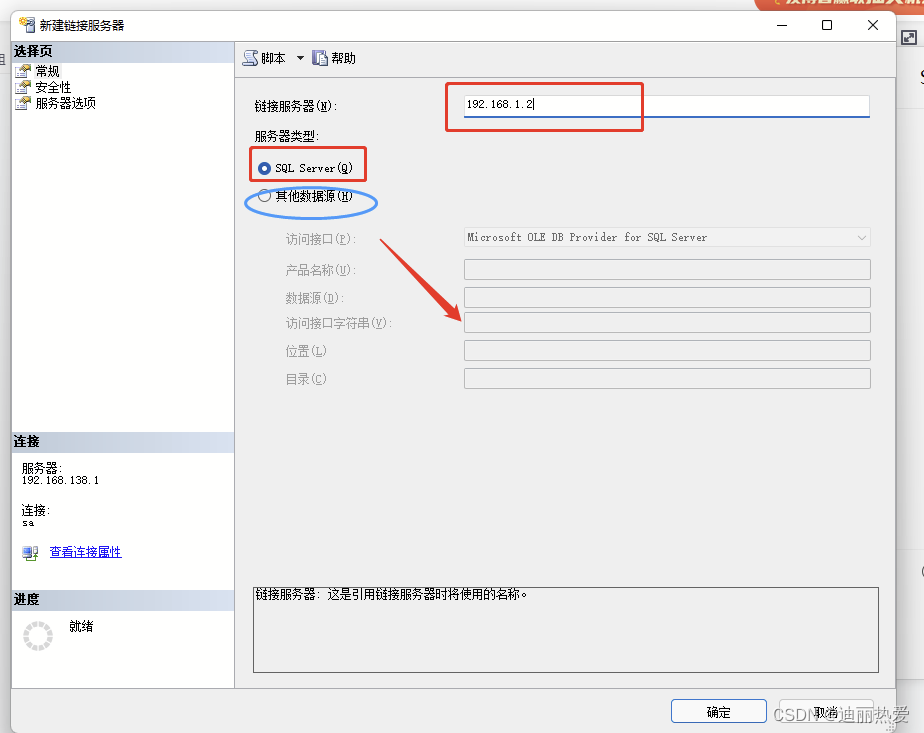
- 跨服务器数据访问的创建链接服务器方法
- Solving the longest subsequence with linear DP -- three questions
- Quick analysis: easy to share the Internet
- P1908 reverse sequence pair
- 腾讯云 TStor 统一存储通过信通院首批文件存储基础能力评测
- Multi rotor aircraft control using PID and LQR controllers
- kaggle如何使用utility script
猜你喜欢
MySQL 45 lecture - learning from the actual battle of geek time MySQL 45 Lecture Notes - 04 | easy to understand index (Part 1)
c# 水晶报表打印
Browser driven Download

Subcontracting configuration of uniapp applet subpackages

Pychart connects to the remote server
跨服务器数据访问的创建链接服务器方法
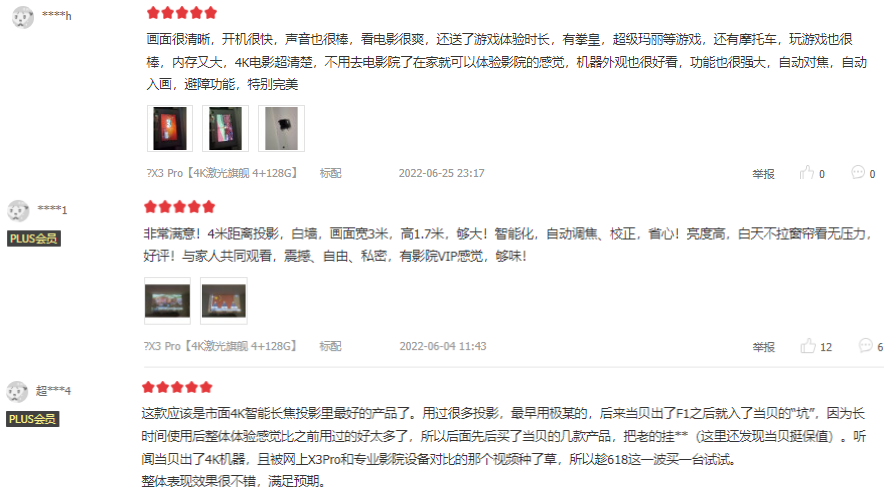
当贝投影4K激光投影X3 Pro获得一致好评:万元投影仪首选
Available solution development oral arithmetic training machine / math treasure / children's oral arithmetic treasure / intelligent math treasure LCD LCD driver ic-vk1622 (lqfp64 package), original te
ensp简单入门
<口算练习机 方案开发原理图>口算练习机/口算宝/儿童数学宝/儿童计算器 LCD液晶显示驱动IC-VK1621B,提供技术支持
随机推荐
TeamTalk源码分析之win-client
Mysql5.7 installation super easy tutorial
c# 水晶报表打印
[to be continued] [UE4 notes] l5ue4 model import
The most complete analysis of Flink frame window function
Slashgear shares 2021 life changing technology products, which are somewhat unexpected
PyQt5_ Qscrollarea content is saved as a picture
Launcher启动过程
Solve the problem that openocd fails to burn STM32 and cannot connect through SWD
Codeforces Round #803 (Div. 2)(A~D)
如何设置Qt手工布局
Use of UIC in QT
docker mysql
MySQL45讲——学习极客时间MySQL实战45讲笔记—— 05 | 深入浅出索引(下)
Error: eacces: permission denied, access to "/usr/lib/node_modules"
你知道Oracle的数据文件大小有上限么?
Quarkus learning IV - project development to deployment
BeanUtils -- shallow copy -- example / principle
联合搜索:搜索中的所有需求
selenium的特点