当前位置:网站首页>【工具推荐】个人本地 markdown 知识图谱软件 Obsidian
【工具推荐】个人本地 markdown 知识图谱软件 Obsidian
2022-06-12 15:49:00 【小雨青年】

一、特点
Obsidian 是基于本地文件夹的个人知识图谱软件。和一般的编辑器不一样的是,它的侧重点是知识库(knowledge base)。
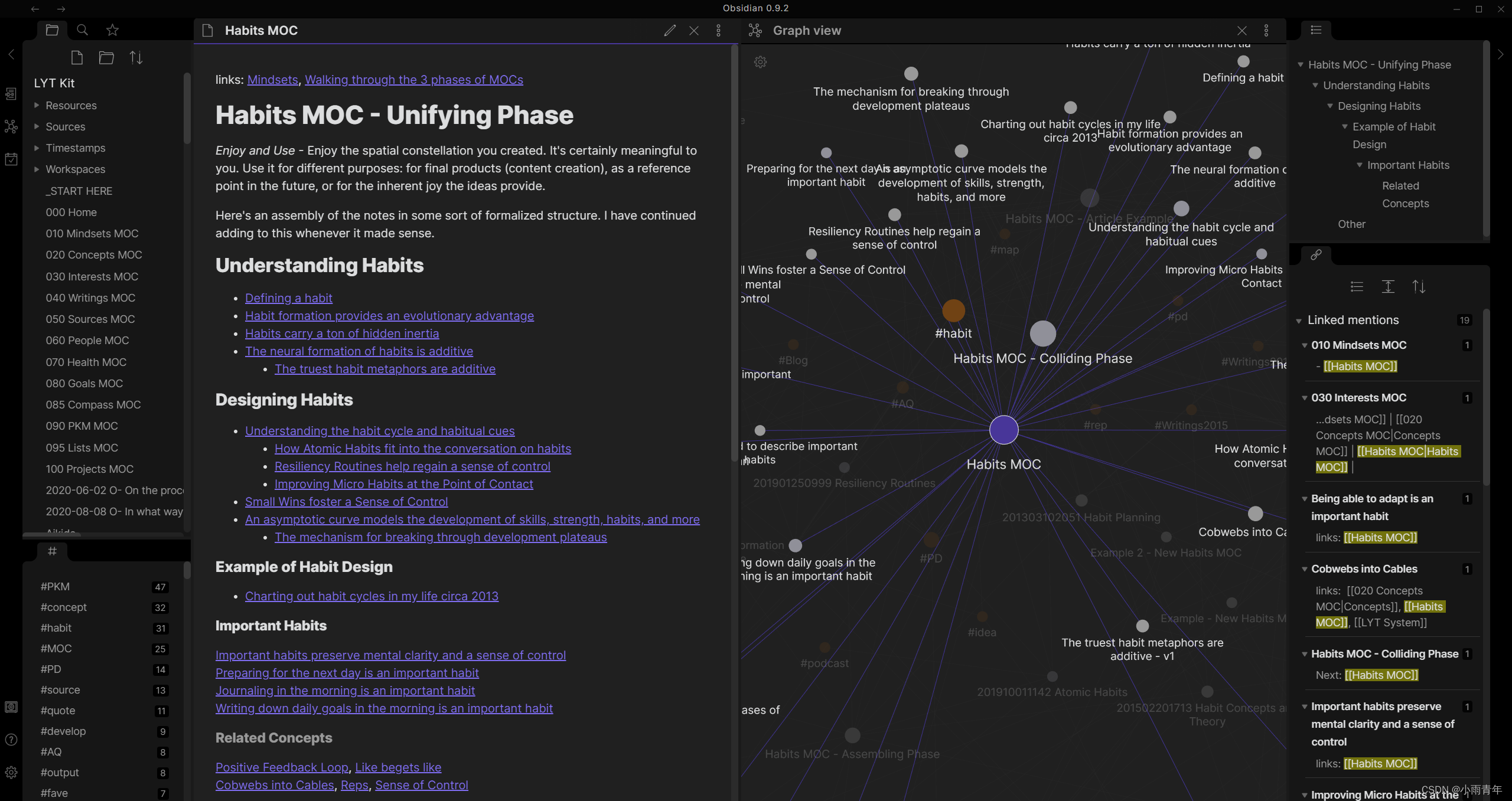
那么,如何理解知识库呢?下图是官网首页给出的图。
右侧的阅读视图就是它与众不同的地方,Obsidian 通过两个纬度,标签和反向链接,让本地文件夹内的md文件,像图一样相互关联,就像我们大脑中的知识一样,从各种纬度相互关联。
二、关于账户注册
1. 无需注册即可本地使用
如果你不喜欢注册很多账户的话,Obsidian 还是不错的,它基于本地管理,如果不做发布和同步数据,软件在本地运行就可以,也不需要同步。
当然,同步可以通过其他方式解决,比如 iCloud 。
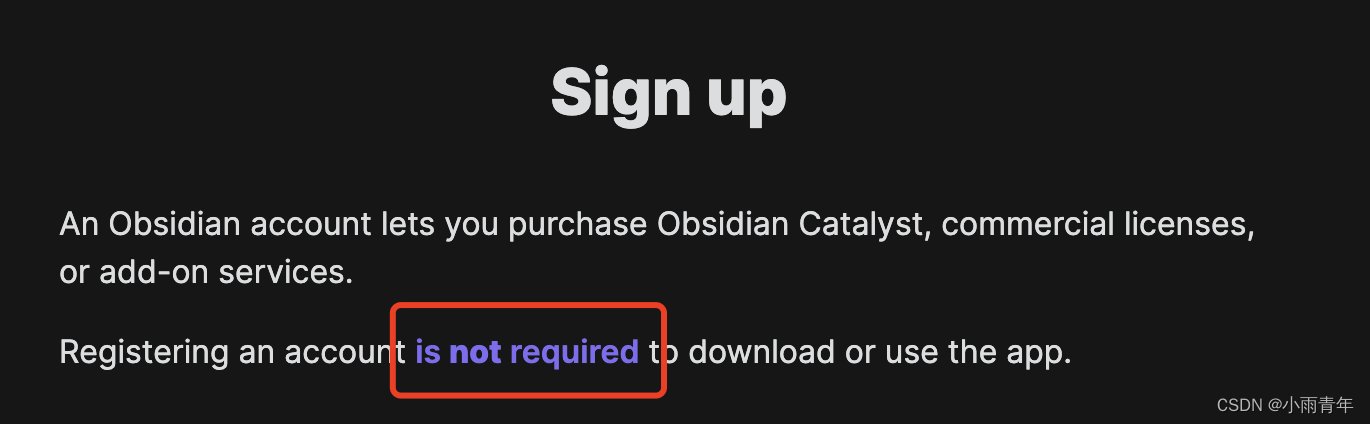
有意思的是,官方还特别注明,不注册也行,哈哈。
2. 发布和同步
如果你想发布自己的内容,或者多个端进行同步,就需要注册账户,并且收费了。
价格大概是,发布到网站,一年 192 美元;端到端加密同步,一年96 美元。
老实说价格并不便宜,所以我建议还是当做本地库使用比较好啊。

三、支持插件

Obsidian 有官方的插件市场,我们可以找自己需要的插件本地安装。
举个例子,Obsidian 的编辑器里,剪切板的图片粘贴过去,就会复制到同级文件夹下,还是自动命名的,我要是复制到网上发博客,那图片处理还不烦死。
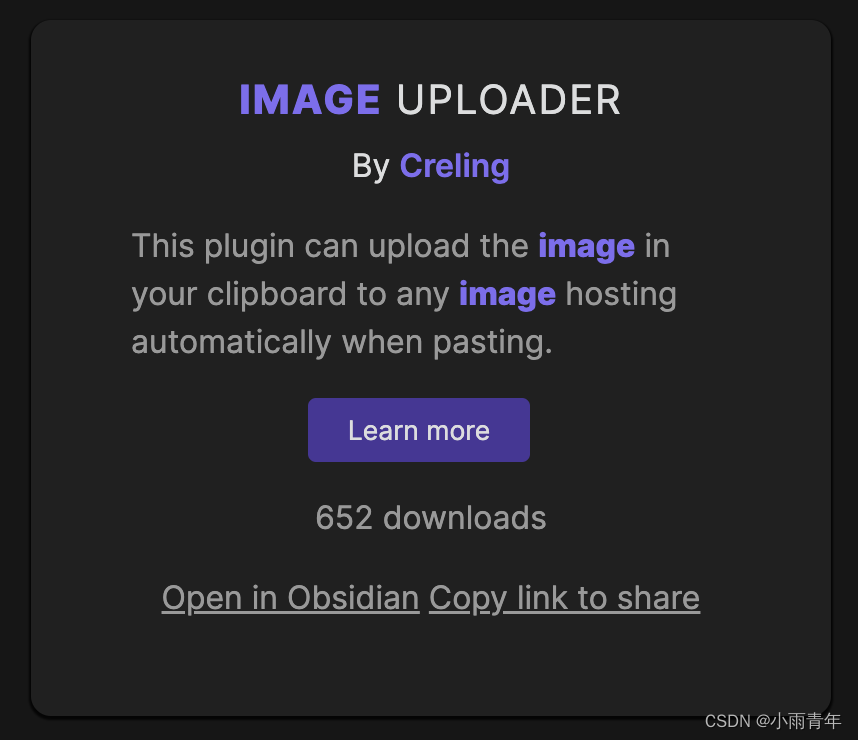
这个问题是个普遍的问题,所以在插件市场中我们可以找到自动上传图片的插件,我们复制图片过去之后,自动上传。
同样的,官方还支持开发者编写插件并上传。目前它的插件市场还是一片蓝海,有时间的伙伴可以试试发布一些插件哦!
四、使用建议
虽然 Obsidian 有图片上传插件,但还是不方便,除非你根据自己的需求写一个图片上传插件,否则我是不建议这么用的。
Obsidian 的侧重点更多地是 本地 和 知识库 ,它的相关链接很强大,如果你需要整理属于自己的知识库,而不需要和别人分享,Obsidian 是一个很好的工具。
官网地址 : https://obsidian.md
边栏推荐
- Servlet connects to database to realize user login function
- CUDA out of memory or brokenpipeerror: [errno 32] broken pipe or oserror: [winerror 1455] solution to the problem that the page file is too small
- Acwing暑期每日一题(6月10日性感素数)
- < 山东大学软件学院项目实训 > 渲染引擎系统——辐射预计算(九)
- 任务 输出密雪冰城主题曲 0612
- C语言 分割bin文件程序
- How to analyze the running time and CPU utilization of Go programs?
- Golang collaboration scheduling (I): Collaboration Status
- TS 22.011
- Fiddler packet capturing (mobile app)
猜你喜欢
一步步创建包含自定义 Screen 的 ABAP 程序的详细步骤

Introduction and download website of common data of GIS, remote sensing, hydrology and Geography (2), supplementary~

Dart typedef的理解

UDP总结(TCP/IP详解卷1/2)
![CUDA out of memory or brokenpipeerror: [errno 32] broken pipe or oserror: [winerror 1455] solution to the problem that the page file is too small](/img/2c/63f1c865105a74ed651bb0ef97ab60.png)
CUDA out of memory or brokenpipeerror: [errno 32] broken pipe or oserror: [winerror 1455] solution to the problem that the page file is too small

Task output: dense snow ice city theme song 0612

2022.02.28 - SX11-05. The largest rectangle in the histogram

Fiddler packet capturing (mobile app)

How to set public IP access on the H3C gr5200 router

从斐波那契数列求和想到的俗手、本手和妙手
随机推荐
Solutions to some problems of scuacm22 retreat competition before summer training
C语言 分割bin文件程序
Two implementation methods of generic interface
2021-06-20
Broadcast and multicast (tcp/ip details volume 1/2)
IGMP报文(TCP/IP详解卷1/卷2)
Escape analysis of golang compiler
The difference and brief description of "file name" and < file name > import header file used in # include
Deepin20.6 RTX3080 安裝顯卡驅動510.60.02、CUDA11.6、PyTorch1.11
org. xml. sax. SAXParseException; lineNumber: 63; columnNumber: 10; The definition of "mapper" in the related type must be matched with "(CAC
Jupyter notebook new environment shortcut
[automation] kolla Based Automated Deployment CEPH cluster
Conversion between sparse array and array and file reading and writing
jupyter notebook新環境快捷方式
Explore the Apache shardingsphere SQL parse format function
【光源实用案例】 UV-LED固化创新,让产线变得更丝滑
Servlet连接数据库实现用户登录功能
Notes on ARM 64 instructions
Design concept of ORM framework
安装rhel 7/8 (红帽)虚拟机(转载)