当前位置:网站首页>批处理初识
批处理初识
2022-07-04 03:51:00 【牛油菠蘿包】
批处理(Batch),也称为批处理脚本。顾名思义,批处理就是对某对象进行批量的处理,通常被认为是一种简化的脚本语言,它应用于DOS和Windows系统中。批处理的扩展名为bat。比较常见的批处理包含两类:DOS批处理和PS批处理。我们以下及后续所介绍的主要以DOS批处理为主。
批处理文件默认的存储格式为ANSI,即使用Windows系统默认的编码格式。但是我们并不能直接创建批处理文件,通常都是创建文本文件然后更改扩展名而得到,因此需要再将文件的编码格式手动更改为ANSI格式,这样就可以防止中文乱码的情况。
解释器
- 批处理大小写不敏感。
- 批处理解释器默认是读取一行代码,然后解释一行执行
- 批处理解释器如果读取到圆括号"(“,则认为知道下一个对应的”)",为结束。此方式可以让批处理解释器一次性解释执行多条指令(在if语句中尤为体现)
- CTRL+C可以退出当前正在执行的批处理。
语法
echo
echo指令是批处理中最简单也是最常见的指令。它相当于其他语言的打印,如Python的"print"。echo可以将他后面的信息输出在终端。注意输出信息与echo之间需要有空格。
echo Hello,World!
关闭回显
当我们创建一个批处理脚本然后写入将以上的指令保存并运行后,会发现,我们写的每个命令都会在终端显示出来,一旦脚本复杂会显得很不美观,那能不能让它不显示我们到底写了什么命令呢?答案当然是可以的。我们只需要在每条命令前加个@就可以实现。
@echo Hello,World!
问题又要来了,如果命令一多,岂不是要每条都增加一个@,还有没有更方便点的方法呢?当然有!
echo off表示关闭回显功能,可以将该命令放置于脚本顶部,这样一来,下面所写的命令的回显都将关闭
@echo off
echo Hello,World!
echo Hello,batch!
打开回显则是@echo on
输出空行(换行)
在批处理中",“、”.“、”:"等可以紧跟在echo后面起到输出空行的作用。注意一定不能有空格,否则会被当做信息输出到屏幕中。另外还可以用" / ] + \这些符号代替。
答复命令中的提问
可以使用管道命令,将前面的结果作为后面的输入。例如:
@echo off
rd /s c:\abc
pause
在以上的脚本中,执行后,会显示:c:\abc, 是否确认(Y/N)?
因为这里abc是一个不为空的文件夹,所以当用rd命令进行删除时,就会询问你Y或N,这时通常需要手动输入。我们可以修改脚本让系统帮我们自动输入Y进行确认:
@echo off
echo Y|rd /s c:\abc
pause
建立文件或增加文件内容
@echo off
echo 123>myfile.txt
pause
以上的命令可以在当前目录下建立一个名为myfile.txt的文件,文件内容为123,继续追加内容可以使用:
@echo off
echo 456>>myfile.txt
如果想建立一个空文件,则可利用输出空行的命令:
@echo off
echo. >myfile.txt
边栏推荐
- *. No main manifest attribute in jar
- 【读书会第十三期】多媒体处理工具 FFmpeg 工具集
- Wechat official account web page authorization
- Cesiumjs 2022^ source code interpretation [0] - article directory and source code engineering structure
- JDBC advanced
- The maximum expiration time of client secret in azure ad application registration is modified to 2 years
- Select sorting and bubble sorting template
- pytest多进程/多线程执行测试用例
- [Yugong series] go teaching course 002 go language environment installation in July 2022
- 10 reasons for not choosing to use free virtual hosts
猜你喜欢

ctf-pikachu-CSRF

2022-07-03: there are 0 and 1 in the array. Be sure to flip an interval. Flip: 0 becomes 1, 1 becomes 0. What is the maximum number of 1 after turning? From little red book. 3.13 written examination.

Balance between picture performance of unity mobile game performance optimization spectrum and GPU pressure
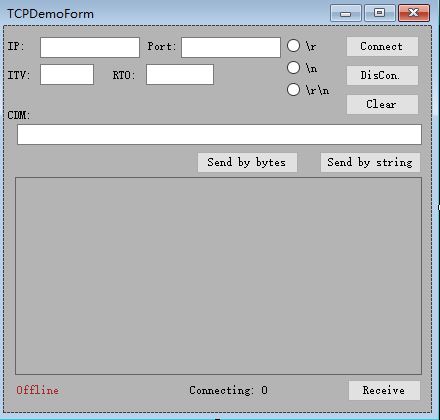
用于TCP协议交互的TCPClientDemo
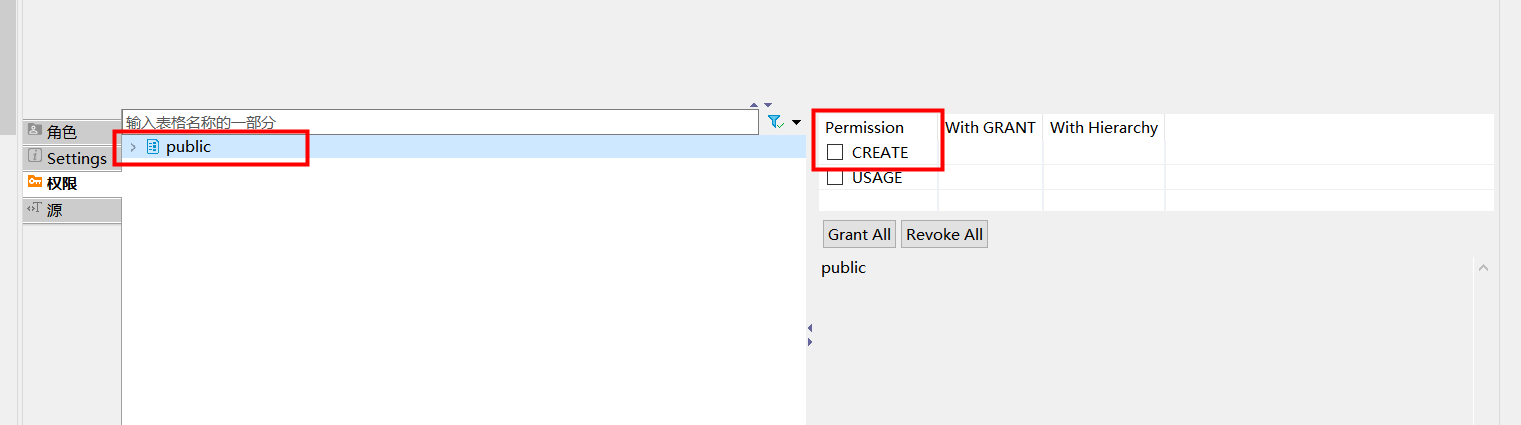
postgresql 用户不能自己创建表格配置
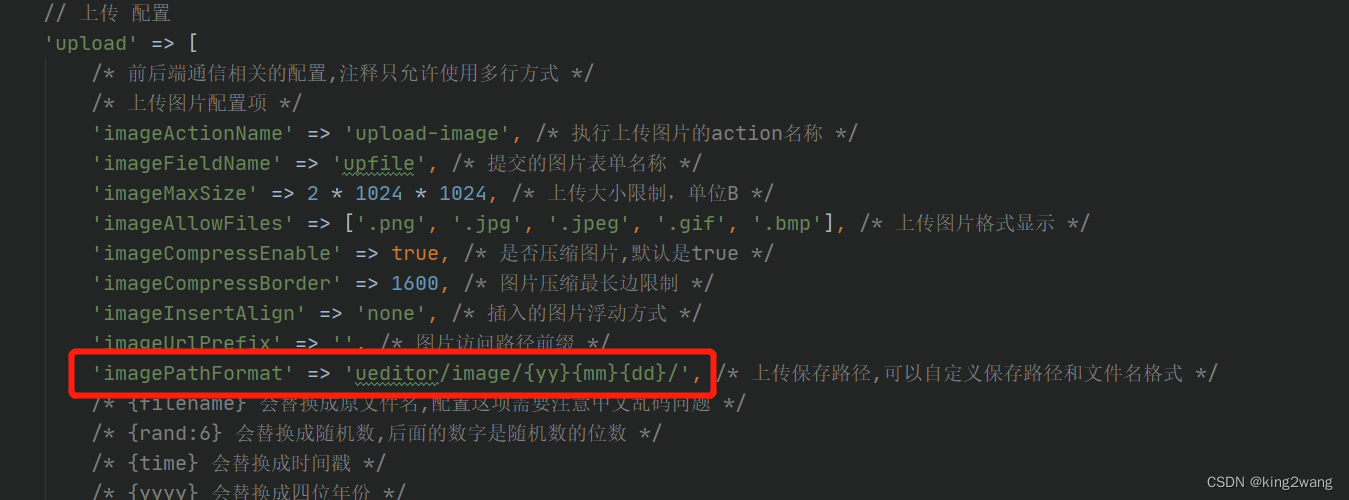
laravel admin里百度编辑器自定义路径和文件名
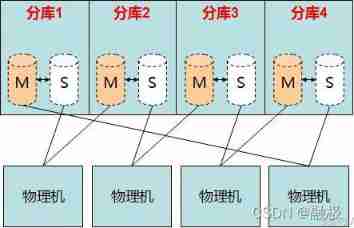
Evolution of MySQL database architecture

leetcode刷题:二叉树08(N叉树的最大深度)
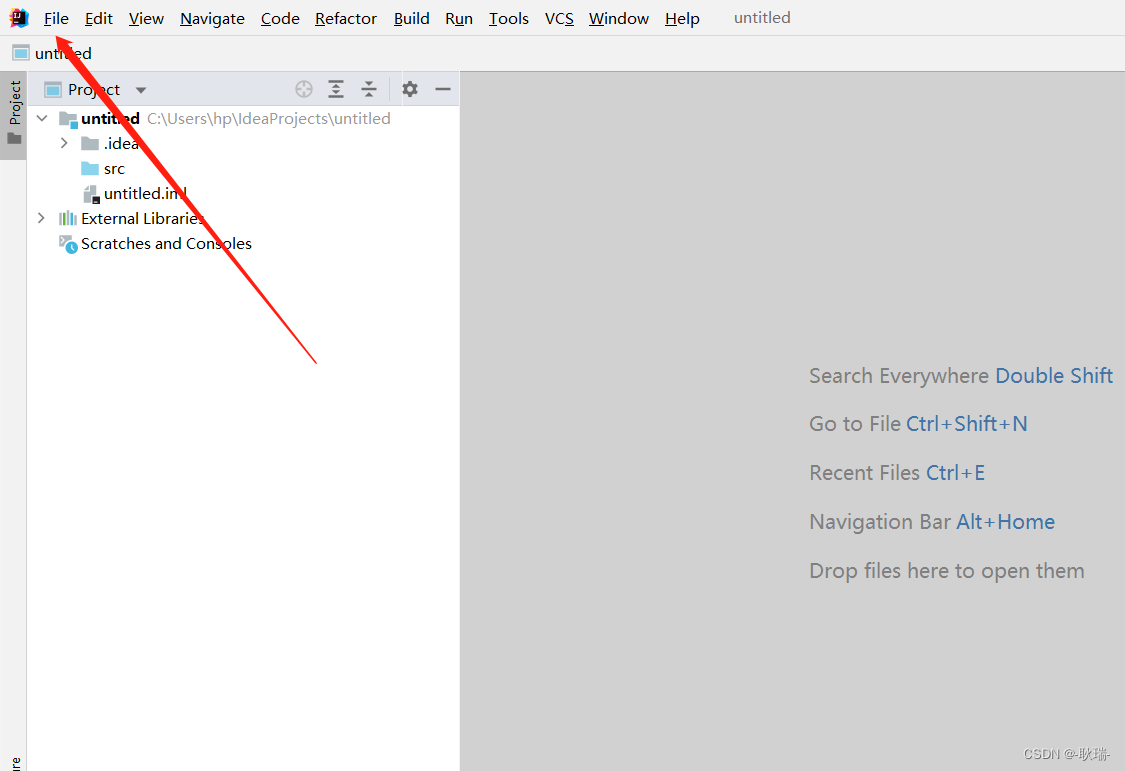
Idea modify body color
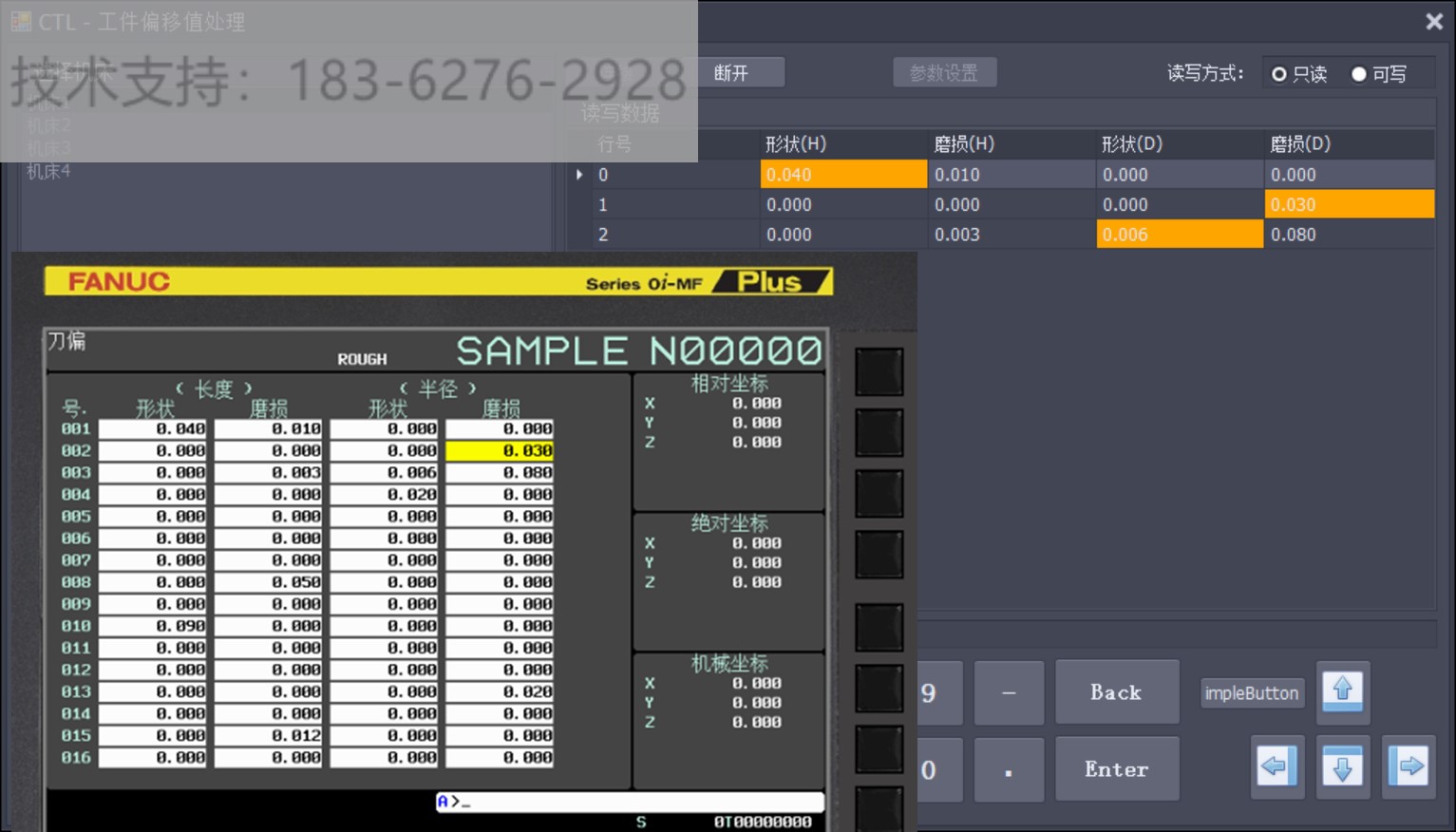
Mitsubishi M70 macro variable reading Mitsubishi M80 public variable acquisition Mitsubishi CNC variable reading acquisition Mitsubishi CNC remote tool compensation Mitsubishi machine tool online tool
随机推荐
Infiltration practice guest account mimikatz sunflower SQL rights lifting offline decryption
C语言双向链表初版
Two commonly used graphics can easily realize data display
[paddleseg source code reading] paddleseg calculation dice
vue多级路由嵌套怎么动态缓存组件
智慧地铁| 云计算为城市地铁交通注入智慧
ctf-pikachu-XSS
Idea modify body color
[paddleseg source code reading] normalize operation of paddleseg transform
Unity移动端游戏性能优化简谱之 画面表现与GPU压力的权衡
Programmers' telecommuting is mixed | community essay solicitation
Katalon中控件的参数化
拼夕夕二面:说说布隆过滤器与布谷鸟过滤器?应用场景?我懵了。。
如何远程办公更有效率 | 社区征文
Exercices de renforcement des déclarations SQL (MySQL 8.0 par exemple)
还原窗口位置的微妙之处
The maximum expiration time of client secret in azure ad application registration is modified to 2 years
Msgraphmailbag - search only driveitems of file types
A review of reverse reinforcement learning at Virginia Tech (VT)
Why is the probability of pod increasing after IPtable