当前位置:网站首页>使用Unity做一个艺术字系统
使用Unity做一个艺术字系统
2022-07-27 04:07:00 【极客范儿】
为了熟悉CaptureScreen方法,做一个艺术字系统。
首先声明一个公共变量toward,以便在书脚本Cature_Use中调用,然后给另一个变量delays赋予一个随机值,以便每个小球的运动显得更加真实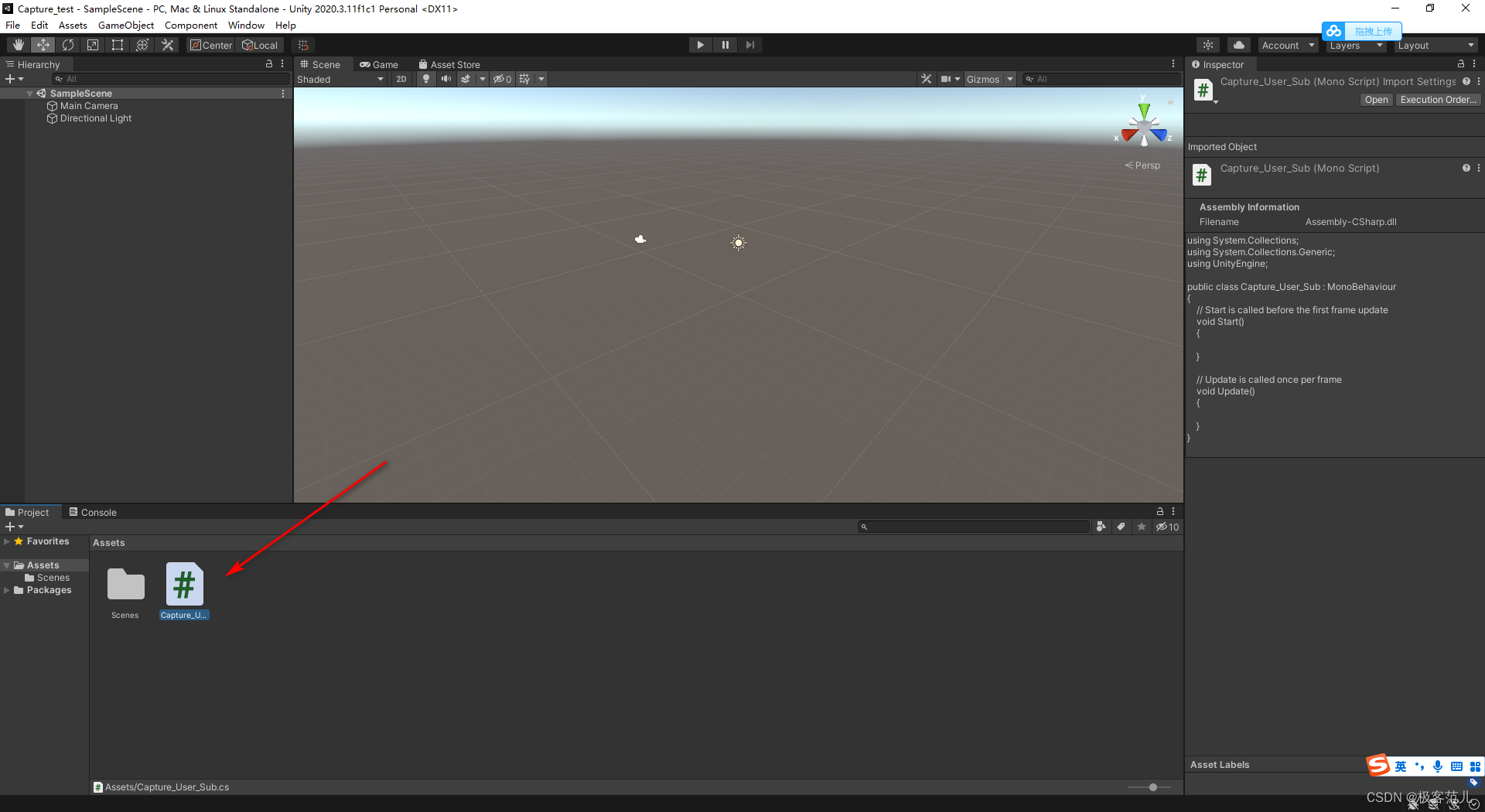
using System.Collections;
using System.Collections.Generic;
using UnityEngine;


public class Capture_Use_Sub : MonoBehaviour
{

    //物体移动的目标位置
    public Vector3 toward;
    float delays;
    void Start()
    {

        //获取一个随机值
        delays = Random.Range(2.0f, 4.0f);
    }

    void Update()
    {

        //通过更改物体位置来达到物体运动的效果
        transform.position = Vector3.MoveTowards(transform.position, toward, delays);
    }
}
接着创作主程序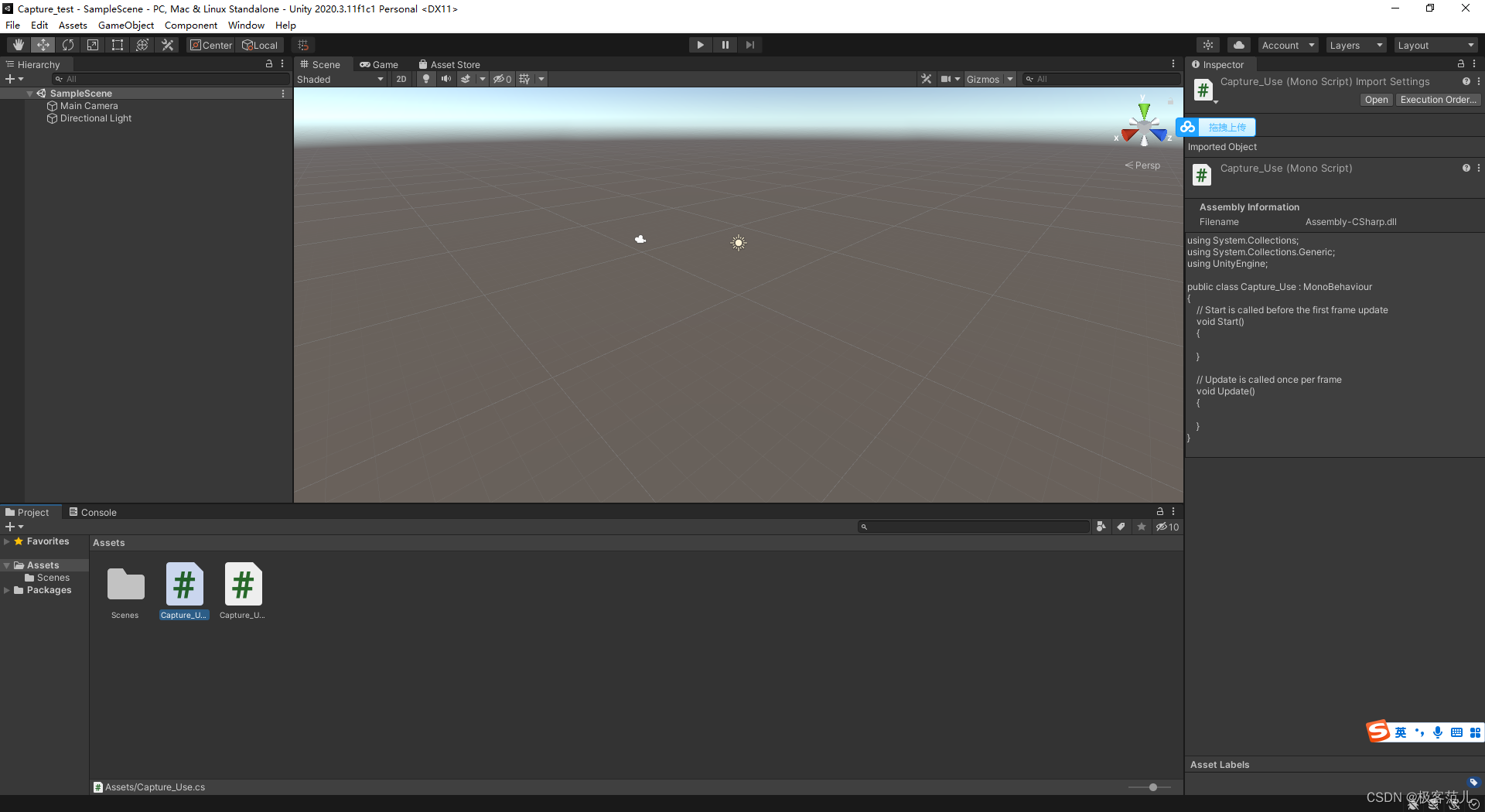
using System.Collections;
using System.Collections.Generic;
using UnityEngine;

public class Capture_Use : MonoBehaviour
{

    //td:用来指向屏幕截图
    Texture2D td = null;
    //txt_bg:用来指向文本输入的北京图片
    //可以指向一张纯色的图片,也可以自定义一个纯色的北京
    //本程序自定义了一个纯色的背景
    Texture2D txt_bg;
    //txt_w和txt_h用来记录文本框的宽度和高度
    int txt_w, txt_h;
    //my_save_path:用来记录截图的保存路径
    string my_save_path = "";
    //show_txt:用来记录输入的文本
    string show_txt = "在此输入";
    //myh_colors:用来记录文本输入框的纹理颜色
    Color[] colors;
    // _w, _h;用来记录my_color的宽度和高度
    int _w, _h;
    //step:用来记录当前状态,step共有4种状态
    //step=0时,是等待状态,等待在文本框中输入文本
    //step=1时,即点击“确定”按钮后,生成截图并保存
    //step=2时,读取截图信息
    //step=3时,是对读取的截图信息进行有选择的提取,并生成想要展示的北荣
    int step = 0;
    //go:用来指向拼字所用物体对象
    public GameObject go;
    //gos:用来记录所有的go对象
    GameObject[] gos;
    //gos_max用来记录gos的最大数量
    int gos_max;
    //gos_cur用来记录gos当前数量
    int gos_cur = 0;
    //is_show:用来记录图像矩阵中某个点是否需要展示物体
    bool[,] is_show;

    void Start()
    {

        //初始化文本框的宽度和高度
        txt_w = 200;
        txt_h = 80;

        //初始化截取区间的大小,维乐避免边界识别错误,其值应该比文本框的宽度和高度少几个像素
        _w = txt_w;
        _h = txt_h;
        _w -= 5;
        _h -= 5;
        //自定义txt_bg纹理
        txt_bg = new Texture2D(txt_w, txt_h);
        Color[] tdc = new Color[txt_w * txt_h];
        for (int i = 0; i < txt_w * txt_h; i++)
        {

            //所用像素点颜色相同
            tdc[i] = Color.white;
        }
        txt_bg.SetPixels(0, 0, txt_w, txt_h, tdc);

        is_show = new bool[_h, _w];
        //初始化gos_max,其值大小为txt_w * txt_h的三分之一
        gos_max = _w * _h / 3;
        //实例化gos,使其随机分布_w, _h的区间内
        gos = new GameObject[gos_max];
        for (int i = 0; i < gos_max; i++)
        {

            gos[i] = (GameObject)Instantiate(go, new Vector3(Random.value * _w, Random.value * _h, 10.0f), Quaternion.identity);
            gos[i].GetComponent<Capture_Use_Sub>().toward = gos[i].transform.position;
        }
        //存储出事界面截图
        my_save_path = Application.persistentDataPath;
        ScreenCapture.CaptureScreenshot(my_save_path + "/test02.png");
    }

    void Update()
    {


    }
}
边栏推荐
- pinia的持久化存储,pinia使用插件进行持久化存储。
- shel自动设置目录权限
- Ribbon load balancing principle and some source codes
- Prometheus Node Exporter 常用监控指标
- Eureka service registry
- Elastic open source community: Developer Recruitment
- els_ Rectangle drawing, code planning and backup
- How CentOS installs mysqldump
- Detailed explanation of TCP protocol knowledge
- F - Pre-order and In-order(Atcoder 255)
猜你喜欢

通信协议综述

Convolution neural network -- convolution of gray image

微服务的feign调用header头被丢弃两种解决方案(附源码)

Is the e-commerce billing system important? How should the platform choose billing service providers?

从零开始C语言精讲篇4:数组
From scratch, C language intensive Lecture 4: array

js三种遍历数组的方法:map、forEach、filter

e.target与e.currentTarget的区别

Navicat exports Mysql to table structure and field description
项目参数做成可配置项,@ConfigurationProperties注解的使用
随机推荐
ros 相机标定 sensor_msgs/CameraInfo Message 数据类型及含义
els 方块显示原理
js三种遍历数组的方法:map、forEach、filter
Webpack packaging Vue project adds confusion to solve the cache problem
Practice of microservice in solving Library Download business problems
pinia的持久化存储,pinia使用插件进行持久化存储。
Use the kubesphere graphical interface dashboard to enable the Devops function
JS three methods of traversing arrays: map, foreach, filter
Hash table questions (Part 2)
标准C语言11
ASP voice notification interface docking demo
STM32 serial port based on Hal library accepts interrupts and idle interrupts
Wechat applet rotation map
结构型模式-适配器模式
[C language] recursively explain the tower of Hanoi problem
数据库泰斗王珊:努力创新,精心打磨优质的数据库产品
Chapter 6: cloud database
Do you know about wechat merchant billing?
The difference between ArrayList and LinkedList
人很话不多,工程师不耍嘴皮子