当前位置:网站首页>Caldera installation and simple use
Caldera installation and simple use
2022-06-27 06:25:00 【Charming pie star】
brief introduction
CALDERA It is a network security platform , Designed to easily automate adversary simulation 、 Assist in manual red teaming and automated incident response .
It is based on MITRE ATT&CK Above the frame , yes MITRE An active research project in .
The framework consists of two components :
The core system . This is the framework code , Contains what is available in this repository . Include one with REST API and Web Asynchronous command and control of the interface (C2) The server .
plug-in unit . These repositories extend the core framework functionality and provide additional functionality . Examples include agents 、 The report 、TTP Collection etc. .
official Github Address :Caldera
Environmental Science
- kali linux
- miniconda
download & install
- git clone https://github.com/mitre/caldera.git --recursive( After downloading the project in this step, it will be close to 300M, If you don't download all because of the Internet , Try the solution here git clone The problem that the sub modules are not fully downloaded is solved )
- When the download is complete , cd caldera
- pip3 install -r requirements.txt ( You need to activate conda Environmental Science , install conda The tutorial skips )
- python3 server.py --insecure
If successful , About the following :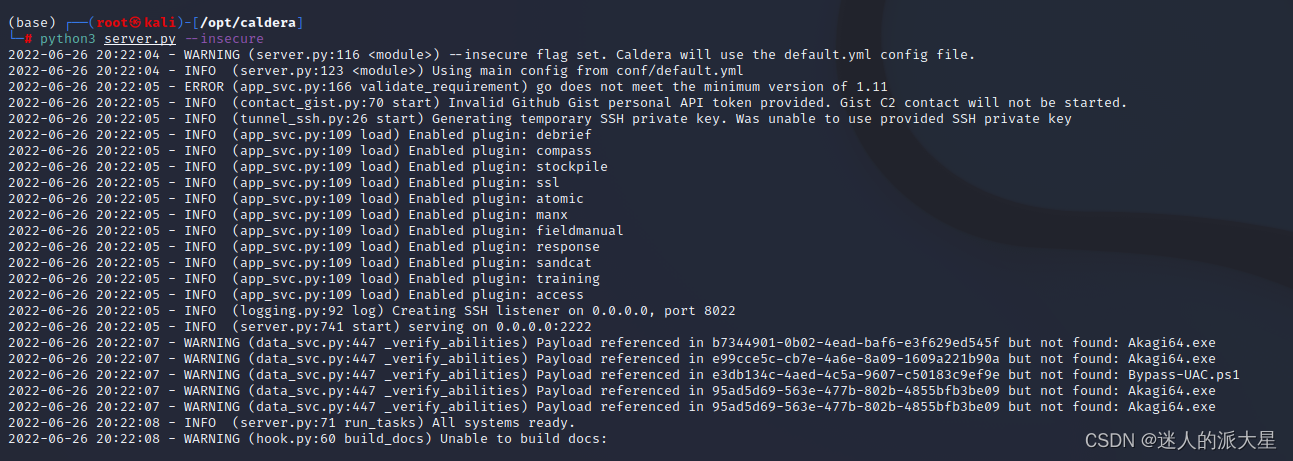
Open the browser and type This machine IP:8888 Can access Web Interface :
user name :red
password :admin
The home page is as follows :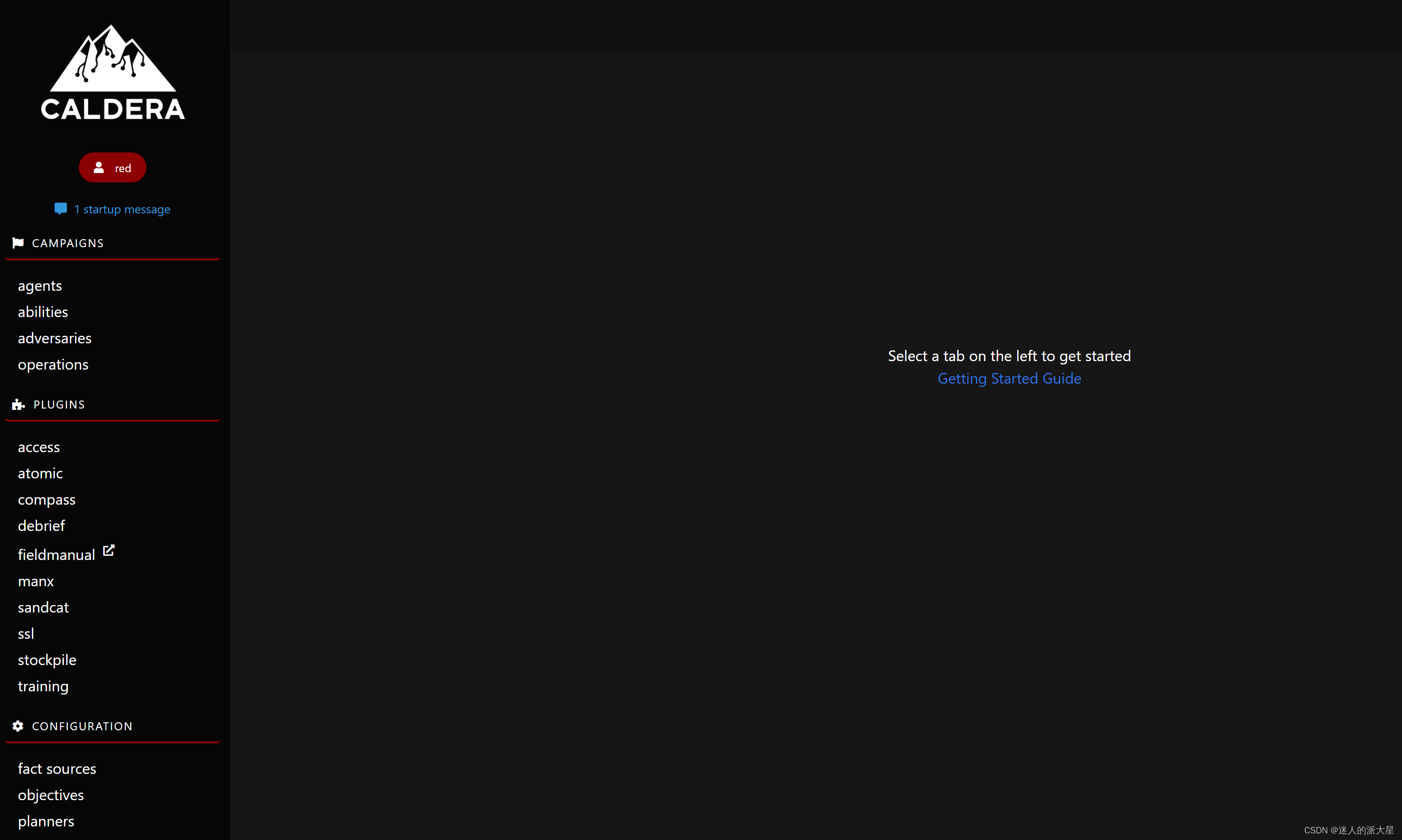
Online host
Simply launch one Windows host ( stay Vmware I'll build a new one win10 virtual machine ). Pictured , In turn, click :
And then choose :
Next platform choice windows,app.contact.http Change it to your own , And copy... In the red box shell command :
First come to our Win10 virtual machine , First, in the settings Windows Turn off the firewall and virus protection in the security center :
Then open... With administrator privileges power shell, And run the command just copied and pasted :
return Caldera Web End , You can see that Win10 The host has been successfully launched :
Execute attack operation
stay adversaries in , You can see some preset attack strategies :
Let's open one at random , for example Collention. You can see the specific steps of the attack , You can modify the execution order yourself , And edit a step . For each step , Click on it to see the specific commands :
Next , We're just talking about the online Windows10 Host execution Collection operation , Click the red box button in turn :
You can see , We have started to pay attention to our newly launched Win10 Host execution Collection Series of commands . We can view the execution result of the command :
More exploration to continue ...
边栏推荐
猜你喜欢

KubeSphere 集群配置 NFS 存储解决方案-收藏版

POI 替换docx中的文字和图片

Multithreading basic part2

Small program of C language practice (consolidate and deepen the understanding of knowledge points)

机 器 学 习

Using CSDN to develop cloud and build navigation websites

美摄云服务方案:专为轻量化视频制作场景打造

JS to implement bidirectional data binding

cpu-z中如何查看内存的频率和内存插槽的个数?

JVM整体结构解析
随机推荐
路由器和交换机的区别
Software testing year end summary report template
美摄云服务方案:专为轻量化视频制作场景打造
下载cuda和cudnn
693. alternate bit binary number
The risk of multithreading -- thread safety
TiDB 中的视图功能
网关状态检测 echo request/reply
Scala函数柯里化(Currying)
Wholestagecodegen of spark
thrift
Multithreading basic part2
Thinking technology: how to solve the dilemma in work and life?
机 器 学 习
观测电机转速转矩
Scala advanced_ Member access modifier
yaml文件加密
0.0.0.0:x的含义
Program ape learning Tiktok short video production
LeetCode 0086. Separate linked list