当前位置:网站首页>Install redis on windows and permanently change the password, and integrate redis with the SSM framework
Install redis on windows and permanently change the password, and integrate redis with the SSM framework
2022-06-28 06:00:00 【Coder without code】
First of all redis install , This is introduced in detail in the rookie tutorial , You can do it according to the above . Here is his website :
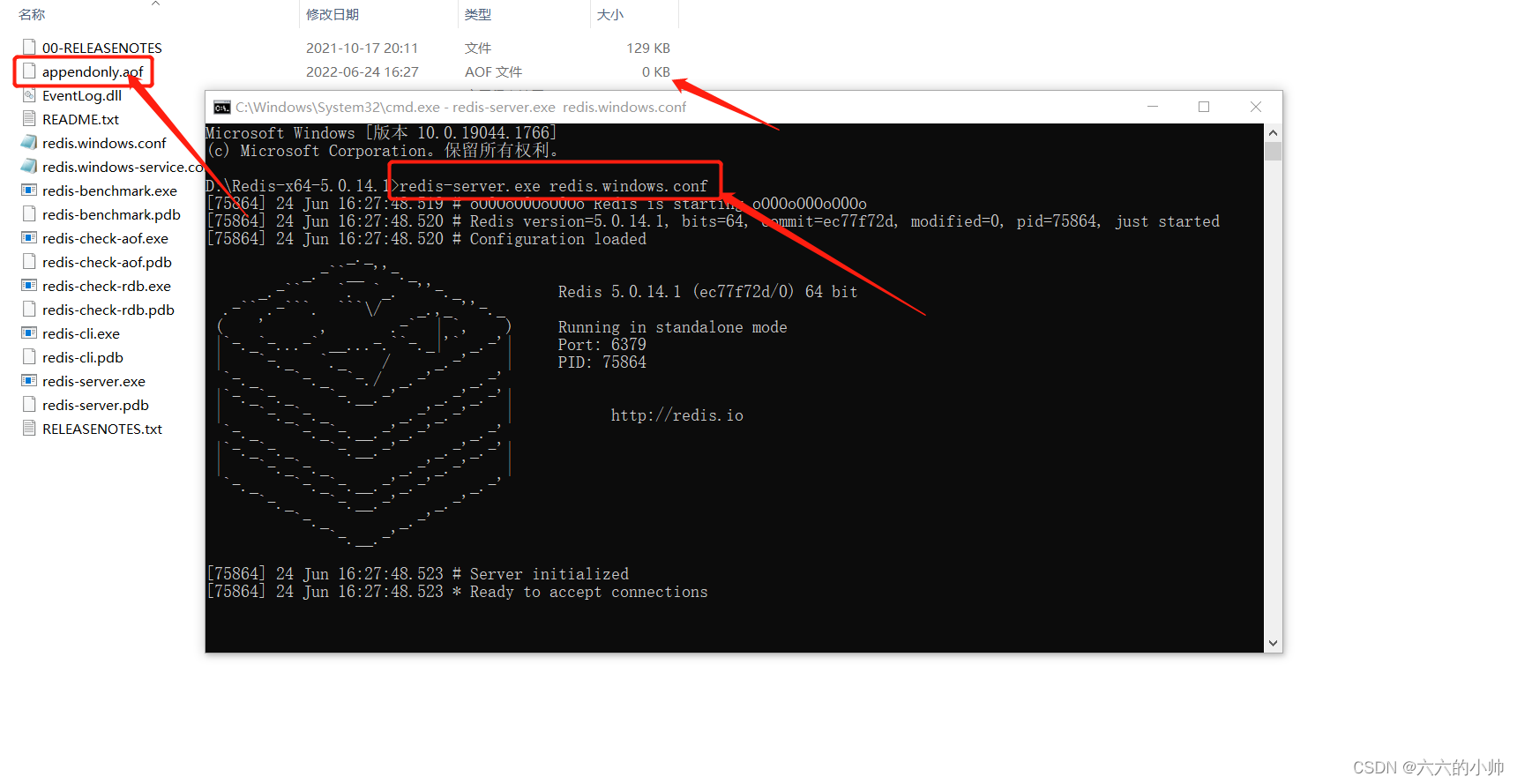
After installation , Let's start the server first , Get into redis Catalog , Hold down shift And then right-click , Open console . Then input
redis-server.exe redis.windows.confThis opens the server , current redis There is no password , Then repeat the above steps , Input :
redis-cli.exe -h 127.0.0.1 -p 6379 Now it is time to open the client , It's operational .
Before we change the password , You can check whether the client has set a password :
config get requirepassThen we need to change the password , There are two ways to do this , The first is direct code modification , This is only effective when , Restart redis There is no the . The second is to modify redis The configuration file , This will permanently modify . The first setting password code is as follows :
config set requirepass "yourpassword"// Set current password , After the service is restarted, it will be set as the default , No password ; This is not recommended The second one needs to be modified redis Install under directory redis.windows.conf The file , find # requirepass foobared, Then add a line below
requirepass rootpreservation , Now? root That's your password .
Next we need to close redis, Restart . The server startup command has not changed , The client command needs to add a password when logging in :
redis-cli.exe -h 127.0.0.1 -p 6379 -a 123456 // Password parameters need to be added In this way, the password is set successfully .
Then we need to integrate into the framework
First , We need to import dependencies , There may be a mistake in this place , It's the version dependent problem , If you import according to my dependent version, there will be no problem , Otherwise bug Of :
<!-- spring  Integrate redis -->
		<dependency>
            <groupId>redis.clients</groupId>
            <artifactId>jedis</artifactId>
            <version>2.9.0</version>
        </dependency>

        <!-- redis -->
        <dependency>
            <groupId>org.springframework.data</groupId>
            <artifactId>spring-data-redis</artifactId>
            <version>1.8.4.RELEASE</version>
        </dependency>
        <dependency>
			<groupId>org.springframework</groupId>
			<artifactId>spring-core</artifactId>
			<version>4.3.10.RELEASE</version>
		</dependency>
We are resources Create one in the directory redis.properties file save redis Configuration information :
redis.maxIdle=300
redis.minIdle=100
redis.maxWaitMillis=3000
redis.testOnBorrow=true
redis.maxTotal=500
redis.host=127.0.0.1
redis.port=6379
redis.password=root
then , We created spring-redis.xml file , Used to configure redis And inheritance :
<?xml version="1.0" encoding="UTF-8"?>
<beans xmlns="http://www.springframework.org/schema/beans"
          xmlns:xsi="http://www.w3.org/2001/XMLSchema-instance"
          xmlns:p="http://www.springframework.org/schema/p"
          xmlns:tx="http://www.springframework.org/schema/tx"
          xmlns:context="http://www.springframework.org/schema/context"
          xsi:schemaLocation="
      http://www.springframework.org/schema/beans
      http://www.springframework.org/schema/beans/spring-beans-3.0.xsd
      http://www.springframework.org/schema/tx
      http://www.springframework.org/schema/tx/spring-tx-3.0.xsd
      http://www.springframework.org/schema/context
      http://www.springframework.org/schema/context/spring-context-3.0.xsd">

    <context:property-placeholder location="classpath:redis.properties" ignore-unresolvable="true"/>
    <!-- Set data pool -->
    <bean id="poolConfig"  class="redis.clients.jedis.JedisPoolConfig">
        <property name="maxIdle" value="${redis.maxIdle}"></property>
        <property name="minIdle" value="${redis.minIdle}"></property>
        <property name="maxTotal" value="${redis.maxTotal}"></property>
        <property name="maxWaitMillis" value="${redis.maxWaitMillis}"></property>
        <property name="testOnBorrow" value="${redis.testOnBorrow}"></property>
    </bean>
    <!-- link redis-->
    <bean id="connectionFactory" class="org.springframework.data.redis.connection.jedis.JedisConnectionFactory">
        <property name="hostName" value="${redis.host}"></property>
        <property name="port" value="${redis.port}"></property>
        <property name="password" value="${redis.password}"></property>
        <property name="poolConfig" ref="poolConfig"></property>
    </bean>

    <bean id="redisTemplate" class="org.springframework.data.redis.core.RedisTemplate">
    	<property name="connectionFactory" ref="connectionFactory"/>
        <!-- The following is a selection of serialization methods for various data -->
        <property name="keySerializer">
            <bean class="org.springframework.data.redis.serializer.StringRedisSerializer" />
        </property>
        <property name="valueSerializer">
            <bean class="org.springframework.data.redis.serializer.StringRedisSerializer" />
        </property>
        <property name="hashKeySerializer">
            <bean class="org.springframework.data.redis.serializer.StringRedisSerializer" />
        </property>
        <property name="hashValueSerializer">
            <bean class="org.springframework.data.redis.serializer.StringRedisSerializer" />
        </property>
    </bean>
</beans>
then , We need to put these configurations into web.xml in , bring tomcat After starting , Just load these configuration files directly :
 <!-- mybatis  and redis To configure  -->
	<context-param>
		<param-name>contextConfigLocation</param-name>
		<param-value>classpath:spring-redis.xml,classpath:spring-mybatis.xml</param-value>
	</context-param>
Now the integration is complete , We can test it , I'll build a new one controller,
package com.mail.controller;

import org.springframework.beans.factory.annotation.Autowired;
import org.springframework.data.redis.core.RedisTemplate;
import org.springframework.web.bind.annotation.RequestMapping;
import org.springframework.web.bind.annotation.RestController;

import javax.annotation.Resource;
import javax.mail.MessagingException;
import javax.mail.internet.AddressException;
import java.io.UnsupportedEncodingException;
import java.util.HashMap;
import java.util.Map;

/**
 * Created by linmeng.
 **/
@RestController
public class MailController {

    @Resource
	private RedisTemplate<String, Object>redisTemplate;
    /**
     *  Send E-mail
     */
    @RequestMapping("/email")
    public void sendMail(){
    	Map<String,String> map = new HashMap<>();
    	map.put("name", "xiaoming");
    	map.put("age", "18");
    	redisTemplate.opsForValue().set("name", "xiaoming");
    	System.out.println(redisTemplate.opsForValue().get("name"));

    }
}
If the console can print something , Description can be used in the project .
边栏推荐
- Jenkins continues integration 2
- 移动广告发展动向:撬动存量,精细营销
- [CAD drawing Video] AutoCAD 2014 master's way
- bash install. SH ******** error
- [MySQL] all query tables contain 20million data -- how to optimize SQL
- UICollectionViewDiffableDataSource及NSDiffableDataSourceSnapshot使用介绍
- ThreadLocal
- Filecoin hacker song developer competition
- bash install.sh ********错误
- Official answers to the "network security" competition questions of the 2022 national vocational college skills competition
猜你喜欢

Valueerror: iterative over raw text documents expected, string object received

Data middle office: six questions data middle office
Drop down box for implementation

socke. IO long connection enables push, version control, and real-time active user statistics

上海域格ASR CAT1 4g模块2路保活低功耗4G应用
The windows environment redis uses AOF persistence and cannot generate an AOF file. After generation, the content of the AOF file cannot be loaded

Qtcanpool knowledge 07:ribbon

Lenovo hybrid cloud Lenovo xcloud, new enterprise IT service portal

6. graduation design temperature and humidity monitoring system (esp8266 + DHT11 +oled real-time upload temperature and humidity data to the public network server and display the real-time temperature

What are the advantages of e-mail marketing? Why do sellers of shopline independent station attach so much importance to it?
随机推荐
How to add live chat in your Shopify store?
A full set of excellent SEO tutorials worth 300 yuan [159 lessons]
Openharmony gnawing paper growth plan -- json-rpc
Typescript interface
Flink window mechanism (two waits and the last explanation)
Jenkins continues integration 2
Object对象转 List集合
bash install.sh ********错误
容量调度绝对值配置队列使用与避坑
easyui 重置多条件查询
JSP
Ethereum Classic的难度计算|猿创征文
深度學習19種損失函數
bash install. SH ******** error
6. graduation design temperature and humidity monitoring system (esp8266 + DHT11 +oled real-time upload temperature and humidity data to the public network server and display the real-time temperature
Enum
5g network overall architecture
idea根据数据库表生成实体类
[MySQL] all query tables contain 20million data -- how to optimize SQL
Relevant implementation records of CSI and local disk