当前位置:网站首页>三维模型下载与动画控制
三维模型下载与动画控制
2022-06-29 12:09:00 【giao00000】
三维模型下载与动画控制
1. 模型下载地址
3D Warehouse https://3dwarehouse.sketchup.com/
Sketchfab https://sketchfab.com/
STK模型下载:STK V11.2及以上版本提供了
CZML导出功能,在导出时会让填写模型服务地址,默认的是http://assets.agi.com/models/

在导出CZML文件时STK会根据场景中每个对象设置的模型自动关联对应的模型地址(仅限于STK桌面端自带的三维模型)。然后可以打开CZML文件查看具体的模型地址,进行手动下载,如http://assets.agi.com/models/f-22a_raptor.gltf

可以根据STK自带的mdl模型来编写NodeJS脚本自动下载对应的gltf模型
/** * 下载AGI三维模型 */

// 文件下载 所需要的基本类
var fs = require("fs");
var path = require("path");
var request = require("request");

// 创建文件夹目录 判断文件是否创建
var dirPath = path.join(__dirname, "file");
if (!fs.existsSync(dirPath)) {

  fs.mkdirSync(dirPath);
  console.log("文件夹创建成功");
} else {

  console.log("文件夹已存在");
}

// 读取本地文件目录(STK安装目录)
const readDir = "D:\\Program Files\\AGI\\STK 11\\STKData\\VO\\Models\\Land";
fs.readdir(readDir, (err, files) => {

  if (err) {

    console.log("读取文件失败");
  }
  console.log(files);
  files.forEach((item) => {

    // 过滤后缀为gif的文件
    let gifReg = /gif$/;
    if (gifReg.test(item)) {

      console.log(item);
      // 截取模型名称
      let modelName = item.slice(0, item.length - 4) + ".gltf";
      let url = "https://assets.agi.com/models/" + modelName;
      let stream = fs.createWriteStream(path.join(dirPath, modelName));
      request(url).pipe(stream).on("close", function (err) {

          console.log("文件[" + modelName + "]下载完毕");
      });
    }
  })
})
2. 动画控制
主要在Cesium应用中进行三维模型的动画和关节控制,三维模型格式为gltf格式。
动画控制可以分成两种:
模型内置动画:模型内部本身就包括动画,模型建模时就有动画,如直升机螺旋桨的旋转,体现在gltf文件中就是
animations属性。另外Cesium提供了接口RunAnimation可以控制是否运行动画。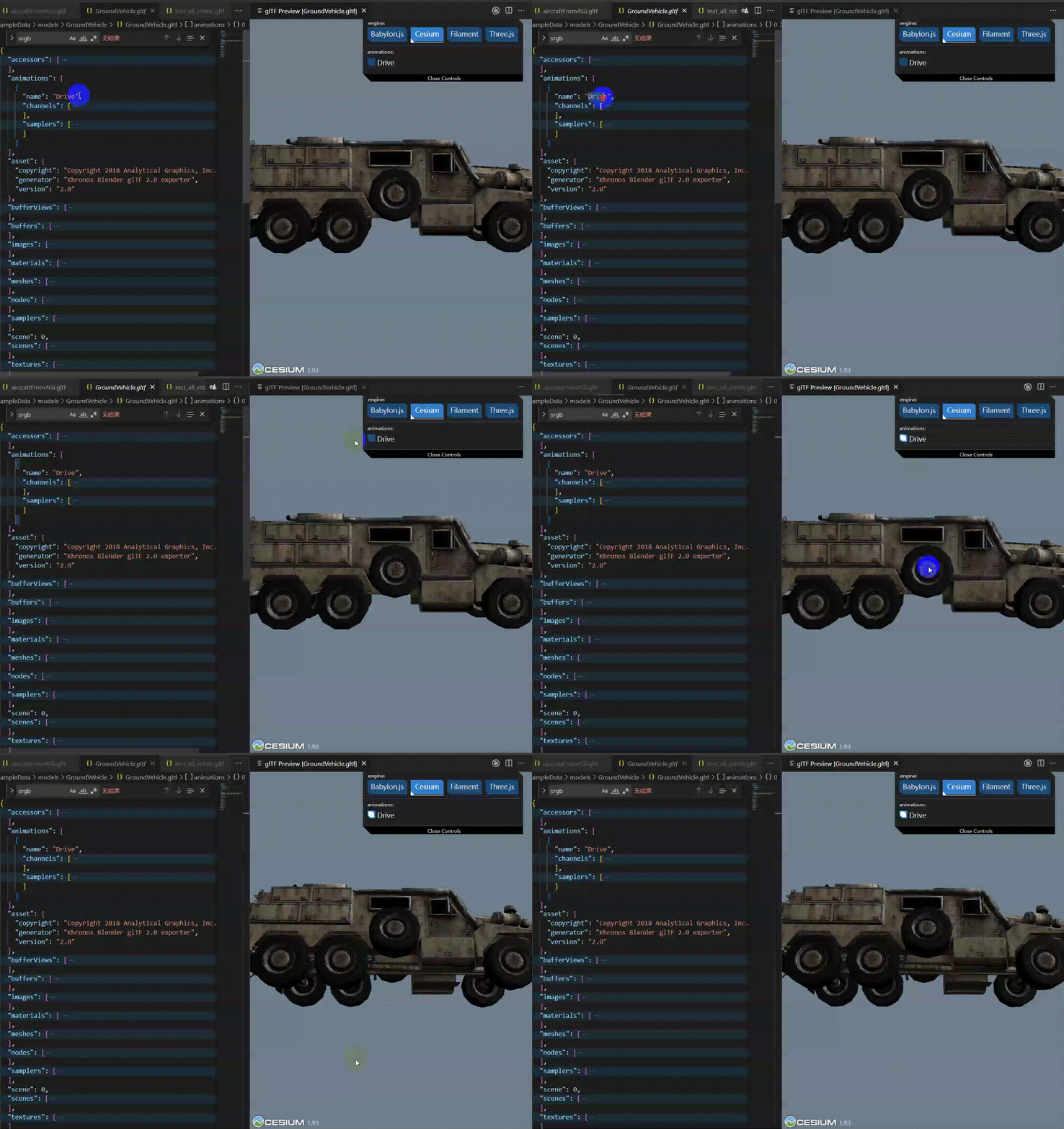
通过模型关节手动控制:模型中包括一系列的关节,如火箭发动机喷火、一二级分离等,体现在gltf文件中就是
articulations,配合Cesium的接口就可以控制模型在不同时刻具体关节的动作;关于如何在gltf文件中写入articulations属性,可以参考
[1]. https://agiweb.secure.force.com/faqs/articles/Keyword/What-Software-Setup-is-Required-to-Convert-Models-to-glTF
[2]. https://github.com/AnalyticalGraphicsInc/gmdf/tree/master/samples
[3]. https://github.com/KhronosGroup/glTF/blob/main/extensions/2.0/Vendor/AGI_articulations/README.md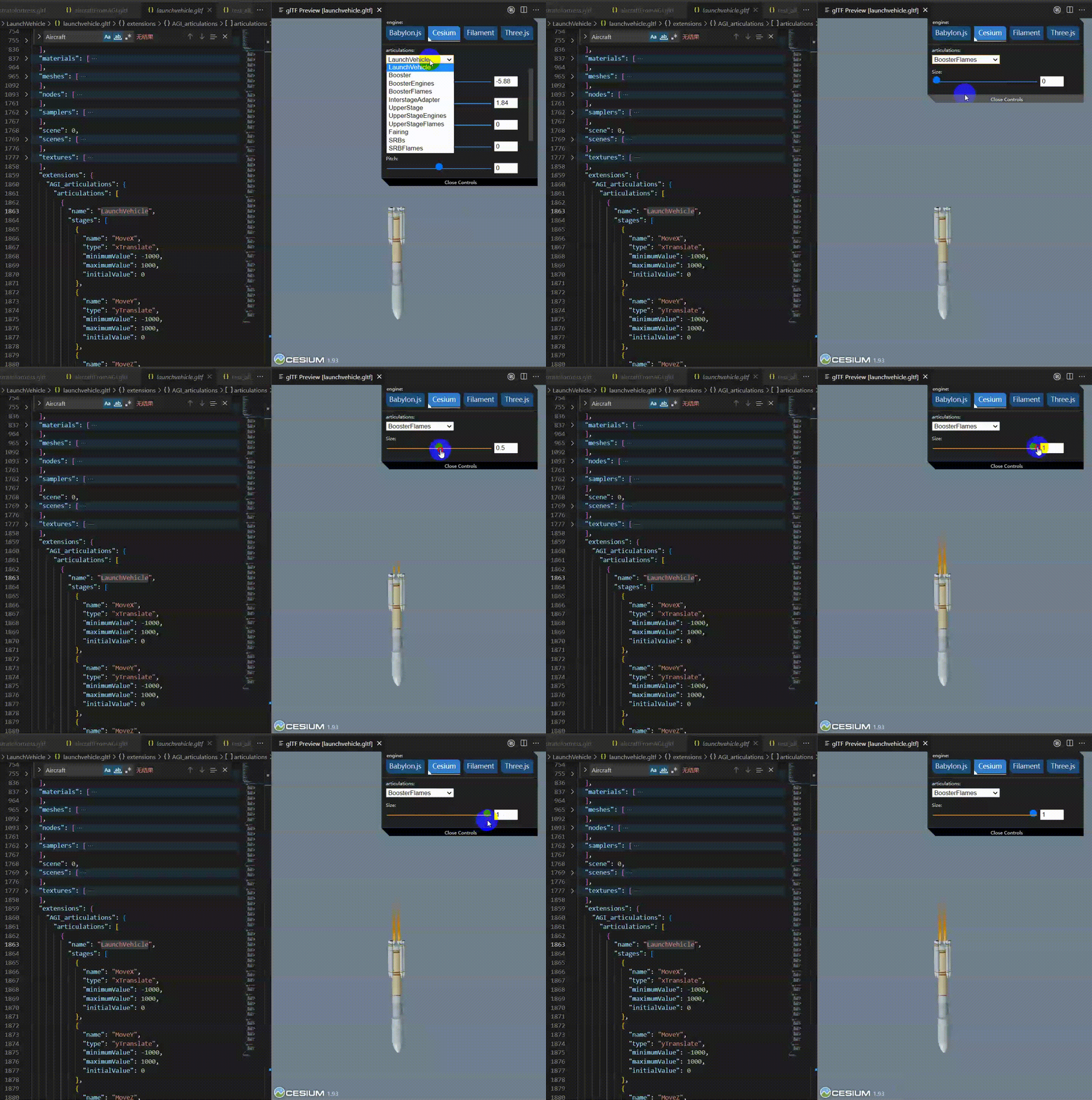
边栏推荐
- 倍福TwinCAT3 的OPC_UA通信测试案例
- Go Senior Engineer required course | I sincerely suggest you listen to it. Don't miss it~
- MFC-对话框程序核心-IsDialogMessage函数-MSG 消息结构-GetMessage函数-DispatchMessage函数
- asp. Net project using aspnet_ compiler. Exe Publishing
- Cocos star meetings at Hangzhou station in 2022
- Unexpected ‘debugger‘ statement no-debugger
- Gbase8s database into standard and into raw clauses
- 二十三、1-Bit数据的存储(延迟线/磁芯/DRAM/SRAM/磁带/磁盘/光盘/Flash SSD)
- Go learning - build a development environment vscode development environment golang
- [JUC series] ThreadLocal of synchronization tool class
猜你喜欢

超 Nice 的表格响应式布局小技巧
Method area of JVM

倍福PLC通过CANOpen通信控制伺服

Cereal mall project

Proteus软件初学笔记
Lm07 - detailed discussion on cross section strategy of futures

Recommended model recurrence (I): familiar with torch rechub framework and use

Principle and process of MySQL master-slave replication
C#通過中序遍曆對二叉樹進行線索化

倍福TwinCAT配置、调试第三方伺服详细讲解--以汇川IS620N为例子
随机推荐
nvtmpp
从Mpx资源构建优化看splitChunks代码分割
Cmake error
Huffman coding
Inferiority complex and transcendence the meaning of life to you
Gbase8s database sorts standard or raw result tables
C # implements the operations of sequence table definition, insertion, deletion and search
【君正T31】只读rootfs文件系统squashfs的解压和打包
Qt中的UI文件介绍
Matlab简单入门
C#实现图的邻接矩阵和邻接表结构
Murphy safety was selected for signing 24 key projects of Zhongguancun Science City
【云原生】2.4 Kubernetes 核心实战(中)
C#二叉树结构定义、添加节点值
安装typescript环境并开启VSCode自动监视编译ts文件为js文件
asp.net 项目使用aspnet_compiler.exe发布
Recurrence of recommended models (IV): multi task models esmm and MMOE
LeetCode_ Double pointer_ Medium_ 328. parity linked list
Gbase8s database select has order by Clause 3
Difficult conversation breaks through the bottleneck of conversation and achieves perfect communication