当前位置:网站首页>Web middleware log analysis script 2.0 (shell script)
Web middleware log analysis script 2.0 (shell script)
2022-07-27 00:23:00 【Viva alive】
The old version
web Middleware log analysis script 1.0
a pile bug
The new version 2.0
1. Code completion , Special keys will not be garbled , It is more silky and smooth to use

2.webshell testing
The match is POST request 、 Requested URL and referer Of URL For the same page , It is judged as file upload , As for whether the uploaded is webshell Also check the log analysis 
3. Manually specify the view IP Count
When the number of logs is very large, it will be used 
4. Automatically create a new directory
The results of the analysis are put in it 
Code
#!/bin/bash

#  The font color
Green_font_prefix="\033[32m"
Red_font_prefix="\033[31m"
Font_color_suffix="\033[0m"

#  Split line
line(){

for i in {
    1..100};do
  if [ $i -ne 100 ];then
    echo -ne "-"
  else
    echo -e "-"
  fi
  done
}

#  Option one
diffip(){

    line
    echo " Check the top ( Numbers ):"
    read -e -p "( Default : All )" num
    [[ -z $num ]] && cut -d- -f 1 "$logfile"|sort| uniq -c | sort -rn || cut -d- -f 1 "$logfile"|sort| uniq -c | sort -rn | head -n $num
}

#  Option 2
oneip(){

    while true;do
    echo " Please enter the IP:"
    read -e ip
    line
    if [ "$(grep ^$ip $logfile |wc -l)" -ne 0 ];then
        grep ^$ip $logfile| awk '{print $4."]",$1,$7,$9}'
        break
    else
        echo -e "${Red_font_prefix} We didn't find it IP! Please re-enter !!${Font_color_suffix}"
        line
        continue
    fi
    done
}

#  Save the file
savefile(){


    echo " Whether to save to file (Y/n):"
    read -e -p  "( Default : preservation )" choose
    [[ -z $choose ]] || [[ $choose == [Yy] ]] && grep ^$ip $logfile| awk '{print $4."]",$1,$7,$9}' > "$path$ip.txt"  && echo -e "${Red_font_prefix} Saved to $path$ip.txt in ${Font_color_suffix}"

}

#  Option 3
howmanyip(){

    line
    awk '{print $1}' $logfile|sort|uniq|wc -l
}

#  Option four
keyword(){

    while true;do
        line
        read -e -p " Please enter keywords (q To quit ):" key
        if [ $key == "q" ];then
            break
        fi
        more "$logfile" | grep "$key" | awk '{print $4."]",$1,$7,$9}'
    done
}

#  Option five
webshell(){

    line
    echo " Please input the file uploaded URI( Such as upload.php):"
    read -e -p  "( Default : sign out )" upload
    [[ -z $upload ]] || cat $logfile |grep -nP "POST.*$upload.*$upload" > ""$path$filename"_webshell.txt"
    echo -e " detection complete !!"
    echo -e " The test results are stored in "$path$filename"_"webshell.txt""
}

#  Option 6
dirscan(){

    line
        echo "[+]  Detecting directory scanning ..."
    for i in $(awk '{print $1}' $logfile|sort|uniq);do
        time=$(cat $logfile | grep -P "^$i.*\b404\b" | wc -l)
        [[ time -gt 20 ]] && echo "$i  There may be directory scanning behavior , Total request failed $time Time " && echo "$i  There may be directory scanning behavior , Total request failed $time Time " > "$path$filename"_"DirScan.txt"
    done
        echo -e " detection complete !!"
        echo -e " The test results are stored in "$path$filename"_"DirScan.txt""
}

#  Option seven
sqlicheck(){

    line
    echo "[+]  Detecting sql Injecting ..."
    word="%20select%20|%20and%20|%20or%20|%20exec|%27exec| information_schema.tables|%20information_schema.tables|%20where%20|%20union%20|%20SELECT%20|%2ctable_name%20|cmdshell|%20table_schema"
    grep -E "$word" $logfile | awk '{print $4."]",$1,$7,$9}'> ""$path$filename"_sqli.txt"
    time=$(cat ""$path$filename"_sqli.txt" |wc -l )
    echo -e " detection complete !! A total of $time Logs "
    echo -e " The test results are stored in "$path$filename"_sqli.txt"
}

xsscheck(){

    line
    echo "[+]  Detecting xss in ..."
    grep -E "alert|script|<|>|%3C|%3c|%3e|%3E|console" $logfile | awk '{print $4."]",$1,$7,$9}' > ""$path$filename"_xss.txt"
    time=$(cat ""$path$filename"_xss.txt" | wc -l )
    echo -e " detection complete !! A total of $time Logs "
    echo -e " The test results are stored in "$path$filename"_xss.txt"
}

#  List the files in the current path
echo " Files in the current path " && ls
#  Select the log to analyze
while true;do
    read -e -p " Please enter the log to be analyzed :" logfile
    find "$logfile" &>/dev/null
    if [ $? -ne 0 ];then
        echo -e "${Red_font_prefix} No logs found , Please enter the file name or absolute path !!( The full name of the home directory should be written instead of ~)${Font_color_suffix}"
        line
    else
        break
    fi
done


filename=$(echo "$logfile"| awk -F '/' '{print $NF}')  # bbb.log
if [[ $logfile == */* ]];then          # logfile=aaa/bbb.log
# 1. Absolute path
path=$(echo "$logfile"|grep -o '.*/')  # aaa/bbb.log -> aaa/
dirName=$(echo "$filename"| awk -F '.' '{print $2}')   # log (dir)
[[ -d $dirName ]] || mkdir $path$dirName   #aaa/log
path="$path$dirName/"  # aaa/log/
# 2. Relative paths  # logfile=bbb.log
else
dirName=$(echo "$logfile"| awk -F '.' '{print $2}')  # log
[[ -d $dirName ]] || mkdir $path$dirName
path="$dirName/"    # log/
fi
# *****************************************
# **************  Lord   Noodles   plate ****************
# *****************************************
line
while true; do
echo -e "web Middleware log analysis script  ${Red_font_prefix}[v1.0]${Font_color_suffix} ${Green_font_prefix}1.${Font_color_suffix}  Different IP Number of visits  ${Green_font_prefix}2.${Font_color_suffix}  single IP Access content  ${Green_font_prefix}3.${Font_color_suffix} IP Statistics of visits  ${Green_font_prefix}4.${Font_color_suffix}  Keyword screening  ${Green_font_prefix}5.${Font_color_suffix}  Upload webshell testing  ${Green_font_prefix}6.${Font_color_suffix}  Directory scan detection  ${Green_font_prefix}7.${Font_color_suffix}  Routine vulnerability detection (sqli、xss) ${Green_font_prefix}8.${Font_color_suffix}  Exit script  "
read -e -p " Please enter a number  [1-8]:" num

if [ "$num" == "1" ];then
    diffip

elif [ "$num" == "2" ];then
    oneip
    savefile

elif [ "$num" == "3" ];then
    howmanyip

elif [ "$num" == "4" ];then
    keyword

elif [ "$num" == "5" ];then
    webshell

elif [ "$num" == "6" ];then
    dirscan

elif [ "$num" == "7" ];then
    sqlicheck
    xsscheck

elif [ "$num" == "8" ];then
    echo ""
    echo -e "${Green_font_prefix} ***************************************** ***********  Thank you for using , bye ************ ***************************************** ${Font_color_suffix}"
    exit 0

else
    echo -e "${Red_font_prefix} Please enter the correct number !!${Font_color_suffix}"
    line
    continue
fi
line
done
边栏推荐
- 10_ Name Case - Calculation attribute
- Deploy yolov5 error reporting in pycharm
- Drawing warehouse Tsai
- 01 knapsack problem 416. Segmentation and equal sum subset -494. Goal and
- Geek challenge 2019 (review the loopholes)
- 14_ Basic list
- Mysql database complex operations: Database Constraints, query / connect table operations
- Fourier analysis (basic introduction)
- 08_ Event modifier
- Leetcode topic - binary tree chapter
猜你喜欢

Share a regular expression
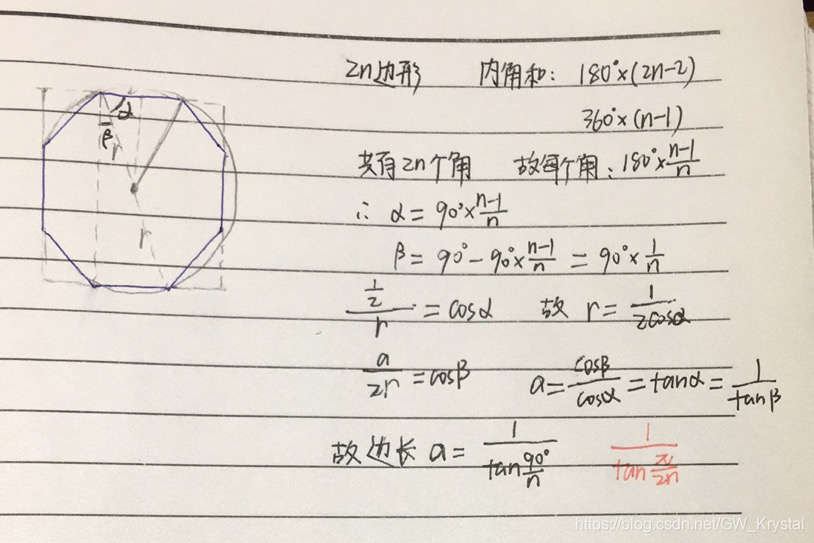
Codeforces C1. Simple Polygon Embedding

Downloading and processing of sentinel-2

01 knapsack problem 416. Segmentation and equal sum subset -494. Goal and
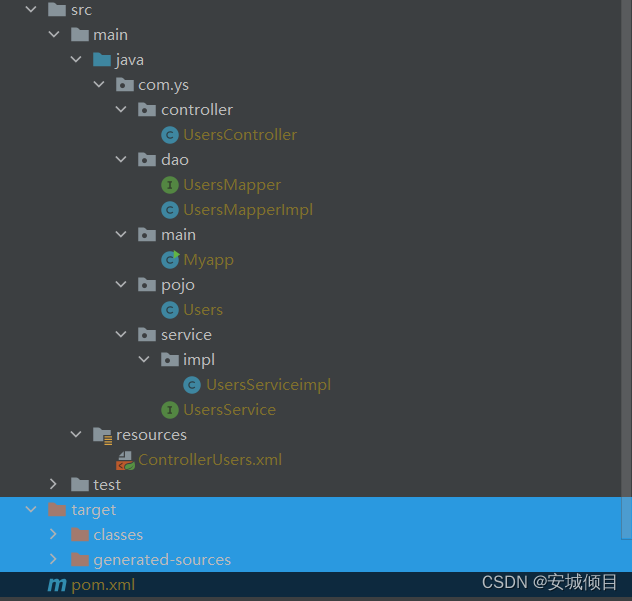
三层架构 模拟

查看 Anaconda 创建环境的位置

深度学习调参技巧
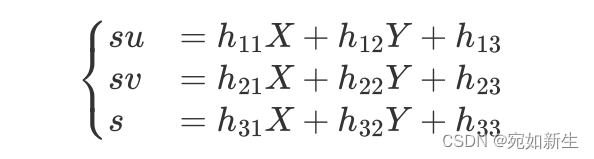
4. Talk about the famous Zhang Zhengyou calibration method

20220720折腾deeplabcut2

放图仓库-2(函数图像)
随机推荐
Search engine hijacking of black hat SEO
08_ Event modifier
Complete review of parsing web pages
7_主成分分析法(Principal Component Analysis)
Flink SQL (II) Kafka connector
Mysql database complex operations: Database Constraints, query / connect table operations
Halloween treatments (drawer principle)
在pycharm中部署yolov5报错问题
Skiasharp's WPF self drawn bouncing ball (case version)
PTA 7-3 lists leaf nodes
生成yolov5.wts文件出错
Go exceed API source code reading (IV) -- save (), SaveAs (name string)
Leetcode - hash table
Xshell连接服务器时报“Could not load host key”错误
Anaconda = > pycharm=> CUDA=> cudnn=> pytorch environment configuration
RecBole使用1
Complete backpack and 01 Backpack
Signal and system learning zero input response
LeetCode——链表篇
Recent answers - column