当前位置:网站首页>Chapter 12 End-User Task As Shell Scripts
Chapter 12 End-User Task As Shell Scripts
2022-08-01 23:09:00 【Dreamer DBA】
1.1 Starting Simple by Printing Dashes
[[email protected] Day0801]$ cat dash.sh
#!/usr/bin/env bash
# cookbook filename: dash
# dash - print a line of dashes
# options: # how many (default 72)
#          -c X use char X instead of dashes
#
#
function usagexit()
{
    printf "usage: %s [-c X] [#]\n" $(basename $0)
    exit 2
} >&2

LEN=72
CHAR='-'
while (( $# > 0 ))
do
   case $1 in
   [0-9]*) LEN=$1;;
   -c) shift
       CHAR=$1;;
    *) usagexit;;
    esac
    shift
done

if (( LEN > 4096 ))
then
    echo "too large" >&2
    exit 3
fi
# build the string to the exact length
DASHES=""
for ((i=0;i<LEN;i++))
do
    DASHES="${DASHES}${CHAR}"
done
printf "%s\n" "$DASHES"
[[email protected] Day0801]$
1.3 Loading Your MP3 Player
Use a shell script to keep track of the available space as it copies files onto the MP3 player, quitting when it is full.
[[email protected] Day0801]$ cat load_mp3.sh
#!/usr/bin/env bash
# cookbook filename: load_mp3
# Fill up my mp3 player with as many songs as will fit.
# N.B.: This assumes that the mp3 player is mounted on /media/mp3
#

# determine the size of a file
#
function FILESIZE ()
{
   FN=${1:-/dev/null}
   if [[ -e $FN ]]
   then
      # FZ=$(ls -s $FN | cut -d ' ' -f 1)
           set -- $(ls -s "$FN")
           FZ=$1
   fi
}

#
# compute the freespace on the mp3 player
#
function FREESPACE
{
    # FREE=$(df /media/mp3 | awk '/^/dev/ {print $4}')
    set -- $(df /media/mp3 | grep '^/dev/')
    FREE=$4
}

# substract the (given) filesize from the (global) freespace
function REDUCE()
(( FREE-=${1:-0}))

#
# main:
#
let SUM=0
let COUNT=0
export FZ
export FREE
FREESPACE
find . -name '*.mp3' -print | \
(while read PATHNM
do
  FILESIZE "$PATHNM"
  if ((FZ <= FREE))
  then
      echo loading $PATHNM
      cp "$PATHNM" /media/mp3
      if (( $? == 0 ))
      then
          let SUM+=FZ
          let COUNT++
          REDUCE $FZ
      else
          echo "bad copy of $PATHNM to /media/mp3"
          rm -f /media/mp3/$(basename "$PATHNM")
          # recompute because we don't know how far it got
          FREESPACE
     fi
     # any reason to go on?
     if (( FREE <= 0 ))
     then
         break
     fi
 else
     echo skipping $PATHNM
 fi
done
printf "loaded %d songs (%d blocks)" $COUNT $SUM
printf " onto /media/mp3 (%d blocks free)\n" $FREE
)
# end of script
[[email protected] Day0801]$
1.5 Comparing Two Documents
First, use an office suite that will let you save your documents in Open Document Format (ODF). This is the case for packages like OpenOffice.org while other commercial packages have promised to add support soon. Once you have your files in ODF, you can use a shell script to compare just the content of the files. We stress the word content here because the formatting differences are another issue, and it is (usually) the content that is the most important determinant of which version is new or more important to the end user.
[[email protected] Day0801]$ cat oodiff.sh
#!/usr/bin/env bash
# cookbook filename: oodiff
# oodiff -- diff the CONTENTS of two OpenOffice.org files
# works only on .odt files
#
function usagexit ( )
{
        echo "usage: $0 file1 file2"
        echo "where both files must be .odt files"
        exit $1
} >&2

# assure two readable arg filenames which end in .odt
if (( $# != 2 ))
then
        usagexit 1
fi
if [[ $1 != *.odt || $2 != *.odt ]]
then
        usagexit 2
fi
if [[ ! -r $1 || ! -r $2 ]]
then
        usagexit 3
fi

BAS1=$(basename "$1" .odt)
BAS2=$(basename "$2" .odt)

# unzip them someplace private
PRIV1="/tmp/${BAS1}.$$_1"
PRIV2="/tmp/${BAS2}.$$_2"

# make absolute
HERE=$(pwd)
if [[ ${1:0:1} == '/' ]]
then
        FULL1="${1}"
else
        FULL1="${HERE}/${1}"
fi

# make absolute
if [[ ${2:0:1} == '/' ]]
then
        FULL2="${2}"
else
        FULL2="${HERE}/${2}"
fi

# mkdir scratch areas and check for failure
# N.B. must have whitespace around the { and } and
# must have the trailing ; in the {} lists
mkdir "$PRIV1" || { echo Unable to mkdir $PRIV1 ; exit 4; }
mkdir "$PRIV2" || { echo Unable to mkdir $PRIV2 ; exit 5; }

cd "$PRIV1"
unzip -q "$FULL1"
sed -e 's/>/>\
        /g' -e 's/</\
        </g' content.xml > contentwnl.xml

cd "$PRIV2"
unzip -q "$FULL2"
sed -e 's/>/>\
        /g' -e 's/</\
        </g' content.xml > contentwnl.xml

cd $HERE

diff "${PRIV1}/contentwnl.xml" "${PRIV2}/contentwnl.xml"

rm -rf $PRIV1 $PRIV2
[[email protected] Day0801]$边栏推荐
猜你喜欢

npm包【详解】(内含npm包的开发、发布、安装、更新、搜索、卸载、查看、版本号更新规则、package.json详解等)

xctf attack and defense world web master advanced area webshell
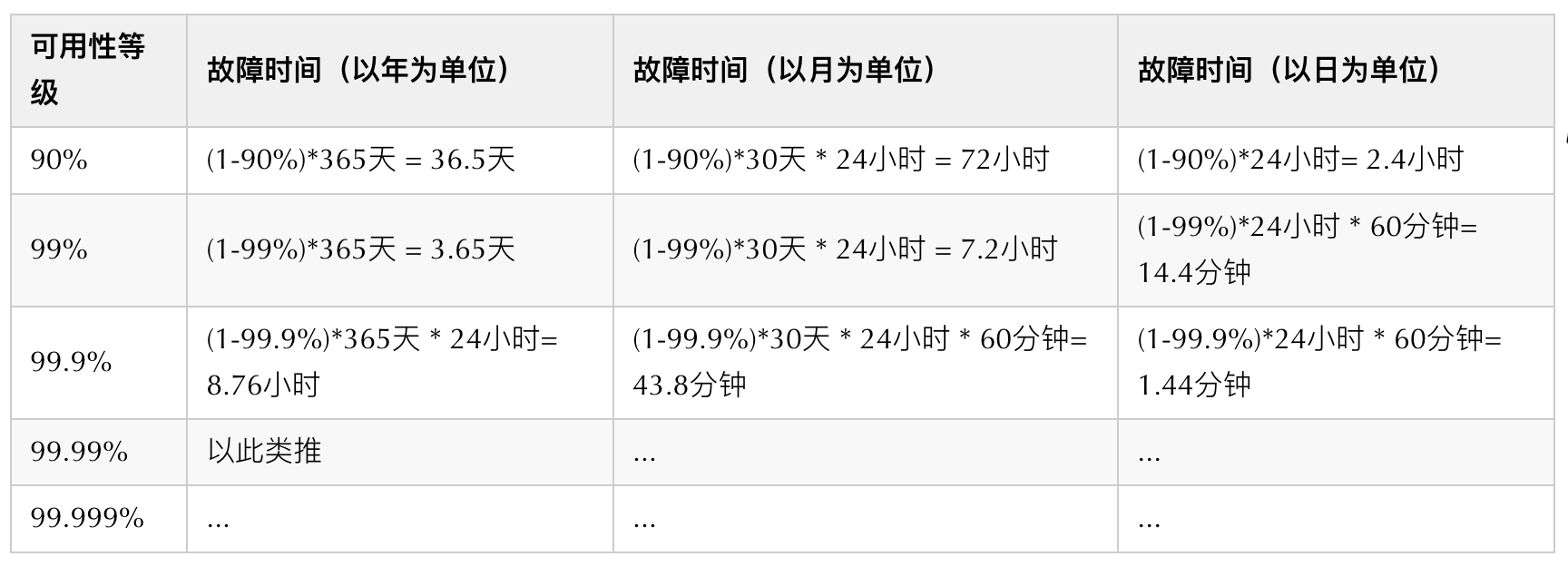
系统可用性:SRE口中的3个9,4个9...到底是个什么东西?

UML diagram of soft skills

程序员如何优雅地解决线上问题?
如何给 UE4 场景添加游戏角色

img 响应式图片的实现(含srcset属性、sizes属性的使用方法,设备像素比详解)

PDF转Word有那么难吗?做一个文件转换器,都解决了

TCP 可靠吗?为什么?

解决端口占用
随机推荐
Chapter 11 Working with Dates and Times
System availability: 3 9s, 4 9s in SRE's mouth... What is it?
ping no reply
关于ETL的两种架构(ETL架构和ELT架构)
PHP算法之电话号码的字母组合
Go 微服务开发框架DMicro的设计思路
欧拉路径与欧拉回路
【数据分析03】
Jmeter是什么
域名重定向工具 —— SwitchHosts 实用教程
Chapter 19 Tips and Traps: Common Goofs for Novices
Create virtual environments with virtualenv and Virtualenvwrapper virtual environment management tools
Always use "noopener" or "noreferrer" for links that open in a new tab
测试岗月薪5-9k,如何实现涨薪到25k?
Calculate the midpoint between two points
SQL29 Calculate the average next day retention rate of users
prim生成树
计算两点之间的中点
chrome copies the base64 data of an image
【好书推荐】第一本无人驾驶技术书