当前位置:网站首页>【高效】最强开发工具Ctool编译踩坑
【高效】最强开发工具Ctool编译踩坑
2022-06-12 04:16:00 【夜猫逐梦】
导读
巧妇难为无米之炊,程序员不能没有
“轮子”,一直想把自己写的一些工具整合到一起,但又不想重新造轮子,开源那么多,拿来不是挺好。
这不,折腾了大半天,发现神器Ctool。今天就先编译一份自己的Ctool并编译、部署。

开发环境
| 版本号 | 描述 | |
|---|---|---|
| 操作系统 | Win11-21H2 | 内部版本号22000.588 |
| node -v | v12.18.3 | |
| npm -v | 6.14.6 | |
编译踩坑
代码下载
REM 从github服务器下载(经常下载失败)
git clone https://github.com/baiy/Ctool
REM 从github镜像服务器下载
git clone https://hub.fastgit.xyz/baiy/Ctool
REM 从小编gitee下载(已经解决下面的异常了)
git clone https://gitee.com/yeahmao/front_end__ctool
解决编译错误

文件package-lock.json中,包含了一些通过git+ssh访问github的配置。
将"resolved": "git+ssh://[email protected]/替换为"resolved": "https://,然后再次执行npm install就能正常编译了。
ps: 上述的编译问题,可能通过git-ssh配置git后就能解决了,未测试。
部署到服务器
编译选项问题
ctool官方给的编译命令为npm run build -adapter=[chrome|edge|utools|firefox|web],我分别使用命令npm run build -adapter=chrome和npm run build进行编译。
带-adapter=chrome命令行编译出来的文件比不带参数的文件要大一点,但是无法通过本地打开index.html访问。
部署到ngnix上
将dist目录中所有的文件拷贝到ngnix的目录中就可以了。
比如小编的ngnix工作目录为/usr/share/nginx/html_my_web,将文件拷贝到目录/usr/share/nginx/html_my_web/ctool即可。这样,直接访问http://www.l0l.fun/ctool/index.html或者http://www.l0l.fun/ctool/tool.html就可以了。

参考资料
- github官网: https://github.com/baiy/Ctool
- github在线使用地址: https://baiy.github.io/Ctool/
- 小编gitee地址:https://gitee.com/yeahmao/front_end__ctool
- 小编官网工具地址(第一次访问比较慢):http://www.l0l.fun/ctool/tool.html
边栏推荐
- 疫情数据分析平台工作报告【42】CodeNet
- Street lighting IOT technology scheme, esp32-s3 chip communication application, intelligent WiFi remote control
- Webpack--- optimization_ cache
- Mosaïque d'images basée sur la matrice de transformation
- Naive Bayes classification of scikit learn
- 2.28 (defect filling) data type conversion exception handling part multi threading
- R语言write函数:使用write函数将数据写入RStudio控制台、write函数将数据写入新的Rstudio窗口(启动新的窗口)
- php和js去掉所有空格
- UI consistency design of products
- Solution to missing in unity script
猜你喜欢

疫情数据分析平台工作报告【2】接口API

Smart panel WiFi linkage technology, esp32 wireless chip module, Internet of things WiFi communication application

Successfully solved: warning: there was an error checking the latest version of pip
![[MySQL] MySQL installation](/img/f0/2b65b71e79ea0cc0790e4848092374.png)
[MySQL] MySQL installation
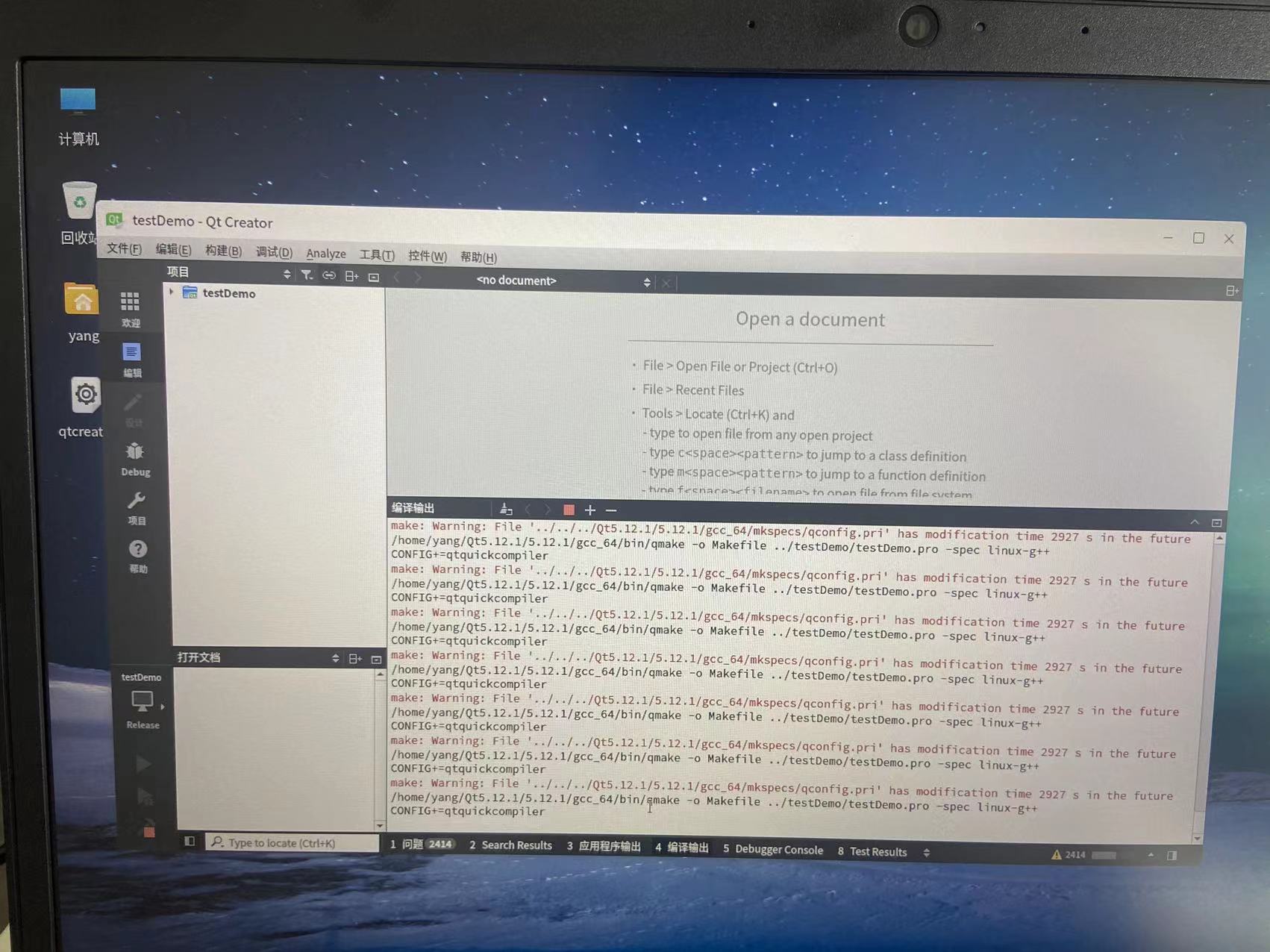
The solution to the error "xxx.pri has modification time XXXX s in the futrue" in the compilation of domestic Kirin QT

Unity脚本出现missing时的解决方法

PyTorch中的Sequential、ModuleList和ModuleDict用法总结
Smart Panel wifi Linkage Technology, esp32 wireless chip module, Internet of Things WiFi Communication Application

PostgreSQL basic introduction and deployment

JSP实现银柜台业务绩效考核系统
随机推荐
Kotlin starts the process, the difference between launch and async, and starts the process in sequence
Object detection model rfbnet -- a very useful model
The road of global evolution of vivo global mall -- multilingual solution
Goodbye to excel and PPT, I found a better visual fool software
智能面板WiFi联动技术,ESP32无线芯片模组,物联网WiFi通信应用
Mosaïque d'images basée sur la matrice de transformation
Unity脚本出现missing时的解决方法
eBPF系列学习(4)了解libbpf、CO-RE (Compile Once – Run Everywhe) | 使用go开发ebpf程序(云原生利器cilium ebpf )
【C语言】变量本质分析
疫情数据分析平台工作报告【8.5】额外的爬虫和绘图
[C language] encapsulation interface (addition, subtraction, multiplication and division)
How do I extract files from the software?
Recommended system cleaning tools, cocktail Download
【C语言】封装接口(加减乘除)
Enterprise Architect v16
Naive Bayes classification of scikit learn
FOB,CIF,CFR的区别是什么?
魏武帝 太祖知不可匡正,遂不复献言
Database selected 60 interview questions
数据库新建表,以前没问题的,今天