当前位置:网站首页>Path and LD_ LIBRARY_ Example of path usage
Path and LD_ LIBRARY_ Example of path usage
2022-06-29 04:08:00 【Master Yiwen】
PATH This environment variable , Since I was a freshman , Young and ignorant ,“ I'll figure it out one day ”, This is all 5 Years have passed ,5 year ! You know I'm here 5 How did the year come about !!!
What's the use ? Just check it out , The only thing I can use is take Some executables Add path to PATH in
for instance
I'm referring to it :
1. ONNX-TensorRT Installation tutorial https://zhuanlan.zhihu.com/p/380950900
2. https://github.com/onnx/onnx-tensorrt
After executing the following code block :
cd onnx-tensorrt
mkdir build && cd build
cmake .. -DTENSORRT_ROOT=<path_to_trt> && make -j
// Ensure that you update your LD_LIBRARY_PATH to pick up the location of the newly built library:
export LD_LIBRARY_PATH=$PWD:$LD_LIBRARY_PATH
stay build There will be an executable file under the path onnx2trt
When I was executing , It can only be carried out ./onnx2trt, It cannot be executed directly in other paths onnx2trt
therefore PATH It works :
export PATH=$(pwd):$PATH
This allows you to onnx2trt Add path to PATH in , It can be executed in any path onnx2trt, But this addition is only temporary , If you want to add it all the way to PATH in , It can be like this :
echo "export PATH=$(pwd):$PATH" >> ~/.bashrc
source ~/.bashrc #  Refresh the environment variables
Be careful echo String
If there is a variable in the string , Single quotation marks are ignored , The double quotation marks will bring the variable into the string after parsing
There is another example ,CUDA After installation , We will be in ~/.bashrc Add two lines of code at the end :
export  PATH=/usr/local/cuda/bin:$PATH
export  LD_LIBRARY_PATH=/usr/local/cuda/lib64$LD_LIBRARY_PATH
After performing nvcc -V Look at CUDA Is the installation successful , And the first line above is the guarantee nvcc The path you are in can be directly searched to , It can be executed directly nvcc
The next line leads to LD_LIBRARY_PATH
and LD_LIBRARY_PATH Usage of , If it's not a developer , But just ordinary users , It doesn't usually work
LD_LIBRARY_PATH yes Linux/UNIX Environment variables used in the system . It is used to tell the dynamic link loader where to find a shared library for a specific application .
And the above is compiled onnx2trt after , There is such a line :
export LD_LIBRARY_PATH=$PWD:$LD_LIBRARY_PATH
Is to add the current path to LD_LIBRARY_PATH , After performing python setup.py install You can find the installation path
alike , Compiling mmdeploy in
export LD_LIBRARY_PATH=$ONNXRUNTIME_DIR/lib:$LD_LIBRARY_PATH
export LD_LIBRARY_PATH=$TENSORRT_DIR/lib:$LD_LIBRARY_PATH
export LD_LIBRARY_PATH=$CUDNN_DIR/lib64:$LD_LIBRARY_PATH
take onnxruntime tensorrt cudnn The paths of have been added to LD_LIBRARY_PATH
In order to compile SDK You can find the path
OK, be it so
边栏推荐
- Seattention channel attention mechanism
- sql两列变为多行过滤显示
- 干货丨微服务架构是什么?有哪些优点和不足?
- Data statistical analysis (SPSS) [4]
- Data collection and management [8]
- [filter design] customize the filter with MATLAB according to the design index
- sink端 一般都是jdbc的insert update delete么?
- 泠静的想一想自己的路
- Data statistical analysis (SPSS) [6]
- 【C语言】开启一个线程
猜你喜欢

Live broadcast preview | neurips special session I & Young Scientists special session
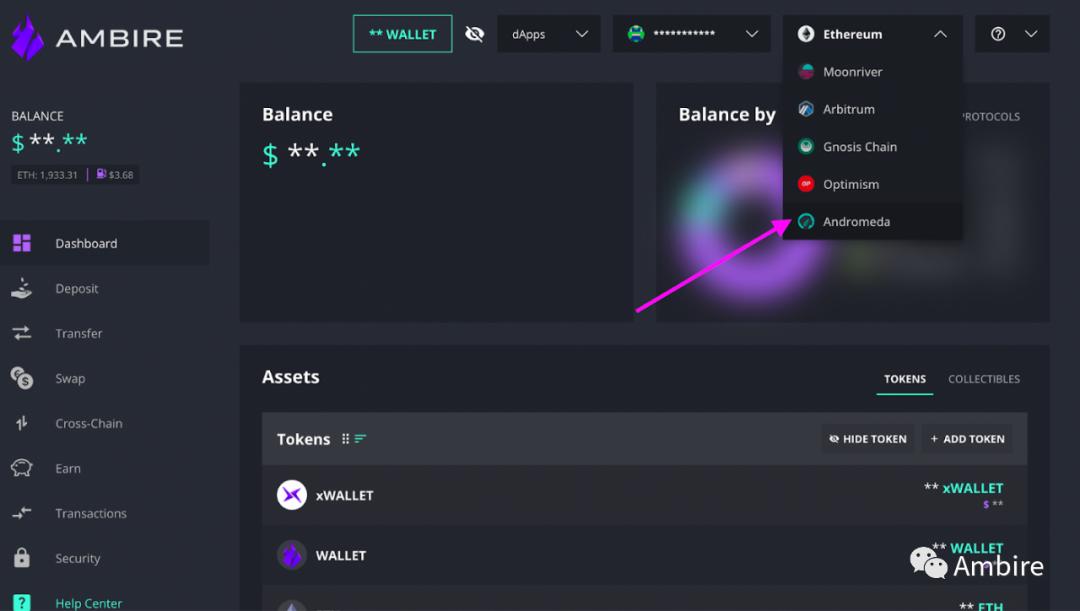
【新功能】Ambire 钱包集成了 Metis 网络
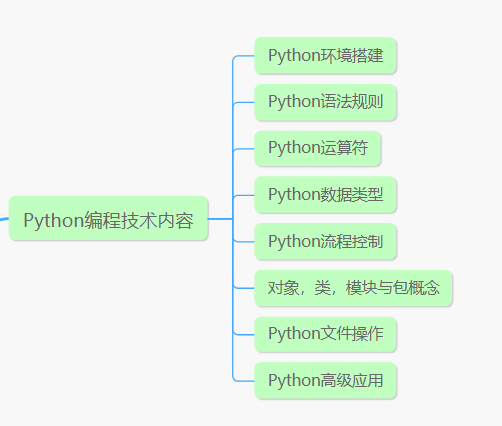
女程序员晒出5月的工资条:工资是高,但是真累,网友评论炸锅了

欧拉开源社区第二届理事会第二次会议召开,新华三、超聚变和龙芯中科成为理事会成员单位

Here comes Wi Fi 7. How strong is it?

JSX的基本使用

Libuv库概述及libevent、libev、libuv对比(转载)

I came from a major, so I didn't want to outsource

Cloud native weekly | grafana 9 was officially released; The Chinese version of cloud native vocabulary is now online

Seura 2 test code summary
随机推荐
Efficientnetv2 - get smaller models and faster training with NAS, scaling, and fused mbconv
iNFTnews | 元宇宙技术将带来全新的购物体验
Does cdc2.2.1 not support postgresql14.1? Based on the pgbouncer connection mode, with 5433
If you choose the right school, you can enter Huawei as a junior college. I wish I had known
Why are you a test / development programmer? Can you recall
What is the dry goods microservice architecture? What are the advantages and disadvantages?
【布里渊现象】光纤布里渊温度和应变分布同时测量系统研究
Data collection and management [13]
Anaconda自带的Spyder编辑器启动报错问题
How to back up all data on Apple mobile phone in 2 steps (free)
Is the sink usually the JDBC insert update delete?
How to merge upstream and downstream SQL data records
树莓派用VNC Viewer方式远程连接
Ask the handler about the memory leak scenario in the interview. Don't just know static internal classes & weak references!
CANoe-如何在Trace窗口解析报文并显示信息(Program Node和结构体类型系统变量的使用)
sql两列变为多行过滤显示
【新功能】Ambire 钱包集成了 Metis 网络
Pytorch read / write file
The great gods take connections from the MySQL connection pool in the open of the rich function. The initialization of the connection pool is 20. If the parallelism of the rich function is 1
Common methods of JS date and time