当前位置:网站首页>Live source code, floating window rolling gradient effect
Live source code, floating window rolling gradient effect
2022-06-11 12:04:00 【Yunbao network technology】
Live source , Suspension window rolling gradient effect to achieve the relevant code
Customize first ScrollView
MyScrollView
import android.content.Context;
import android.util.AttributeSet;
import android.widget.ScrollView;

/** * @Author:Administrator * @E-mail: [email protected] * @Date:2020/8/6 9:43 * @Description: Description information  */
public class MyScrollView extends ScrollView {

    private OnScrollListener onScrollListener; public MyScrollView(Context context) {

        this(context, null);
    }

    public MyScrollView(Context context, AttributeSet attrs) {

        this(context, attrs, 0);
    }

    public MyScrollView(Context context, AttributeSet attrs, int defStyle) {

        super(context, attrs, defStyle);
    }

    public void setOnScrollListener(OnScrollListener onScrollListener) {

        this.onScrollListener = onScrollListener;
    }

    @Override protected void onScrollChanged(int l, int t, int oldl, int oldt) {

        super.onScrollChanged(l, t, oldl, oldt); if (onScrollListener != null) {

            onScrollListener.onScroll(t);
        }
    }

    public interface OnScrollListener {

        public void onScroll(int scrollY);
    }
}
Use... In layout MyScrollView
<?xml version="1.0" encoding="utf-8"?>
<LinearLayout xmlns:android="http://schemas.android.com/apk/res/android"
    android:id="@+id/ll_parent"
    android:layout_width="match_parent"
    android:layout_height="match_parent"
    android:orientation="vertical">

    <com.utils.MyScrollView
        android:id="@+id/scrollView"
        android:layout_width="match_parent"
        android:layout_height="match_parent">

        <FrameLayout
            android:layout_width="match_parent"
            android:layout_height="match_parent">

            <LinearLayout
                android:layout_width="match_parent"
                android:layout_height="wrap_content"
                android:descendantFocusability="blocksDescendants"
                android:orientation="vertical">

                <View
                    android:id="@+id/imageview"
                    android:layout_width="match_parent"
                    android:layout_height="500dp"
                    android:background="@android:color/holo_blue_dark" />
				<!-- Displayed when sliding title( Internal fixation view)-->
                <LinearLayout
                    android:id="@+id/ll_filter"
                    android:layout_width="match_parent"
                    android:layout_height="45dp"
                    android:background="#00EAFF"
                    android:orientation="horizontal"
                    android:gravity="center">

                    <TextView
                        android:layout_width="wrap_content"
                        android:layout_height="wrap_content"
                        android:gravity="center" />

                </LinearLayout>

                <View
                    android:layout_width="match_parent"
                    android:layout_height="1000dp"
                    android:background="@android:color/holo_green_light" />
                <View
                    android:layout_width="match_parent"
                    android:layout_height="500dp"
                    android:background="#f00" />

                <RelativeLayout
                    android:layout_width="match_parent"
                    android:layout_height="wrap_content">
                    <androidx.recyclerview.widget.RecyclerView
                        android:id="@+id/recyclerView"
                        android:layout_width="match_parent"
                        android:layout_height="wrap_content"/>
                </RelativeLayout>
            </LinearLayout>
			<!-- Shown on top after sliding title( External fixation view)-->
            <LinearLayout
                android:id="@+id/ll_top"
                android:layout_width="match_parent"
                android:layout_height="45dp"
                android:background="#FF0000"
                android:orientation="horizontal">

                <TextView
                    android:layout_width="match_parent"
                    android:layout_height="match_parent"
                    android:gravity="center"
                    android:text=" External fixation View" />
                <androidx.recyclerview.widget.RecyclerView
                    android:id="@+id/recycler_view_home_title"
                    android:layout_width="match_parent"
                    android:layout_height="@dimen/dp_50"
                    android:layout_centerHorizontal="true"
                    android:layout_marginLeft="@dimen/dp_24"
                    android:layout_marginTop="@dimen/dp_12"
                    >

                </androidx.recyclerview.widget.RecyclerView>
            </LinearLayout>

        </FrameLayout>
    </com.utils.MyScrollView>

</LinearLayout>
kotlin
First write ScrollView monitor
scrollView.setOnScrollListener(this)
Color gradient , obtain imageview To set the gradient
override fun onScroll(scrollY: Int) {

    val mTop = scrollY.coerceAtLeast(ll_filter.top)
    ll_top.layout(0, mTop, ll_top.width, mTop + ll_top.height)

    /* *  Color gradient ( You can delete the following without gradient ) * */
    var imageHeight = imageview.getHeight() if (scrollY <= imageHeight) {

        val scale: Float = scrollY.toFloat() / imageHeight
        val alpha = 255 * scale
        //  It's just layout The background is transparent ( Imitates the sliding effect ) White transparent
        ll_top.setBackgroundColor(Color.argb(alpha.toInt(), 255, 255, 255))
        //                           Set the text color , black , Increase transparency
        //textView.setTextColor(Color.argb(alpha.toInt(), 0, 0, 0))
        Log.e("111", "y > 0 && y <= imageHeight")
    }
}
That's all Live source , Suspension window rolling gradient effect to achieve the relevant code , More content welcome to follow the article
边栏推荐
- ELK - X-Pack设置用户密码
- 读取geo表达矩阵
- It will be too late if you don't brush the questions. The most complete bat interview questions
- iframe 传值
- Add auto thumbnail function for WordPress related log plug-ins
- Collection of practical WordPress plug-ins (under update)
- Typescript compilation options and configuration files
- 【Go】Gin源码解读
- InputStream读取文件OutputStream创建文件
- 刷题笔记(十三)--二叉树:前中后序遍历(复习)
猜你喜欢
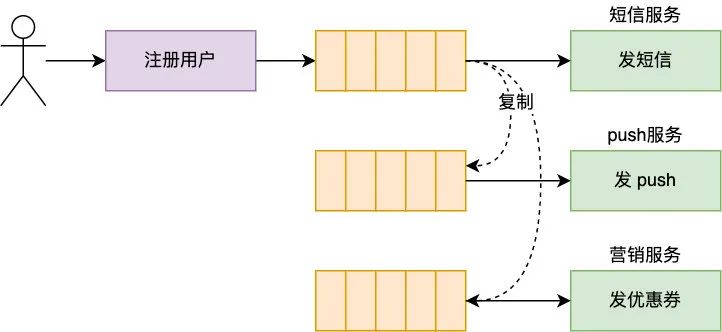
你管这破玩意儿叫 MQ?

2022 | framework for Android interview -- Analysis of the core principles of binder, handler, WMS and AMS!

How to solve the problem that high-precision positioning technologies such as ultra wideband UWB, Bluetooth AOA and RTK cannot be widely used due to their high cost? Adopt the idea of integrated deplo

中国网络安全年会周鸿祎发言:360安全大脑构筑数据安全体系

Gerber文件在PCB制造中的作用
![[第二章 基因和染色体的关系]生物知识概括–高一生物](/img/f0/9f78682798a7874ba176797a6b22ca.png)
[第二章 基因和染色体的关系]生物知识概括–高一生物

ELK - ElastAlert最大的坑

Apple mobileone: the mobile terminal only needs 1ms of high-performance backbone
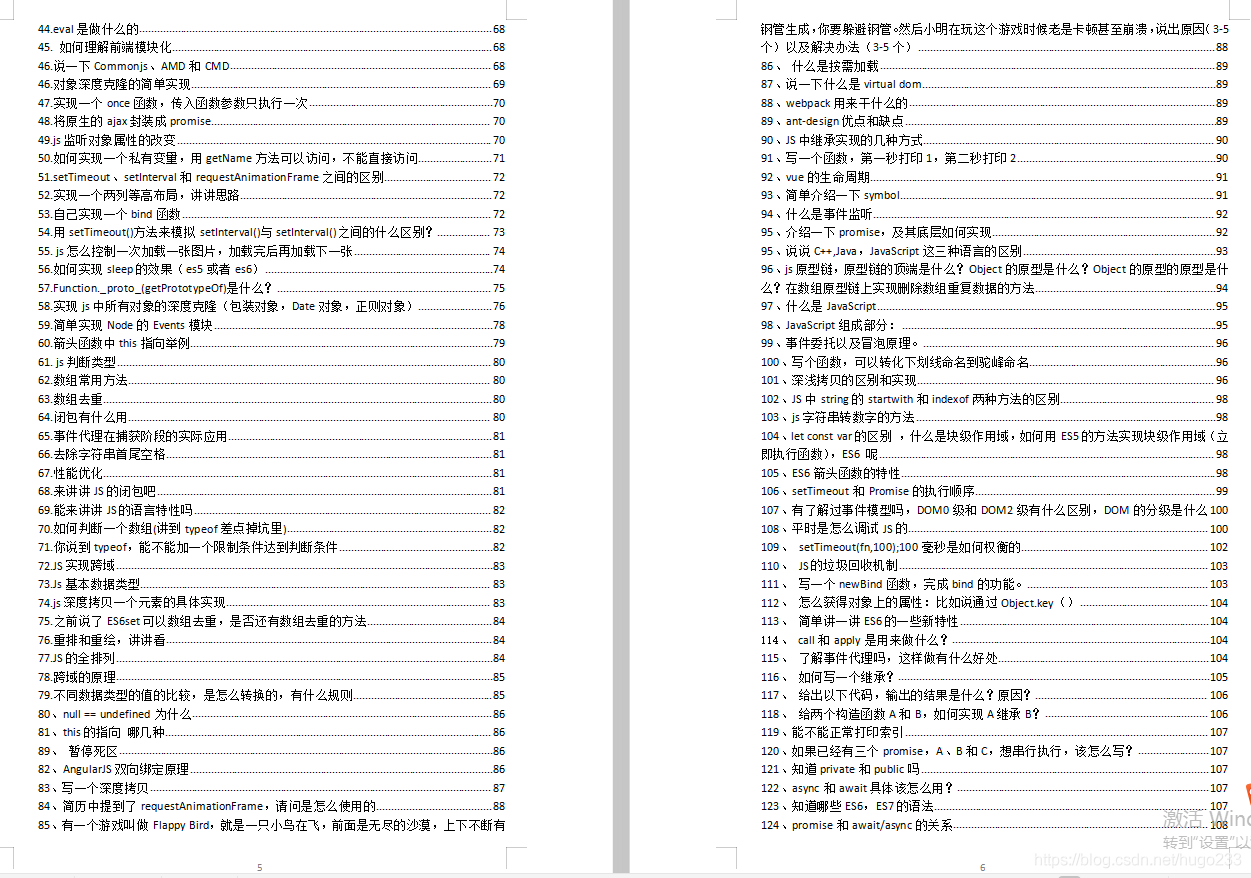
Intermediate web development engineer, interview questions + Notes + project practice

CVPR 2022 | 文本引导的实体级别图像操作ManiTrans
随机推荐
Problems encountered in installing mysql8 under centos7.x couldn't open file /etc/pki/rpm-gpg/rpm-gpg-key-mysql-2022
Apple mobileone: the mobile terminal only needs 1ms of high-performance backbone
Gestion de projets logiciels 7.1. Concept de base du calendrier du projet
JS interview questions - arrow function, find and filter some and every
ObjectInputStream读取文件对象ObjectOutputStream写入文件对象
Let you understand selection sorting (C language)
[file upload vulnerability 06] server file content detection and bypass experiment + image horse production method (based on upload-labs-14 shooting range)
JEST 单元测试说明 config.json
中文输入法输入事件composition的使用
C # convert ofd to PDF
yapi安装
golang利用异或^交换两个变量以及加解密
阶乘后的零(C语言)
JS to realize the rotation chart (riding light). Pictures can be switched left and right. Moving the mouse will stop the rotation
Count the top k strings with the most occurrences
微信web开发者,如何学习web开发
C# 读取txt文件生成Word文档
异或的妙用(C语言)
POJ 3278 catch the cow (width first search, queue implementation)
2019 book list