当前位置:网站首页>How to make a puzzle in PS, self-study PS software photoshop2022, PS make a puzzle effect
How to make a puzzle in PS, self-study PS software photoshop2022, PS make a puzzle effect
2022-08-05 08:12:00 【hebiwen95】
PS is still very useful. No matter in life or in the workplace, you often need to process pictures, such as making ID photos, beautifying your face, removing watermarks, and so on.Friends may have had the idea of learning PS many times, or have tried many times, suffered many times, and gave up many times.
I haven't been exposed to PS before, and I don't know the basic knowledge of graphics. My PS practice questions are really accumulated day by day.
PS is still very useful. No matter in life or in the workplace, you often need to process pictures, such as making ID photos, beautifying your face, removing watermarks, and so on.Friends may have had the idea of learning PS many times, or have tried many times, suffered many times, and gave up many times.
I haven't been exposed to PS before, and I don't know the basic knowledge of graphics. My PS practice questions are really accumulated day by day.
First of all, you have ps software, you can practice after installation
PS makes a puzzle effect
Rendering:

Material:

Operation steps:
Part.1 ● Open PS and create a new 200×200 pixel transparent canvas.

Part.2 ● Select the Rectangular Marquee Tool, set the size to 100, draw a 100×100 selection and fill it with black.


Part.3 ● Use the Elliptical Marquee Tool, set the size to 40, draw a 40×40 selection and fill it with black.

Part.4 ● Duplicate one and delete the redundant part of the rectangle.


Part.5 ● Ctrl+J to copy a layer, Ctrl+T right-click to rotate 180 degrees, and move to the diagonal position.

Part.6 ● Click Edit - Define Pattern.


Part.7 ● Return to the original image and create a new layer.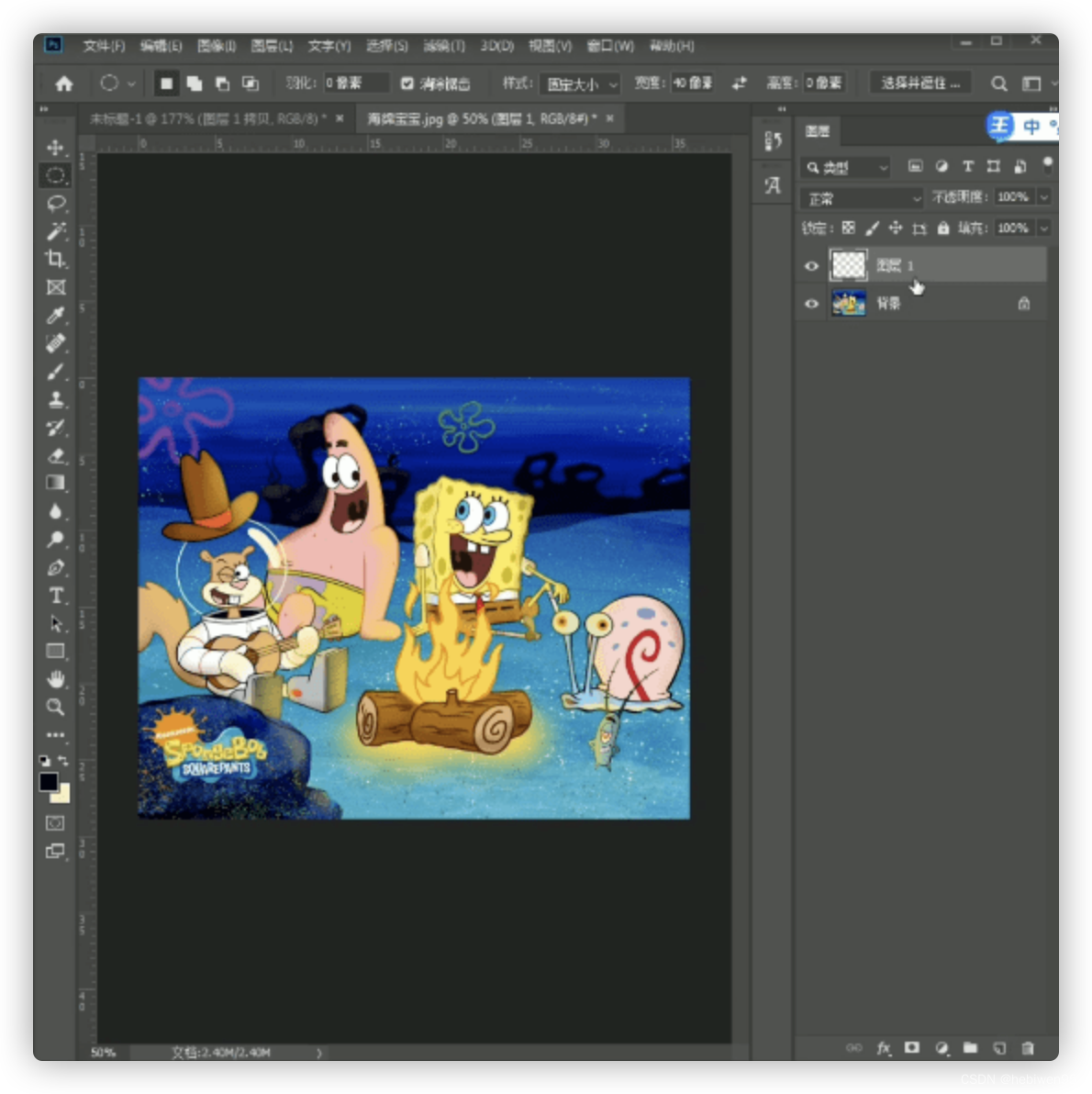
Part.8 ● Shift+F5 fill pattern, fill to 0.

Part.9 ● Double-click to open the layer style, add bevel and emboss, adjust the value, and then add a stroke to adjust the value.


In this way, the seemingly complicated "jigsaw effect" is created!

Done:
边栏推荐
猜你喜欢
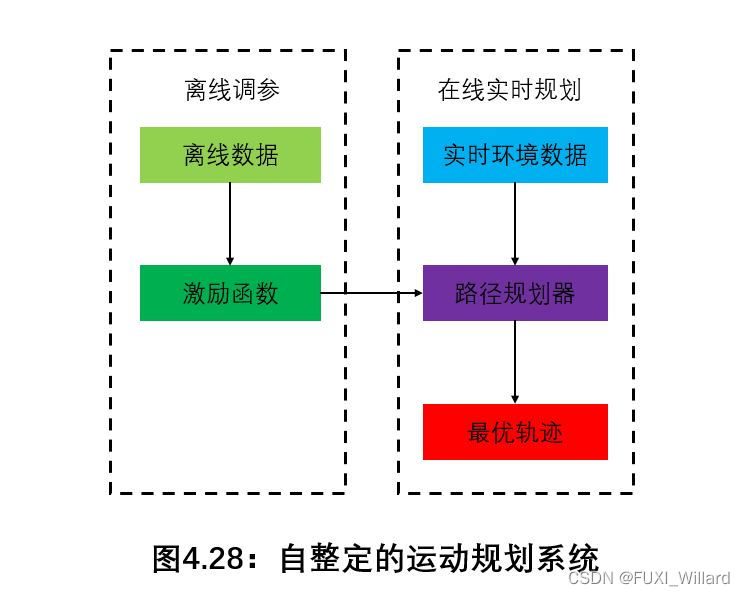
学习笔记14--机器学习在局部路径规划中的应用
Ethernet Principle
SVG Star Wars Style Toggle Toggle Button
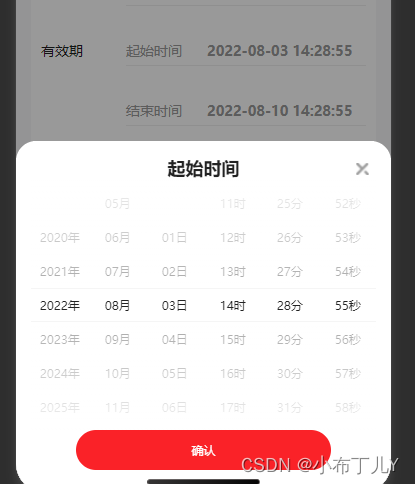
uniapp time component encapsulates year-month-day-hour-minute-second
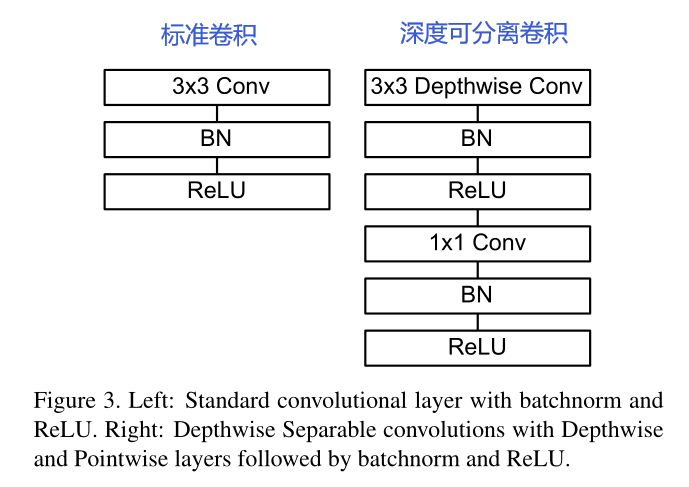
MobileNetV1架构解析

MongoDB 语法大全

TensorFlow安装步骤
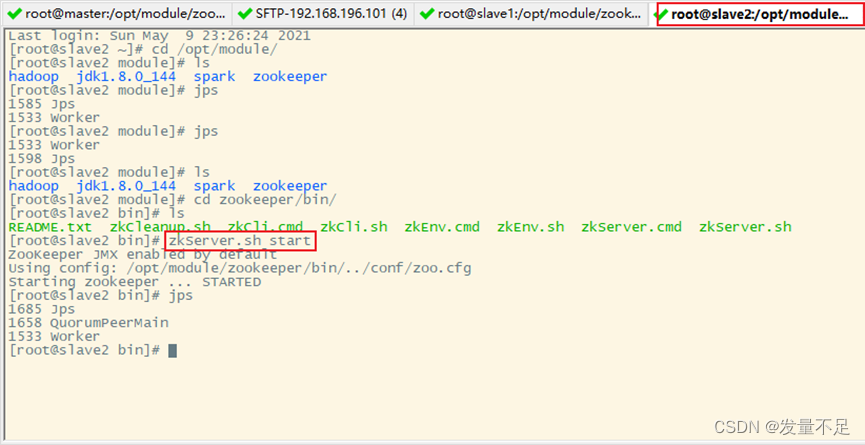
spark集群部署(第三弹)
SVG大鱼吃小鱼动画js特效
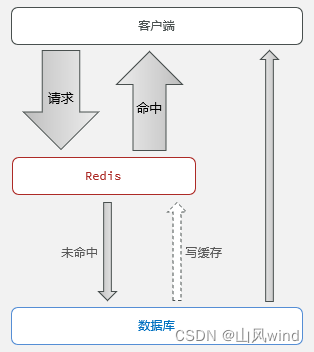
Redis cache and existing problems--cache penetration, cache avalanche, cache breakdown and solutions
随机推荐
Three solutions to solve cross-domain in egg framework
Support touch screen slider carousel plugin
Chapter3、色调映射
版本号命名规则
原型&原型链
The color of life divine
P1103 书本整理
数据库——概述
Chapter 12 Bayesian Networks
Vulnhub target drone: HA_ NARAK
The magic weapon for small entrepreneurs!
长期招聘嵌入式开发-深圳宝安
SVG big fish eat small fish animation js special effects
小本创业者的致胜法宝!
执子之手,与子偕老。你同意么?
爱情是一部忧伤的乐曲
php向mysql写入数据失败
P1160 队列安排
常用的遍历map的方法
学习笔记14--机器学习在局部路径规划中的应用