当前位置:网站首页>【soloπ】adb连接单个多个手机
【soloπ】adb连接单个多个手机
2022-06-26 13:54:00 【daisyr07】
【soloπ】adb连接单个多个手机
前提条件:
1.数据线连接且同一网络
- 使用USB线将手机连接电脑,并确保手机与电脑在同一局域网中
- 要真机无线调试,第一次必须使用USB数据线先设置好才可以无线调试
2.手机打开开发者模式
- 多次点击系统版本号,直至显示已打开开发者模式
- 在更多设置中找到开发者模式,并进入
- 找到调试部分,开启USB调试,无线调试,USB安装等设置,不同系统,应该不一样,看着点就好了。
3.电脑下载ADB
https://developer.android.google.cn/studio/releases/platform-tools
下载完后在CMD中输入ADB指令还是无法运行,需要配置ADB环境
4.配置ADB环境
1.右键 “我的电脑” → 选择属性,点击高级系统设置
2.进入系统属性,选择 “环境变量”
3.进入 “环境变量” ,找到 “系统变量” ,选择 “Path” ,点击编辑
4.新建一个路径,此路径就是你存放下载好并解压出来文件夹路径
5.打开CMD,输入
adb version。显示以下内容既可使用adb指令

单设备使用
1.使用ADB指令
- 使用指令 打开端口
adb tcpip “端口号”(端口号一般为5555) - 使用指令
adb connect “IP地址:端口号” (IP地址与端口之间有一个冒号 : )- ip地址查看 :先执行命令
adb shell netcfg再执行命令adb shell ifconfig rmnet0
- ip地址查看 :先执行命令
2.连接成功后,但USB线还没拔出,显示两个设备,第一个是通过USB识别到,第二个是通过WIFI识别到,但都是同一部手机;拔掉USB线后,只显示一个设备,就是WIFI连接的手机
多设备使用
1.使用ADB指令
第一部手机
- 使用指令
adb devicesdevice前就是设备号 - 使用指令
adb -s “设备号” tcpip “端口号”端口号一般为5555 - 使用指令
adb connect “IP地址:端口号”(IP地址与端口之间有一个冒号 : )
第二部手机
- 使用指令
adb devicesdevice前就是设备号 - 使用指令
adb -s “设备号” tcpip “端口号” - 使用指令
adb connect “IP地址:端口号”(IP地址与端口之间有一个冒号 : )
2.拔出USB数据线后,存在两部手机设备可以使用
参考网址:https://www.cnblogs.com/luos66/p/15788271.html
边栏推荐
- Electron
- Setup instance of layout manager login interface
- Sword finger offer 05.58 Ⅱ string
- Can wptx64 be uninstalled_ Which software of win10 can be uninstalled
- fileinput. js php,fileinput
- [jsoi2015] string tree
- How to call self written functions in MATLAB
- Two dimensional DFS
- Server create virtual environment run code
- (improved) bubble sorting and (improved) cocktail sorting
猜你喜欢

Eigen(3):error: ‘Eigen’ has not been declared

From Celsius to the three arrows: encrypting the domino of the ten billion giants, and drying up the epic liquidity

Experience sharing of mathematical modeling: comparison between China and USA / reference for topic selection / common skills
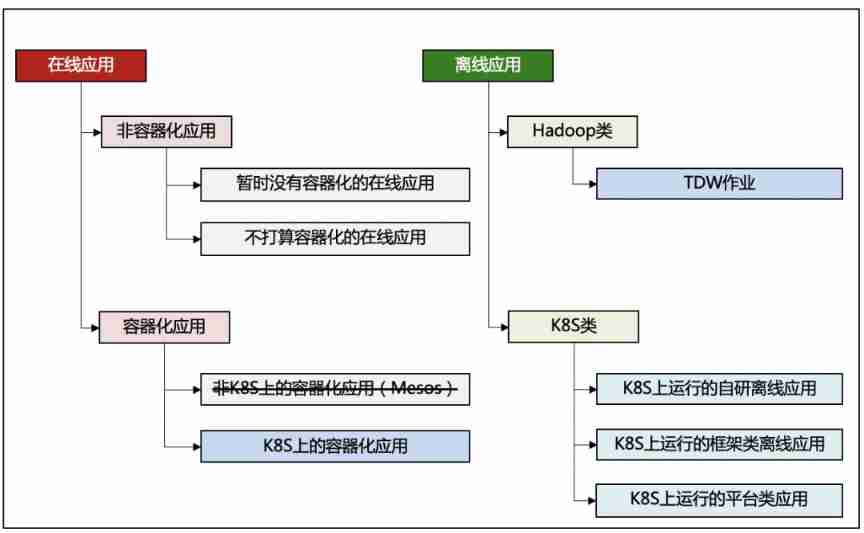
Caelus - full scene offline mixed Department solution

ThreadLocal giant pit! Memory leaks are just Pediatrics

9項規定6個嚴禁!教育部、應急管理部聯合印發《校外培訓機構消防安全管理九項規定》
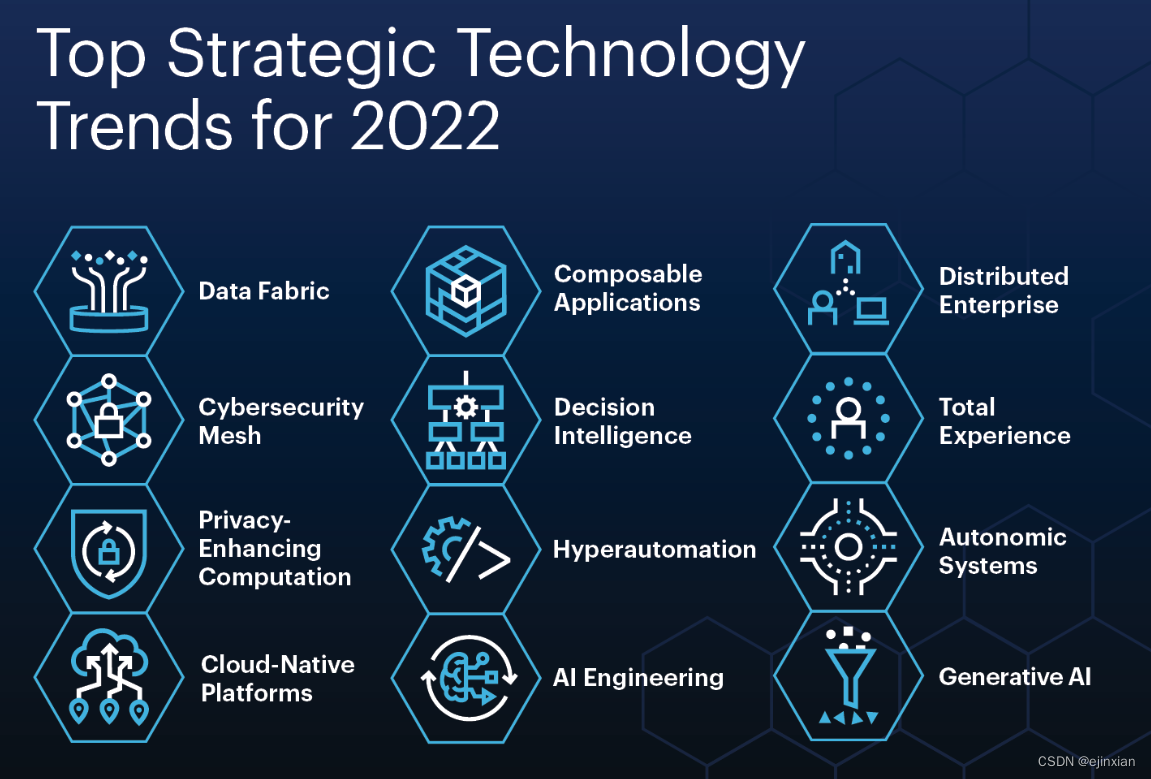
Gartner 2022年顶级战略技术趋势报告

'coach, I want to play basketball!'—— AI Learning Series booklet for system students

The annual salary of 500000 is one line, and the annual salary of 1million is another line
Gartner 2022 Top Strategic Technology Trends Report
随机推荐
Experience sharing of mathematical modeling: comparison between China and USA / reference for topic selection / common skills
One article of the quantification framework backtrader read observer
人的顶级能量从哪里获取?
GDAL grid data types and their type codes
Knowledge about the determination coefficient R2 and the relationship with the correlation coefficient
VMware partial settings
C language | Consortium
'教练,我想打篮球!' —— 给做系统的同学们准备的 AI 学习系列小册
[hnoi2010] flying sheep
Knowledge about adsorption
Bucket of P (segment tree + linear basis)
MySQL | basic commands
通俗语言说BM3D
Electron
Obtain information about hard disk and volume or partition (capacity, ID, volume label name, etc.)
A solution to the problem that the display of newff function in neural network cannot be converted from double to struct
Gartner 2022 Top Strategic Technology Trends Report
ArcGIS secondary development - arcpy delete layer
Oracle ASMM and AMM
ArcGIS secondary development -- arcpy batch automatic map publishing service