当前位置:网站首页>简单理解svg
简单理解svg
2022-07-03 02:20:00 【大船叔叔】
svg
canvas和svg区别
canvas:
- Canvas 是H5新出来的标签,是画布.利用JavaScript在网页绘制图像.Canvas是逐像素进行渲染的,色彩丰富,缩放失真.
- 修改图形 需要重绘整个画布
svg:
- 可缩放的矢量图形(缩放之后不会失真的图片格式 Scalable Vector Graphics)
- svg是通过DOM操作来显示的,svg中每个图形都是单独的节点,方便修改样式.
svg
version:svg 遵循的规范的版本号 1.0 1.1两个版本
xmlns:定义svg命名规范.
x y表示开始坐标 width和height表示矩形的宽度和高度 没有设置填充颜色之前 默认是黑色 fill设置填充颜色
  <svg version="1.1" xmlns="http://www.w3.org/2000/svg">

        <rect x="30" y="30" width="100" height="100" fill="pink" class="r"/>
    </svg>
svg路径
M:moveTo 移动到某个坐标点
L:lineTo:画线到某个坐标点
Z:close闭合
stork:线的颜色
stork-width:线的宽度
 <path d="M75,20 L100,100,L400,150,Z" fill="pink" stroke="yellow" stroke-width="10"> </path>
 // 大写是绝对定位 小写是相对定位 相对上一个坐标
  <path d="M75,20 l50,0,L50,10 Z" fill="" stroke="green" stroke-width=""> </path>
圆
cx和cy定义的是圆心的x y坐标 r代表半径
<circle cx="100" cy="50" r="40" fill="" stroke="green" stroke-width="10">
参数分别代表开始坐标 最大半径和最小半径 旋转角度 大小角弧线(1,0) 顺逆时针(1,0) 结束的坐标 x y
<path d="M120,120 A60 60 0 1 1 121 121 Z" fill="" stroke="pink" stroke-width="20"> </path>
svg渐变
id是渐变色唯一的名称 x1 y1 x2 y2设置的渐变的方向
 <defs>
            <linearGradient id="grad" x1="0%" y1="0%"  x2="100%" y2="100%">
            <stop offset="0%" stop-color="yellow" stop-opacity=""/>
            <stop offset="33%" stop-color="blue" stop-opacity=""/>
            <stop offset="66%" stop-color="green" stop-opacity=""/>
            <stop offset="100%" stop-color="pink" stop-opacity=""/>
            </linearGradient>
        </defs>
        // fill设置填充颜色 id是渐变色的名称
        <rect x="10" y="10" width="200" height="200" fill="url(#grad)" style=""/>
svg动画
svg动画由于某些场景不能用,只需要简单了解即可.
跟css动画很像
attriName:变形
type:选择动画操作方式 这里是旋转
form:从哪里开始
to:从哪里结束
dur:动画执行时间
repeatCount:动画重复次数
  <g>
            <text x="150"  y="100" style="">吃饭 睡觉 </text>
            <animateTransform attributeName="transform"
                attributeType="XML"
                type="rotate"
                from="0"
                to="100"
                dur="250ms"
                repeatCount="indefinite"/>

        </g>
svg文字
定义一个路线 path id作为文字执行路线的名称 根据id选择文字根据哪条路线样式
        <defs>
            <path d="M0 50 l100 100 l100 -100 Z " id="p1"/>
            <path d="M0 50 l100 100 l100 -100 Z " id="p2"/>
        </defs>
        <text x=""  y="" style="">
            <textPath xlink:href="#p1">
                陶大花 胖琳 可真是个可人啊一群老六

            </textPath>
        </text>
边栏推荐
- Leetcode (540) -- a single element in an ordered array
- GBase 8c 函数/存储过程参数(一)
- COM and cn
- Memory pool (understand the process of new developing space from the perspective of kernel)
- Deep learning notes (constantly updating...)
- GBase 8c系统表-pg_conversion
- How do it students find short-term internships? Which is better, short-term internship or long-term internship?
- What are the key points often asked in the redis interview
- Tongda OA homepage portal workbench
- 人脸识别6- face_recognition_py-基于OpenCV使用Haar级联与dlib库进行人脸检测及实时跟踪
猜你喜欢

The data in servlet is transferred to JSP page, and the problem cannot be displayed using El expression ${}
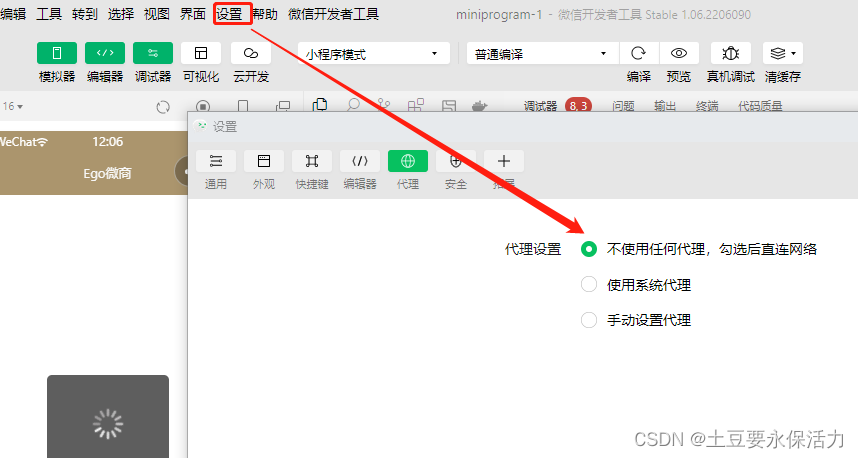
Wechat applet Development Tool Post net:: Err Proxy Connexion Problèmes d'agent défectueux
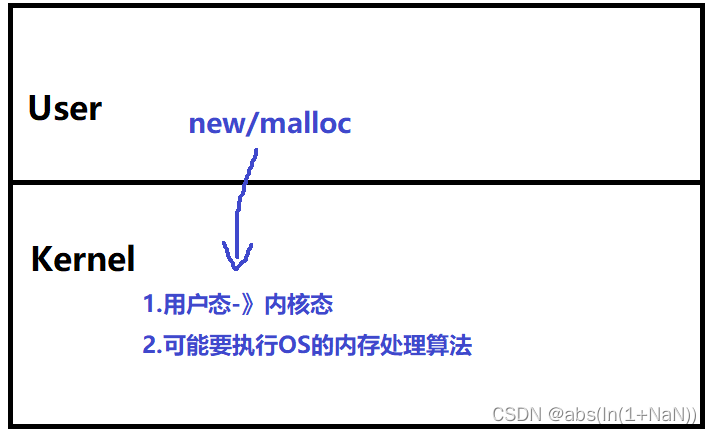
内存池(内核角度理解new开辟空间的过程)

Return a tree structure data
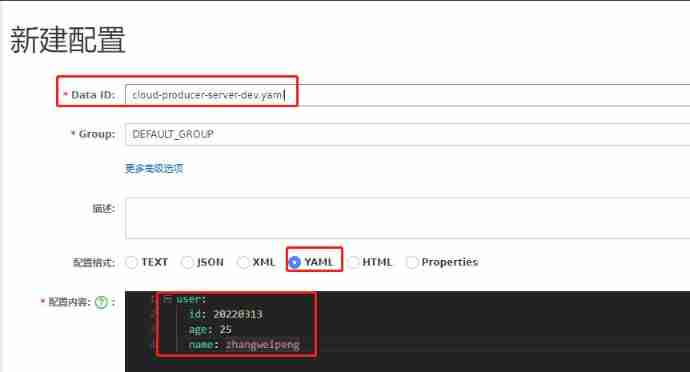
Detailed introduction to the usage of Nacos configuration center

awk从入门到入土(0)awk概述

《上市风云》荐书——唯勇气最可贵
![[shutter] pull the navigation bar sideways (drawer component | pageview component)](/img/6f/dfc9dae5f890125d0cebdb2a0f4638.gif)
[shutter] pull the navigation bar sideways (drawer component | pageview component)

UDP receive queue and multiple initialization test
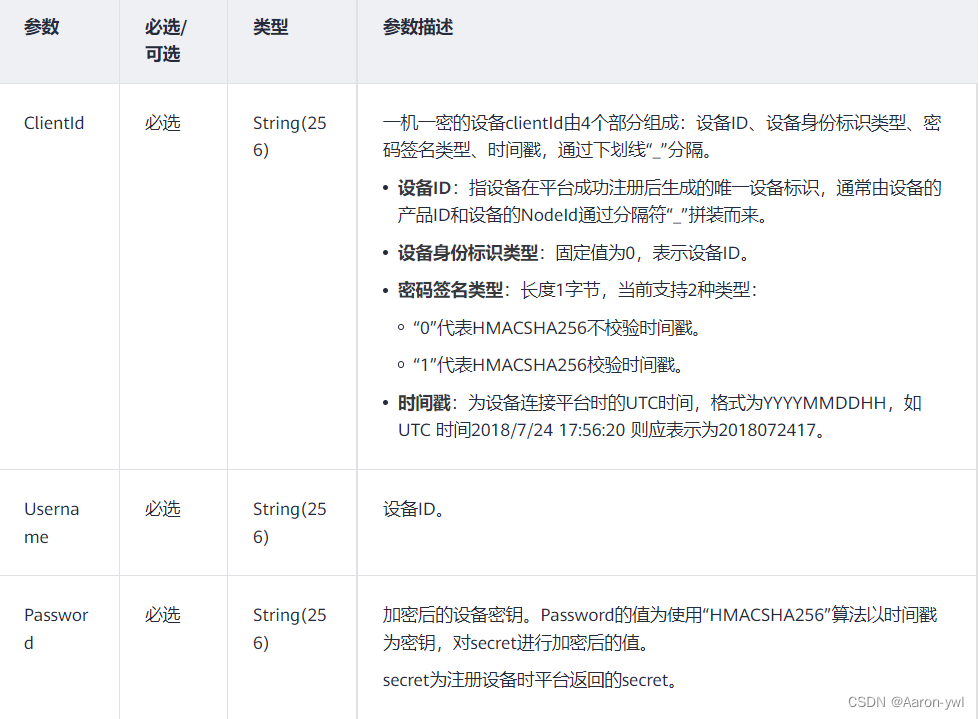
Introduce in detail how to communicate with Huawei cloud IOT through mqtt protocol
随机推荐
4. 类和对象
Wechat applet Development Tool Post net:: Err Proxy Connexion Problèmes d'agent défectueux
easyExcel
easyPOI
Machine learning process and method
Coroutinecontext in kotlin
Kotlin middle process understanding and Practice (I)
Visual yolov5 format data set (labelme JSON file)
[shutter] hero animation (hero realizes radial animation | hero component createrecttween setting)
stm32F407-------IIC通讯协议
Leetcode (540) -- a single element in an ordered array
502 (bad gateway) causes and Solutions
使用Go语言实现try{}catch{}finally
人脸识别6- face_recognition_py-基于OpenCV使用Haar级联与dlib库进行人脸检测及实时跟踪
RestCloud ETL 跨库数据聚合运算
机器学习流程与方法
GBase 8c系统表-pg_auth_members
Visualisation de l'ensemble de données au format yolov5 (fichier labelme json)
Flink CDC mongoDB 使用及Flink sql解析monggo中复杂嵌套JSON数据实现
awk从入门到入土(3)awk内置函数printf和print实现格式化打印