当前位置:网站首页>Teach you unity scene switching progress bar production hand in hand
Teach you unity scene switching progress bar production hand in hand
2022-07-28 20:37:00 【_ Mr orange】
30 Seconds teach you Unity Scene switching progress bar
Hello everyone , I'm an orange , What I bring to you today is Unity Tutorial of scene switching progress bar .
*,*◦*,*◦*,*◦*,-------------------- Gorgeous dividing line --------------------*◦*,*◦*,*◦*,*◦*,*◦
First of all, ask a question : Why use the progress bar , And when to use the progress bar ?
answer : There are some scenes , It contains a lot of resources , For example, a big game scene , Loading is often slow . This is the time , If you don't do anything , In the process of scene loading , Users will think " Game stuck " 了 , So use a progress bar to transition , Increase the game experience . Don't talk much , Go straight to talent !
One 、 Create game scenes and build panels UI
First , We create a game scene
Then we build a new UI->>Panel
Let's create another one Skuder( Slider bar ) If a little friend doesn't know Skuder What is it? , You can check it out first Unity Of UGUI Tutorial again 
Just like this. tips: Press on the keyboard T Then select the border with the mouse , Hold down Ait key It can be magnified proportionally ~
We could be here , Modify the style of the sliding block 
My settings are ready , I don't know what you are ?
Choose them all here , Then set the anchor , It can adapt to the resolution of different devices ~
My progress bar is probably like this . Have you finished your ?
Two 、 Add code
We build a new one C# Script be known as LoadSceneManager
using System.Collections;
using System.Collections.Generic;
using UnityEngine;
using UnityEngine.UI;

public class LoadSceneManager : MonoBehaviour
{

    public GameObject loadScreen;// Panel showing progress bar
    public Slider slider;// Slide bar component
    public Text text;// Text showing percentage
}
When it's defined , Let's go back to Unity To assign . Then add Button Binding events for ( The button for you to switch scenes )
When the assignment is complete Let's continue to write code
(1) After loading, enter the complete code of the scene
using System.Collections;
using System.Collections.Generic;
using UnityEngine;
using UnityEngine.SceneManagement;
using UnityEngine.UI;

public class LoadSceneManager : MonoBehaviour
{

    public GameObject loadScreen;// Panel showing progress bar
    public Slider slider;// Slide bar component
    public Text text;// Text showing percentage

	// Don't forget to add a click event to the button
    public void LoadNextLevel()
    {

        StartCoroutine(Loadlevel());
    }
    IEnumerator Loadlevel()
    {

        loadScreen.SetActive(true);
        AsyncOperation operation = SceneManager.LoadSceneAsync("Main");
        while (!operation.isDone)//isDone  Whether to complete the progress bar
        {

            slider.value = operation.progress;
            text.text = operation.progress * 100 + "%";// percentage
            if (operation.progress>=0.9f)// If the progress bar has arrived 90%
            {

                slider.value = 1; // Then make the value of the progress bar into 1
                text.text = " Loading complete !";
            }
            yield return null;
        }
    }
}

(2) Loading complete After pressing the key Enter the complete code of the scene
using System.Collections;
using System.Collections.Generic;
using UnityEngine;
using UnityEngine.SceneManagement;
using UnityEngine.UI;

public class LoadSceneManager : MonoBehaviour
{

    public GameObject loadScreen;// Panel showing progress bar
    public Slider slider;// Slide bar component
    public Text text;// Text showing percentage

    public void LoadNextLevel()
    {

        StartCoroutine(Loadlevel());
    }
    IEnumerator Loadlevel()
    {

        loadScreen.SetActive(true);
        AsyncOperation operation = SceneManager.LoadSceneAsync("Main");//(SceneManager.GetActiveScene().buildIndex+1);
        operation.allowSceneActivation = false;// Whether to allow loading new scenes ?  You need to automatically jump after loading   There is no need to add this sentence

        while (!operation.isDone)//isDone  Whether to complete the progress bar
        {

            slider.value = operation.progress;
            text.text = operation.progress * 100 + "%";// percentage

            if (operation.progress>=0.9f)// If the progress bar has arrived 90%
            {

                slider.value = 1; // Then make the value of the progress bar into 1
                text.text = " Please click on the screen to continue !";
                if (Input.anyKey)// If you click any key
                {

                    operation.allowSceneActivation = true;// You can jump to the scene
                }
            }
            yield return null;
        }
    }
}

.
3、 ... and 、 Final effect
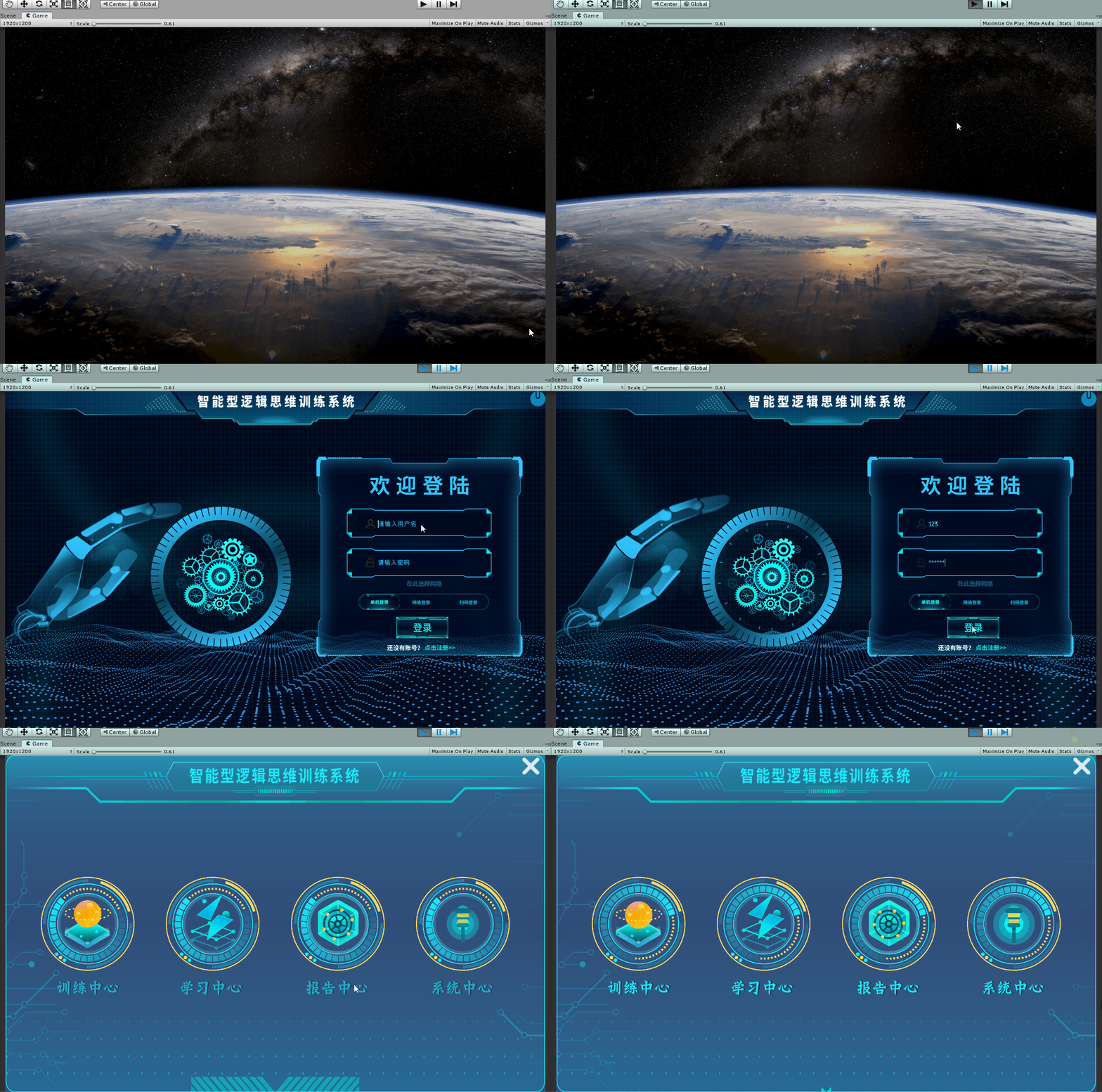
Four 、 Conclusion
Inferior to silicon step , A thousand miles .
Don't product the little stream , Beyond into the sea .
Make a little progress every day Thank you for watching .
Feel helpful to yourself , Welcome to your attention 、 Collection 、 forward !
边栏推荐
- Raspberry Pie 3 connected to WiFi
- Character device drive structure
- Speech controlled robot based on ROS (I): realization of basic functions
- Windows系统下Mysql数据库定时备份
- Linxu [basic instructions]
- Regular symbol description
- Quick sort template
- Voice controlled robot based on ROS (II): implementation of upper computer
- Scheduled backup of MySQL database under Windows system
- [C语言刷题篇]链表运用讲解
猜你喜欢

One article makes you understand what typescript is
![Linxu [permission, sticky bit]](/img/57/ceacb5c67b97db8a4743cb319f81d7.png)
Linxu [permission, sticky bit]

一碰撞就自燃,谁来关心电池安全?上汽通用有话说

Introduction to seven kinds of polling (practice link attached)

Storage of C language data in memory (1)

Use of DDR3 (axi4) in Xilinx vivado (4) incentive design

h5微信射击小游戏源码

Simple example of C language 1

Wust-ctf2021-re school match WP
C语言简单实例 1
随机推荐
Other IPS cannot connect to the local redis problem solving and redis installation
Solutions to the environment created by Anaconda that cannot be displayed in pycharm
Voice controlled robot based on ROS (II): implementation of upper computer
[POC - proof of concept]
类与对象(中)
卡通js射击小游戏源码
Common instructions of vim software
Leetcode-297 serialization and deserialization of binary tree
动态规划:背包问题模板代码汇总
TCP.IP
Tree row expression
New fruit naming (DP is similar to the longest common subsequence)
关于链接到其他页面的标题
Mysql报错:Specified key was too long; max key length is 767 bytes
长轮询,iframe和sse三种web消息实时推送demo实践
太空射击第10课: Score (繪畫和文字)
Raspberry pie 4B deploy yolov5 Lite using ncnn
[detailed use of doccano data annotation]
弹出模态框
SQL审核工具自荐Owls