当前位置:网站首页>Pycharm打包项目为exe文件
Pycharm打包项目为exe文件
2022-08-02 03:24:00 【隐身的菜鸟】
项目打包生成exe可执行文件
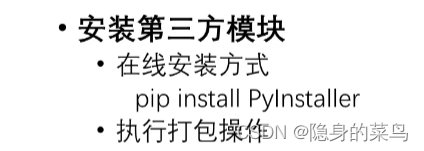
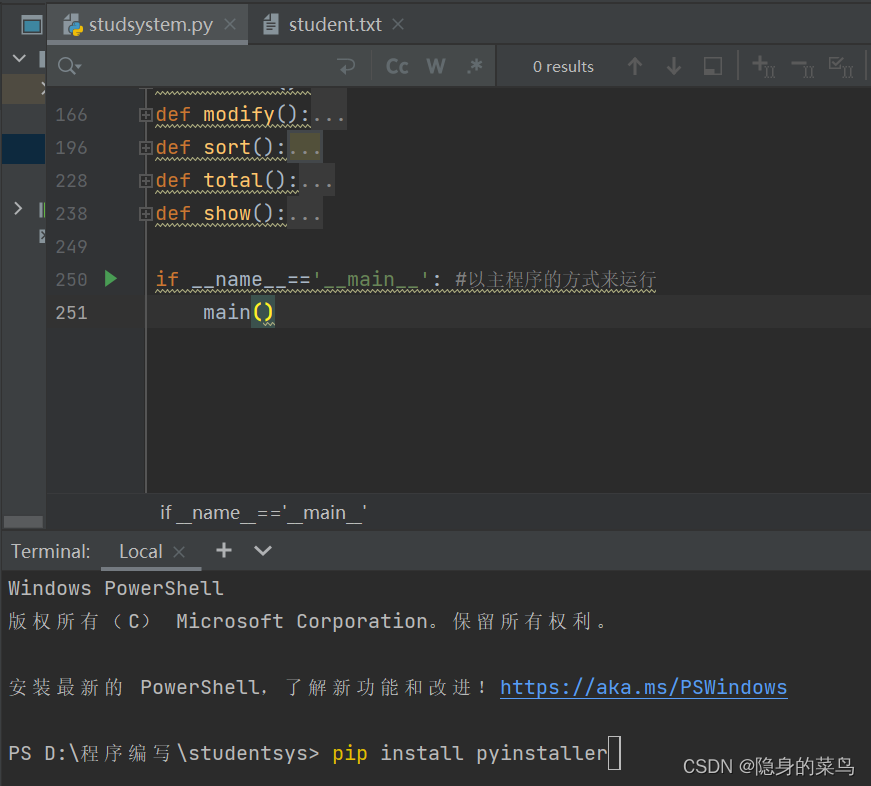
1.首先,打开自己要发布的工程 ,点击底部的“Terminal”打开终端,输入命令:
pip install pyinstaller ,按回车键运行。
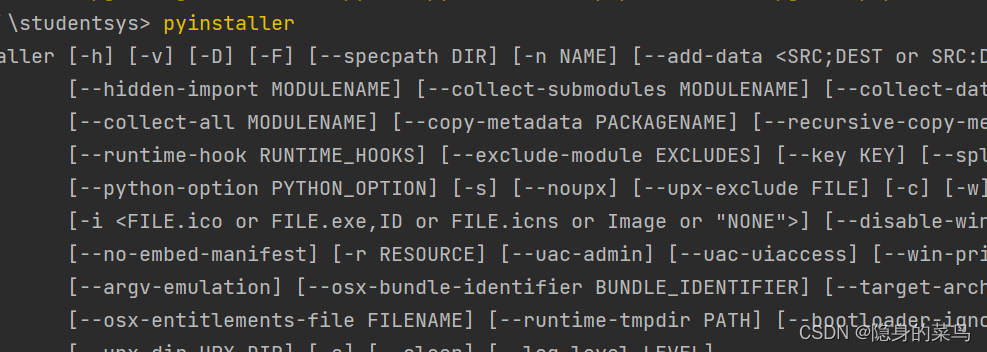
2.输入命令:pyinstaller ,按回车键显示安装成功。
3.输入命令pyinstaller --console --onefile xxx.py

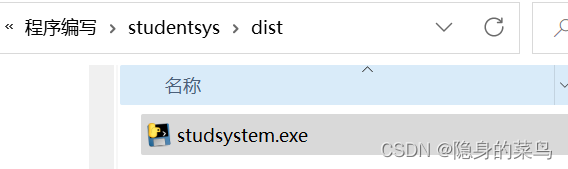
4. exe文件的路径
在项目根目录下有一个dist文件夹,里面会有打包好的exe文件

边栏推荐
- 正则笔记(1)- 正则表达式字符匹配攻略
- [symfony/finder]最好用的文件操作库
- PHP 发起支付宝支付时 订单信息乱码解决
- js __proto__、prototype、constructor的关系
- Query the indexes of all tables in the database and parse them into sql
- IO stream, encoding table, character stream, character buffer stream
- js的“类数组”及“类数组转数组”
- Guangzhou Huawei Interview Summary
- TCP通信程序
- Add a full image watermark to an image in PHP
猜你喜欢





随机推荐
Various ways of AES encryption
面试总结 22/7/25 面试中的重点
区间问题 : 今年暑假不AC
阿里云设置域名解析重定向后,无法使用Chrome访问
js basics
IO streams, byte stream and byte stream buffer
L1-039 古风排版(C)
[symfony/finder]最好用的文件操作库
宝塔邮局邮箱设置成功后能发送不能接收问题处理
4.表单与输入
[trendsoft/capital]金额转中文大写库
js 中this指向
js 正则中 replace() 使用
一分种一起来了解Vite的基础
微信小程序九宫格抽奖和转盘抽奖的实现
ES6三点运算符、数组方法、字符串扩展方法
PHP有哪些杀手级超厉害框架或库或应用?
(3) Thinkphp6 database
TCP通信程序
Solve the problem of uni - app packaged H5 website to download image