当前位置:网站首页>Deep learning by Pytorch
Deep learning by Pytorch
2022-07-03 10:09:00 【Most appropriate commitment】
Code source:
https://github.com/deep-learning-with-pytorch/dlwpt-code
Pytorch API:
PyTorch documentation — PyTorch 1.10.0 documentation
Variables named with a _t suffix are tensors stored in CPU memory, _g are tensors in GPU memory, and _a are NumPy arrays
Tensor:
Creation ops
list and tuple type in the Python are allocated in the memory discretely.
But the numpyarray or the tensor are saved in the memory contiguously.
dtype of tensor
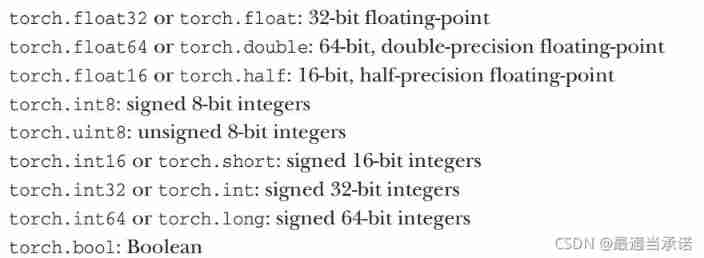
points_t = torch.tensor([4.0, 1.0, 5.0],dtype=torch.float)
a = [4.0, 1.0, 5.0]
a_t = torch.tensor(a,dtype=torch.float)

# it means we could convert the numpy array into the tensor type
# by torch.tensor(numpy_array)
# in this way, we could copy the data from the numpy to tensor
# if we do not want to keep the numpy array, we could use:
# torch.as_tensor(numpy)    there is no copy.
# the numpy and the tensor have the same memory space.
# Notice: you have to convert the tensor from the numpy array
a = numpy.array([1,2,3])
t = torch.as_tensor(a)
# t and a have the same memory space, rather than copy


a_t.shape   # torch.size(3)

a_t.dtype

double_a_t = a_t.double()

# "to" method
double_a_t = a_t.to(torch.double)
short_a_t = a_t.to(torch.short)
Indexing tensors
points_t = torch.tensor( [ [0.,1.],[2.,3.],[4.,5.] ] ) # 2D tensor

points_t[0,1]   # tensor(1.0)

points_t[0]     # tensor([0.,1.])

points_t[:,1]   # tensor([1.,3.,5.])
a_t = torch.tensor([0.,1.,2.,3.,4.,5.,6.])

a_t[:]     # all
a_t[1:4]   # from the element 1 inclusive to the element 4 exclusive
a_t[1:]    # from the element 1 inclusive to the last element
a_t[:4]    # from the start of the list to the element 4 exclusive
a_t[:-1]   # exclusive the end element
a_t[0:6:2] # from element 0 inclusive to the element 6 exclusive in steps of 2


for multi-dimensional tensor:

points_t = torch.tensor( [[0.,1.,2.],[3.,4.,5.],[6.,7.,8.]] )

points_t[ 1: , : ]  # all rows after the first, all columns
points_t[ 1: , 0 ]  # all rows after the first, the first column
points_t[ None ]    # add a dimension, like "unsqueeze"
                    # tensor([[[0., 1., 2.],[3., 4., 5.],[6., 7., 8.]]])
import torch
a_t = torch.ones(3) # one-dimensional tensor: 1X3 [1.0, 1.0, 1.0]
a_t[1] # tensor(1.0)
float(a_t[1]) # 1.0 convert the tensor type into the float type
a_t = torch.randn(3,5,5) #shape[channel, rows, columns]
# or torch.randn((3,5,5))
a_t.mean(-3) # means of channels, the shape of the output is [5,5]
# -3 means the columns counting from the end
Math ops
pointwise ops
Boardcasting in the Numpy is also suitbale to Pytorch. Broadcasting — NumPy v1.21 Manual
in order to contorl the diemnsion of the tensor more easilier, we use the name tensor.
(prototype) Introduction to Named Tensors in PyTorch — PyTorch Tutorials 1.10.0+cu102 documentation
import torch
imgs_t = torch.randn(1,2,2,3,names=('NUMBER','CHANNEL','HEIGHT','WIDTH'))
# names defines the size of every dimension in the tensor

# property
imgs_t.names     # ('NUMBER','CHANNEL','HEIGHT','WIDTH')


# Rename
# it will not change the dimension, just change the name of the 'label'
# method 1:
imgs_t.names = ['N','C','H','W']

# method 2:
imgs_t = imgs_t.rename( NUMBER='N',CHANNEL='C' )
# arbitary number of names could be changed
imgs_t.rename(None)    # cancel all names


# method 3:
imgs = torch.randn(3,1,1,2)
named_imgs = imgs.refine_names('N','C','H','W')
# in this way, we could obtain the tensor with or without name at the same time
In different tensor, we could use the same label to name the dimension, however, it's not a good way. Because when we operate the tensors between them, the dimensions with same name should be same, otherwise, there is error.
Align_as can achieve the sorting of the dimensions. If we want to change the sorting of dimensions in tensor A matching tensor B (boardcasting can work by the name label), it will help us.
b_t = torch.tensor([[1.0,2.0],[3.0,4.0]],names=('H','W'))
c_t = torch.tensor([[5.0,6.0],[7.0,8.0]],names=('W','H'))
c_t = c_t.align_as(b_t)

# the content of c_t will be changed into the order of the name label in b_t


x = torch.randn(2,3,4,5,names=('N','C','H','W'))
y = x.align_to(...,'W','H')
print(y.shape)
print(y.names)

# result
# torch.Size([2, 3, 5, 4])
# ('N', 'C', 'W', 'H')
Operator
imgs.abs().names    # it is the same as original imgs before abs operator
                    # operator will not change the names property
output = imgs.sum('C')
# we could use the name label to specify the positional dimension
# rather than -1,-2....
img0 = imgs.select('N',0)
Operator between matrices
markov_states = torch.randn(128, 5, names=('batch', 'D'))
transition_matrix = torch.randn(5, 5, names=('in', 'out'))

# Apply one transition
new_state = markov_states @ transition_matrix
print(new_state.names)

# result:

# ('batch', 'out')
dimension reshape
a_t = torch.randn(2)
b_t = a_t.view(2,1,1,1)     # which could change the dimension as whay we want.

a_t.torch.randn(2,8)
b_t = a_t.view(-1,1)
# size will be 16X1,  the size -1 is inferred from other dimensions


x_t = torch.randn(2,3,4,5)
y_t = torch.transpose(x_t,1,2)  # transpose will swap two dimensional position
y_t.shape

# result
[2,4,3,5]
imgs = torch.randn(2, 2, 2, 2, names=('N', 'C', 'H', 'W'))
imgs = imgs.flatten(['C', 'H', 'W'], 'features') # flatten the tensor
print(imgs.names)
imgs = imgs.unflatten('features', (('C', 2), ('H', 2), ('W', 2)))
# unflatten the tensor
print(imgs.names)frequent usage
# no grad in this section
with torch.no_grad():
Activation function
import torch.nn as nn

nn.Tanh()

nn.SIgmoid()

nn.ReLU()

nn.Softplus()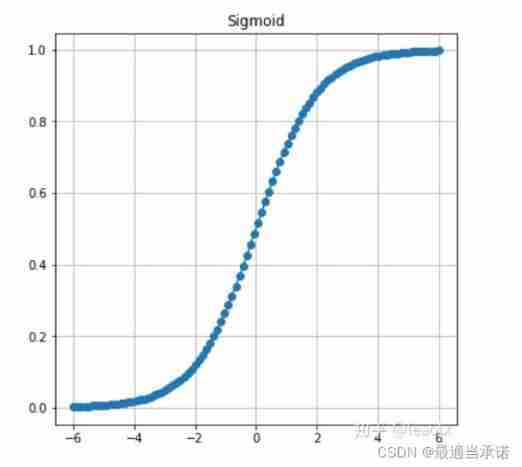


Function:
define the full connected layers by the input dimension, the hidden dimension, activation function, the output dimension, the output activation function
"""
function: define the fully connected layers in the function

Args:

    input dim:(integer) the dimension of the input

    hidden_size:(tuple)  the dimension of every hidden layers, such as (3,3), (3,4)

    activation:(module) activation function in the hiden layers, MUST be the format of nn.Relu, rather than nn.ReLU().

    output_dim:(integer) the dimension of the output

    output_activation:(module) activation function after the output layer, MUST be the format of nn.Relu, rather than nn.ReLU(). Usually, we could use nn.Identity(default function) to change nothing.

"""

import torch
import torch.nn as nn
import numpy as np

class fcl(nn.Module)

    def __init__(input_dim: int ,hidden_size: tuple, activation=nn.ReLU, output_dim:int, output_activation=nn.Identity ):

        super().__init__()
        size = [input_dim]+ list(hidden_size)+ [output_dim]
        layers = []

        for num in range(len(size)-1):
            activate = activation  if num < len(size)-2 else output_activation

            layers += [nn.linear(size[num],size[num+1]), activate()]

        self.fc = nn.Sequential(*layers)

    def forward(self,obs):
        return self.fc(obs)


#use:

    fc = fcl(4,(3,3),nn.ReLU,2,nn.Tanh)
Commonly used libraries
nn.Module
"""
 With nn.Module Class created for parent class model
 Will be generated automatically  nn.Module Functions and features in
"""


"""
class fc(nn.Module)
    def __init__(self):
        super().__init__()


model = fc()
"""


1.   #  All relevant iteration parameters will be obtained
model.parameters()

"""
 Avoid meaningless grad Calculation
for p in model.parameters():
    p.requires_grad = False
"""边栏推荐
- Simulate mouse click
- Drive and control program of Dianchuan charging board for charging pile design
- Replace the files under the folder with sed
- LeetCode - 933 最近的请求次数
- 2.1 Dynamic programming and case study: Jack‘s car rental
- 03 fastjason solves circular references
- (1) What is a lambda expression
- SCM is now overwhelming, a wide variety, so that developers are overwhelmed
- Installation and removal of MySQL under Windows
- STM32 general timer output PWM control steering gear
猜你喜欢
Opencv notes 20 PCA

Leetcode 300 最长上升子序列
LeetCode - 715. Range 模块(TreeSet) *****

Opencv image rotation
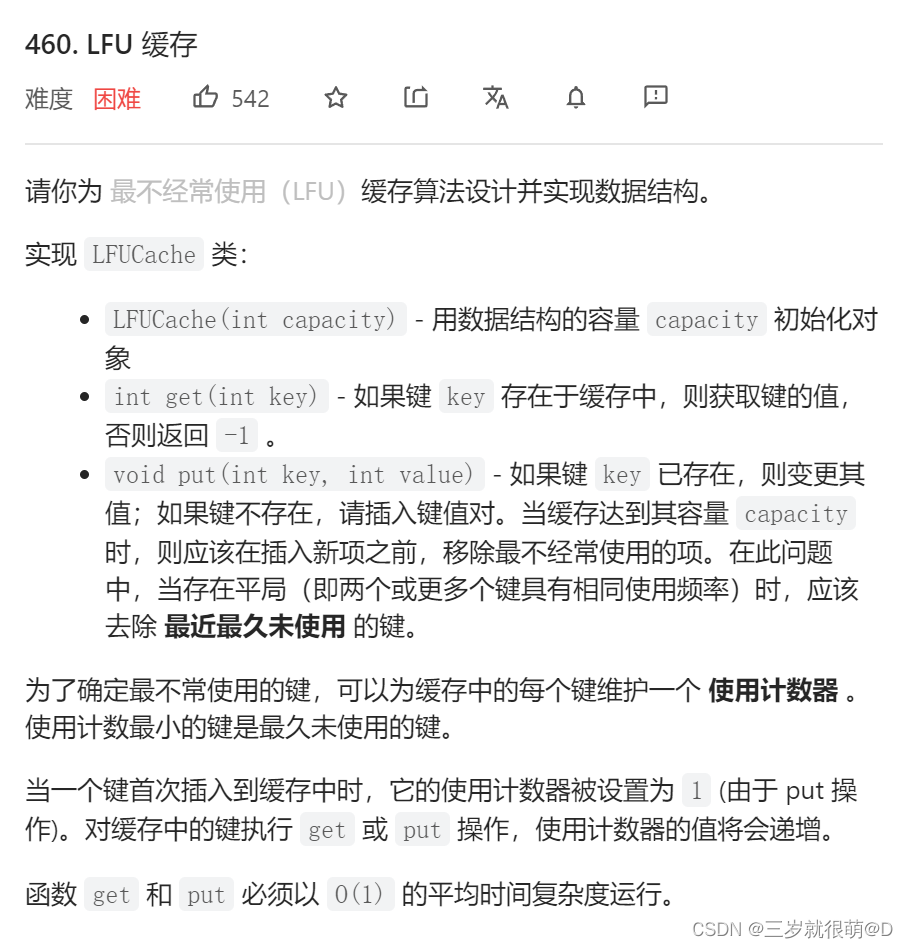
LeetCode - 460 LFU 缓存(设计 - 哈希表+双向链表 哈希表+平衡二叉树(TreeSet))*
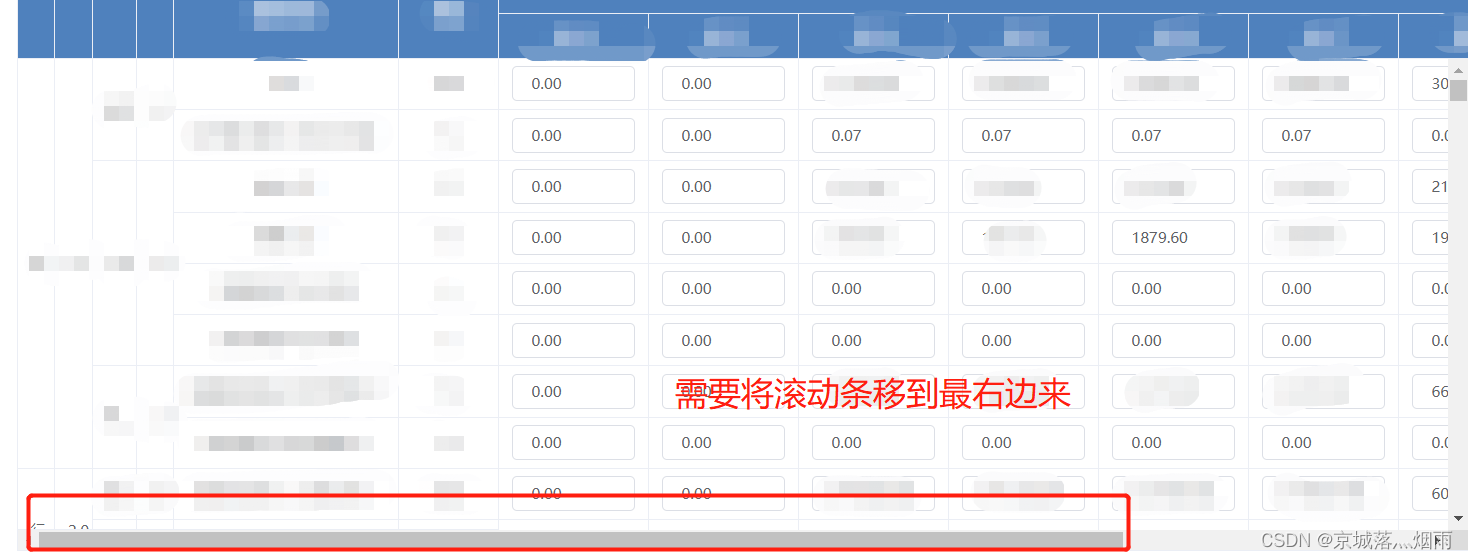
El table X-axis direction (horizontal) scroll bar slides to the right by default
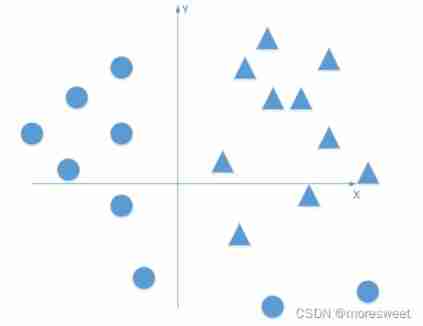
CV learning notes - deep learning

CV learning notes - reasoning and training
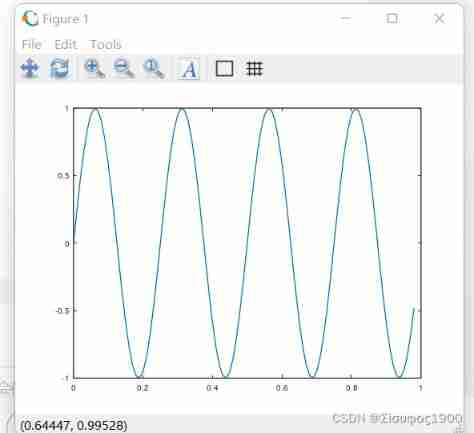
Octave instructions
LeetCode - 673. 最长递增子序列的个数
随机推荐
Opencv Harris corner detection
Dynamic layout management
My notes on the development of intelligent charging pile (III): overview of the overall design of the system software
Serial communication based on 51 single chip microcomputer
Leetcode - 933 number of recent requests
Swing transformer details-1
2.2 DP: Value Iteration & Gambler‘s Problem
QT is a method of batch modifying the style of a certain type of control after naming the control
Tensorflow2.0 save model
20220604数学:x的平方根
Installation and removal of MySQL under Windows
Leetcode bit operation
Connect Alibaba cloud servers in the form of key pairs
Opencv notes 20 PCA
LeetCode - 673. Number of longest increasing subsequences
is_ power_ of_ 2 judge whether it is a multiple of 2
03 FastJson 解决循环引用
When the reference is assigned to auto
Application of 51 single chip microcomputer timer
Tensorflow built-in evaluation