当前位置:网站首页>Qmainwindow details
Qmainwindow details
2022-07-29 09:17:00 【Bitongo】
List of articles
QMainWindow What is it? ?
QMainWindow Is a class that provides the main window program for users , Contains a menu bar (menu bar)、 Multiple toolbars (tool bars)、 Multiple anchoring components (dock widgets)、 A status bar (status bar) And a central part (central widget), Is the foundation of many applications , Like a text editor , Picture editor, etc .
1. menu bar
A main window has at most one menu bar . At the top of the main window 、 Under the title bar of the main window .
- Create menu bar , adopt QMainWindow Class menubar() Function to get the main window menu bar pointer
QMenuBar * menuBar() const
- Create a menu , call QMenu Member function of addMenu To add a menu
QAction* addMenu(QMenu * menu)
QMenu* addMenu(const QString & title)
QMenu* addMenu(const QIcon & icon, const QString & title)
- Create menu items , call QMenu Member function of addAction To add menu items
QAction* activeAction() const
QAction* addAction(const QString & text)
QAction* addAction(const QIcon & icon, const QString & text)
QAction* addAction(const QString & text, const QObject * receiver,const char * member, const QKeySequence & shortcut = 0)
QAction* addAction(const QIcon & icon, const QString & text, const QObject * receiver, const char * member, const QKeySequence & shortcut = 0)
Qt There is no special menu item class , Just use a QAction class , Abstract public actions . When we put QAction Object to add to menu , It's displayed as a menu item , Add to toolbar , It shows up as a tool button . The user can click on the menu item 、 Click the toolbar button 、 Click the shortcut to activate the action .
2. The toolbar
There can be more than one toolbar in the main window , Usually, a menu corresponds to a toolbar , You can also divide the toolbar according to your needs .
Call directly QMainWindow Class addToolBar() Function to get the toolbar object of the main window , You need to call this function once every time you add a toolbar .
Insert actions that belong to the toolbar , That is to add an operation on the toolbar . adopt QToolBar Class addAction Function add .
The toolbar is a movable window , Its docking area is made up of QToolBar Of allowAreas decision , Include :
Qt::LeftToolBarArea		// Stop on the left side
Qt::RightToolBarArea		// Stop on the right side
Qt::TopToolBarArea		// Stop at the top
Qt::BottomToolBarArea   	// Dock at the bottom
Qt::AllToolBarAreas		// The above four positions can be docked
Use setAllowedAreas() Function to specify the docking area :
setAllowedAreas(Qt::LeftToolBarArea | Qt::RightToolBarArea)
Use setMoveable() Function to set the mobility of the toolbar :
setMoveable(false)// The toolbar is not removable , It can only be docked at the initialization position
3. status bar
Derive from QWidget class , Usage and QWidget similar ,QStatusBar Class common member functions :
The status bar can only have at most one
// Add a widget
void addWidget(QWidget * widget, int stretch = 0)
// Insert the widget
int	insertWidget(int index, QWidget * widget, int stretch = 0)
// Delete widget
void removeWidget(QWidget * widget)
4. Riveted parts
Riveted parts QDockWidget, Also known as floating window , There can be multiple .
QDockWidget * dock = new QDockWidget(" title ",this);
addDockWidget(Qt::LeftDockWidgetArea,dock);
dock->setAllowedAreas(Qt::LeftDockWidgetArea | Qt::RightDockWidgetArea | Qt::TopDockWidgetArea);  // Set the area range
5. Core components ( Central part )
In addition to the above parts , All the components displayed in the center can be used as core components , For example, a notepad file , You can use QTextEdit Make the core components
QTextEdit * edit = new QTextEdit(this);
setCentralWidget(edit);
边栏推荐
- Jetpack Glance? The spring of widgets is coming
- Simple unit testing idea
- 201803-3 CCF URL映射 满分题解
- How to choose effective keywords
- Information system project manager must recite the quality grade of the core examination site (53)
- Flowable UI制作流程图
- Flutter文本编辑器
- RESTful 风格详解
- 01 knapsack about from two-dimensional optimization to one-dimensional optimization
- 【机器学习】逻辑回归代码练习
猜你喜欢

(视频+图文)机器学习入门系列-第2章 线性回归

2022 electrician (elementary) test question simulation test platform operation

【Unity入门计划】C#与Unity-了解类和对象

Flowable UI production flow chart

用户身份标识与账号体系实践
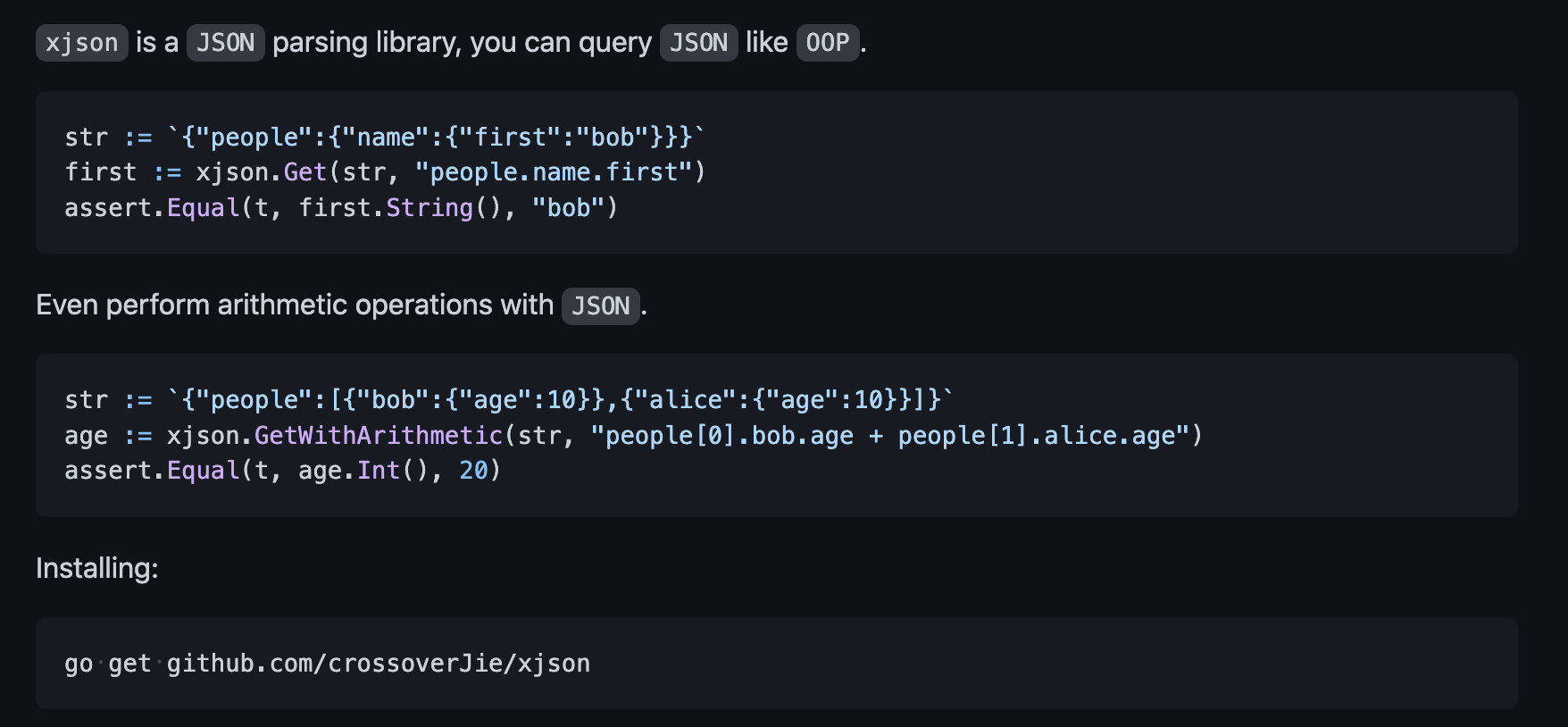
How does xjson implement four operations?

C # use database to bind listview control data

(Video + graphics) introduction to machine learning series - Chapter 1 Introduction

MySQL 错误总结

Leetcode question brushing (6)
随机推荐
What is the difference between the pre training model and the traditional method in sorting?
Could not receive a message from the daemon
(Video + graphic) introduction to machine learning series - Chapter 3 logical regression
Compile and install Apache for rocky Foundation
多标签用户画像分析跑得快的关键在哪里?
Summary of some experiences in the process of R & D platform splitting
I don't know how lucky the boy who randomly typed logs is. There must be a lot of overtime
smart-webcomponents 14.2.0 Crack
Outlook tutorial, how to create an electronic signature in outlook?
2022 P cylinder filling test simulation 100 questions simulation test platform operation
VS2015采用loadlibrary方式调用dll库
No duplicate data in the same field of different databases
ERROR 1045 (28000): Access denied for user ‘ODBC‘@‘localhost‘ (using password: NO)
Leetcode question brushing (6)
How does alternates achieve high-performance publish and subscribe?
Network knowledge summary
不同数据库相同字段查不重复数据
ERROR 1045 (28000): Access denied for user ‘ODBC‘@‘localhost‘ (using password: NO)
Flowable UI制作流程图
Collation of ml.net related resources