当前位置:网站首页>pycaret source code analysis: download dataset\Lib\site-packages\pycaret\datasets.py
pycaret source code analysis: download dataset\Lib\site-packages\pycaret\datasets.py
2022-08-01 00:03:00 【Artificial Intelligence Zeng Xiaojian】
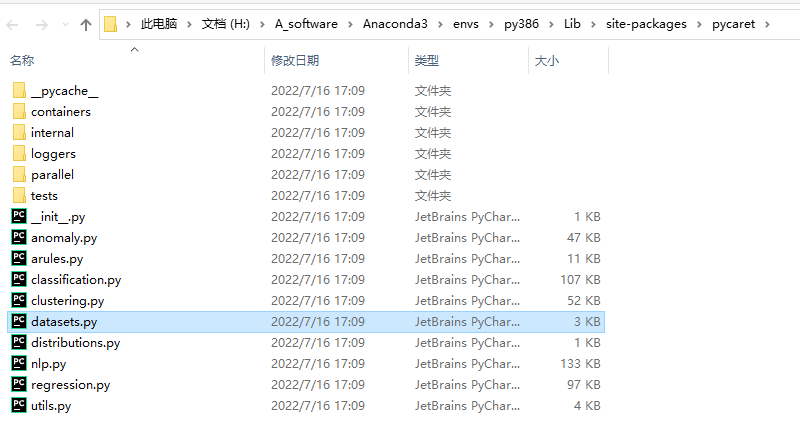
def get_data(
    dataset="index",
    save_copy=False,
    profile=False,
    verbose=True,
    address="https://raw.githubusercontent.com/pycaret/pycaret/master/datasets/",
):

    """
    This function loads sample datasets from git repository. List of available
    datasets can be checked using ``get_data('index')``.


    Example
    -------
    >>> from pycaret.datasets import get_data
    >>> all_datasets = get_data('index')
    >>> juice = get_data('juice')


    dataset: str, default = 'index'
        Index value of dataset.


    save_copy: bool, default = False
        When set to true, it saves a copy in current working directory.


    profile: bool, default = False
        When set to true, an interactive EDA report is displayed.


    verbose: bool, default = True
        When set to False, head of data is not displayed.

    address: string, default = "https://raw.githubusercontent.com/pycaret/pycaret/master/datasets/"
        Download url of dataset. For people have difficulty linking to github, they can change
        the default address to their own (e.g. "https://gitee.com/IncubatorShokuhou/pycaret/raw/master/datasets/")


    Returns:
        pandas.DataFrame


    Warnings
    --------
    - Use of ``get_data`` requires internet connection.

    """

    import pandas as pd
    import os.path
    from IPython.display import display, HTML, clear_output, update_display

    extension = ".csv"
    filename = str(dataset) + extension

    complete_address = address + filename

    if os.path.isfile(filename):
        data = pd.read_csv(filename)
    else:
        data = pd.read_csv(complete_address)

    # create a copy for pandas profiler
    data_for_profiling = data.copy()

    if save_copy:
        save_name = filename
        data.to_csv(save_name, index=False)

    if dataset == "index":
        display(data)

    else:
        if profile:
            import pandas_profiling

            pf = pandas_profiling.ProfileReport(data_for_profiling)
            display(pf)

        else:
            if verbose:
                display(data.head())

    return data
边栏推荐
- 基于simulink的Passive anti-islanding-UVP/OVP and UFP/OFP被动反孤岛模型仿真
- Likou Binary Tree
- 输入输出优化
- [MATLAB project combat] LDPC-BP channel coding
- /etc/sysconfig/network-scripts configure the network card
- 类和对象:上
- 【Acwing】第62场周赛 题解
- [Cloud Residency Co-Creation] [HCSD Big Celebrity Live Broadcast] Personally teach the secrets of interviews in big factories
- SQL injection Less46 (injection after order by + rand() Boolean blind injection)
- mysql having的用法
猜你喜欢
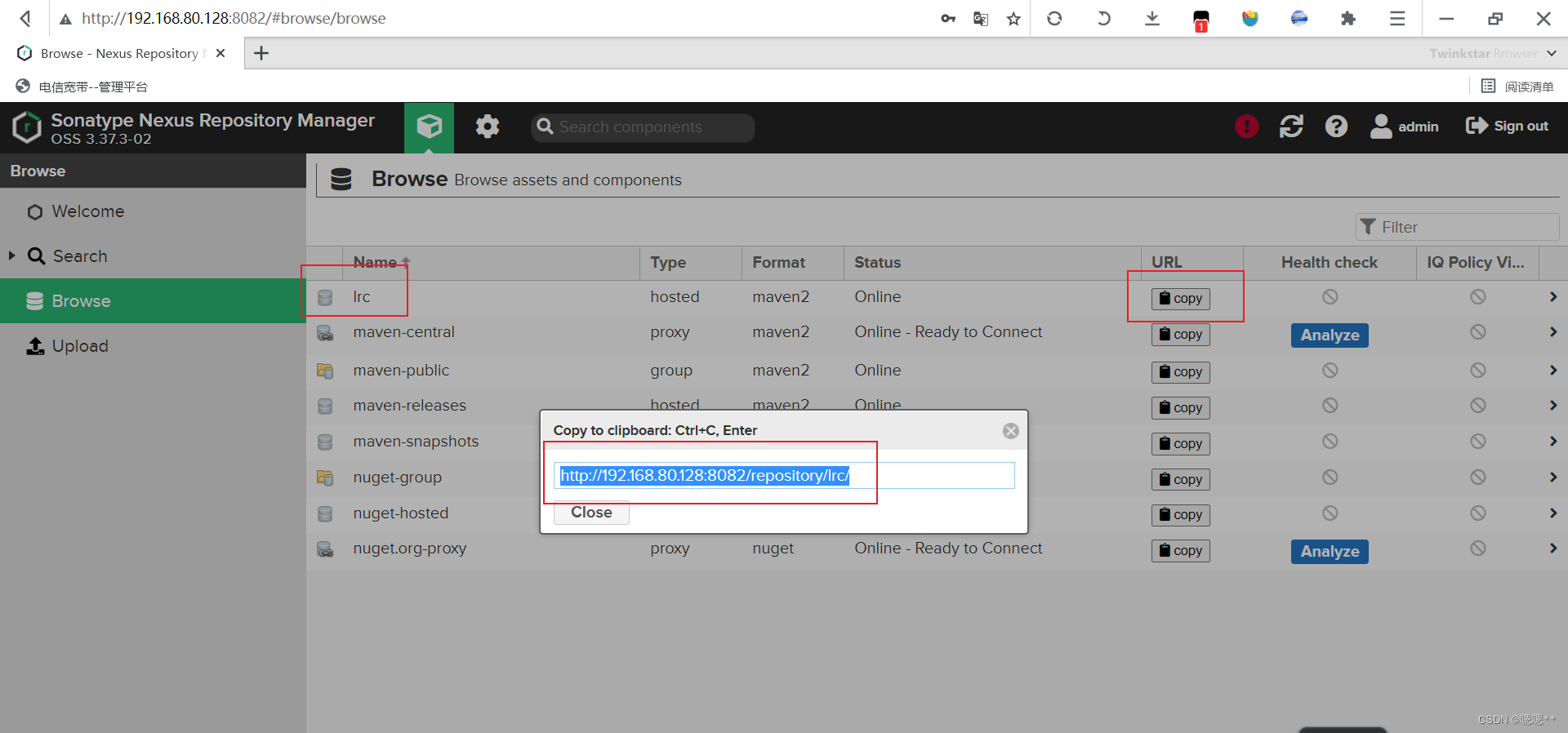
Shell common scripts: Nexus batch upload local warehouse enhanced version script (strongly recommended)

C# Rectangle基本用法和图片切割
2022年最新重庆建筑八大员(电气施工员)模拟题库及答案
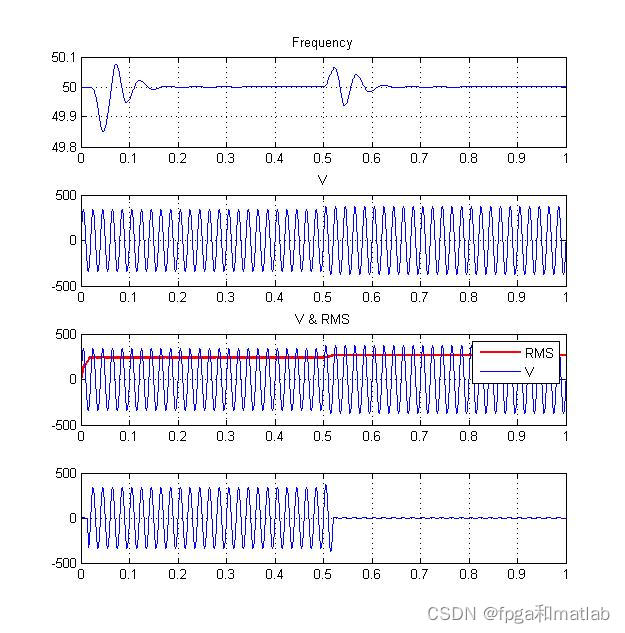
基于simulink的Passive anti-islanding-UVP/OVP and UFP/OFP被动反孤岛模型仿真

虹科分享|如何用移动目标防御技术防范未知因素
精心总结十三条建议,帮你创建更合适的MySQL索引
zeno使用方法笔记
【1161. 最大层内元素和】
UOS统信系统 - WindTerm使用

TFC CTF 2022 WEB Diamand WriteUp
随机推荐
Google Earth Engine——Error: Image.clipToBoundsAndScale, argument ‘input‘: Invalid type的错误解决
命名实体识别-模型:BERT-MRC
2022年CSP-J1 CSP-S1 第1轮初赛 报名指南
SVN服务器搭建+SVN客户端+TeamCity集成环境搭建+VS2019开发
ICML2022 | 深入研究置换敏感的图神经网络
Keil nRF52832 download failed
Difference between first and take(1) operators in NgRx
如何设计高可用高性能中间件 - 作业
虚继承的原理
程序进程和线程(线程的并发与并行)以及线程的基本创建和使用
Compose原理-视图和数据双向绑定的原理
In 2022, the latest eight Chongqing construction members (electrical construction workers) simulation question bank and answers
清华大学陈建宇教授团队 | 基于接触丰富机器人操作的接触安全强化学习框架
SQL injection Less47 (error injection) and Less49 (time blind injection)
Shell常用脚本:Nexus批量上传本地仓库增强版脚本(强烈推荐)
/etc/sysconfig/network-scripts 配置网卡
博弈论(Depu)与孙子兵法(42/100)
面试突击69:TCP 可靠吗?为什么?
SQL injection Less54 (limited number of SQL injection + union injection)
IPD process terminology