当前位置:网站首页>selenium 浏览器(1)
selenium 浏览器(1)
2022-07-03 13:24:00 【不负韶华ღ】
概述
Selenium支持市场上所有主要浏览器,如Chrome、Firefox、Internet Explorer、Edge、Opera和Safari。WebDriver尽量使用浏览器内置的自动化支持来驱动浏览器。
selenium对浏览器的操作主要包括打开关闭浏览器,获取浏览器的信息(比如标题、网址等),定位网页中的元素,远程操控浏览器等,其中,最重要的部分就是定位网页中的元素。
功能
打开浏览器
1、打开Chrome浏览器。注意, Chrome浏览器和chromedriver的版本必须与主版本匹配。
options = ChromeOptions()
driver = webdriver.Chrome(options=options)
2、打开Edge浏览器。与Chrome类似, edgedriver的主要版本号必须与Edge浏览器的主要版本匹配。
options = EdgeOptions()
driver = webdriver.Edge(options=options)
3、打开Firefox浏览器。
options = FirefoxOptions()
driver = webdriver.Firefox(options=options)
4、打开Internet Explorer浏览器。
options = IEOptions()
driver = webdriver.Ie(options=options)
可以使用IE驱动程序在IE兼容模式下使用微软Edge。
options = IEOptions()
options.attach_to_edge_chrome = True
options.edge_executable_path = "/path/to/edge/browser"
driver = webdriver.Ie(options=options)
5、打开Opera浏览器。由于opera驱动程序不支持w3c语法,但基于Chrome,因此建议使用chromedriver驱动opera浏览器。与所有Chromium实现一样,确保浏览器版本与驱动程序版本匹配。
options = ChromeOptions()
options.binary_location = "path/to/opera/browser"
driver = webdriver.Chrome(options=options)
6、打开Safari浏览器。与Chromium和Firefox驱动程序不同,safaridriver是随操作系统一起安装的。要在Safari上启用自动化,请从命令行运行以下命令:
safaridriver --enable
然后再通过下列代码打开浏览器。
driver = webdriver.Safari()
关闭浏览器
当你完成了浏览器会话,你应该调用 quit 退出。退出将会关闭所有与 WebDriver 会话相关的窗口和选项卡、结束浏览器进程、结束后台驱动进程、通知 Selenium Grid 浏览器不再使用,以便可以由另一个会话使用它(如果您正在使用 Selenium Grid)。
driver.quit()
边栏推荐
- Qt学习20 Qt 中的标准对话框(中)
- [quantitative trading] permanent portfolio, turtle trading rules reading, back testing and discussion
- How to promote the progress of project collaboration | community essay solicitation
- 栈应用(平衡符)
- Unity render streaming communicates with unity through JS
- Stack application (balancer)
- ThreadPoolExecutor realizes multi-threaded concurrency and obtains the return value (elegant and concise way)
- Common network state detection and analysis tools
- Flutter动态化 | Fair 2.5.0 新版本特性
- Complete deep neural network CNN training with tensorflow to complete picture recognition case 2
猜你喜欢
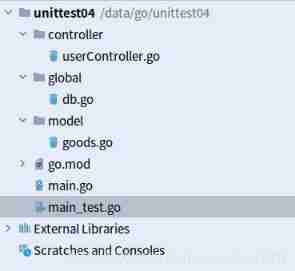
Go language unit test 5: go language uses go sqlmock and Gorm to do database query mock
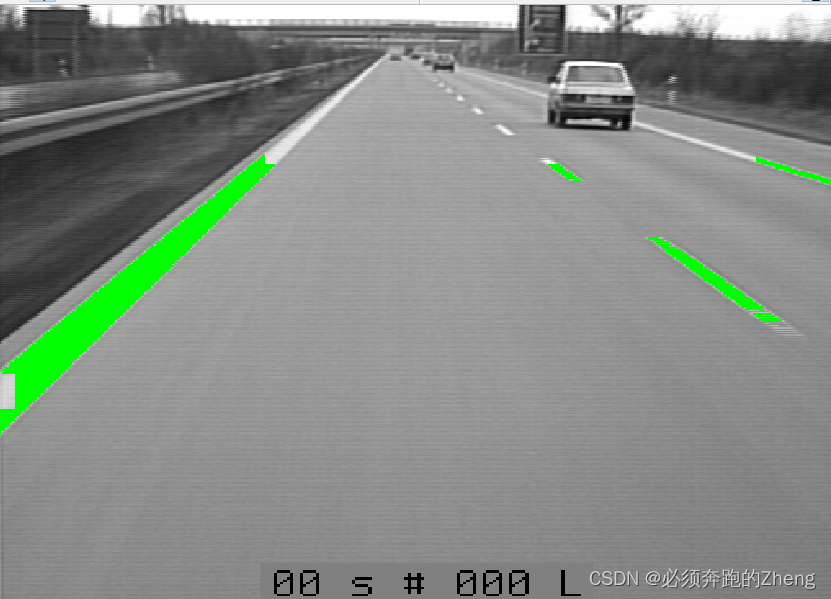
HALCON联合C#检测表面缺陷——HALCON例程autobahn

Go language unit test 3: go language uses gocovey library to do unit test
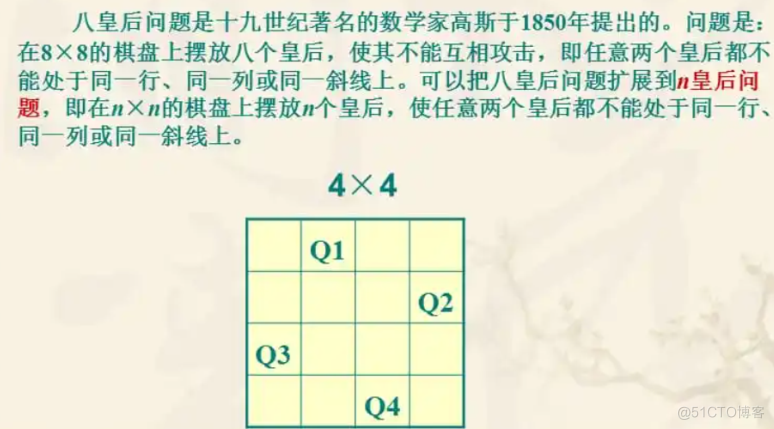
8 Queen question
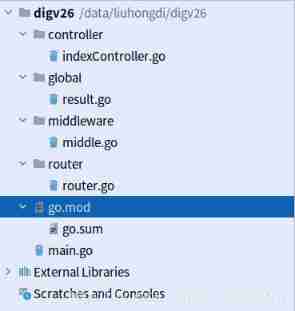
Go language web development series 26: Gin framework: demonstrates the execution sequence of code when there are multiple middleware
![[how to solve FAT32 when the computer is inserted into the U disk or the memory card display cannot be formatted]](/img/95/09552d33d2a834af4d304129714775.png)
[how to solve FAT32 when the computer is inserted into the U disk or the memory card display cannot be formatted]
![[bw16 application] instructions for firmware burning of Anxin Ke bw16 module and development board update](/img/b8/31609303fd817c48b6fff7c43f31e5.png)
[bw16 application] instructions for firmware burning of Anxin Ke bw16 module and development board update

Bidirectional linked list (we only need to pay attention to insert and delete functions)
![[quantitative trading] permanent portfolio, turtle trading rules reading, back testing and discussion](/img/3b/28327bbf5eb19254f03500a41e2adb.jpg)
[quantitative trading] permanent portfolio, turtle trading rules reading, back testing and discussion
Richview trvstyle liststyle list style (bullet number)
随机推荐
Windos creates Cordova prompt because running scripts is prohibited on this system
3D视觉——2.人体姿态估计(Pose Estimation)入门——OpenPose含安装、编译、使用(单帧、实时视频)
RichView TRVStyle ListStyle 列表样式(项目符号编号)
从零开始的基于百度大脑EasyData的多人协同数据标注
logback日志的整理
Go: send the get request and parse the return JSON (go1.16.4)
[technology development-24]: characteristics of existing IOT communication technology
Leetcode-1175.Prime Arrangements
Go language web development series 28: solve cross domain access of CORS with gin contrib / CORS
实现CNN图像的识别和训练通过tensorflow框架对cifar10数据集等方法的处理
Unity embeddedbrowser browser plug-in event communication
mysql中的字段问题
解决MySql 1045 Access denied for user ‘root‘@‘localhost‘ (using password: YES)
php 迷宫游戏
【BW16 应用篇】安信可BW16模组与开发板更新固件烧录说明
[développement technologique - 24]: caractéristiques des technologies de communication Internet des objets existantes
Spark practice 1: build spark operation environment in single node local mode
金属有机骨架MOFs装载非甾体类抗炎药物|ZIF-8包裹普鲁士蓝负载槲皮素(制备方法)
Use vscode to view hex or UTF-8 codes
How to promote the progress of project collaboration | community essay solicitation